 GameWiki
GET YOUR BEARINGS
About Knight Squad 2
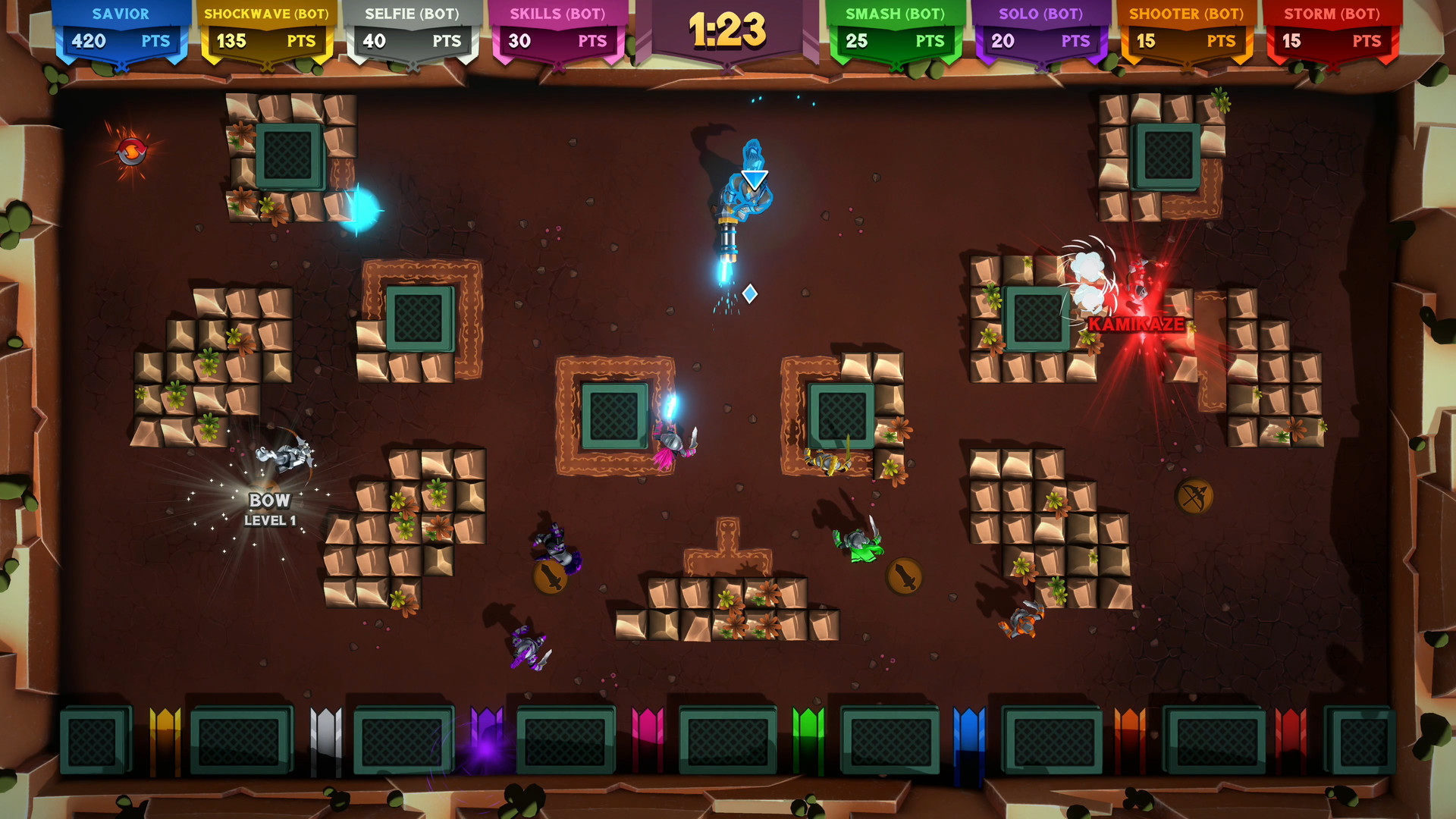
Knight Squad 2 returns the cartoon‑styled, eight‑player melee mayhem where knights swing swords, block, grab bazookas and even mount unicorns. The description emphasizes simple actions—move, attack, block, pick up weapons—so anyone can jump in quickly.
Matches can be played locally or online, and when human players are missing the roster is filled with customizable AI opponents. The game advertises a “ridiculous amount of game modes” and a variety of medieval‑themed weapons, plus optional chaos settings that let groups dial the madness up or down.
01 / THE GUIDE
Game Modes
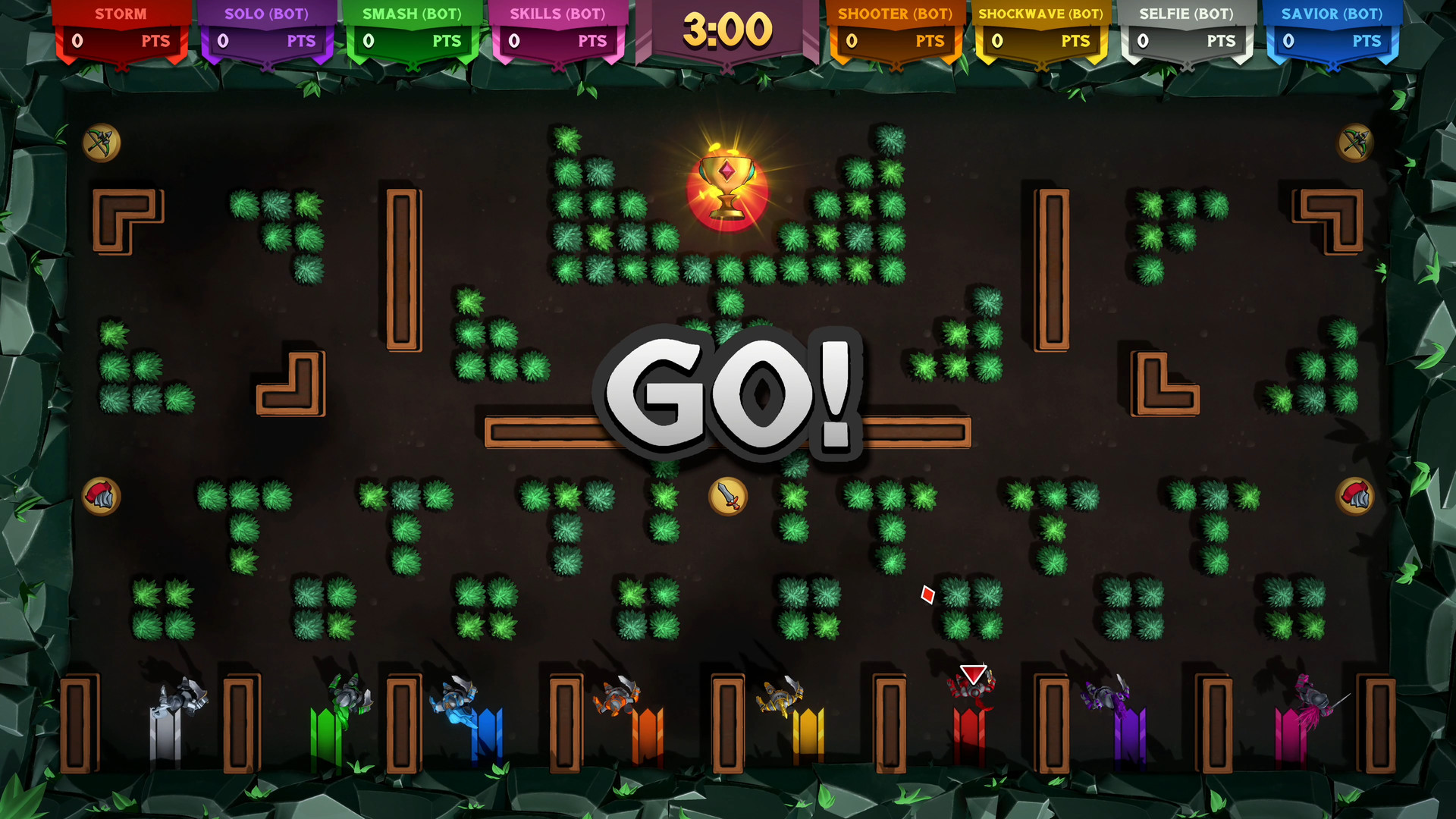
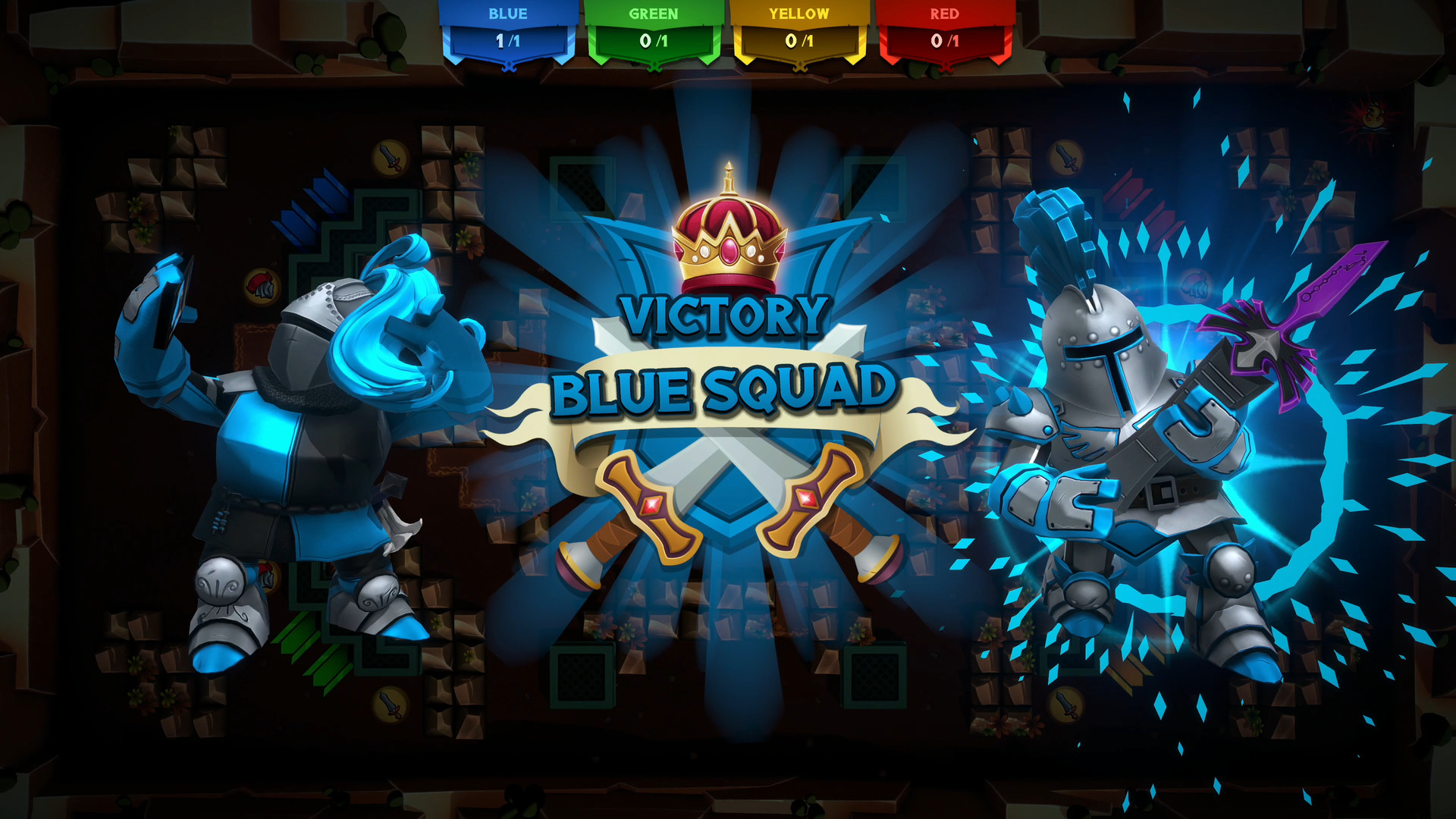
Knight Squad 2 lists several distinct modes such as a battle‑royale style brawl, capture the Grail, payload push, soul hunt and Minion Master. Each mode defines its own win condition, so players must adapt their tactics to the objective presented.
The description also mentions optional chaos modifiers like slippery floors or exploding corpses that can be toggled, allowing groups to increase unpredictability without changing the core win condition.
- Try a familiar mode first, then add a chaos modifier to see how it reshapes play.
- Switch between two modes in one session to compare pacing and strategy demands.
02 / THE GUIDE
Weapon Variety
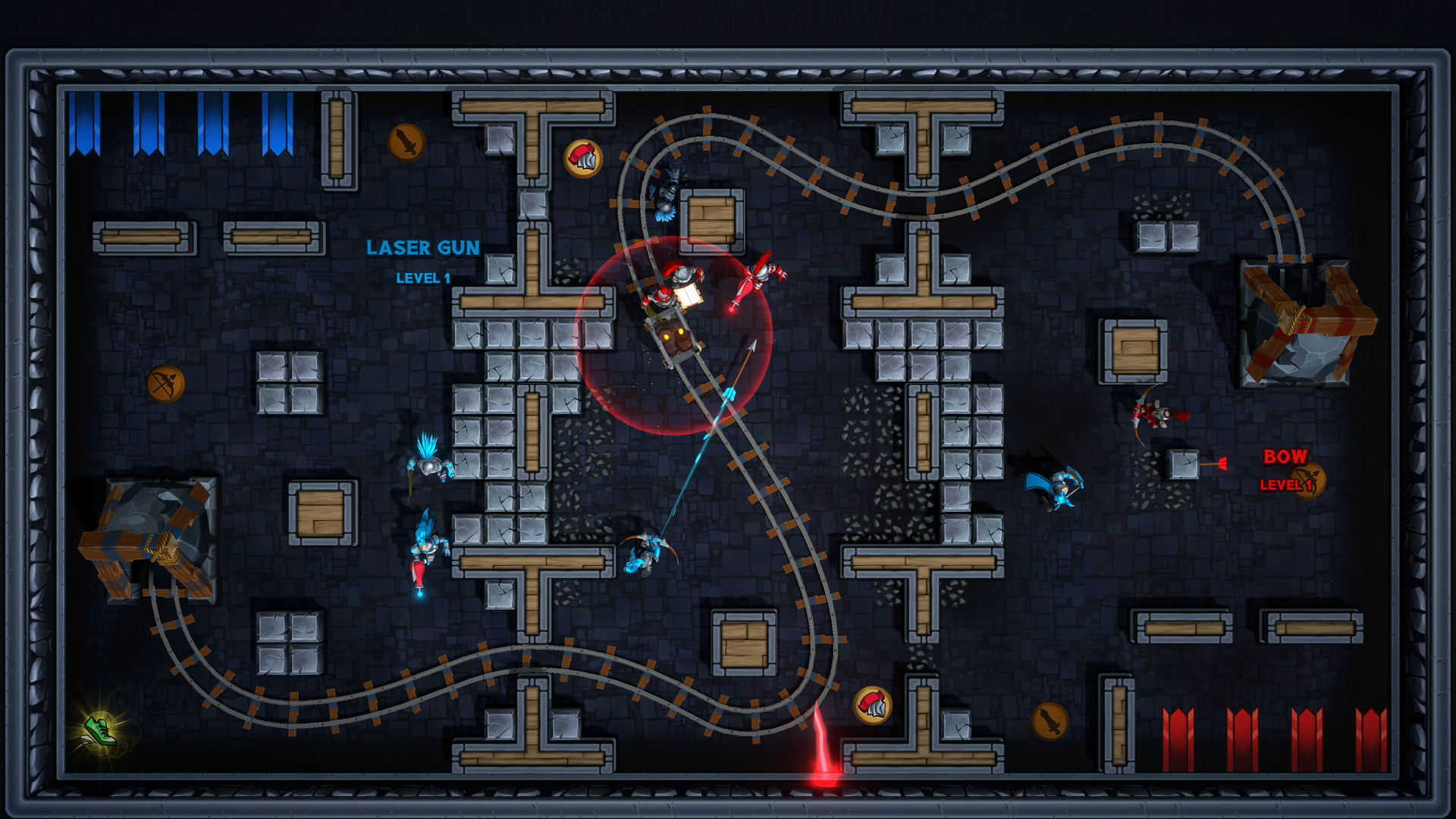
The game provides knights with medieval‑themed armaments such as a bow, a boomerang and proximity mines, alongside more over‑the‑top options like bazookas. Weapon choice is presented as a core part of each match’s chaos.
Because each weapon has a distinct range and effect, players can experiment with different load‑outs to see which fits their preferred combat style, whether that is long‑range shooting or close‑quarters blasting.
- Test a ranged bow in one round, then swap to a bazooka to compare effectiveness.
- Use proximity mines in choke points to observe how they influence enemy movement.
03 / THE GUIDE
Multiplayer Setup
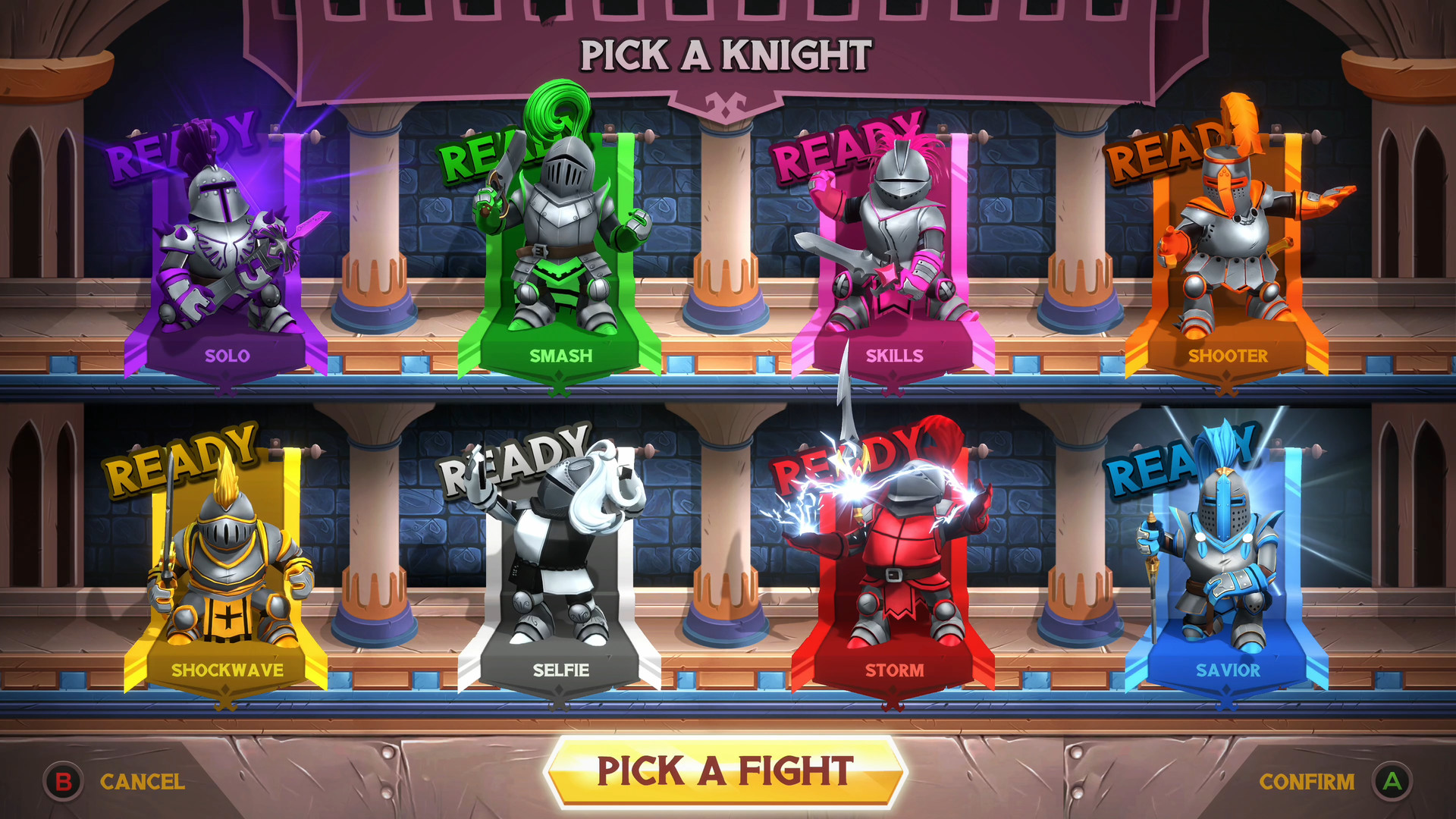
Knight Squad 2 supports both local split‑screen and online multiplayer, allowing up to eight participants per match. The description notes “cross‑platform” multiplayer, which applies to the platforms the title officially runs on.
When fewer than eight human players join, the match can be completed with customizable AI opponents, ensuring a full roster regardless of friend availability.
- Fill a lobby with AI opponents first to test map flow before inviting friends.
- Combine local and online players to experience both couch co‑op and remote competition.
04 / THE GUIDE
Input Options
The feature list includes Partial Controller Support and mentions “intuitive keyboard and mouse controls.” This indicates the game can be played with a supported controller or with keyboard‑mouse, though the extent of controller functionality is not detailed.
The description calls the control scheme “extremely easy to learn,” suggesting that basic actions—movement, sword swing, block, weapon grab, and unicorn mount—are accessible without extensive tutorials.
- Start with keyboard‑mouse for precise aiming, then try a supported controller to gauge comfort.
- Practice blocking and weapon grabs in a low‑stakes match to become familiar with the core inputs.
05 / THE GUIDE
Customization
Players can enable chaos modifiers such as slippery floors, exploding corpses, and can alter starter weapons and upgrades before a match begins. These settings let groups tailor difficulty and humor to their taste.
The description also mentions “customizable” AI opponents, implying that their behavior or difficulty can be adjusted to match the skill level of the human participants.
- Toggle slippery floors for a light‑hearted party vibe and observe movement changes.
- Adjust starter weapons to balance teams when mixing experienced and new players.
COMMUNITY
Player discussion