 GameWiki
GET YOUR BEARINGS
About Kitty Ball
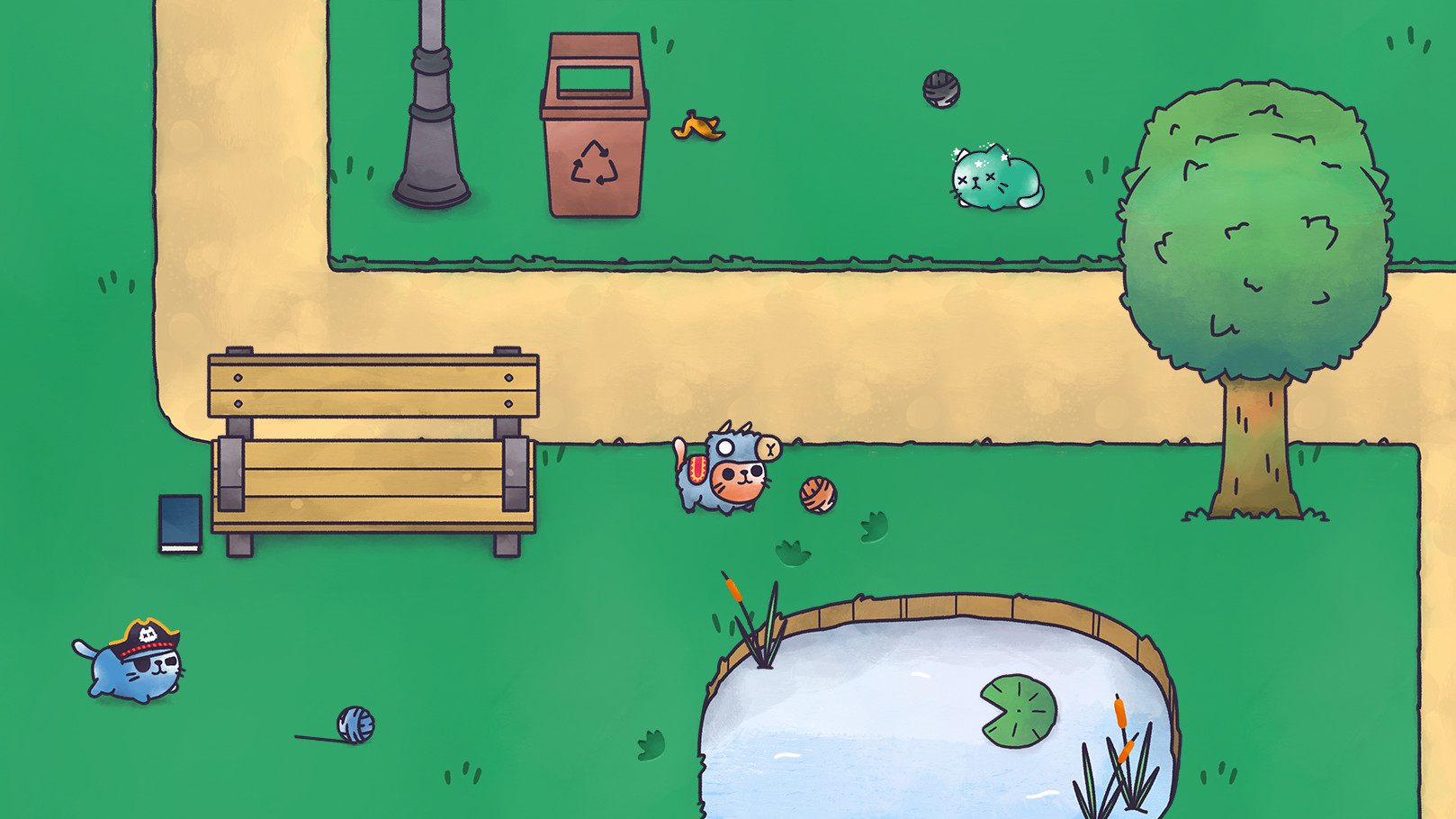
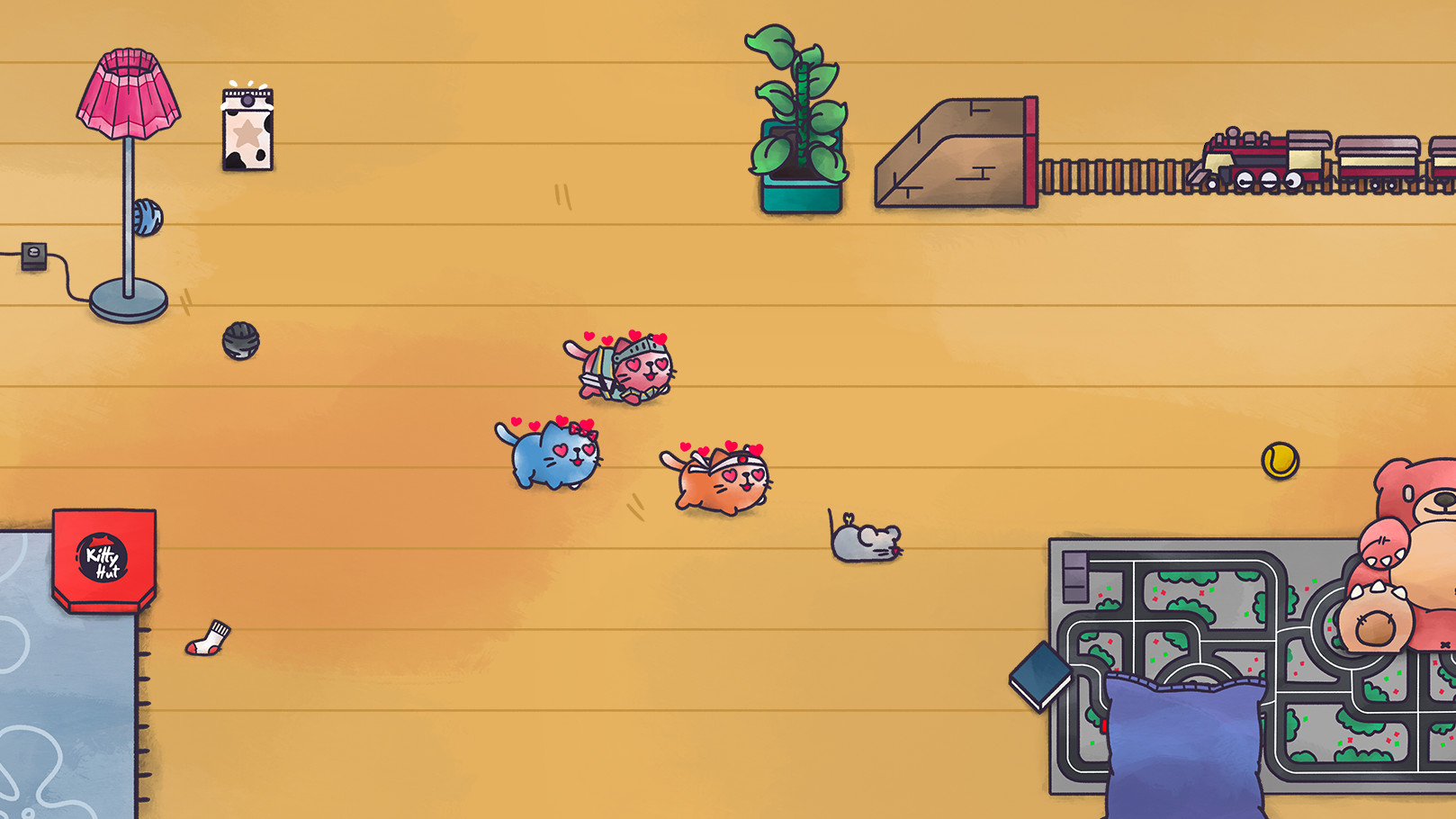
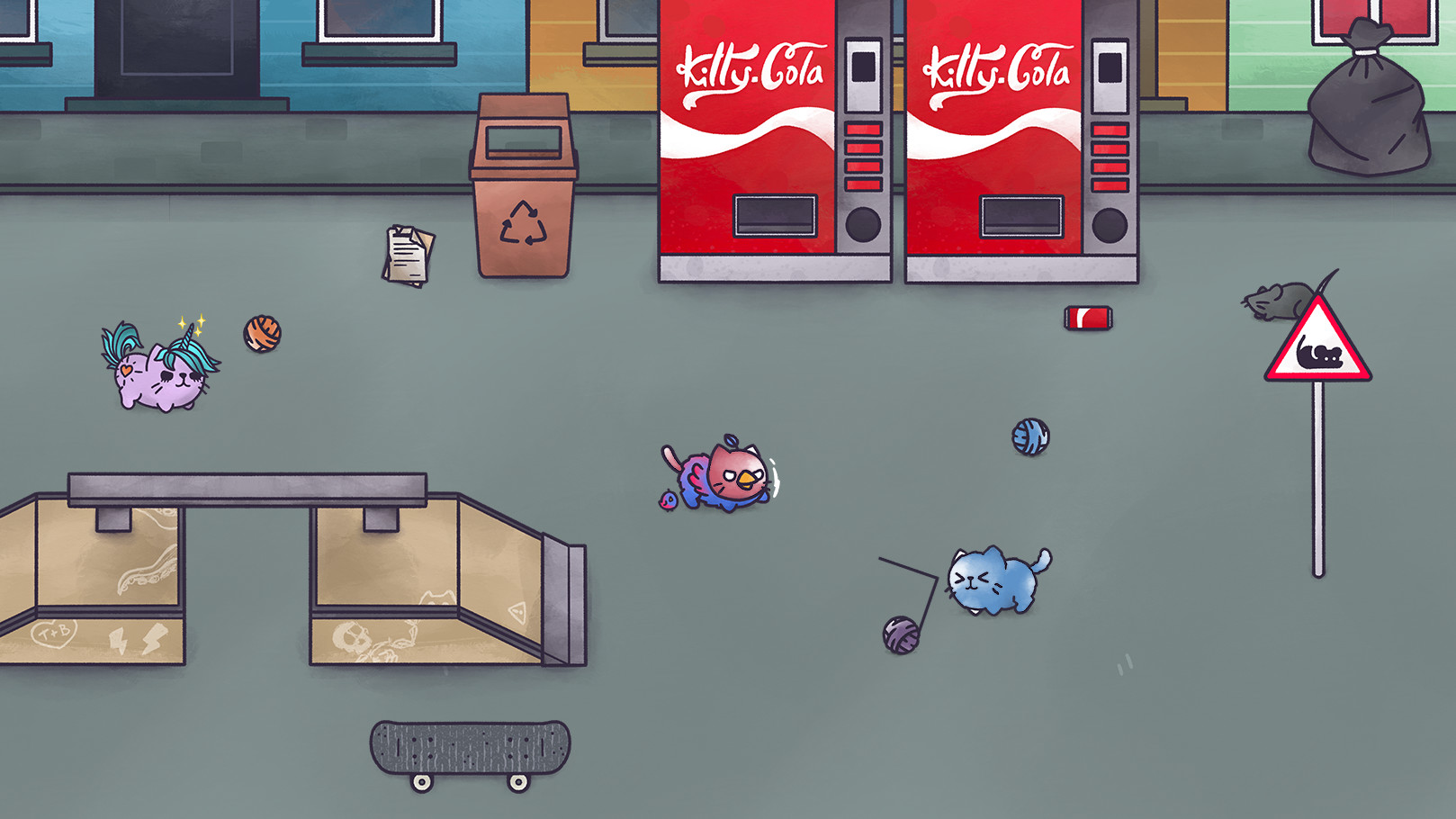
Kitty Ball puts you in the paws of a colorful cat racing to unwind its yarn before anyone else. The first player to finish claims the Gold Cup, while the others are left watching the victory roll away.
The game supports up to four friends in a single match, letting players on computers and smartphones compete together. Random opponents worldwide can also fill empty slots, so you can also join games with players from around the world.
01 / THE GUIDE
Core Objective
Each cat starts with its own colored ball of yarn that must be unwound as quickly as possible. The race ends when a player fully unrolls their yarn, earning the Gold Cup for that match.
Speed is the primary factor; the game does not mention any alternative win conditions. The focus stays on being the fastest to finish the yarn.
- Observe how quickly your cat’s yarn unravels when you avoid obstacles.
- Prioritize a straight path to keep the yarn unrolling without interruption.
02 / THE GUIDE
Opponent Interference
Players can throw their own yarn at other cats to knock them out before they finish. This mechanic lets you slow down rivals while you continue unspooling your own yarn.
The description does not detail duration or limits, only that throwing yarn can knock opponents out before they finish.
- Time your yarn throws when opponents are close to finishing.
- Balance throwing yarn with keeping your own yarn unrolling.
03 / THE GUIDE
Environmental Hazards
A bulldog named Hector roams the arena, aiming to “crunch” cats and slow their progress. Additionally, mice appear in the house, providing extra distraction.
Both Hector and the mice act as non‑player obstacles that can impede a cat’s yarn‑unwinding speed.
- Watch Hector’s movement patterns to avoid his path.
- Stay clear of mouse clusters that could divert your attention.
04 / THE GUIDE
Cross‑Platform Play
Friends can join matches whether they are on a computer or a smartphone. The game matches players across these devices, allowing seamless multiplayer regardless of platform.
No other platforms are listed; the game runs on Windows computers and on smartphones.
- Coordinate device types before starting a custom game to ensure everyone can join.
- Check that all participants have a stable internet connection for smooth cross‑platform sessions.
05 / THE GUIDE
Custom Matches
Players can create a private game and invite up to four friends. Each custom match is unique, letting you set up a specific group of opponents.
If no friends are available, the game will fill the match with players from around the world.
- Use the custom match feature to test strategies with a known group.
- Invite friends with varying skill levels to keep matches balanced.
COMMUNITY
Player discussion