 GameWiki
GET YOUR BEARINGS
About Kismet
Kismet is a daily‑play experience that blends tarot reading, astrology, and the ancient board game Ur into a single‑player adventure. Developed by Psyop, it presents three distinct activities—The Cards, The Stars, and A Game of Wit—each influenced by your birthday and real‑time celestial alignments.
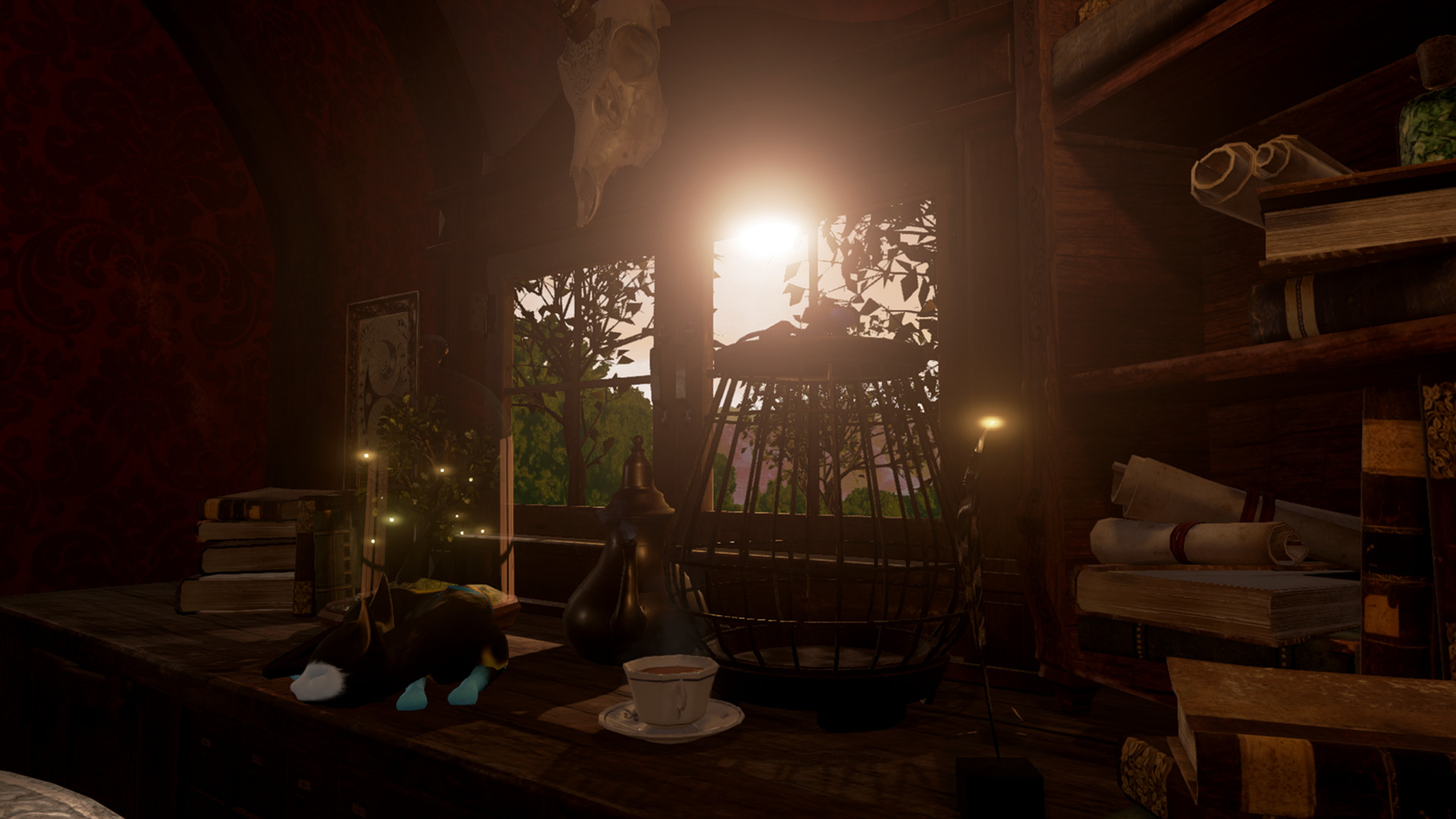
Originally a VR‑only title for HTC Vive and Oculus Rift, Kismet now offers a non‑VR version for Windows PCs, with subtitles in five languages and a reduced price. All versions share the same handcrafted Gothic aesthetic and positional audio where supported.
01 / THE GUIDE
Three Daily Activities
The Cards provides a past‑present‑future tarot reading using a hand‑painted deck of 22 cards. The Stars offers a daily astrology session based on the current solar system map. A Game of Wit lets you play the ancient board game Ur against an enchanted automaton.
Each activity generates unique outcomes tied to the cards you choose, your birth date, and the actual alignment of celestial bodies at the moment of play, encouraging a fresh experience every day.
- Observe how different card selections affect the reading’s tone.
- Compare the astrology results across several days to notice pattern shifts.
02 / THE GUIDE
VR and Non‑VR Launch Options
Kismet can be started in three ways: HTC Vive mode, Oculus Rift “Other VR” mode, or a non‑VR PC version. The non‑VR version runs on Windows without a headset, while the VR modes require the respective headset and its bundled controllers.
Both VR and non‑VR builds include subtitles in English, French, Spanish, German, and Japanese, and the same content is accessible regardless of the launch method.
- Choose the non‑VR version if you lack a compatible headset.
- Verify you are using the correct Rift launch option to avoid controller detection issues.

03 / THE GUIDE
Supported Controllers
Kismet works with each headset’s bundled controller: motion controllers for Vive and a Microsoft Xbox One gamepad for Rift. The game lists Partial Controller Support, and keyboard shortcuts handle the graphics settings.
When launching the Rift version, selecting the wrong mode may prevent the Xbox controller from being recognized.
- Test the Xbox gamepad after launching Rift in “Other VR” mode.
- Use the Vive motion controllers for full positional interaction in VR.
04 / THE GUIDE
Graphics Quality Controls
Three graphics presets are bound to the keyboard: 1 for Lowest, 2 for Medium, and 3 for High. The default starts at Medium, which meets the minimum hardware specifications.
If your PC exceeds the minimum specs, you can increase the setting by pressing the corresponding number key to improve visual fidelity.
- Start at Medium and raise to High only if the frame rate remains smooth.
- Return to Lowest if you experience performance drops.
05 / THE GUIDE
Resetting Seated Position (Vive)
Because Kismet is a seated, room‑scale experience, Vive users should reset their seated position before beginning. Open the Steam menu with the bottom controller button, select the Settings cog, pull the trigger, and choose “Reset Seated Position”.
After resetting, you can move your head freely to explore details and benefit from positional audio.
- Perform the reset after arranging a comfortable chair.
- Check that the Steam menu appears before selecting the reset option.


COMMUNITY
Player discussion