 GameWiki
GET YOUR BEARINGS
About KINGDOM HEARTS -HD 1.5+2.5 ReMIX-
KINGDOM HEARTS – HD 1.5 + 2.5 ReMIX bundles the first six stories of the Disney‑Square Enix collaboration into a single Windows release. The set includes the original games, two HD cut‑scene compilations, and updated background graphics for clearer visuals.
Players wield the series’ Keyblade, travel through Disney worlds, and confront darkness while the title offers full controller support, a keyboard‑only option, adjustable difficulty, and Steam‑specific features such as achievements, cloud saves, and family sharing.
01 / THE GUIDE
Story Collection
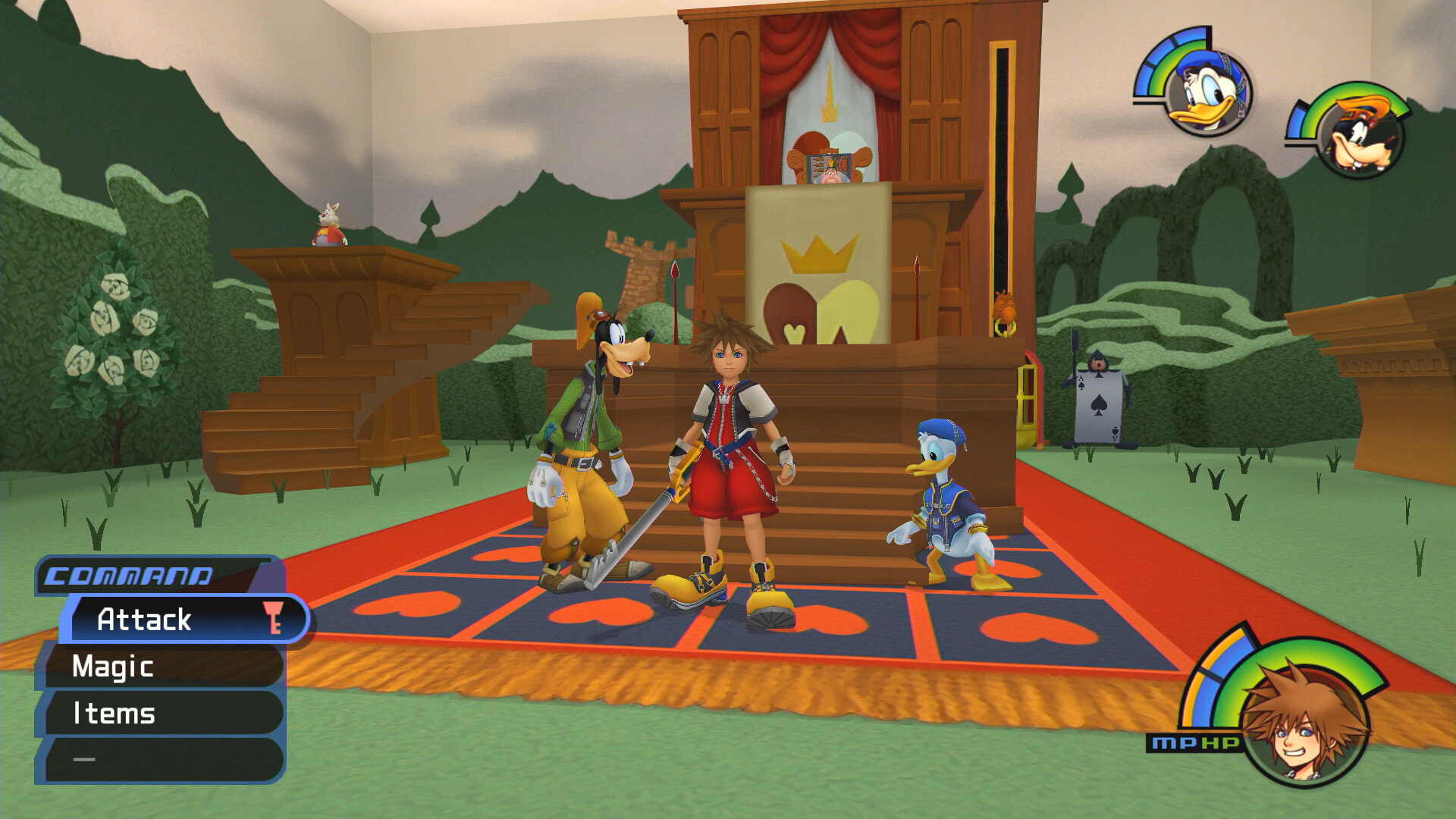
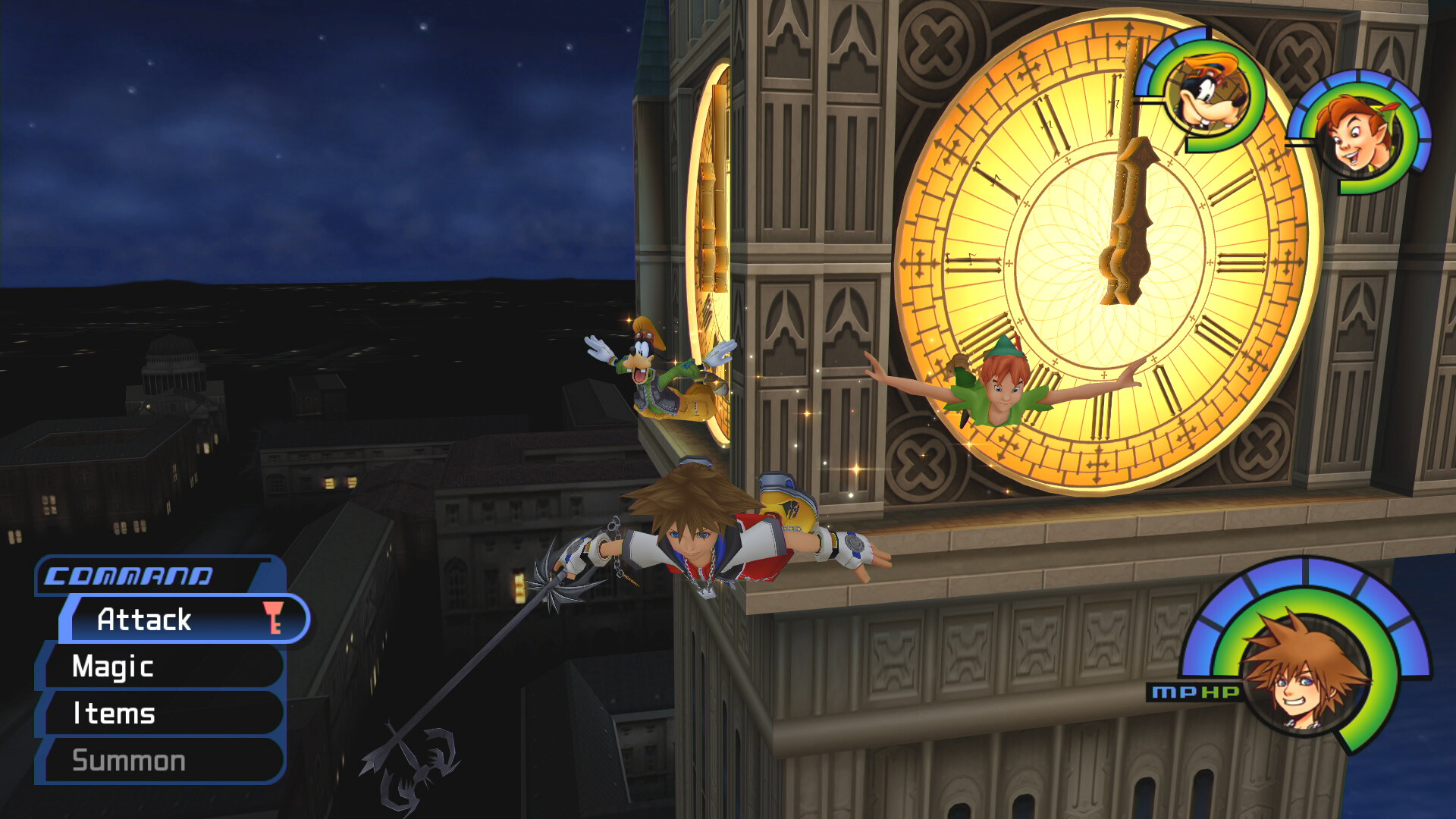
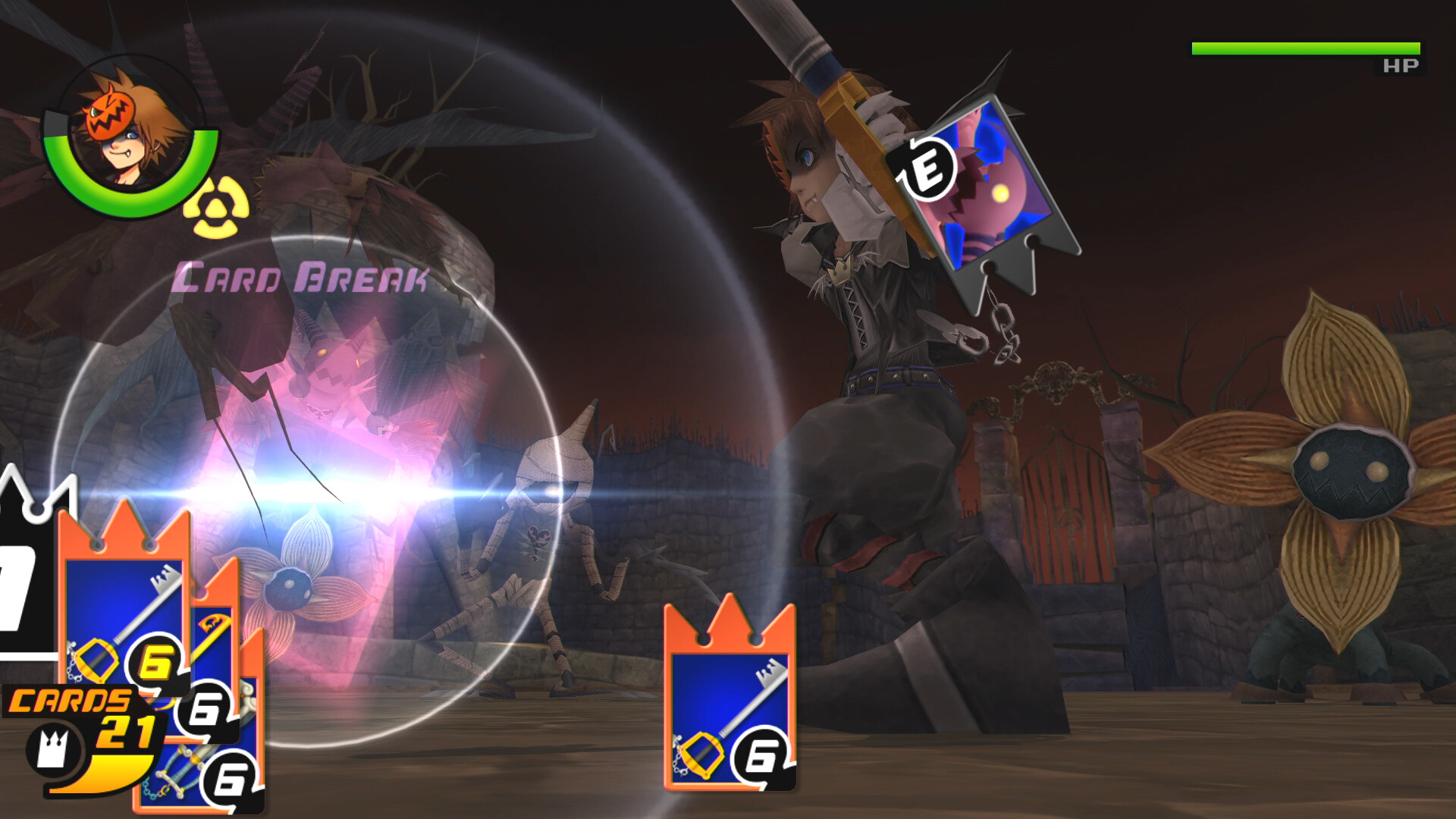
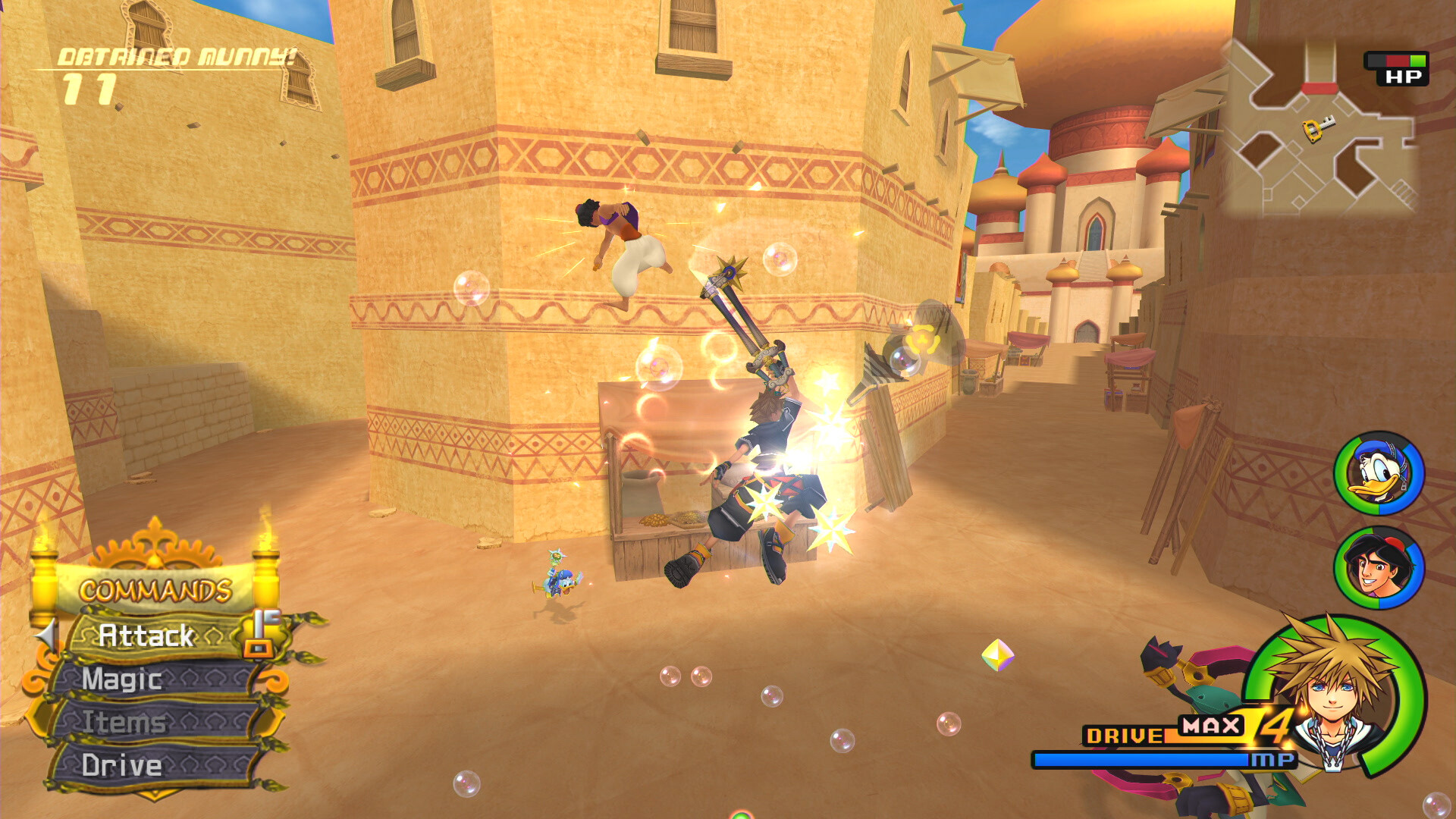
The ReMIX compilation contains six entries in narrative order: KINGDOM HEARTS FINAL MIX, Re:Chain of Memories, KINGDOM HEARTS II FINAL MIX, 358/2 Days (HD cut‑scene compilation), Birth by Sleep FINAL MIX, and Re:coded (HD cut‑scene compilation). Each title retains its original plot while using the enhanced backgrounds.
By playing the titles sequentially, players experience the early series arc from the first adventure through the final mix of the second installment, followed by visual recaps that fill narrative gaps without adding new gameplay sections.
- Begin with KINGDOM HEARTS FINAL MIX to establish core characters before moving forward.
- Use the HD cut‑scene compilations after each main game for a quick visual summary.
02 / THE GUIDE
Language Versions
Two language editions are offered: Japanese and International. The preferred language is chosen in Steam by right‑clicking the title, opening Properties, and selecting the option under General. This choice only changes in‑game text and voice.
Save files are bound to the language edition in which they are created, so progress cannot be moved between the Japanese and International versions.
- Decide on a language before starting to avoid losing progress if you later switch.
- Confirm the language setting in Steam’s Properties panel before launching.
03 / THE GUIDE
Controller Support
The collection lists full controller support and specifically mentions DualShock and DualSense controllers. Players may also select a keyboard‑only configuration, meaning either input method can be used without requiring the other.
Audio options include stereo and surround sound, and custom volume controls are available, allowing players to adjust music and effects independently.
- Connect your preferred controller before starting to ensure it is recognized.
- Adjust the custom volume sliders in the options menu for a balanced sound mix.
04 / THE GUIDE
Adjustable Difficulty
An adjustable difficulty setting is present, letting players modify combat challenge. Changing the setting influences enemy behavior and damage without altering story content.
The feature appears in the official list, confirming it can be accessed from the game’s settings menu.
- Start on the lowest difficulty to learn combat basics, then raise it for more challenge.
- Test intermediate levels to find a balance between pacing and combat intensity.
05 / THE GUIDE
Steam Platform Features
The title integrates Steam achievements, cloud saves, and family sharing. Cloud synchronization stores progress online, while family sharing permits other accounts on the same machine to launch the game without a separate purchase.
These services are listed among the game’s features, indicating they operate automatically when the game runs through Steam.
- Verify Steam Cloud is enabled in the client to keep saves backed up.
- Enable family sharing if you want another local account to access the game.
COMMUNITY
Player discussion