 GameWiki
GET YOUR BEARINGS
About Kindergarten 3
Kindergarten 3 drops you into a chaotic school day where mystery, green goo, and a gator in the pond set the stage for a surreal adventure. You navigate familiar kindergarten locations while helping a cast of quirky characters uncover what happened to the missing principal and students.
The game blends adventure storytelling with indie flair, offering single‑player play on Windows, macOS, and Linux. Features like full controller support, custom volume controls, and Steam Cloud let you tailor the experience while tackling odd assignments such as staging plays or infiltrating air ducts.
01 / THE GUIDE
New Characters
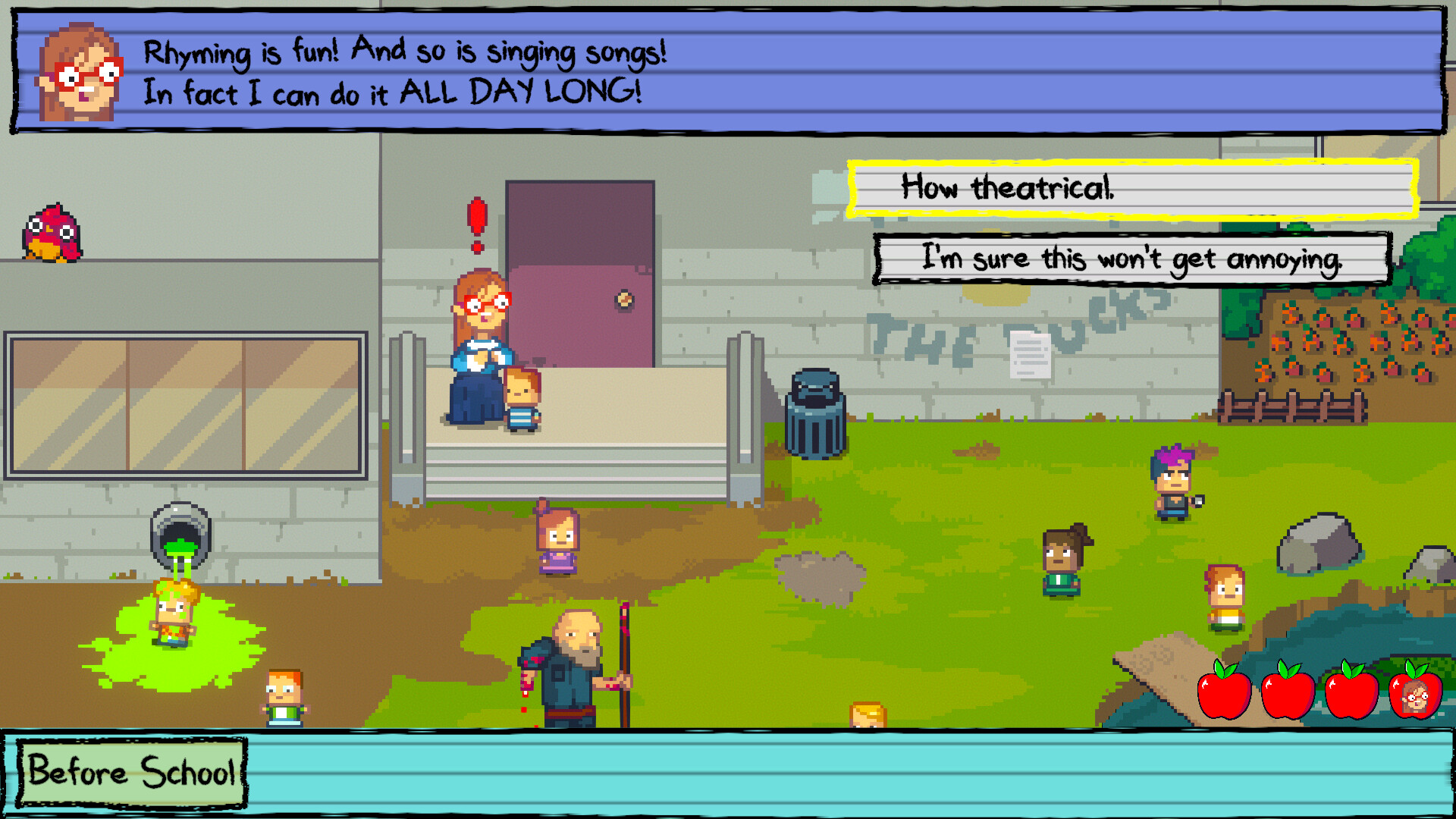
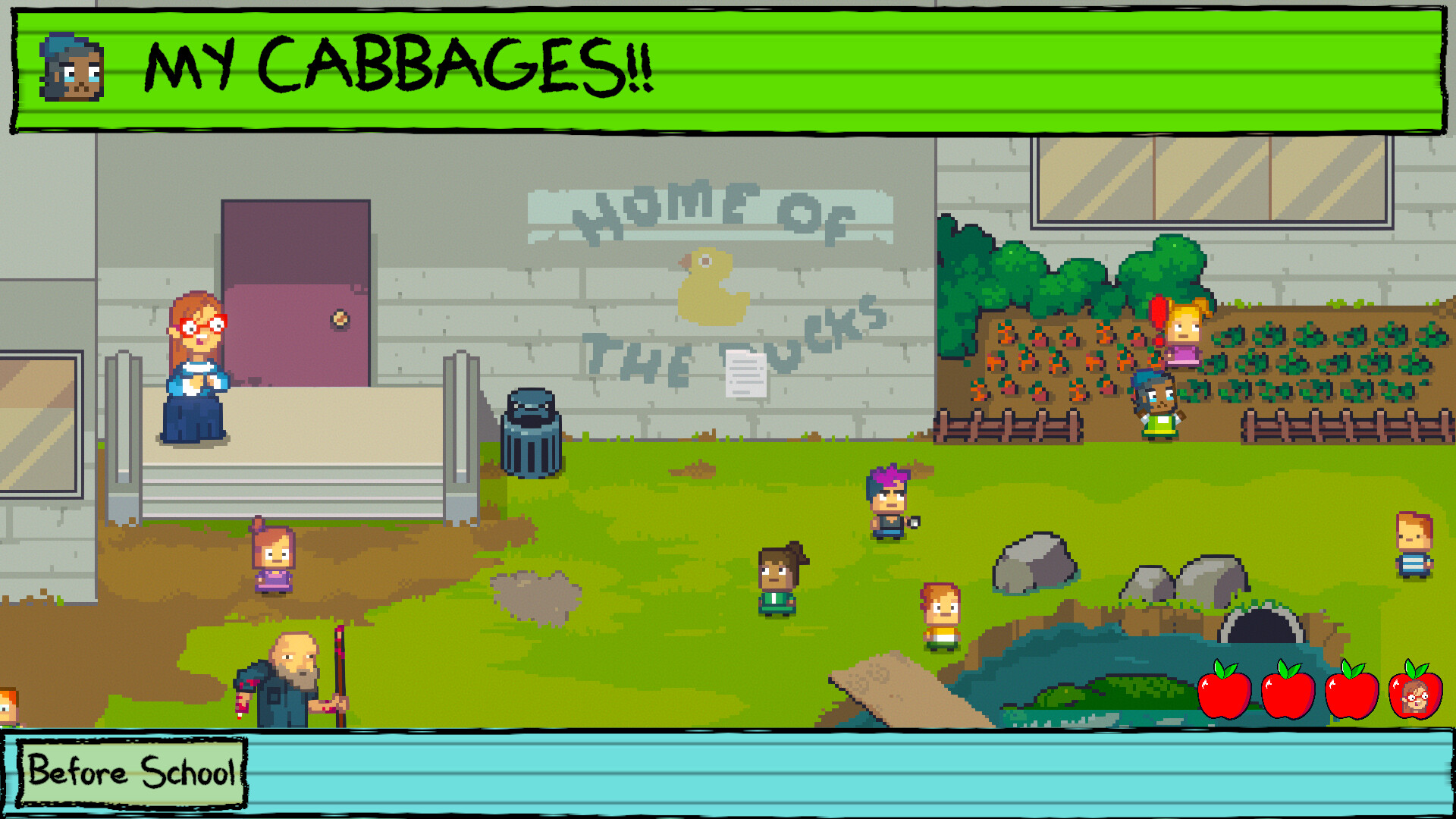
A reckless trouble‑maker who loves to throw things adds unpredictable chaos to encounters. A sweet girl tends the school’s plants, providing a calming contrast to the surrounding madness. The former principal’s son shows an odd fascination with the pond gator, while a mysterious girl suffers memory loss after earlier events. The seasoned school nurse knows how to handle goo poisoning, and the theatrical teacher, Ms. Lovelett, communicates only through rhyming songs.
- Observe each character’s unique behavior to anticipate how they might react in different scenes.
- Use the nurse’s expertise when encountering green‑goo hazards for safer navigation.
02 / THE GUIDE
New Places
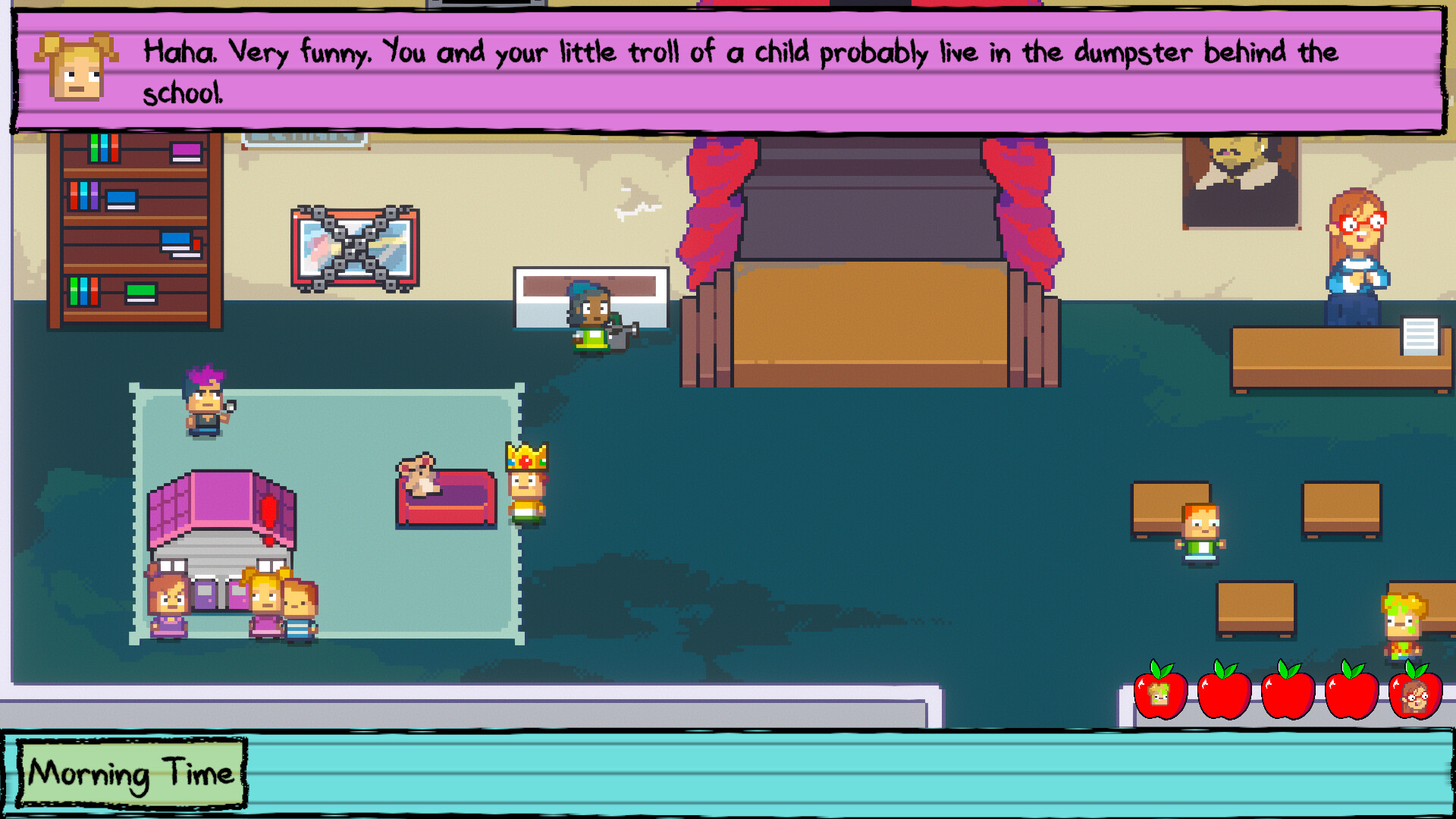
The school yard features a pond inhabited by a gator, creating both a visual focal point and a potential obstacle. Inside, a classroom doubles as a stage where Ms. Lovelett’s plays are performed. A library houses books and the “bad children” during study hall, while the nurse’s office contains medications and equipment unsuitable for play. The playground offers a “really cool slide,” adding classic kindergarten fun to the eerie setting.
- Explore the library to see its books and the study‑hall children.
- Check out the playground’s really cool slide while exploring.
03 / THE GUIDE
New Assignments
Players can help Ms. Lovelett stage theatrical productions, blending narrative with performance. Another task involves infiltrating the school’s air‑duct system alongside Carla, adding a stealth‑like element. Additional objectives include assisting the janitor in removing the gator, stopping the janitor from doing so, breaking windows, breaking faces, joining a support group, or simply surviving the day. Each assignment reflects the game’s chaotic, unpredictable tone.
- Prioritize assignments that align with your preferred play style, whether stealth or direct action.
- Balancing multiple tasks may reveal hidden connections between the school’s mysteries.
04 / THE GUIDE
Gameplay Features
Kindergarten 3 supports single‑player gameplay, Steam achievements, and full controller support, allowing flexible input methods. Color alternatives and custom volume controls let players adjust visual and audio settings to personal preference. A keyboard‑only option ensures accessibility, and the game can be played without timed input, reducing pressure during exploration. Steam Cloud and family sharing broaden the ways you can keep progress and share the experience.
- Experiment with color alternatives if the green goo is visually overwhelming.
- Use the custom volume controls to balance music and ambient sounds for better immersion.
05 / THE GUIDE
Supported Platforms
The title is available on Windows, macOS, and Linux, ensuring a broad audience can experience the odd kindergarten adventure. The game’s characters, places, and assignments are described for the title, which is offered on Windows, macOS, and Linux. Cross‑platform availability means you can choose your preferred operating system to experience the adventure.
- Check your system’s compatibility before installing to avoid unnecessary troubleshooting.
- Take advantage of Steam Cloud on any platform to keep your progress synced.


COMMUNITY
Player discussion