 GameWiki
GET YOUR BEARINGS
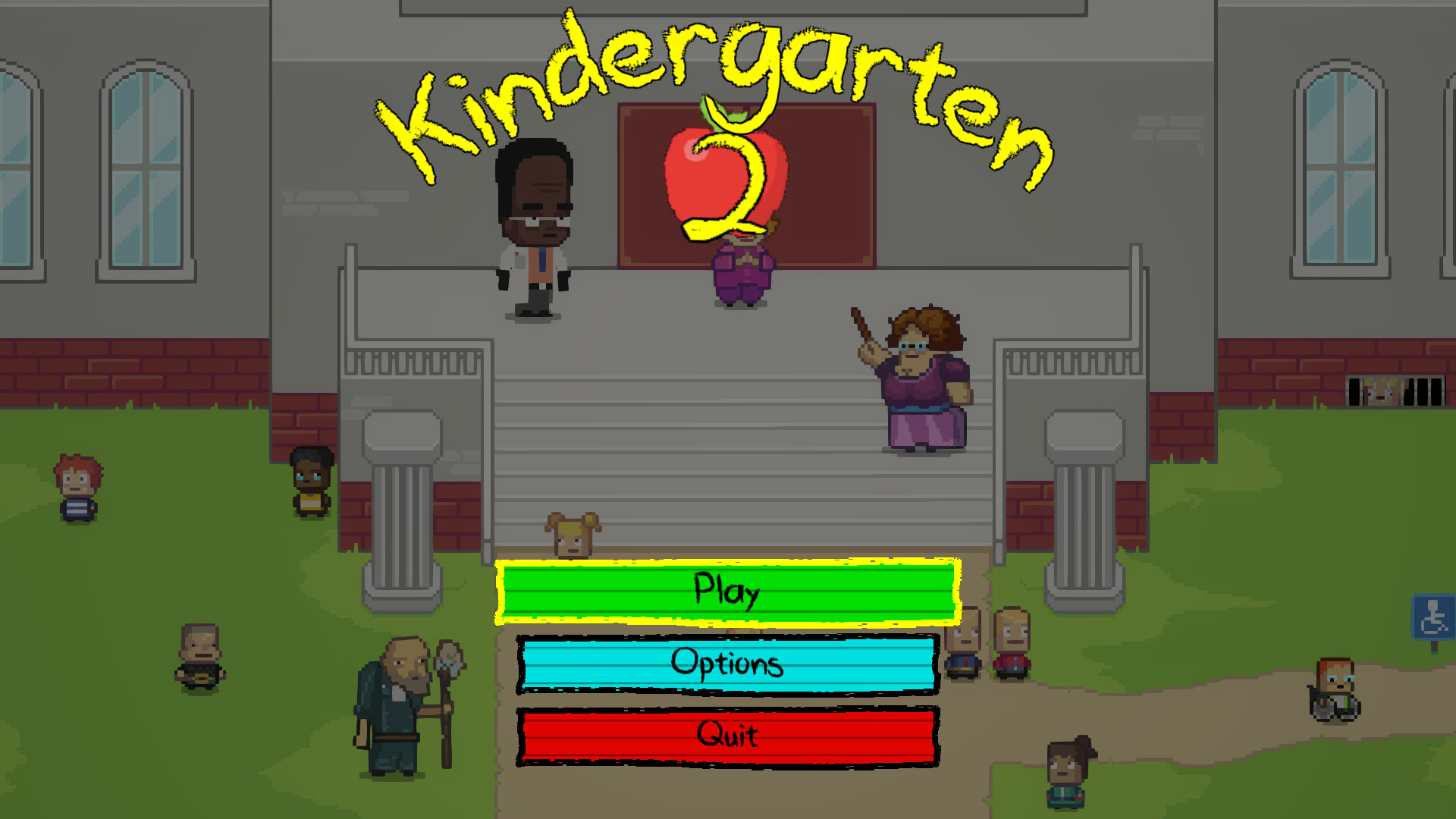
About Kindergarten 2
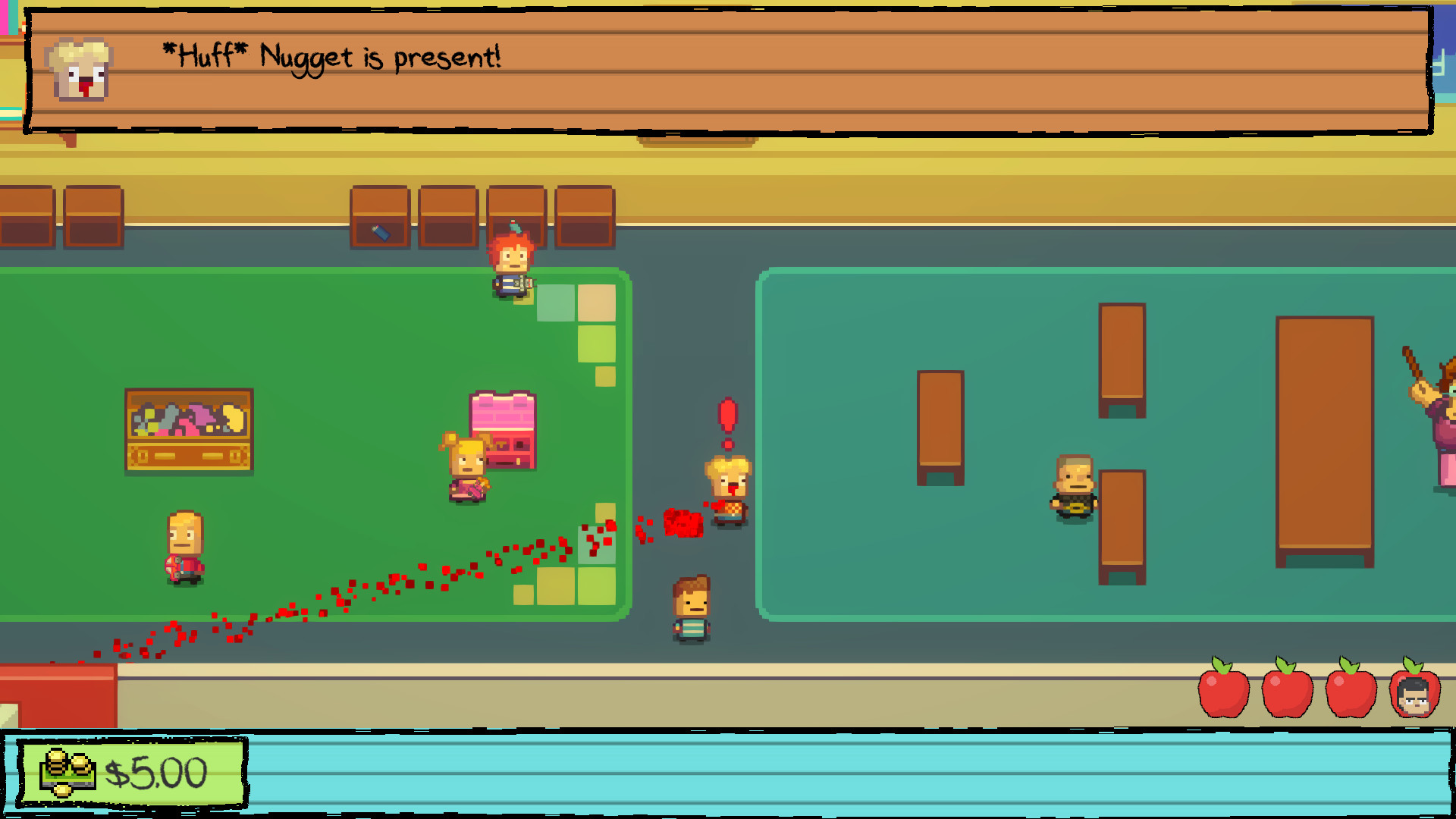
Kindergarten 2 continues the quirky adventure of its 2017 predecessor, placing players back in a looping Tuesday at a brand‑new school. You move through over fifteen fresh environments, helping children and staff with odd assignments while the day repeats like a groundhog‑day scenario. The game adds nine story missions, a host of collectible Monstermon cards, and dozens of unlockable outfits, all presented in a single‑player adventure that supports both full controller and keyboard‑only play.
01 / THE GUIDE
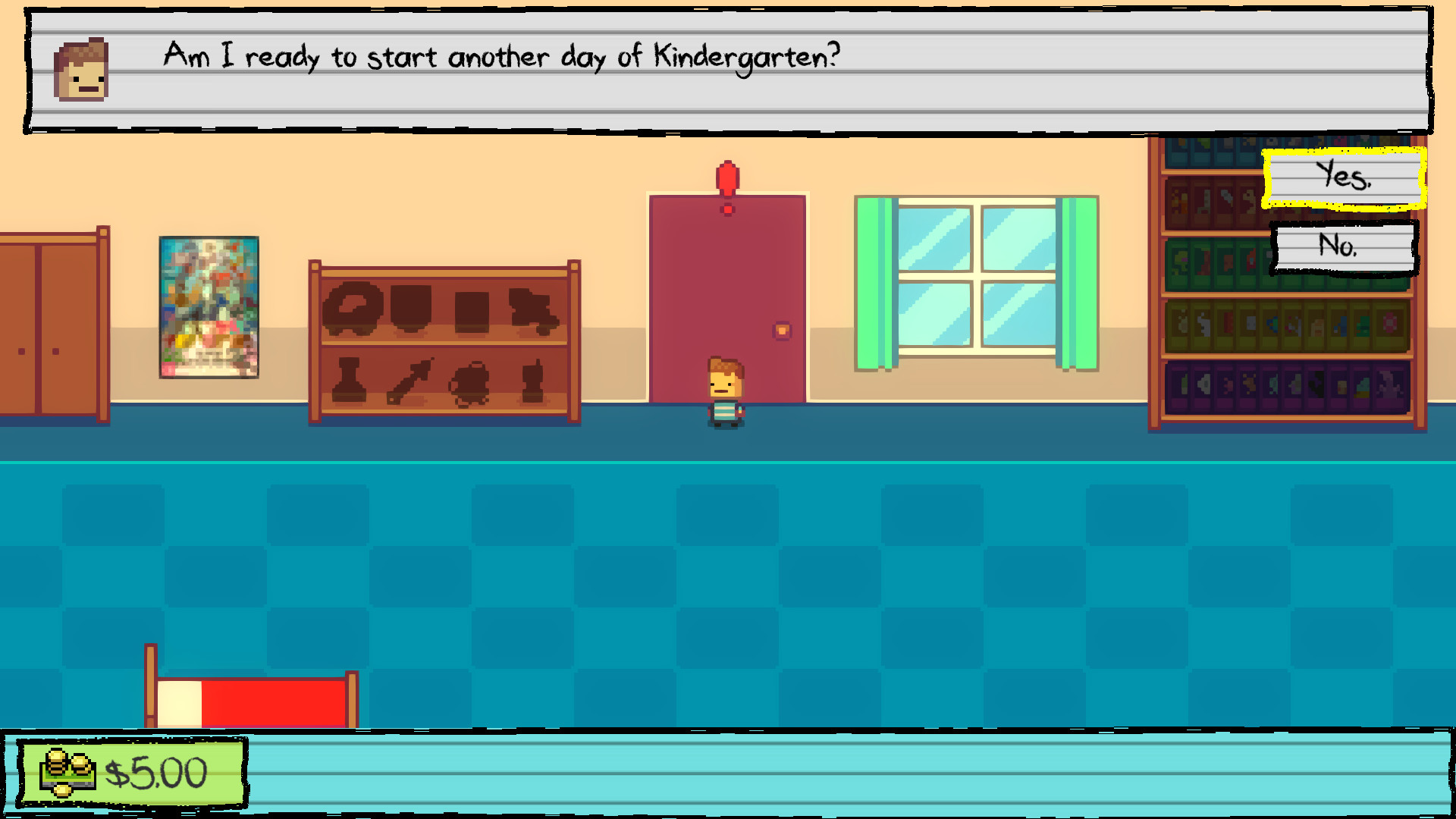
Repeating Tuesday Narrative
The core premise is a Tuesday that repeats endlessly, letting players revisit the same day to complete various tasks. This structure creates a sandbox where each assignment can be approached in multiple ways across repeats.
The looping day is described as "Groundhog Day with messed up children," emphasizing a humorous take on the time‑loop mechanic without imposing timed challenges.
- Observe how each repeat may reveal new dialogue or options that were missed earlier.
- Use the loop to experiment with different assignment orders for varied outcomes.
02 / THE GUIDE
Varied Kindergarten Assignments
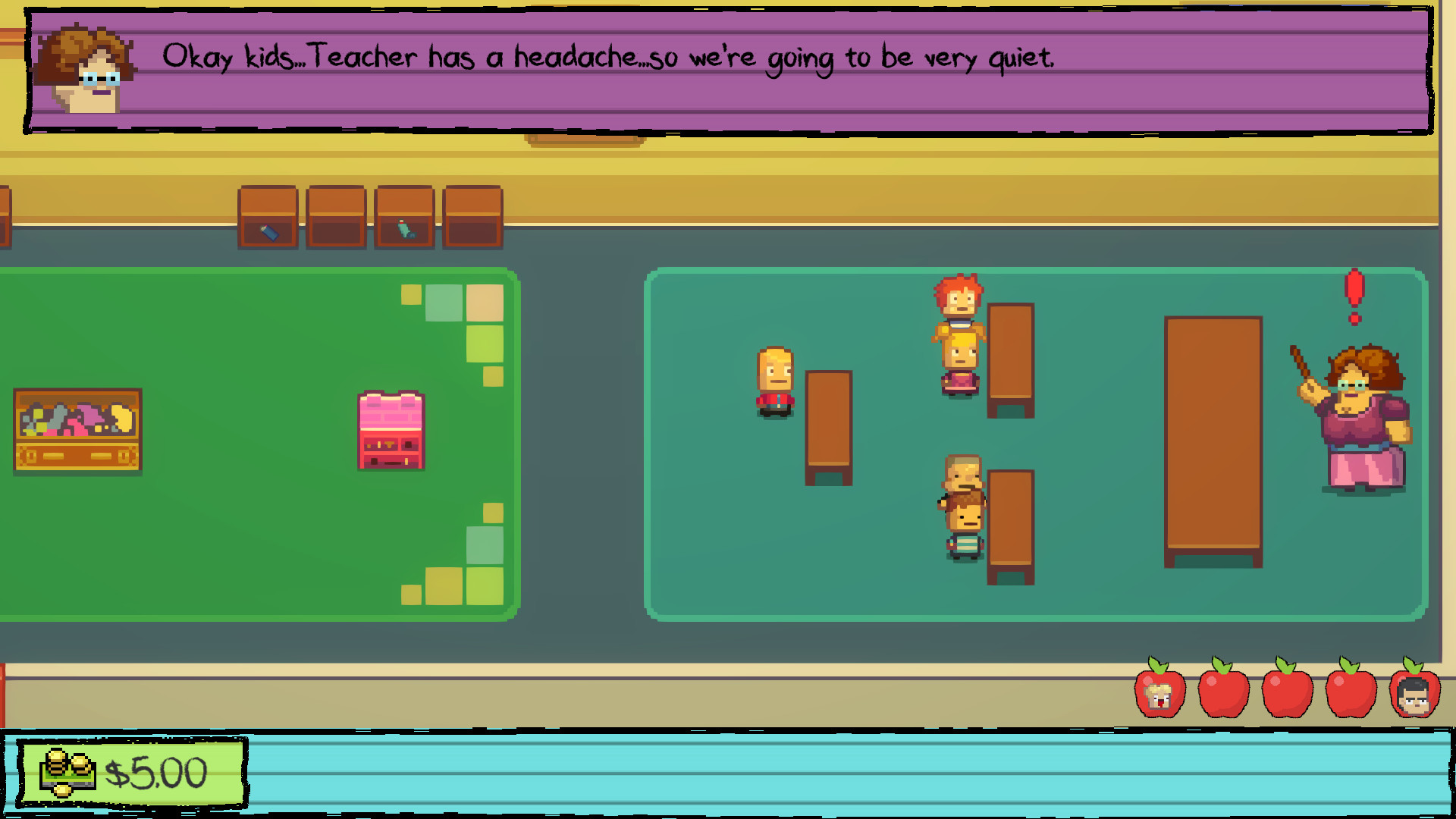
Players assist characters with a range of quirky tasks, from helping Cindy find a boyfriend to aiding a janitor in his war on Bob. These assignments form the bulk of gameplay and are presented as classic kindergarten activities with a twist.
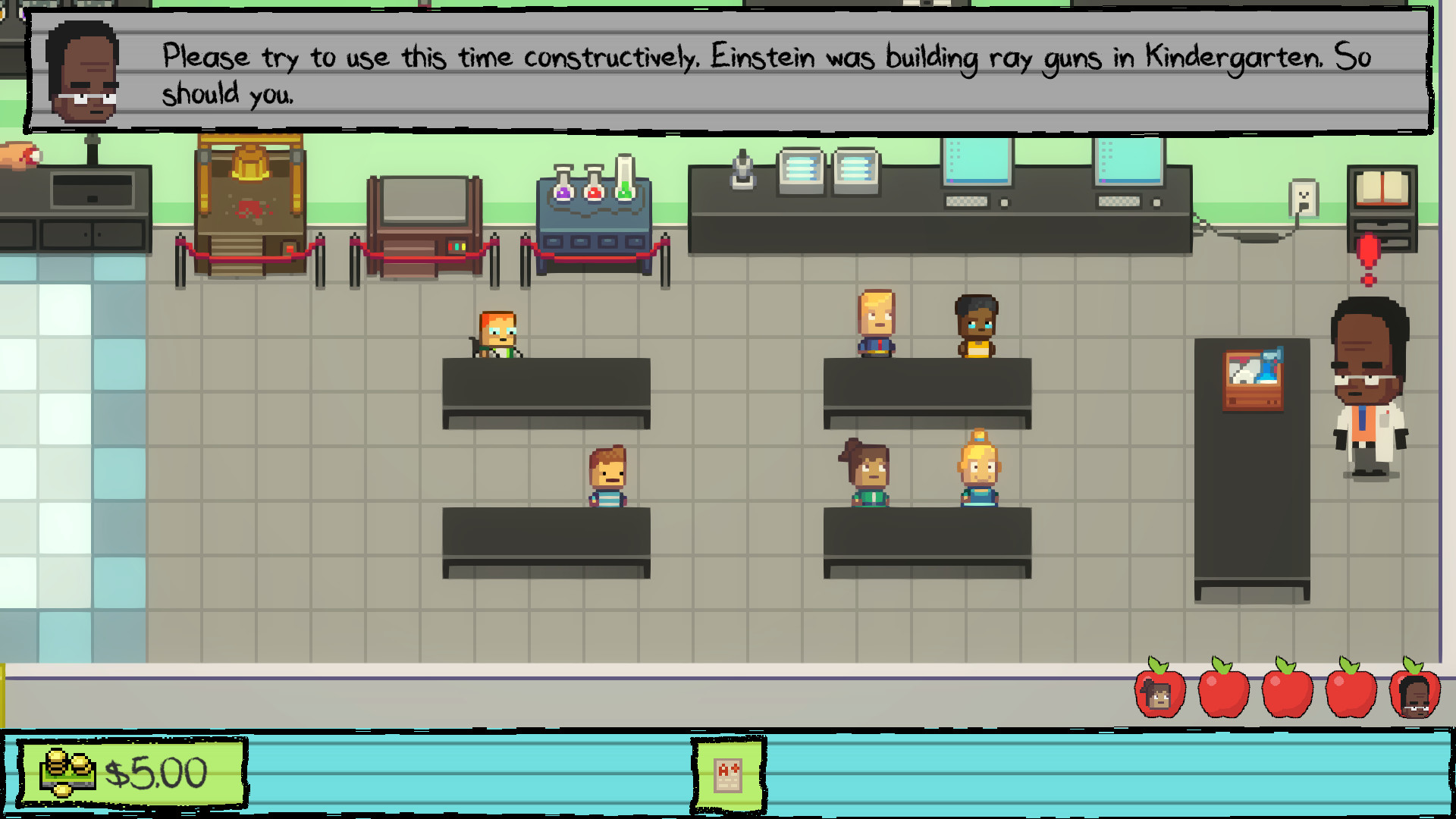
Activities include dodgeball, learning about magnets, collecting flower samples for a mad scientist, and even facilitating a custodial war, offering diverse interactions within the school setting.
- Take note of each character’s request; some tasks may unlock later story missions.
- Balancing multiple assignments in a single loop can reveal hidden interactions.
03 / THE GUIDE
Monstermon Card Collection
The game features 50 collectible Monstermon Cards scattered across its environments. Collecting these cards adds a completionist layer, encouraging exploration of all fifteen new areas.
Cards are not tied to any described reward system, but their presence provides an incentive to revisit locations during the looping Tuesday.
- Map out where you find each card to avoid missing any during repeats.
- Combine card hunting with other assignments to maximize efficiency.
04 / THE GUIDE
Unlockable Outfits
Players can unlock up to 30 outfits, adding visual variety to the characters they interact with. These outfits are part of the game's progression and are tied to the new story missions and environments.
Outfit unlocks add visual variety, serving as a cosmetic enhancement.
- Track which outfits are tied to specific missions for easier unlocking.
- Use outfit changes to differentiate characters during repeated playthroughs.
05 / THE GUIDE
Supported Platforms and Features
Kindergarten 2 is available on Windows, macOS, and Linux, offering full controller support as well as a keyboard‑only option. The game also integrates Steam achievements, cloud saves, and family sharing.
These features ensure that players can enjoy the single‑player experience across multiple operating systems and input methods without timed input constraints.
- Enable Steam Cloud to keep progress consistent across devices.
- Choose the input method that feels most comfortable for the assignment tasks.
COMMUNITY
Player discussion