 GameWiki
GET YOUR BEARINGS
About Khimera: Puzzle Island
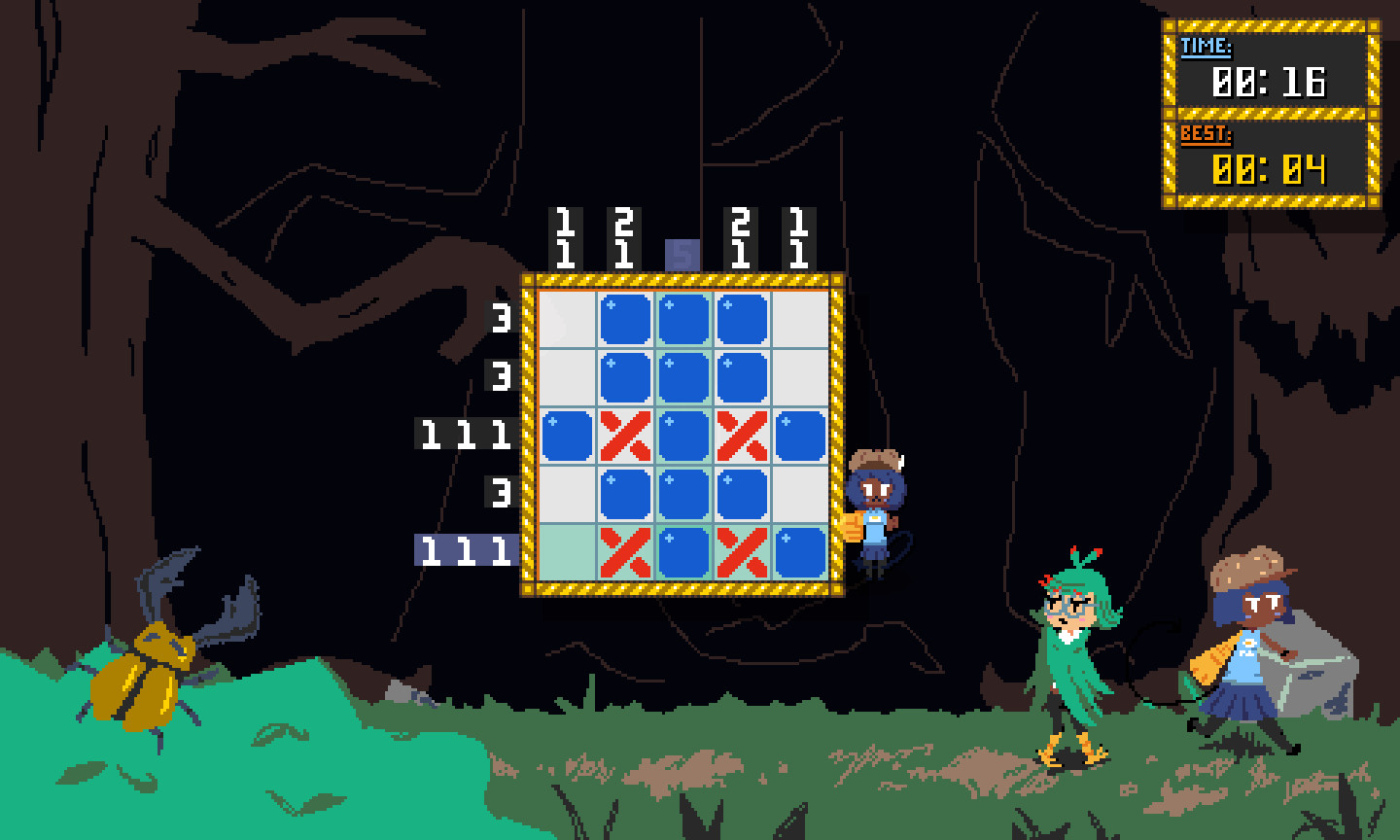
Khimera: Puzzle Island is a nonogram‑based adventure starring Chelshia, Amelia and Bernadette as they explore the uninhabited Hanjie Isle. The story follows their hunt for four ancient tablet pieces while a side story unfolds through cut scenes between puzzles.\nThe game offers over 280 puzzles ranging from 5×5 to 20×15 grids, a tutorial, and two distinct play modes. Players can customize markings, use items for assistance, and enjoy full controller support alongside mouse and keyboard input.
01 / THE GUIDE
Story Mode
Story Mode presents a sequence of nonograms that gradually reveal the island’s narrative. Each solved puzzle advances the plot and triggers cut‑scene dialogue.\nA tutorial at the beginning teaches the basic nonogram mechanics, ensuring new players can follow the story without prior experience.
- Observe the clue numbers before filling cells to plan larger sections early.
- Use the tutorial as a reference even after completing it for quick rule reminders.
02 / THE GUIDE
Mosaic Mode
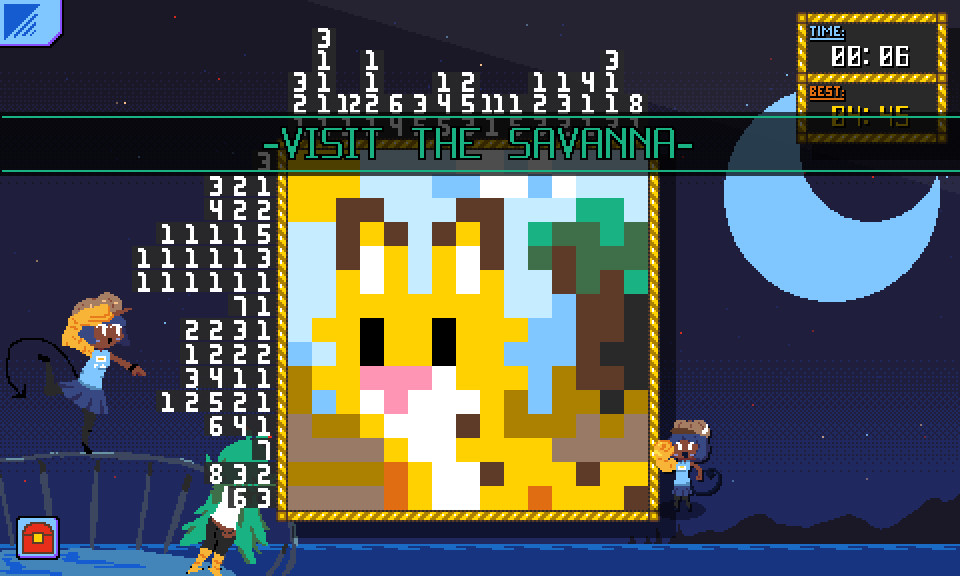
Mosaic Mode lets players solve individual nonograms to assemble larger pictures beyond the story context. Grids of various sizes can be completed independently.\nThis mode focuses purely on picture construction, offering a sandbox‑like experience without narrative progression.
- Experiment with different grid sizes to see how image detail changes.
- Combine completed mosaics to compare how individual puzzles contribute to the whole.
03 / THE GUIDE
Grid Sizes
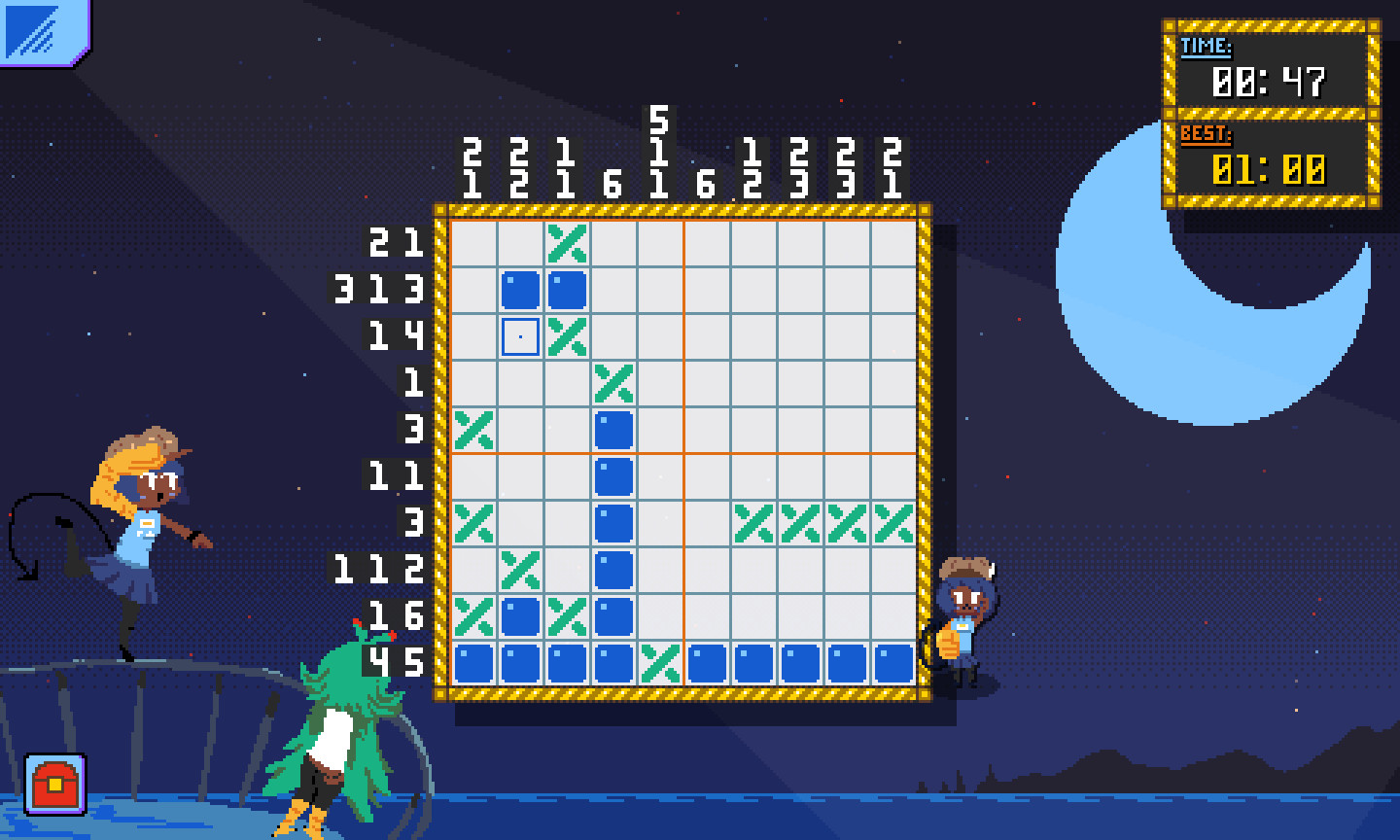
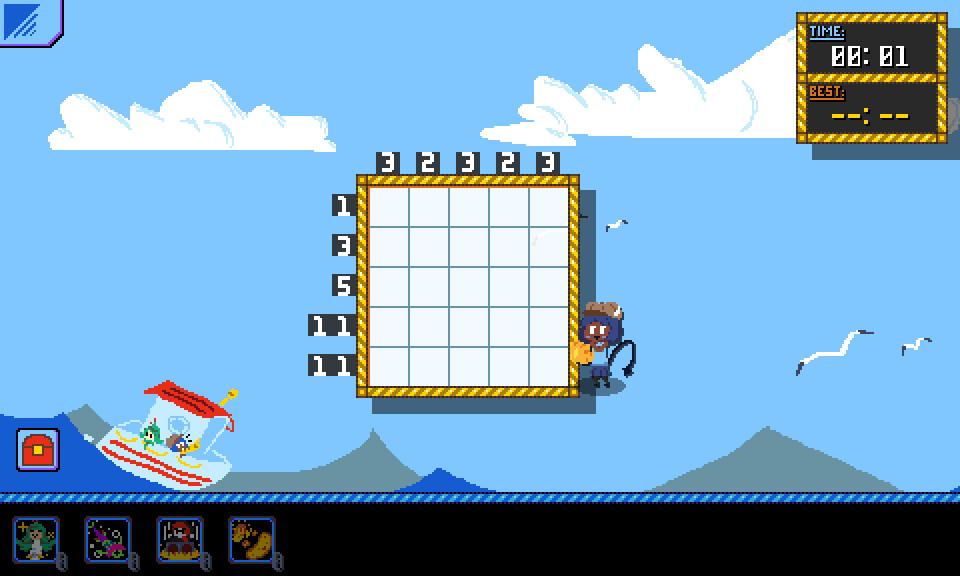
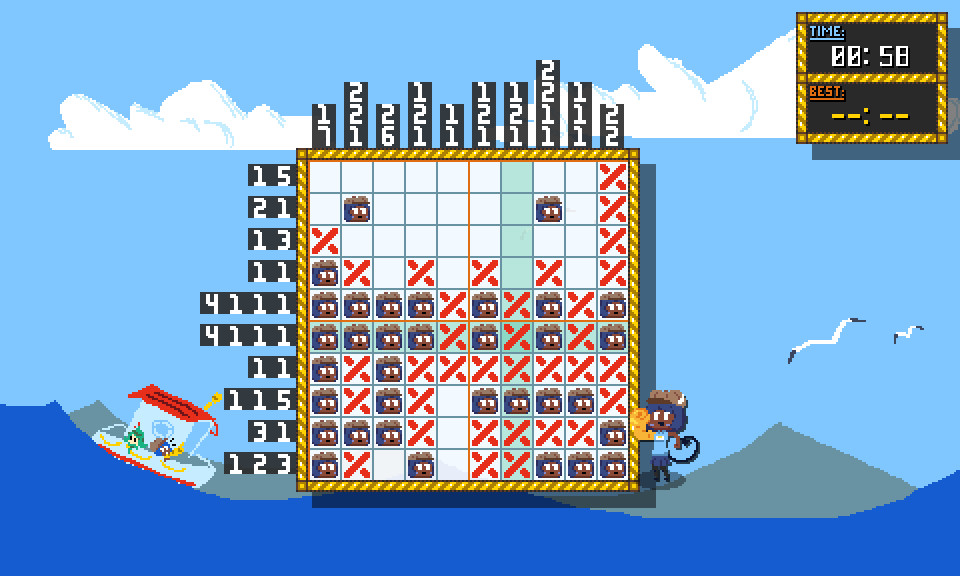
The game includes puzzles from 5×5 up to 20×15 cells, providing a range of difficulty levels. Smaller grids introduce basic patterns, while larger ones demand more intricate deduction.\nAll sizes use the same clue system on the left and top edges, keeping the core mechanic consistent across the spectrum.
- Start with 5×5 puzzles to master clue interpretation before tackling larger grids.
- When a larger grid feels overwhelming, break it into smaller sections using the clues.
04 / THE GUIDE
Input Options
Players may use a mouse, keyboard, or any XInput‑compatible controller to fill cells and navigate menus. The game does not limit input to a single device, allowing flexible play styles.\nAll input methods access the same puzzle interface, ensuring consistent gameplay regardless of hardware.
- Try the controller if you prefer tactile feedback for cell selection.
- Switch between mouse and keyboard to find the most comfortable marking speed.
05 / THE GUIDE
Items and Customization
Throughout the adventure, items can be used to aid puzzle solving, including unlockable marking pieces. A variety of options can be unlocked to personalize the nonogram experience.\nCustomization lets you personalize the nonogram experience to suit your preferences.
- Experiment with different marking pieces to see which visual cues help you most.
- Collect items early to build a toolkit that eases later, larger puzzles.
COMMUNITY
Player discussion