 GameWiki
GET YOUR BEARINGS
About Keyboard Chaos
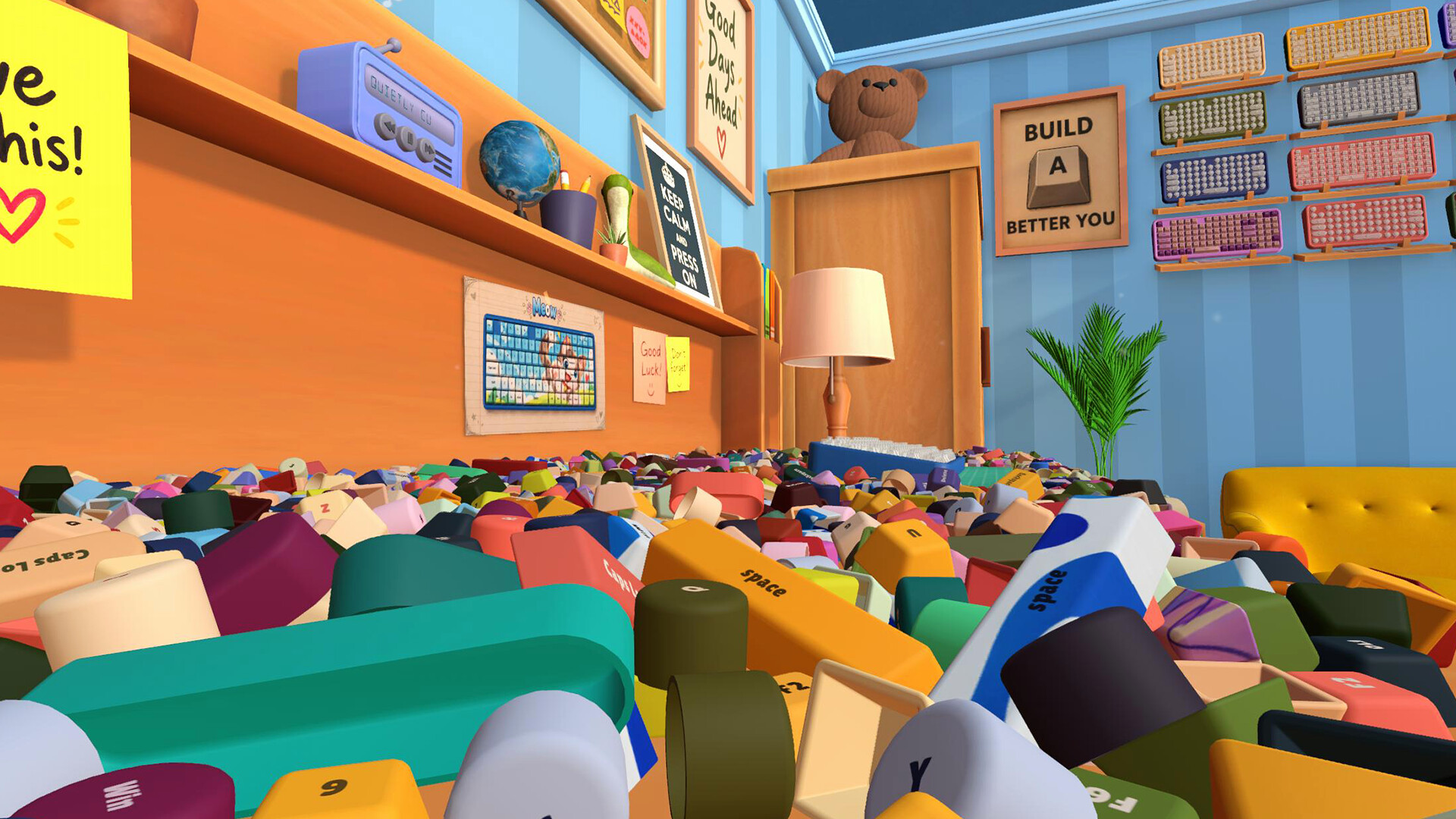
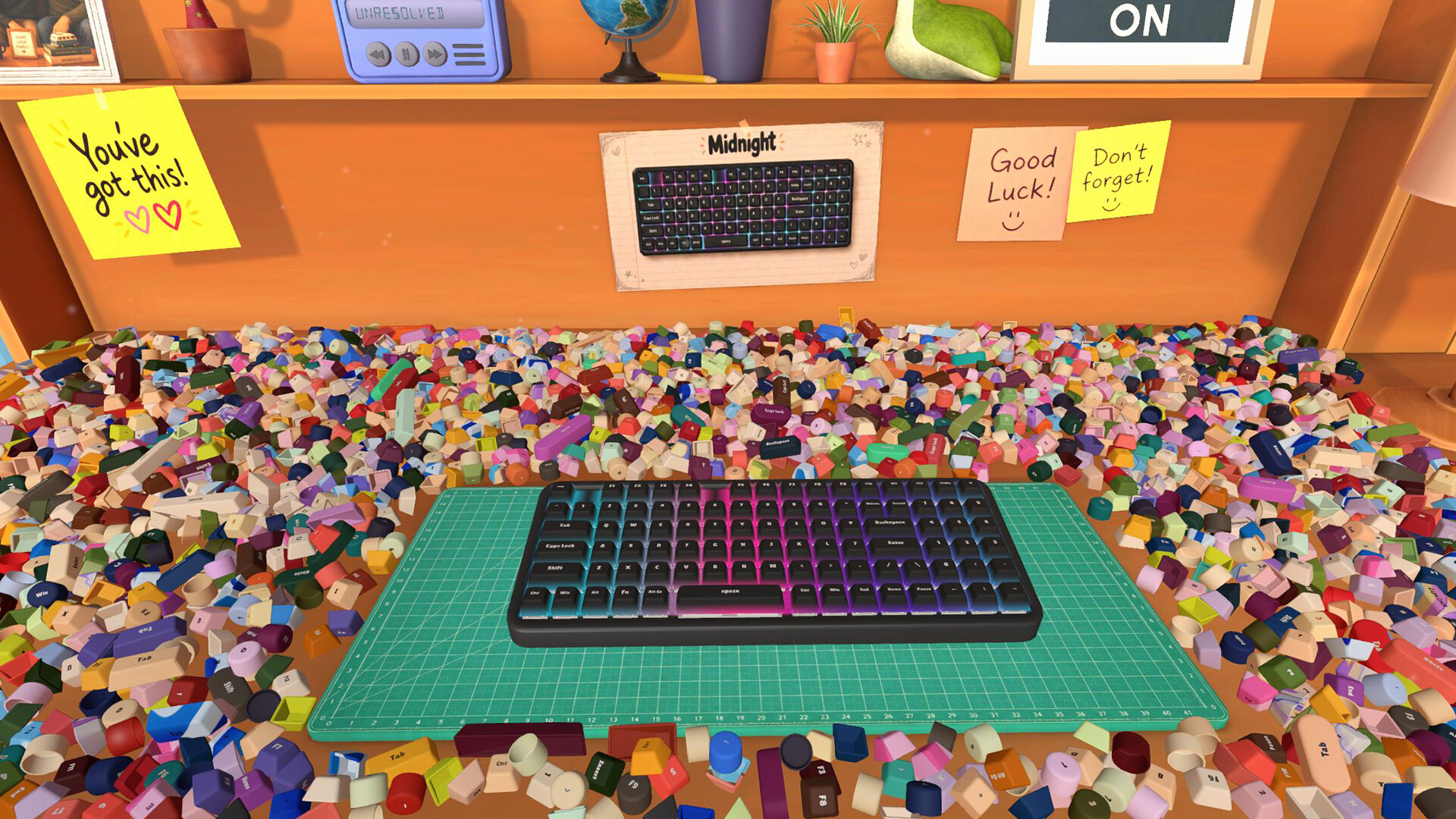
Keyboard Chaos invites you to tidy a cluttered desk by locating and placing 2,692 distinct keycaps onto 32 different keyboards. Each board has its own shape—square or round—and a unique layout, demanding careful observation of printed legends.
The game offers a relaxed, single‑player experience with no timed inputs, allowing you to save anytime and enjoy a laid‑back soundtrack while your completed keyboards light up in satisfaction.
01 / THE GUIDE
Keycap Collection
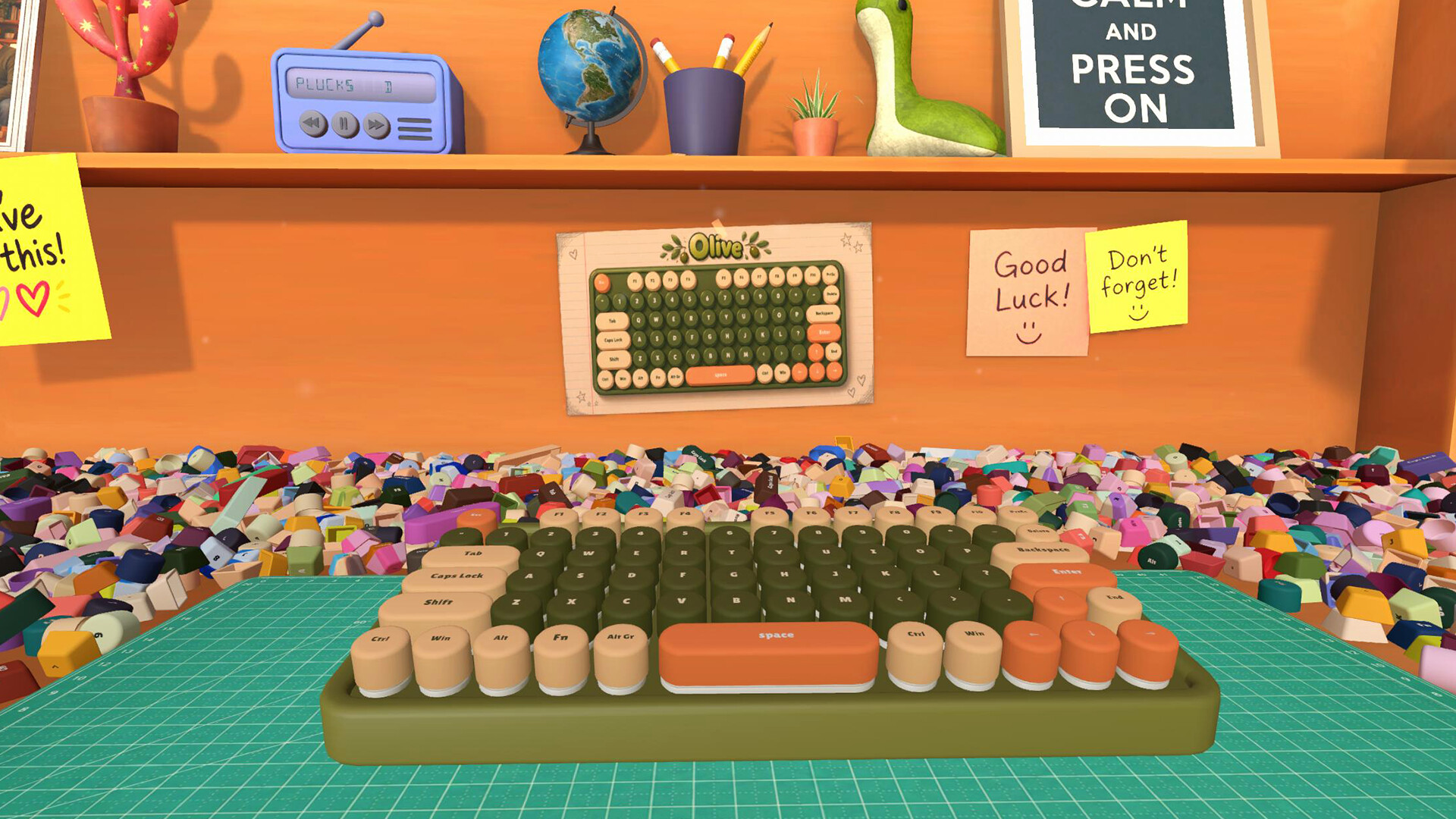
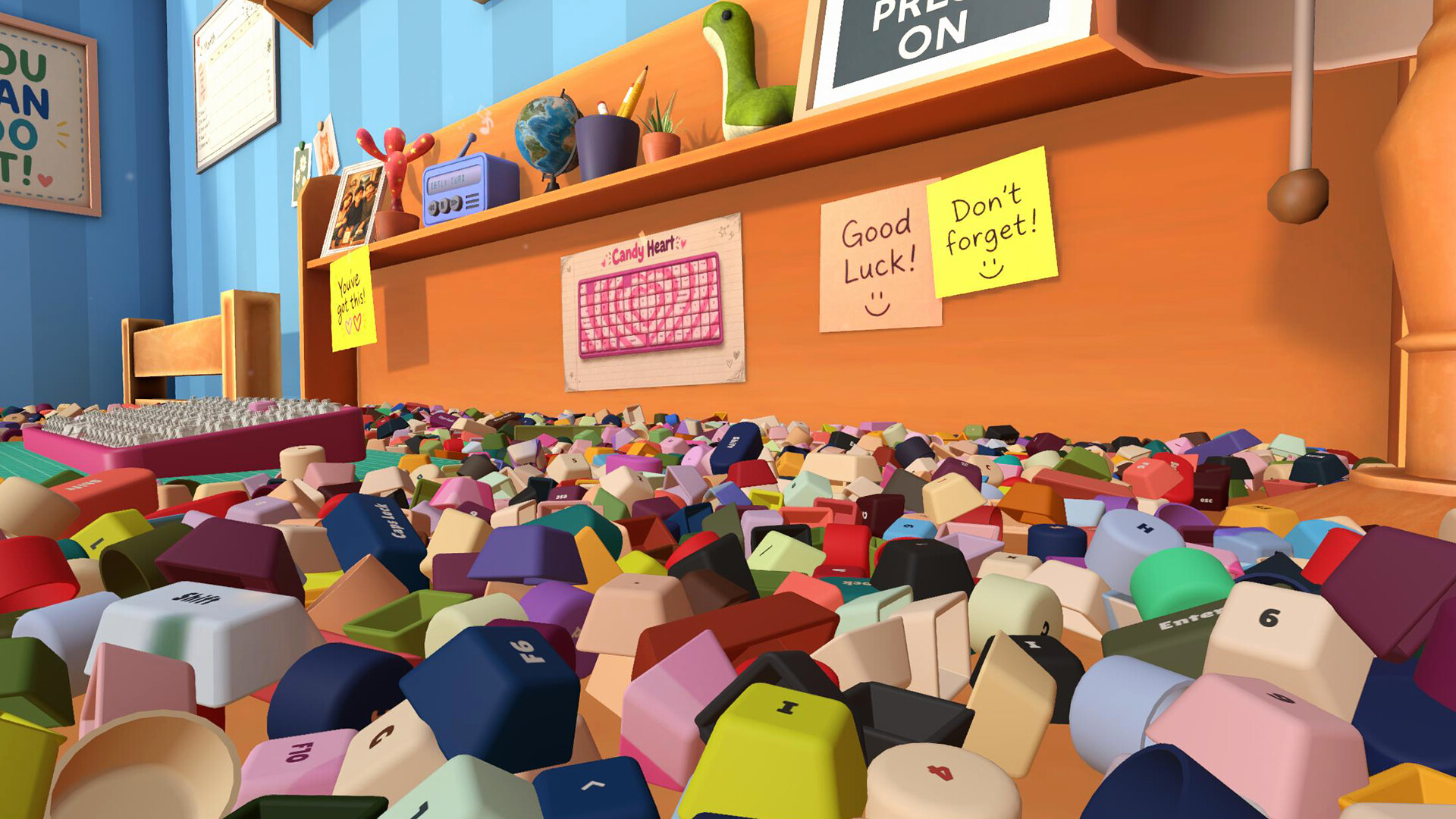
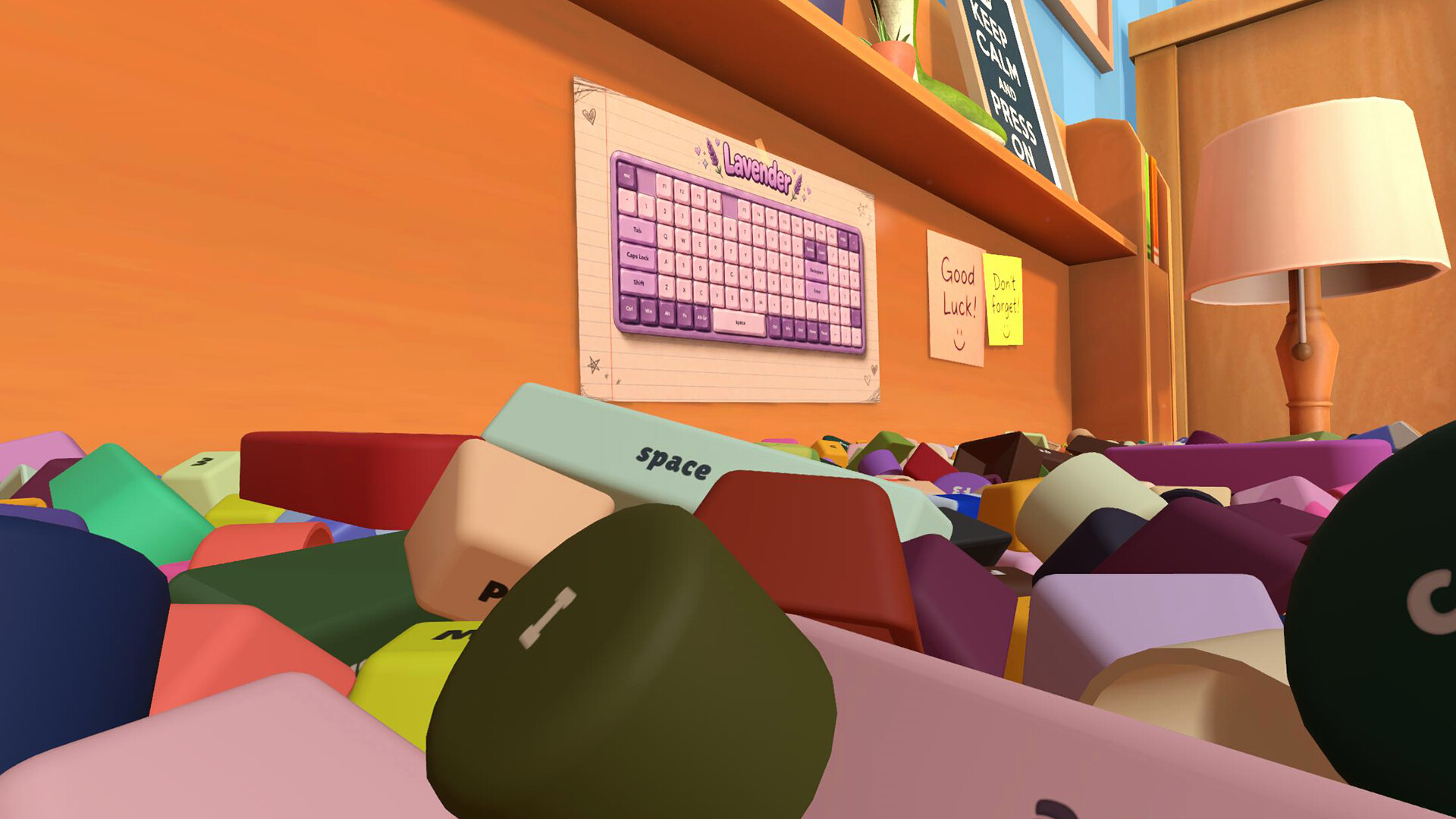
You search through a mess of 2,692 keycaps, each bearing its own legend. The sheer number means many caps look similar, so close reading is essential.
Finding the correct cap and placing it correctly restores a piece of the keyboard, gradually revealing the full board.
- Compare the printed legend on a cap with the board’s layout before placing it.
- Group similar‑looking caps together to speed up visual scanning.
02 / THE GUIDE
Keyboard Variety
The game features 32 keyboards, each with its own layout, shape, and visual style. Some are classic square boards, others are round, and designs range from bold colors to full‑board artwork.
You can select any board from the collection lining the walls and bring it to your desk for assembly.
- Start with simpler square boards before tackling round or highly artistic layouts.
- Notice the overall design theme; it often hints at key placement patterns.
03 / THE GUIDE
Visual Feedback
As you correctly place keycaps, the corresponding keyboard lights up, giving immediate visual confirmation of progress. The lighting effect reflects your progress as you fill in the board.
The visual cue helps you track which sections are complete and which still need attention.
- Use the lighting cue to prioritize unfinished sections of a board.
- Observe how the board’s illumination changes to gauge overall completion.
04 / THE GUIDE
Audio Atmosphere
A desk radio plays a laid‑back soundtrack throughout gameplay, reinforcing the game’s relaxing tone. The music continues regardless of your actions, creating a steady background ambience.
The audio does not interfere with mechanics but adds to the calming environment while you sort keycaps.
- Adjust the volume to a comfortable level using the custom volume controls.
- Let the soundtrack guide your pacing; there’s no pressure to rush.
05 / THE GUIDE
Progress Saving
Keyboard Chaos allows you to save at any time, ensuring that your assembled keyboards are preserved between sessions. Saved data syncs via Steam Cloud, so you can continue where you left off on another device.
The ability to save freely supports a play‑at‑your‑own‑pace experience without timed challenges.
- Save after completing each keyboard to lock in progress.
- Check Steam Cloud status if you switch computers to confirm sync.
COMMUNITY
Player discussion