 GameWiki

GET YOUR BEARINGS
About Kerbal Space Program
Kerbal Space Program puts you in charge of the Kerbal space program, letting you design and launch craft using realistic aerodynamic and orbital physics. You can send crews to orbit, land on moons, and build stations while keeping the Kerbals alive.
The game offers three distinct modes: Science Mode rewards experiments with new technology, Career Mode adds funding, upgrades and strategic oversight, and Sandbox Mode provides unrestricted access to all parts and technologies for pure creativity.
01 / THE GUIDE
Building Parts
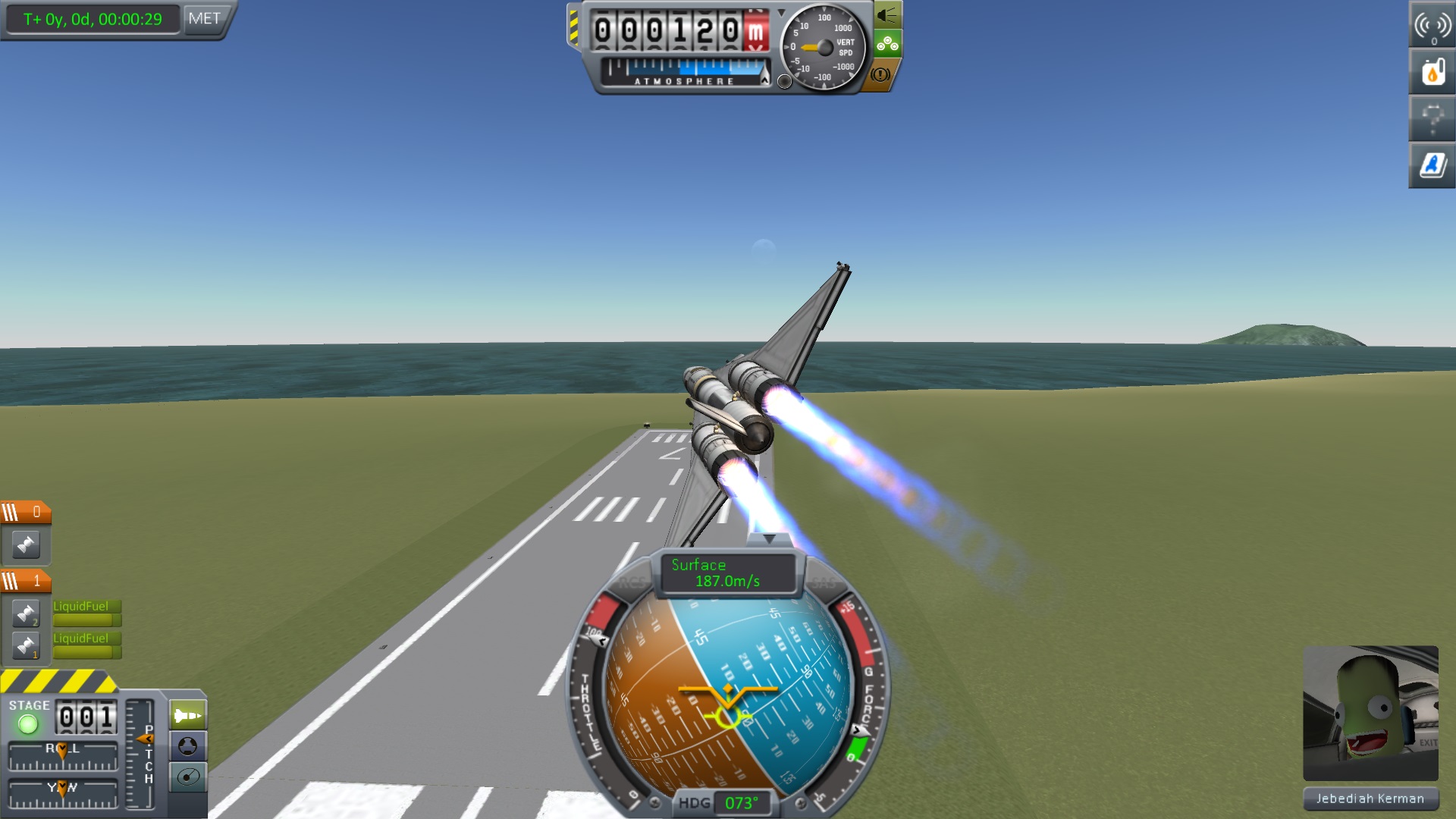
Players can assemble rockets, planes, rovers and other vehicles from a wide array of parts, each with its own function that influences how the craft behaves in flight. Full control over the configuration lets you plan complex maneuvers and test different designs.
The part system also includes docking ports, allowing you to connect multiple vessels. This enables construction of space stations, massive starships, and surface bases across the Kerbol system.
- Mix engine thrust and fuel tank size to achieve a balanced thrust‑to‑weight ratio.
- Add docking ports early in a design to practice assembling larger structures.
02 / THE GUIDE
Crew Management
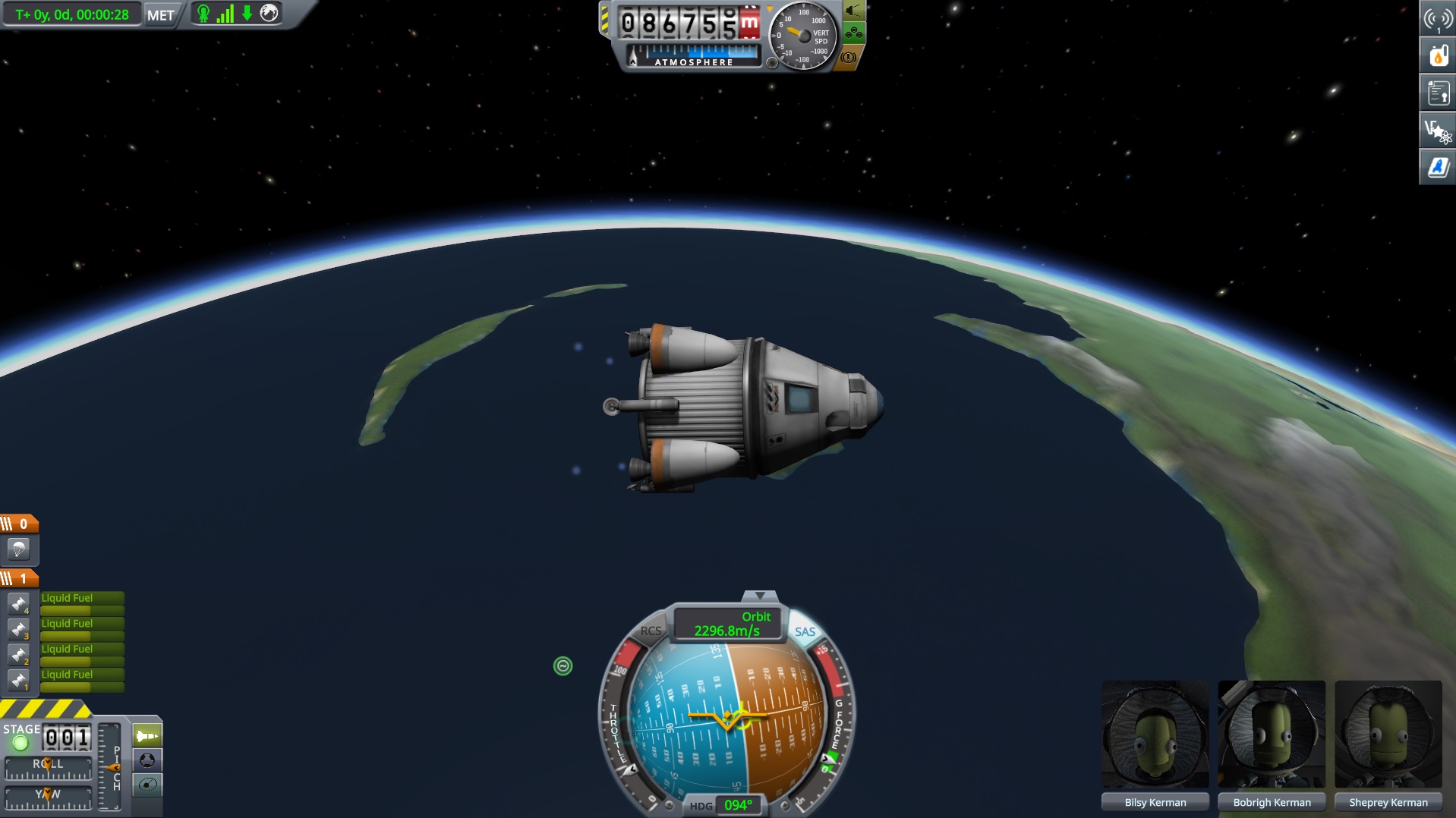
Kerbals can be hired, trained, and assigned to missions, turning them into heroes through successful flights. Their status is tracked, and you must keep them alive during launches and while they operate inside the craft.
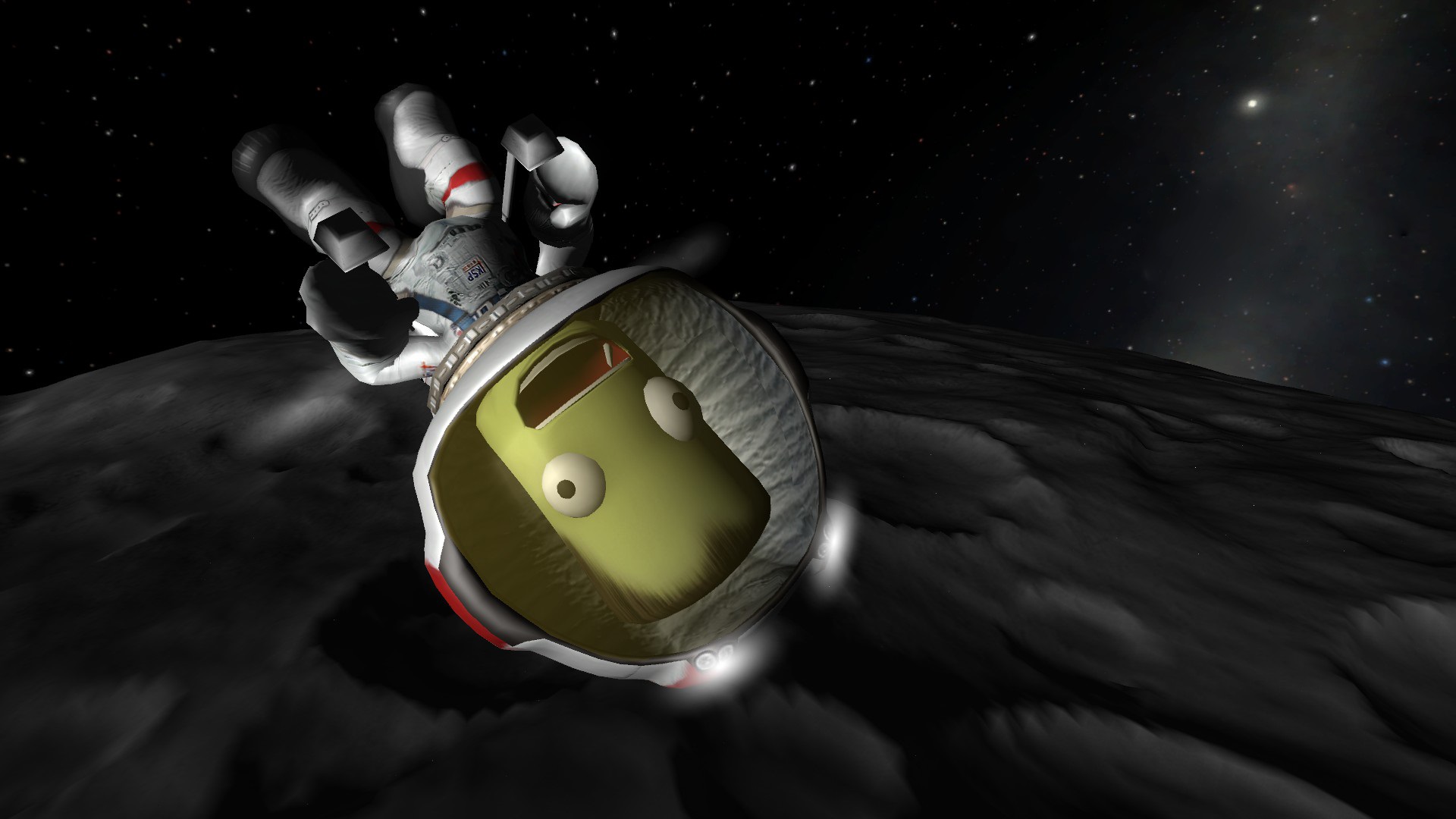
Extravehicular activities let Kerbals exit their spacecraft for repairs or experiments, adding a layer of risk and reward that depends on mission planning and vehicle design.
- Assign Kerbals with higher experience to longer or more complex missions.
- Plan EVA durations carefully to avoid unnecessary exposure.
03 / THE GUIDE
Exploration
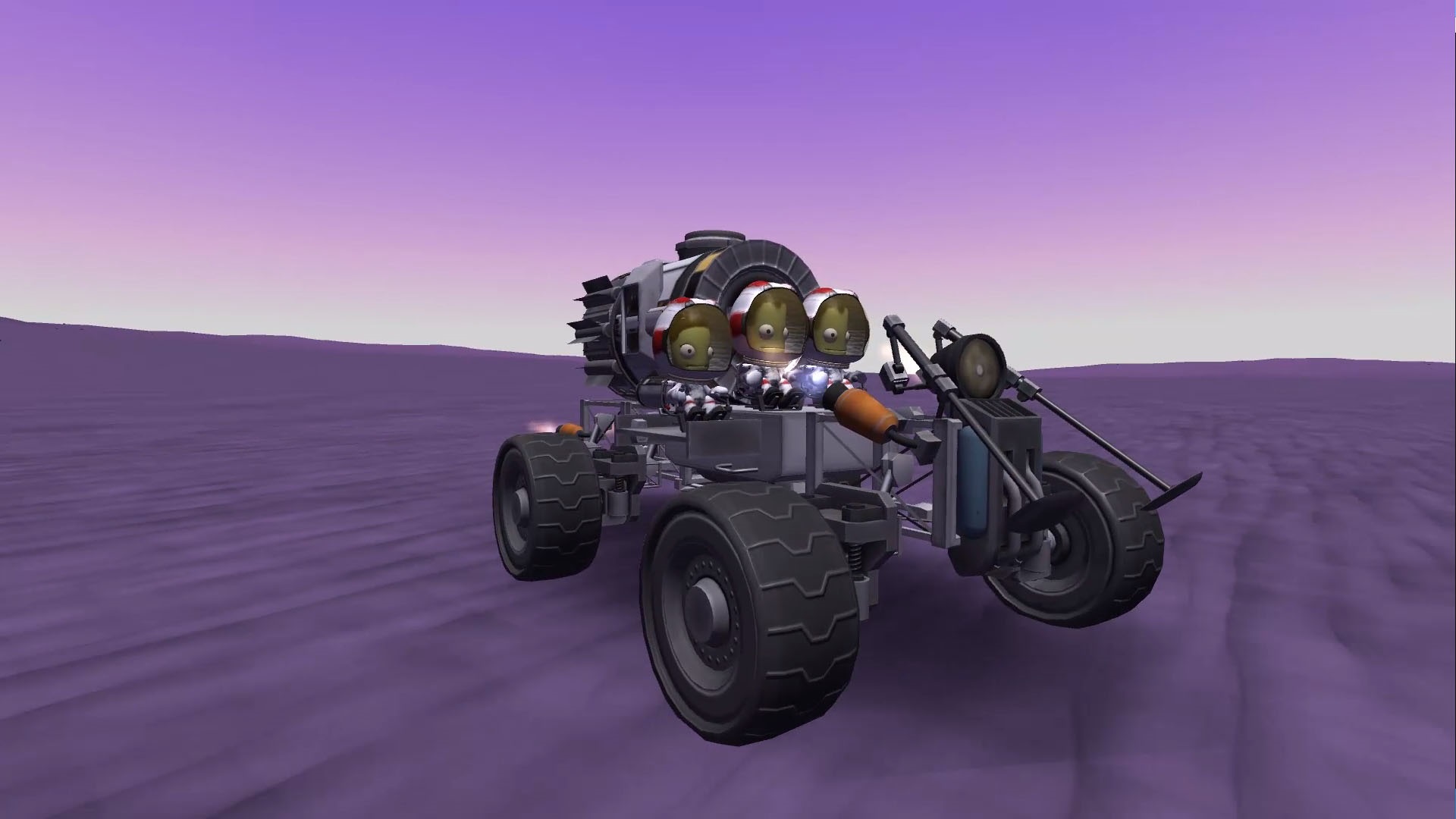
The Kerbol system contains diverse moons and planets with detailed terrain, encouraging you to scan biomes and locate anomalies using satellites. Surface bases can be built to extend your reach on distant bodies.
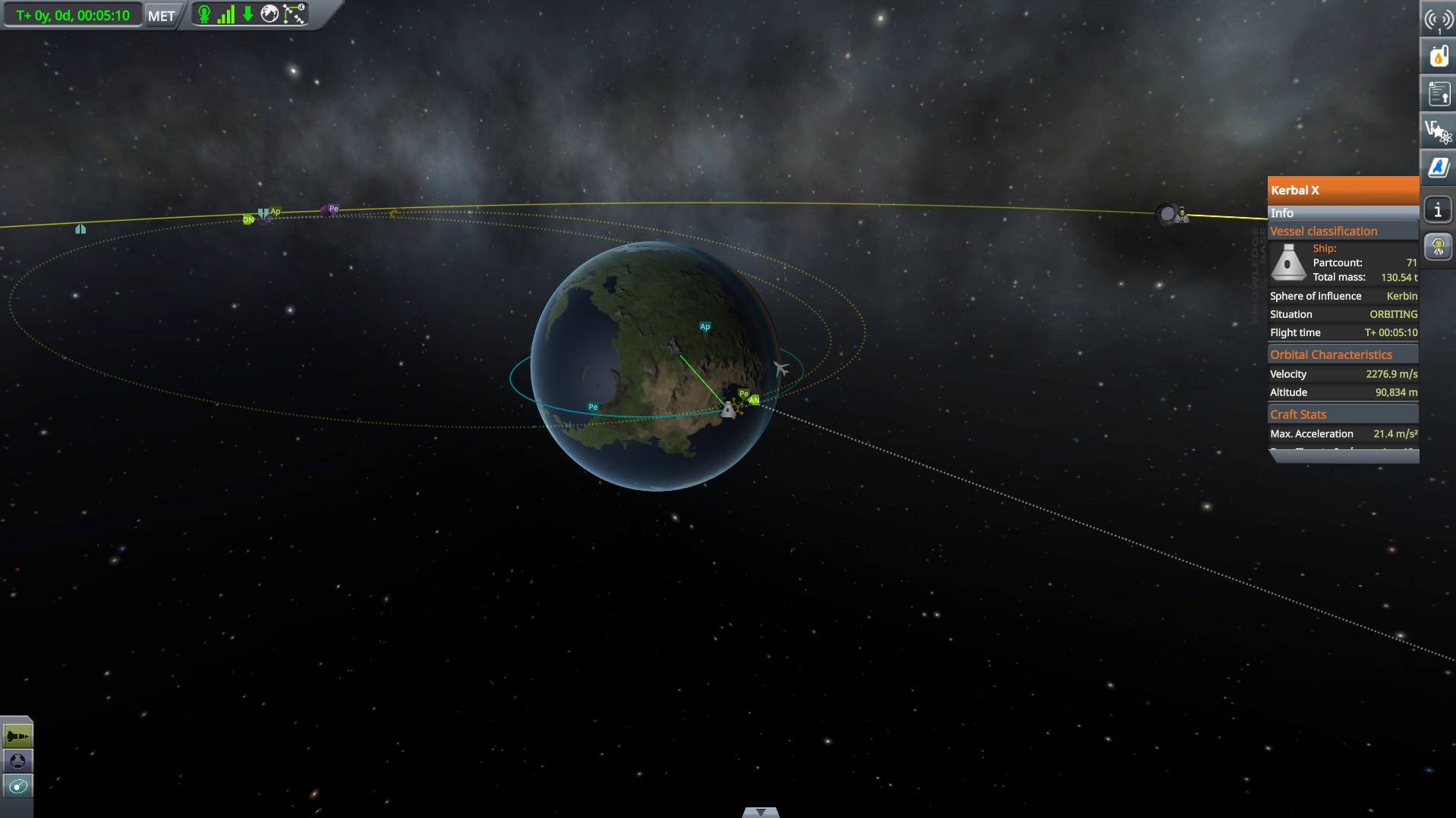
Communications networks link spacecraft back to the Kerbal Space Center, allowing coordinated exploration and data transfer across the solar system.
- Deploy a satellite before landing to map the surrounding area.
- Set up relay stations to maintain contact with distant missions.
04 / THE GUIDE
Game Modes
Science Mode focuses on performing space experiments to unlock new technology. It provides a clear research path without the pressure of funding or reputation.
Career Mode adds financial management, reputation, and technology upgrades, requiring you to balance budgets while pursuing ambitious missions. Sandbox Mode removes all restrictions, giving you every part and technology from the start.
- Begin with Science Mode to learn part functions before tackling Career challenges.
- Use Sandbox to prototype designs you can later apply in Career missions.
05 / THE GUIDE
Platform Features
The game runs on Windows, macOS, and Linux, offering a single‑player experience with Steam Cloud saves and partial controller support. These features let you continue progress across multiple PCs.
Community mods are accessible through the Steam Workshop, and the title also includes Steam Trading Cards, Family Sharing, and other optional Steam services.
- Enable Steam Cloud to keep your saves synchronized across devices.
- Browse the Workshop for new parts, missions, and visual enhancements.
COMMUNITY
Player discussion