 GameWiki
GET YOUR BEARINGS
About Kemono Friends Cellien May Cry
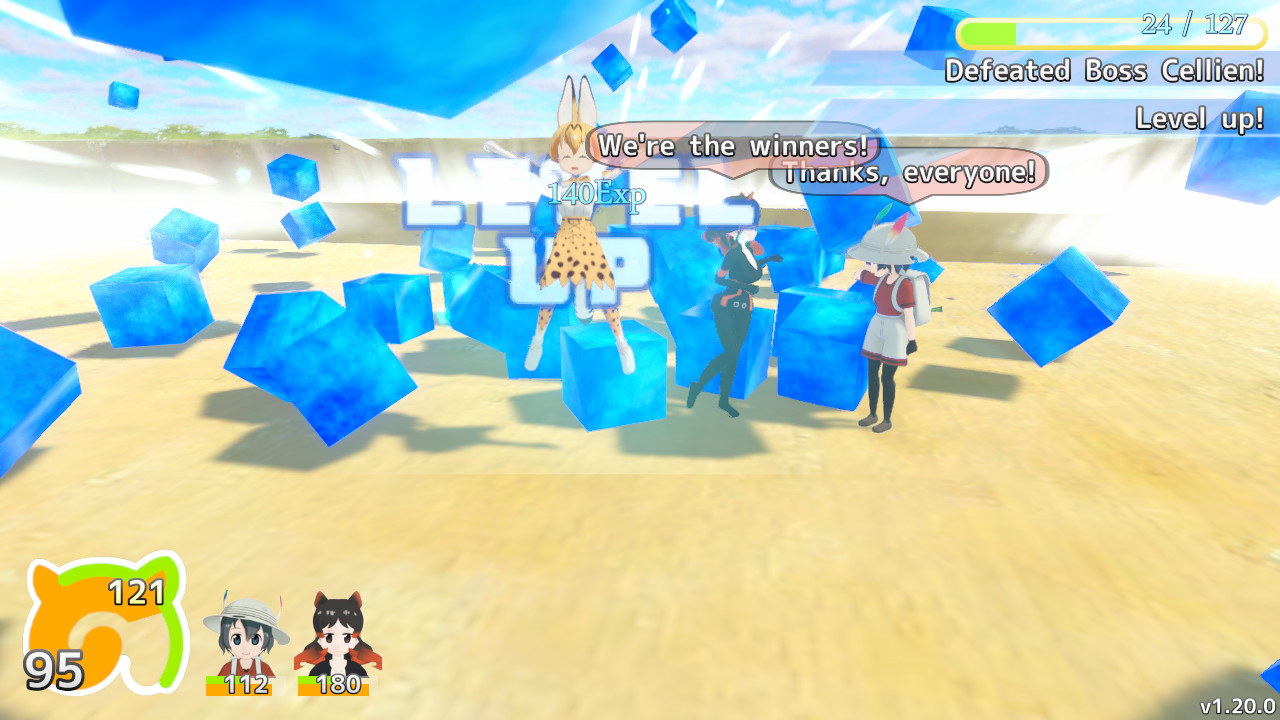
Kemono Friends Cellien May Cry places the player in a 3D action adventure inside Japari Park’s Kyoshu Area, where enemy Cellien appear. Players control Serval, use attacks, jumps, dodges and an unlockable Wild Release while rescuing many Friends and progressing through stages.
The title runs on Windows and macOS, offers both keyboard and gamepad input, supports Steam Cloud saves and partial controller support, and includes configurable graphics, accessibility and control options. A simple mod system lets users replace music and stage data without altering the original files.
01 / THE GUIDE
Combat System
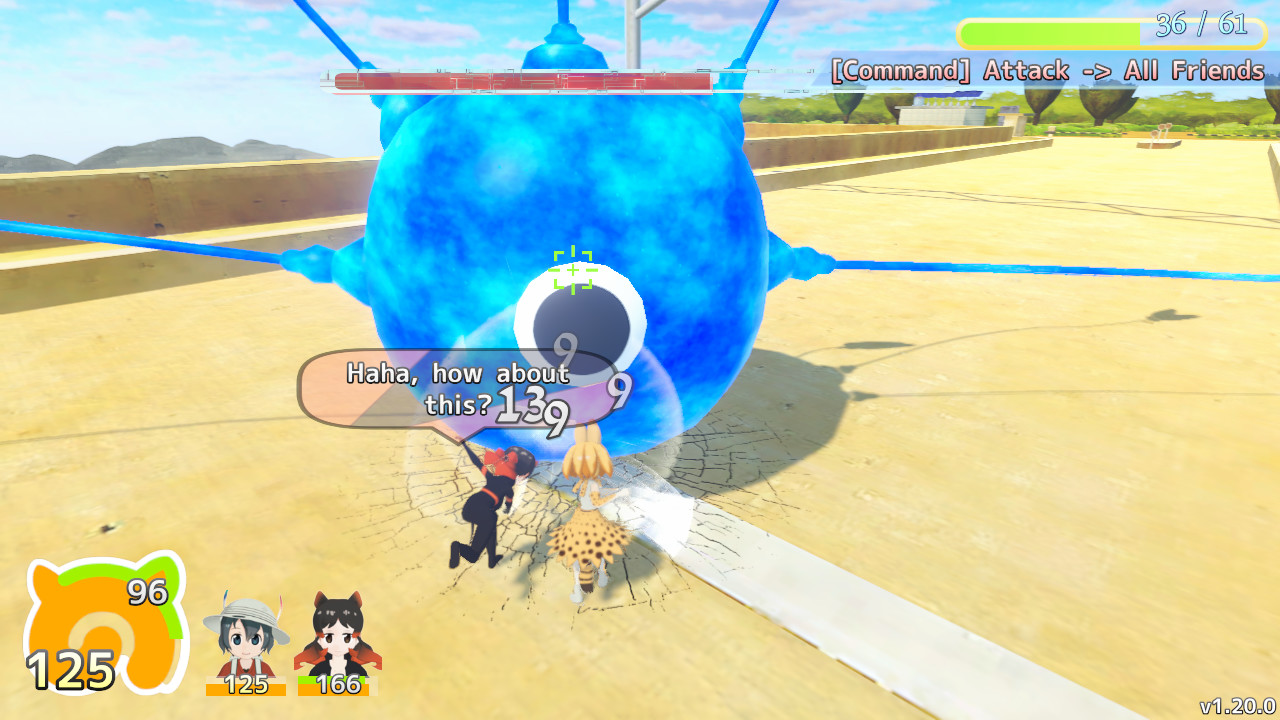
Combat occurs in real‑time 3D space using the Attack (Z or Y), Special Attack (hold X/R2), Jump (Space or A), and Dodge (Left Shift/L2) commands. The Wild Release (A or X) becomes usable as the player progresses, adding a powerful option to the repertoire.
Enemies sometimes display a stone that acts as a weak point, and the lock‑on toggle (C or L1) can be disabled to improve movement control when evading. The game shows a Recommended Level for each area on the Park Map, encouraging players to raise Serval’s level before boss floors.
- Disable lock‑on when you need tighter movement control during enemy escapes.
- Target enemy stones aggressively, as they are identified as weak points.
02 / THE GUIDE
Friends Recruitment
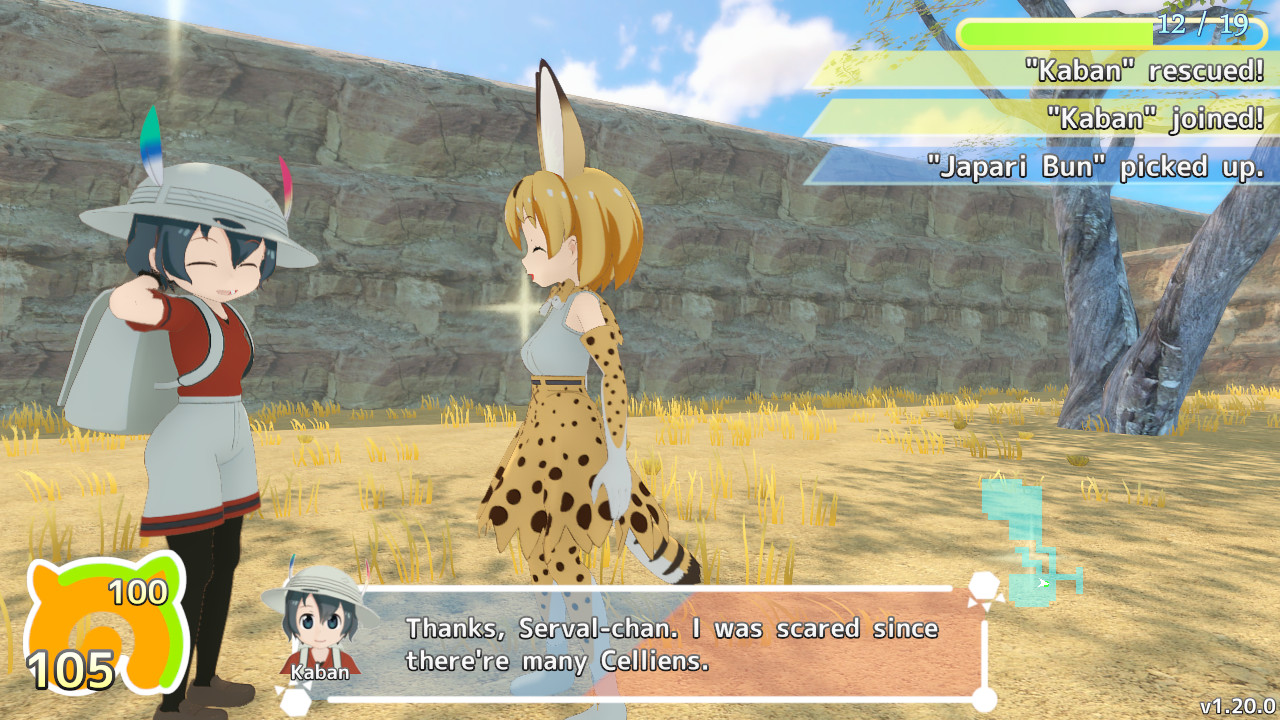
Friends appear throughout the park and can be rescued; rescued Friends are shown as face icons and contribute to the percentage displayed on the save window. The Amulet mark indicates how many stages have been cleared.
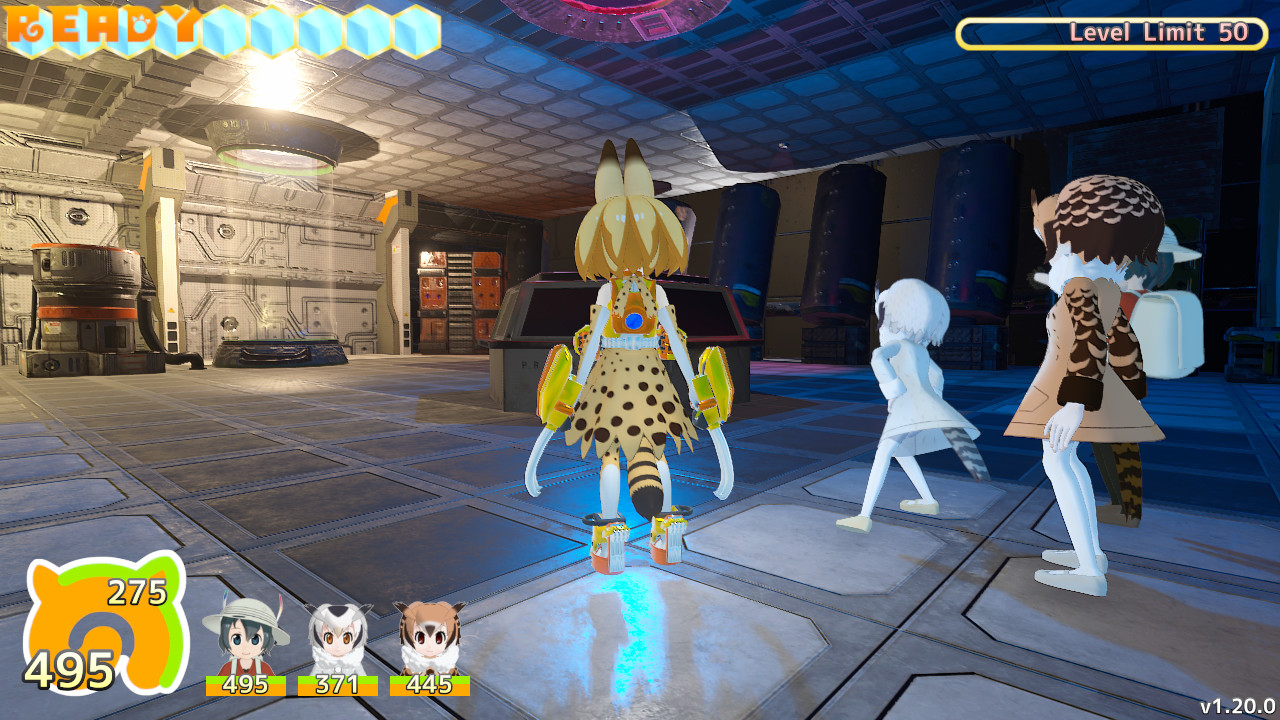
Calling a Friend requires that the number of Japari‑buns exceeds the cost and that the total cost stays below the Friends limit. More than 30 Friends can adventure together, allowing large group strategies.
- Check Japari‑bun counts before attempting to call a new Friend.
- Monitor the rescued‑Friends percentage to gauge overall progress.
03 / THE GUIDE
Screen Capture
Press P on keyboard or the center‑left button on a gamepad to capture the current view. Screenshots are saved automatically in the "KemonoFriendsCMC_Data/ScreenShot" folder for later viewing or sharing.
The capture function works at any moment, allowing players to record combat, rescued Friends or hidden Easter eggs without entering a separate mode.
- Take a screenshot after a successful Wild Release for a dramatic image.
- Regularly back up the ScreenShot folder if you plan to share images.
04 / THE GUIDE
Controls & Configuration
Both keyboard and gamepad inputs are supported; the KEY CONFIG menu accessed from the title screen allows remapping of controls. The Input tab on the startup menu does not function for remapping.
Graphics quality, anti‑screen‑sickness, camera speed, and accessibility options such as Simplify Dodge Command can be adjusted in Config. Lowering quality settings can improve responsiveness on slower PCs, and changing anti-aliasing can address certain screen display issues.
- Remap keys in KEY CONFIG if the default layout feels uncomfortable.
- Enable "Simplify dodge command" if the dodge input feels complex.
05 / THE GUIDE
Modding System
Creating a "mods" folder inside "KemonoFriendsCMC_Data" enables custom music and stage data. Music files must be Ogg format and described in a tab‑separated "music.csv" (or .txt) file; stage changes use a similar "stage.csv" file.
These files allow replacement of specific tracks or stage music without altering the original game files. System Information in Config can help identify music and stage numbers for editing.
- Back up the original "KemonoFriendsCMC_Data" folder before adding mods.
- Use tab‑separated values in CSV files to ensure correct parsing.

COMMUNITY
Player discussion