 GameWiki
GET YOUR BEARINGS
About 凯尔文 - Kelvin And The Chateau
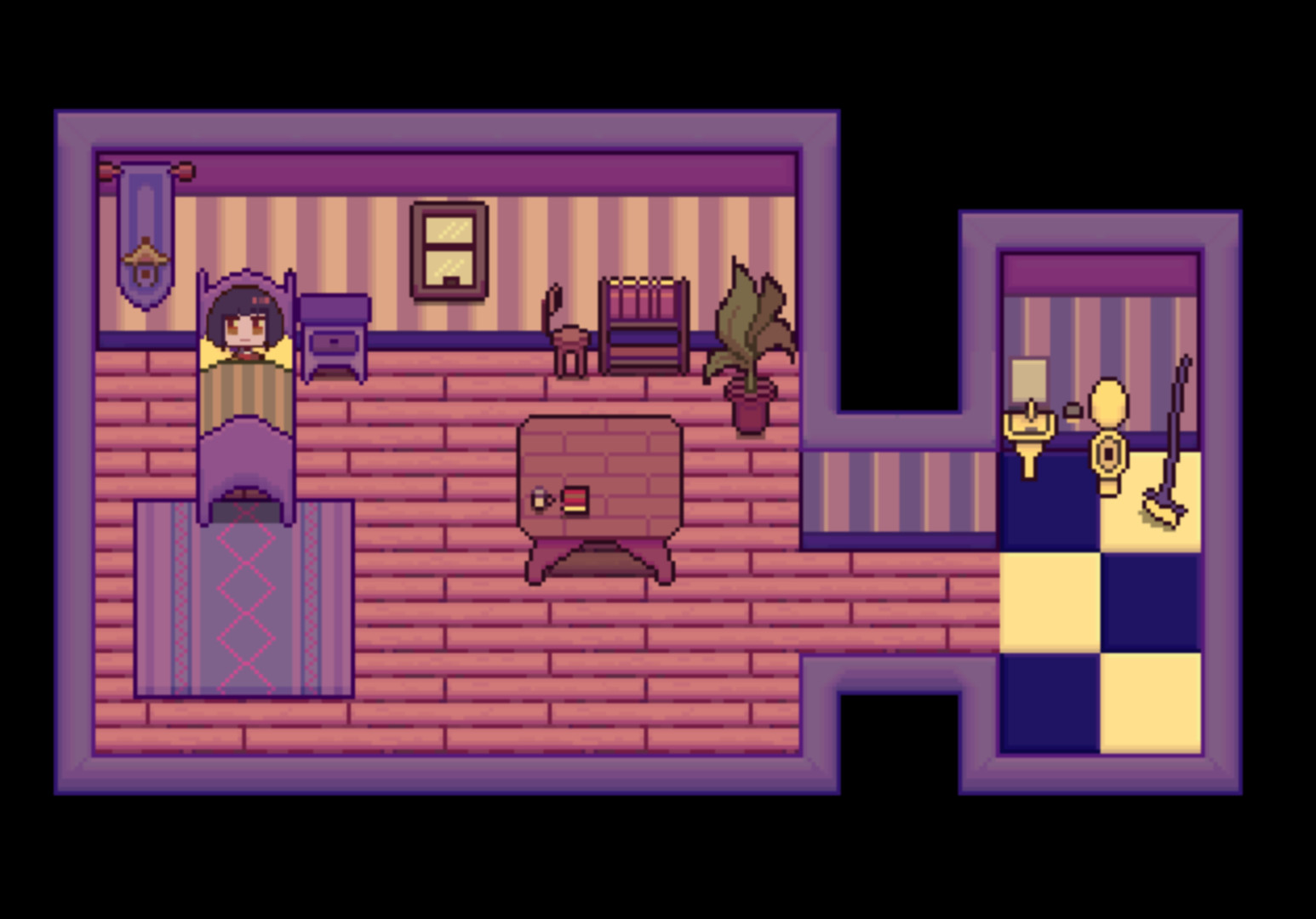
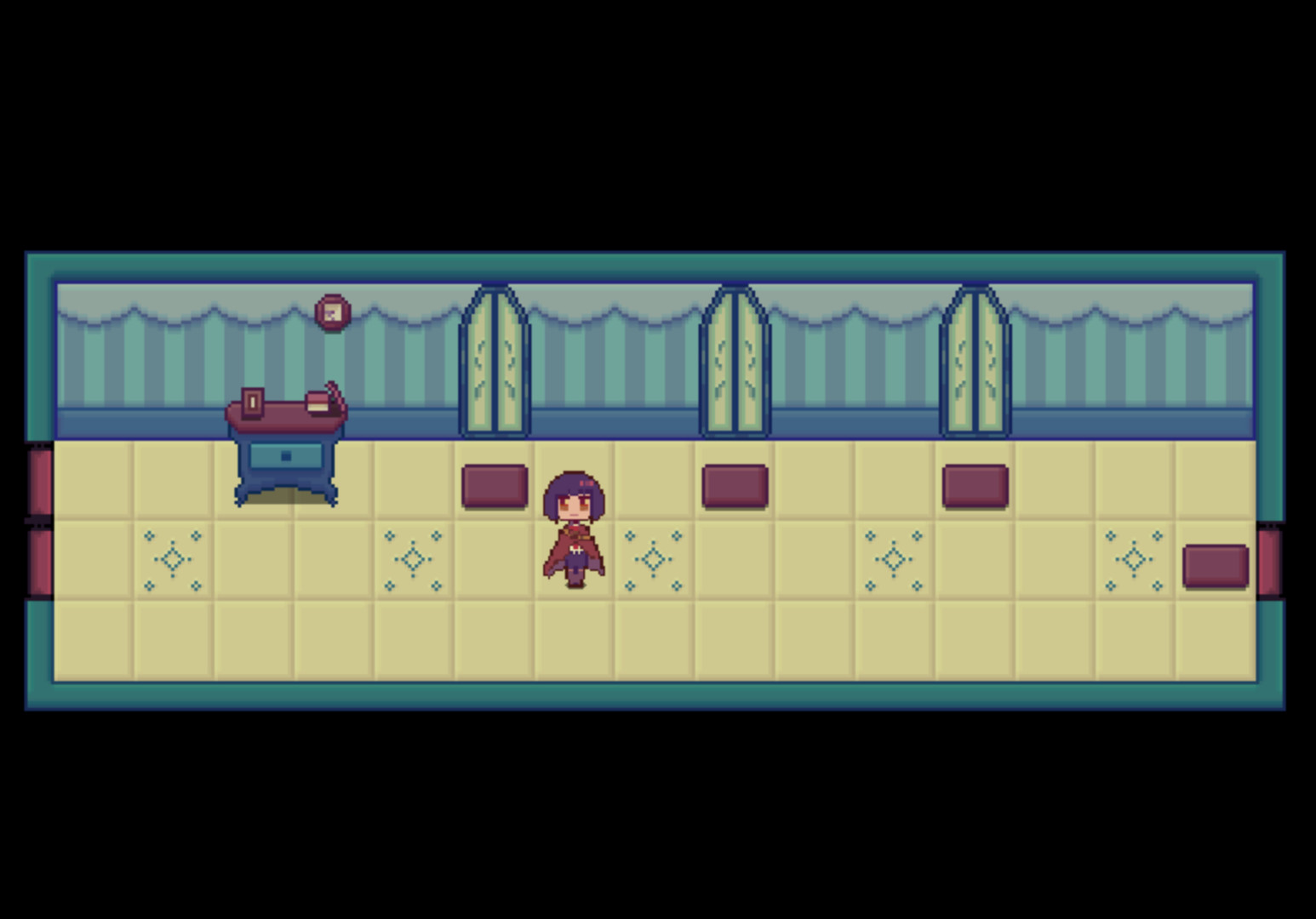
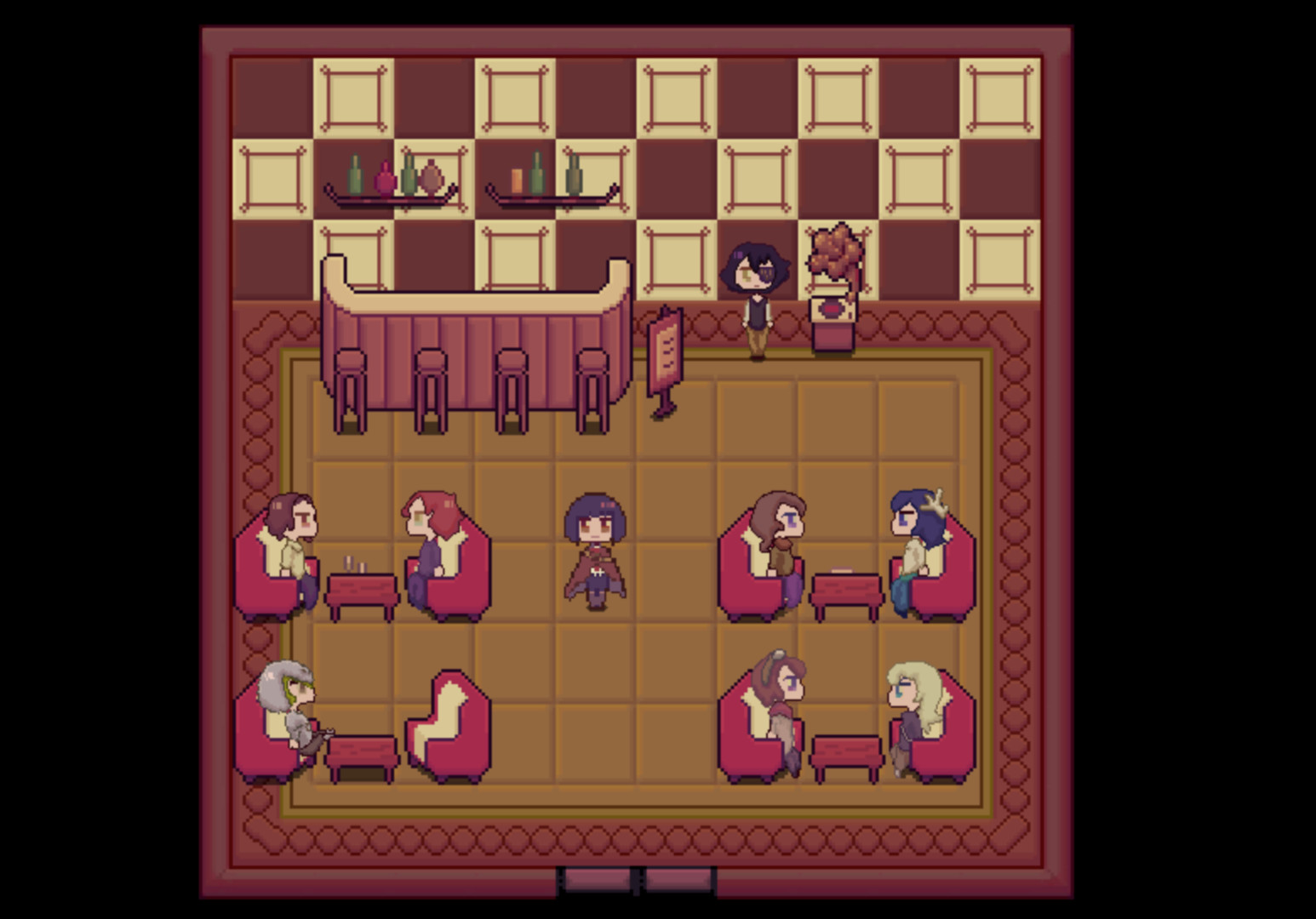
Kelvin And The Chateau follows a pixel‑style RPG protagonist whose home was lost to fire, leaving his childhood empty. He meets friends like pen‑pal Elledaz and the Queen of the City of Sighs, uncovering family secrets while navigating school life. The game is designed for a single playthrough lasting about two hours. It runs on Windows and supports family sharing, offering a concise, story‑driven experience.
01 / THE GUIDE
Story Background
A fire destroyed Kelvin's home and took away his delightful childhood, leaving his youth empty and uninteresting. The tragedy overlays a layer of inferiority that persists until he meets new friends, including his pen‑pal Elledaz.
Through encounters with characters such as the Queen from the City of Sighs, Kelvin explores school life and gradually reveals the truth about his family, setting the stage for his new life after the final.
- Observe how each new character adds context to Kelvin's past.
- Compare dialogue moments to identify hints about family history.
02 / THE GUIDE
Controls Scheme
Movement uses the arrow keys (↑↓←→) while holding Shift enables running. Confirmation actions are bound to Space or Enter, and the menu opens with X. Fullscreen toggling is performed with F4.
These inputs provide a straightforward keyboard‑only experience, allowing players to navigate the pixel world without additional peripherals.
- Try holding Shift while moving to test the run speed.
- Use the menu key X to quickly access options during play.

03 / THE GUIDE
Gameplay Length
The intended playtime for Kelvin And The Chateau is roughly two hours, offering a concise narrative that can be completed in a single session.
This duration reflects the game's focus on story delivery rather than extended grinding or side content.
- Allocate a focused time block to experience the full story without interruptions.
- Take brief pauses between scenes to absorb plot details.
04 / THE GUIDE
Platform Availability
Kelvin And The Chateau is released for Windows platforms, with no official support listed for macOS or Linux.
Players on supported systems can download and run the game directly without needing additional compatibility layers.
- Verify your Windows version meets basic system requirements before installing.
- Check for any Windows updates that might improve performance.
05 / THE GUIDE
Family Sharing
The title includes a Family Sharing feature, allowing multiple accounts within a household to access the same purchase.
This enables friends or relatives to experience the game without buying separate copies.
- Set up family sharing through the platform's account management tools.
- Confirm that each user logs in with their own profile to track progress.

COMMUNITY
Player discussion