 GameWiki
GET YOUR BEARINGS
About Keine's Expanding Class!
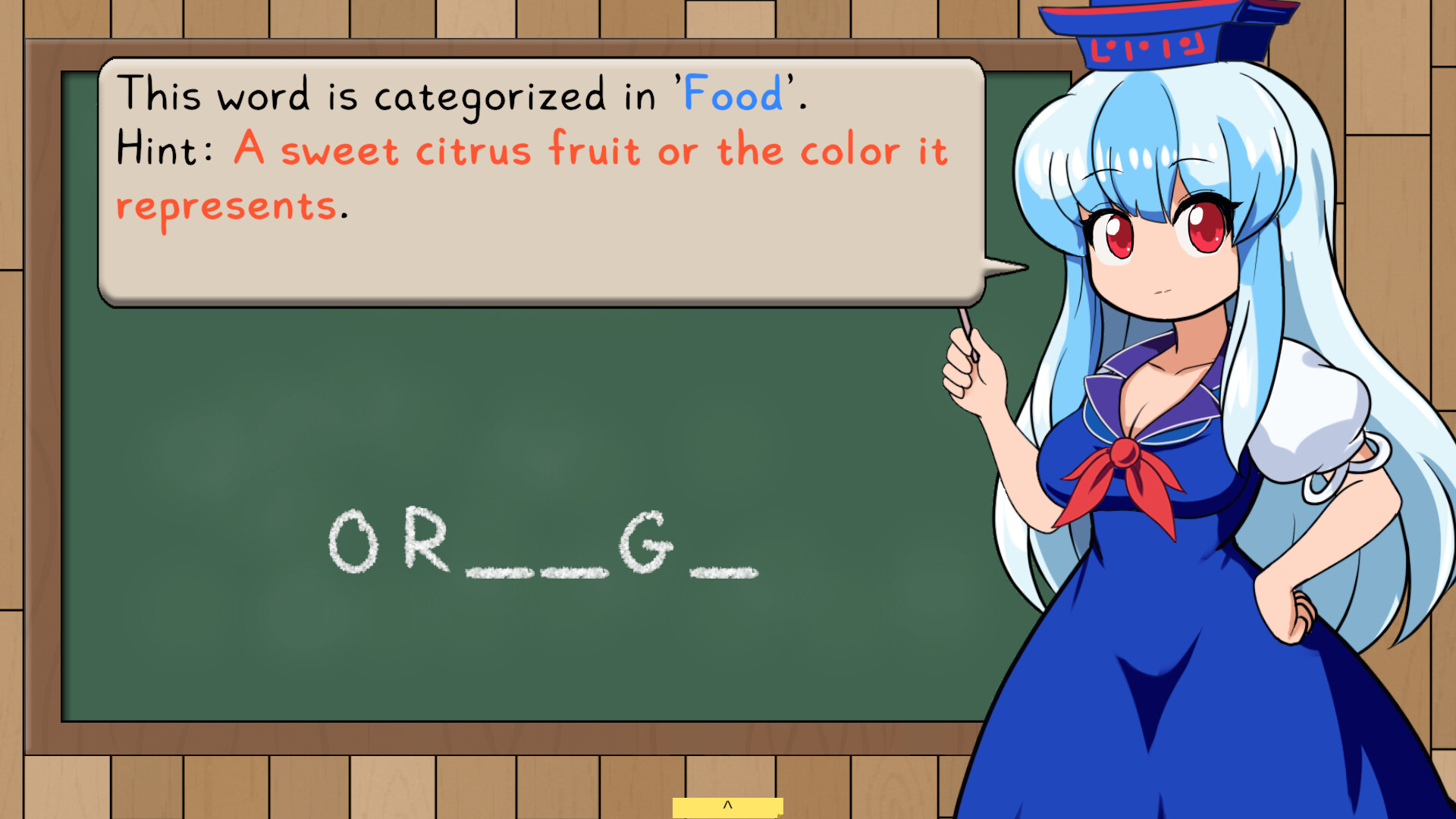
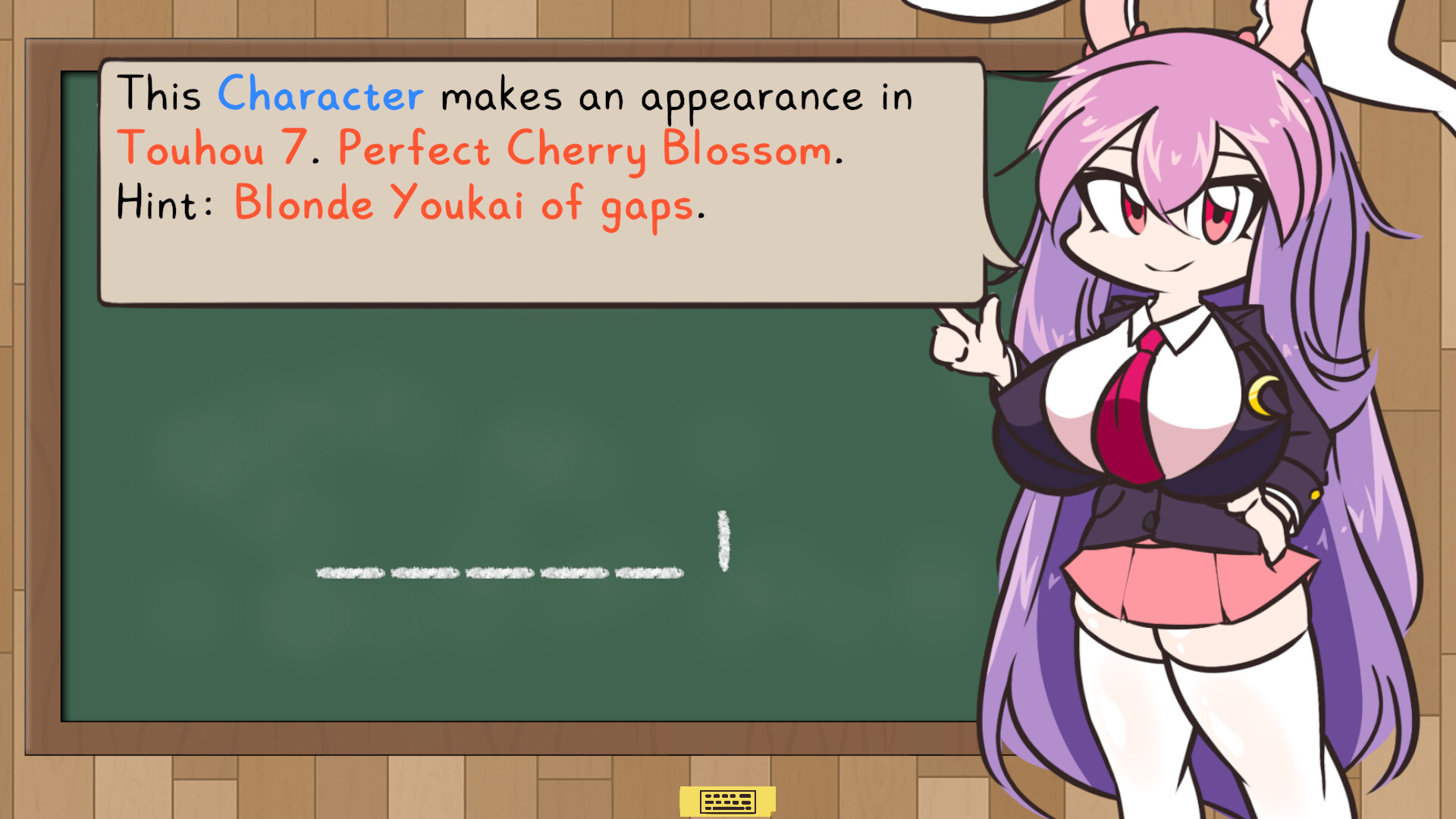
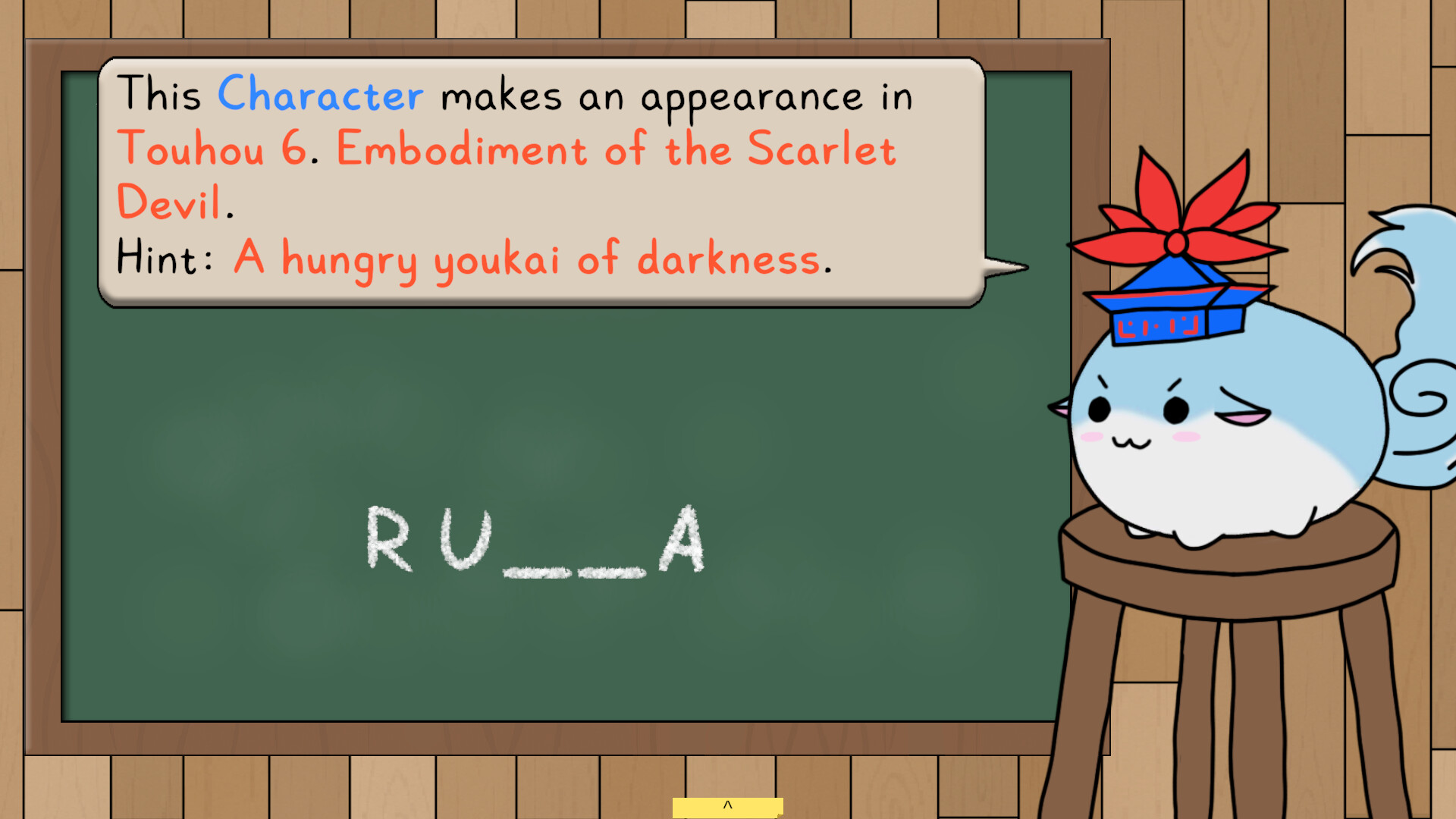
Keine's Expanding Class! is a Touhou‑themed word puzzle game that adapts the classic Hangman formula. Each round, teacher Keine Kamishirasawa thinks of a word, gives a hint, and the player guesses letters while avoiding too many wrong attempts. The game offers customizable word pools, multiple difficulty tiers, an endless mode, and unlockable content such as new teachers and soundtracks. It supports various input methods and runs on Windows and Linux via Steam.
01 / THE GUIDE
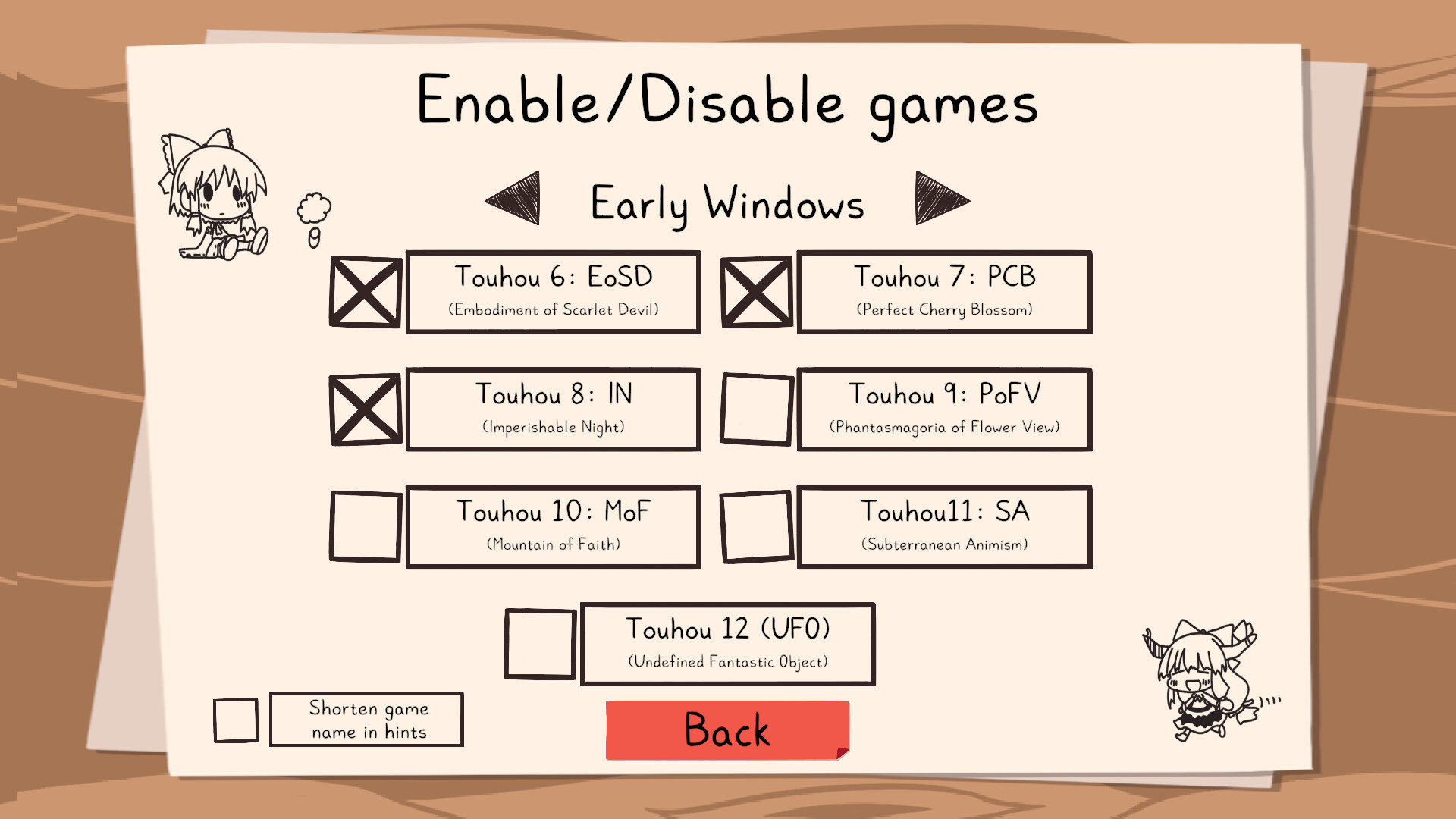
Custom Word Pools
Players can select which collections of words appear, ranging from familiar Touhou characters, songs, and locations to ordinary English vocabulary. This lets users tailor the challenge to personal knowledge or desired difficulty.
A personal playlist can be built to keep gameplay fresh and balanced, ensuring each session uses the chosen set of words without unexpected additions.
- Try mixing Touhou‑specific terms with common English words for a varied difficulty curve.
- Build a playlist of words to keep sessions fresh and tailor the theme to your taste.
02 / THE GUIDE
Difficulty Levels
Four base difficulty levels are available, with six additional unlockable levels that expand the word pool to include more obscure entries. Higher difficulties may introduce special gimmicks that increase challenge.
Each difficulty has its own set of stages, and players can progress through increasingly hard levels or switch to an endless mode for continuous play.
- Start on a lower level to learn the hint system before unlocking harder tiers.
- Observe how gimmicks affect gameplay to decide when to advance.
03 / THE GUIDE
Spell Cards
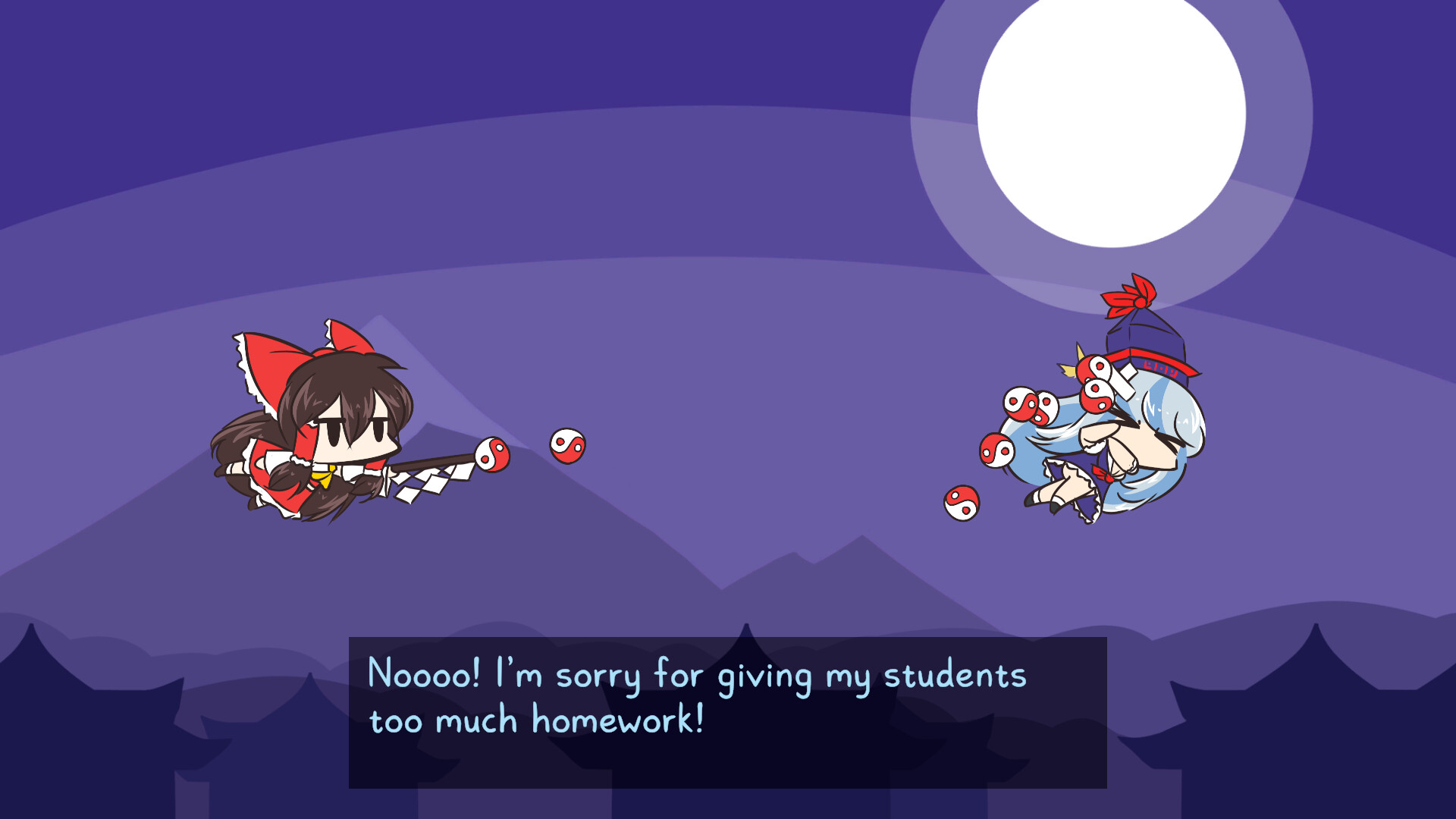
During a round, players may use spell cards, which invoke Keine's ability to consume history. Activating a spell card restarts the current round, erasing previous mistakes.
This mechanic offers a strategic way to recover from a string of incorrect guesses without ending the game.
- Reserve spell cards for moments when the word is nearly solved but a few errors remain.
- Experiment with timing to see how early use affects overall progress.
04 / THE GUIDE
Input Options
The game supports Keyboard Only, Mouse Only, and Full Controller configurations, including DualShock and DualSense controllers. Players can choose any of these methods without timed input constraints.
Camera Comfort and Color Alternatives are also listed, indicating visual adjustments are available alongside the input choices.
- Test each input mode to find the most comfortable letter‑selection method for you.
- Use Color Alternatives if default visuals cause strain.
05 / THE GUIDE
Progress Tracking
Each level records completion times, allowing players to compare their fastest runs across difficulties. Steam Achievements are included as milestones to pursue while playing.
Unlockable content such as new teachers and soundtracks becomes available as players advance through the game.
- Review your recorded times to identify stages where you can improve speed.
- Aim for achievement goals that align with your preferred difficulty.
COMMUNITY
Player discussion