 GameWiki
GET YOUR BEARINGS
About Keep on Mining!
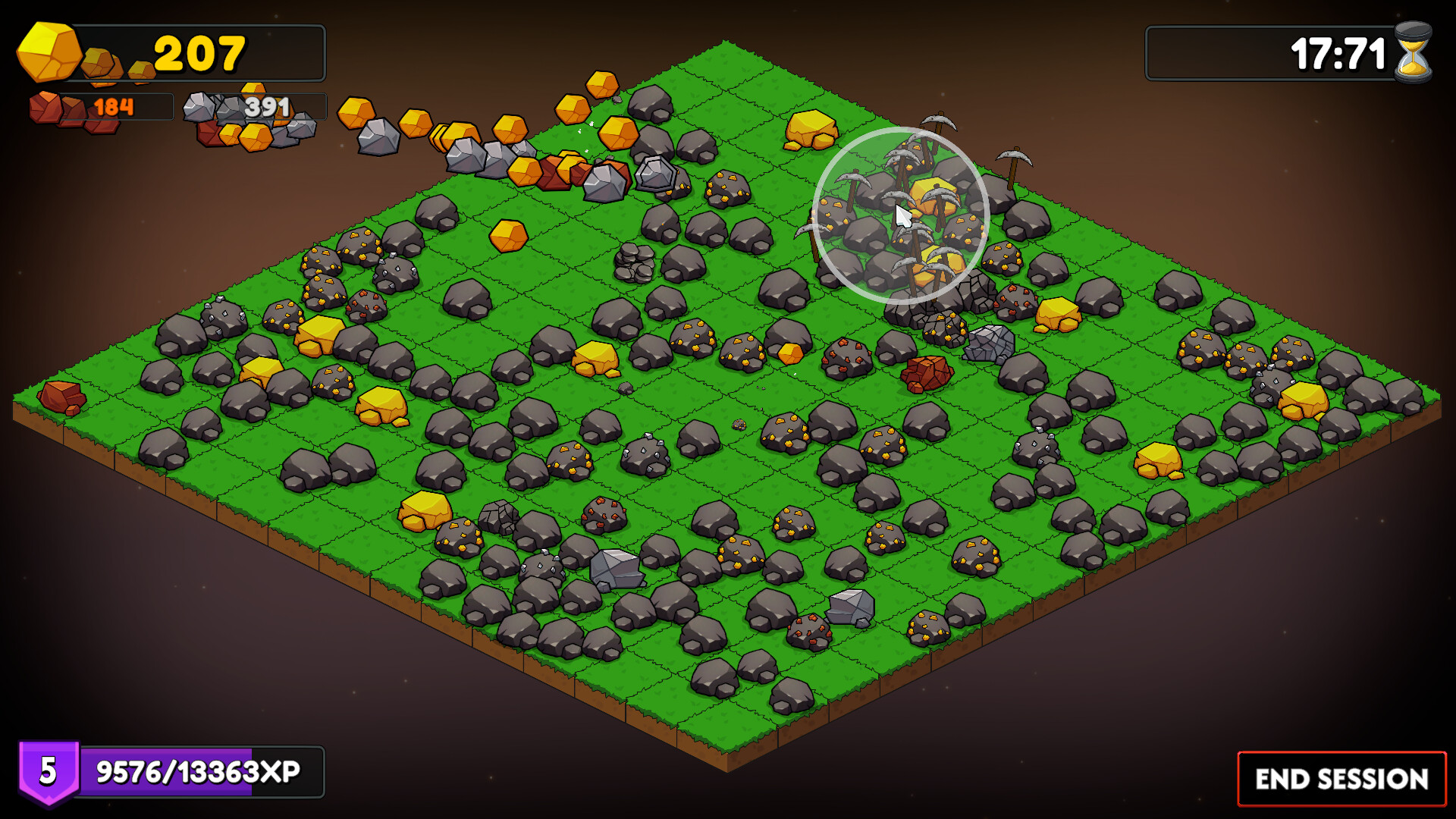
Keep on Mining! is a casual incremental title where mining is driven by simple cursor movement. Hovering over a rock triggers automatic mining, and each rock in the designated area continuously spawns pickaxes that keep mining for you. Gathered ores are turned into material bars, which feed a skill tree, pickaxe crafting, talent cards, and an idle Mine that can operate without player input. The game supports single‑player, Steam achievements, custom volume, a mouse‑only mode, and Steam Cloud saves.
01 / THE GUIDE
Mining Mechanics
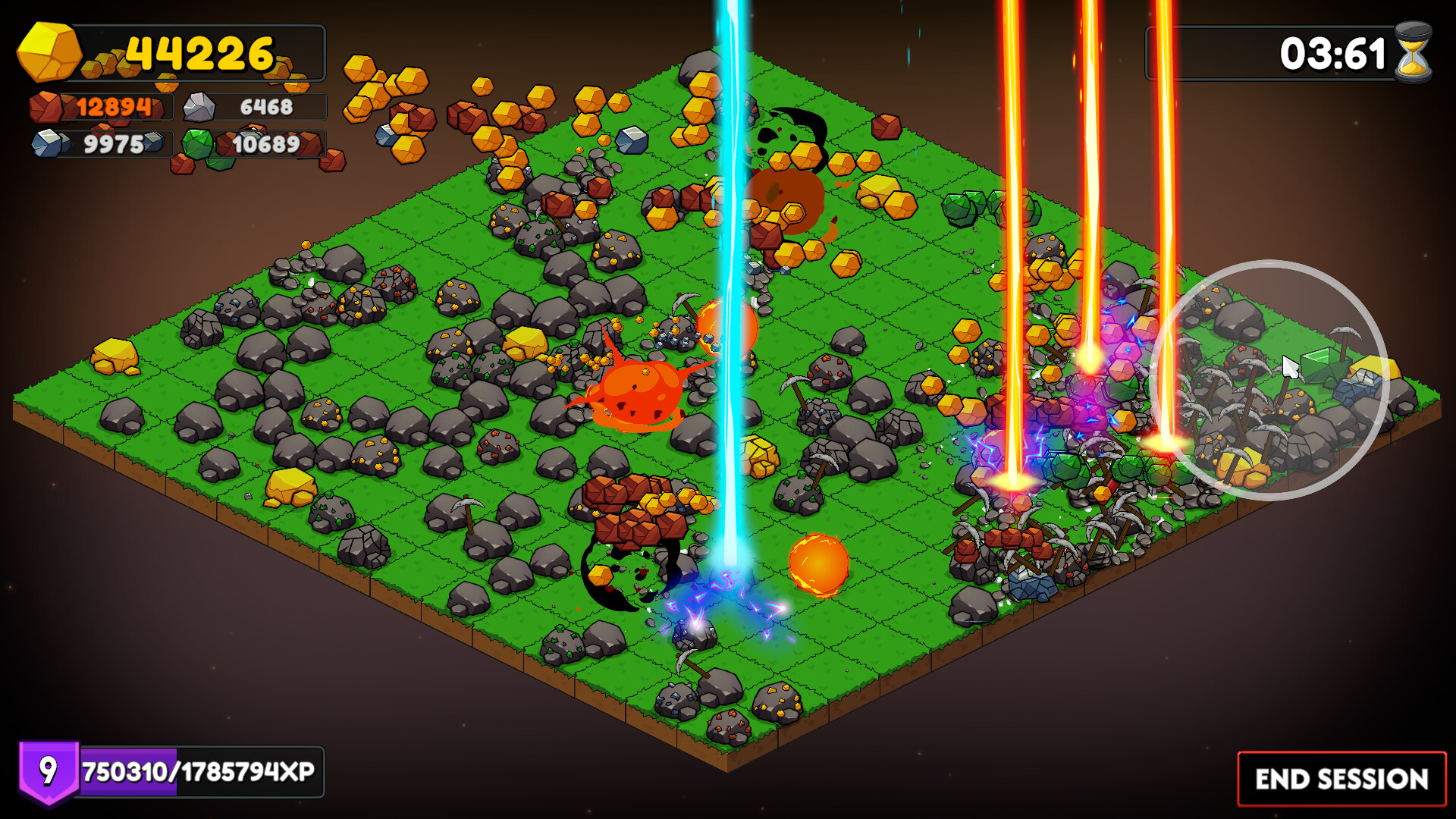
Moving the cursor over a rock causes it to be mined automatically. Rocks inside the mining zone continuously generate pickaxes that perform the mining without further input.
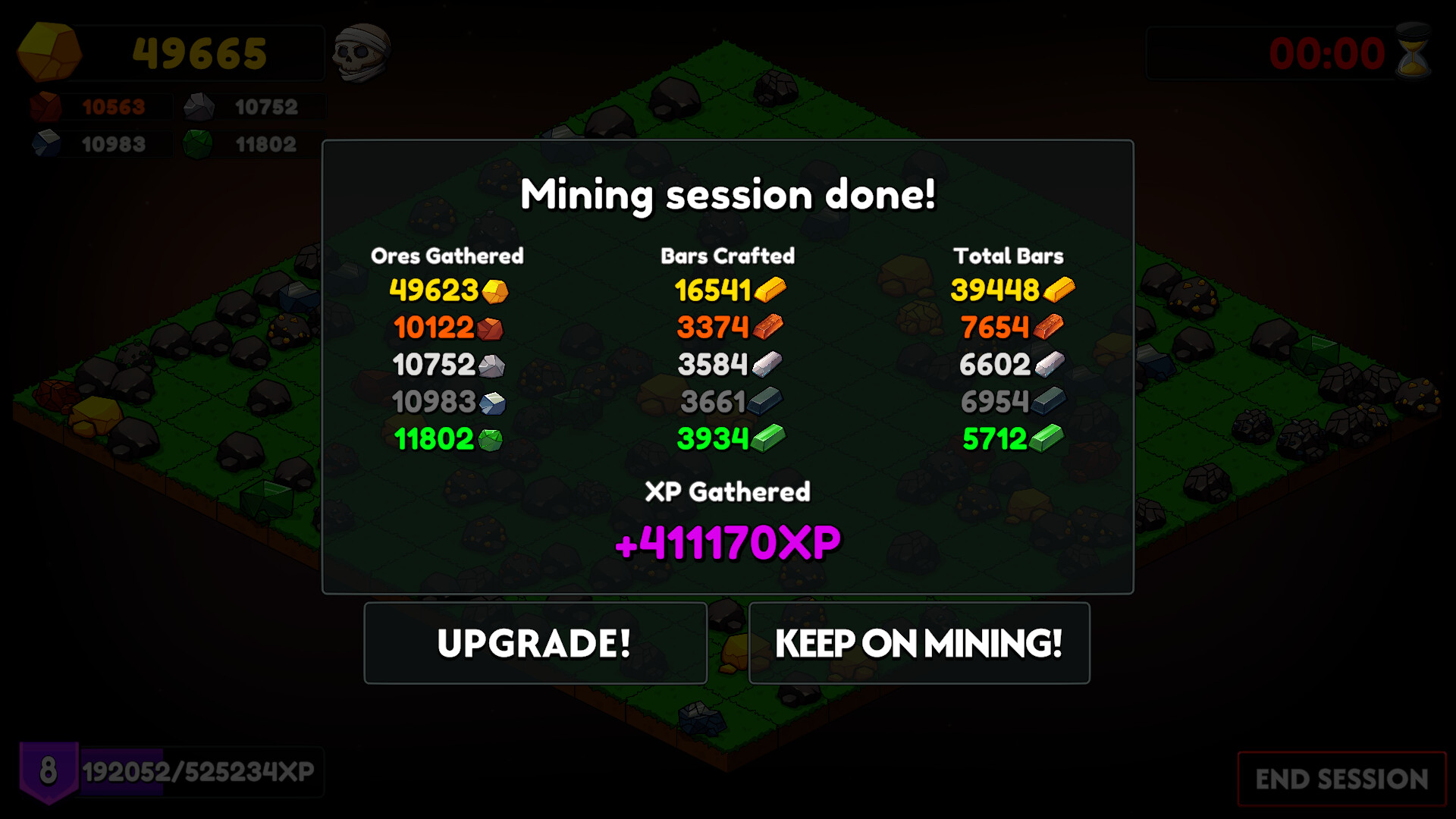
When a rock is mined it drops ores; those ores can later be crafted into bars, providing the core resource for progression.
- Keep the cursor over a rock to let its spawned pickaxes work continuously.
- Observe which rock types yield the ores you need for upcoming upgrades.
02 / THE GUIDE
Pickaxe Crafting
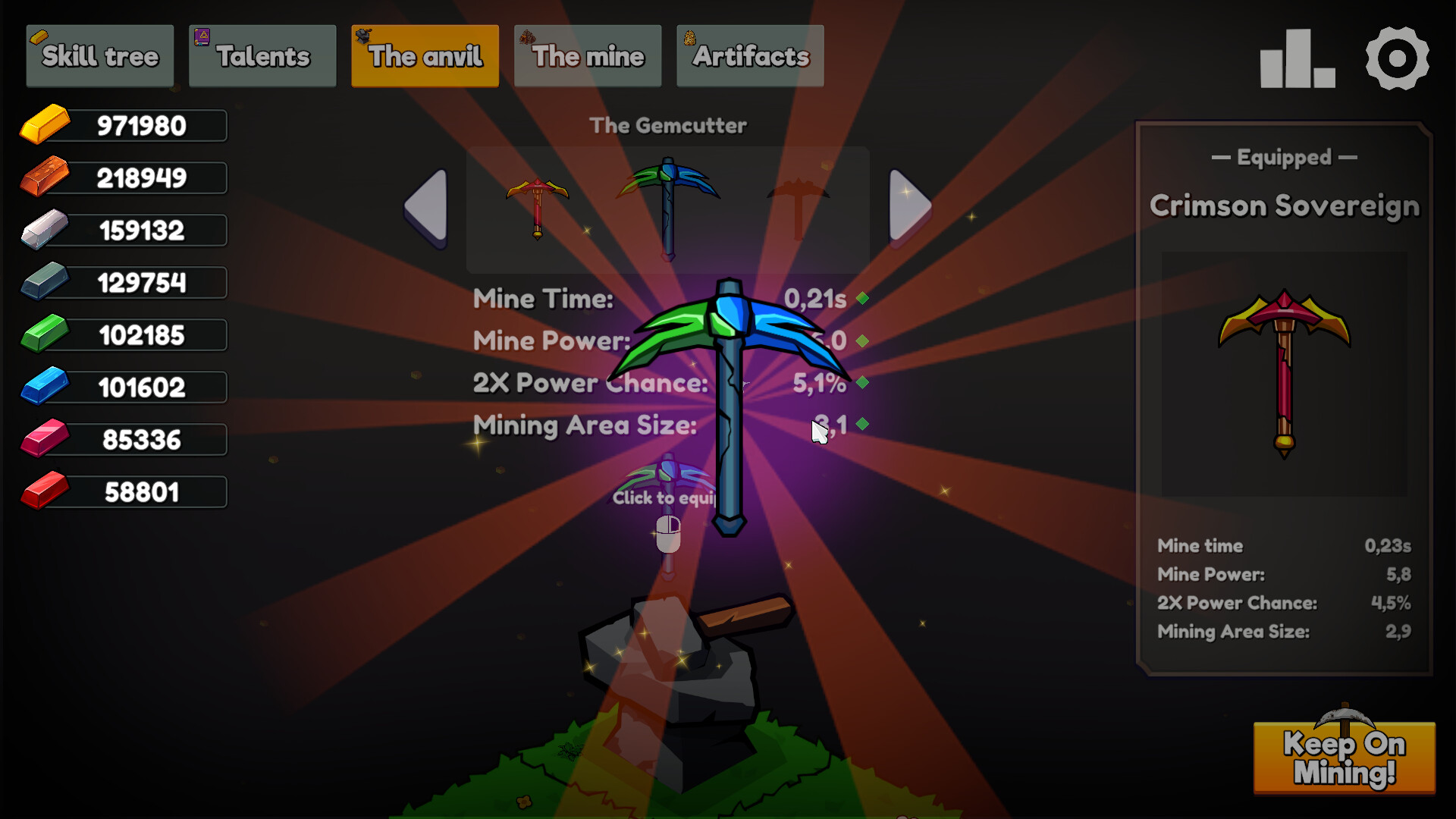
Collected material bars can be spent to craft new pickaxes. Each newly crafted pickaxe has better stats, allowing faster mining and stronger hits.
Improved pickaxes increase the rate at which rocks are mined, accelerating ore collection and bar production.
- Craft a new pickaxe as soon as you have enough bars to keep mining efficiency high.
- Try different material combinations to see how they affect pickaxe performance.
03 / THE GUIDE
Skill Tree
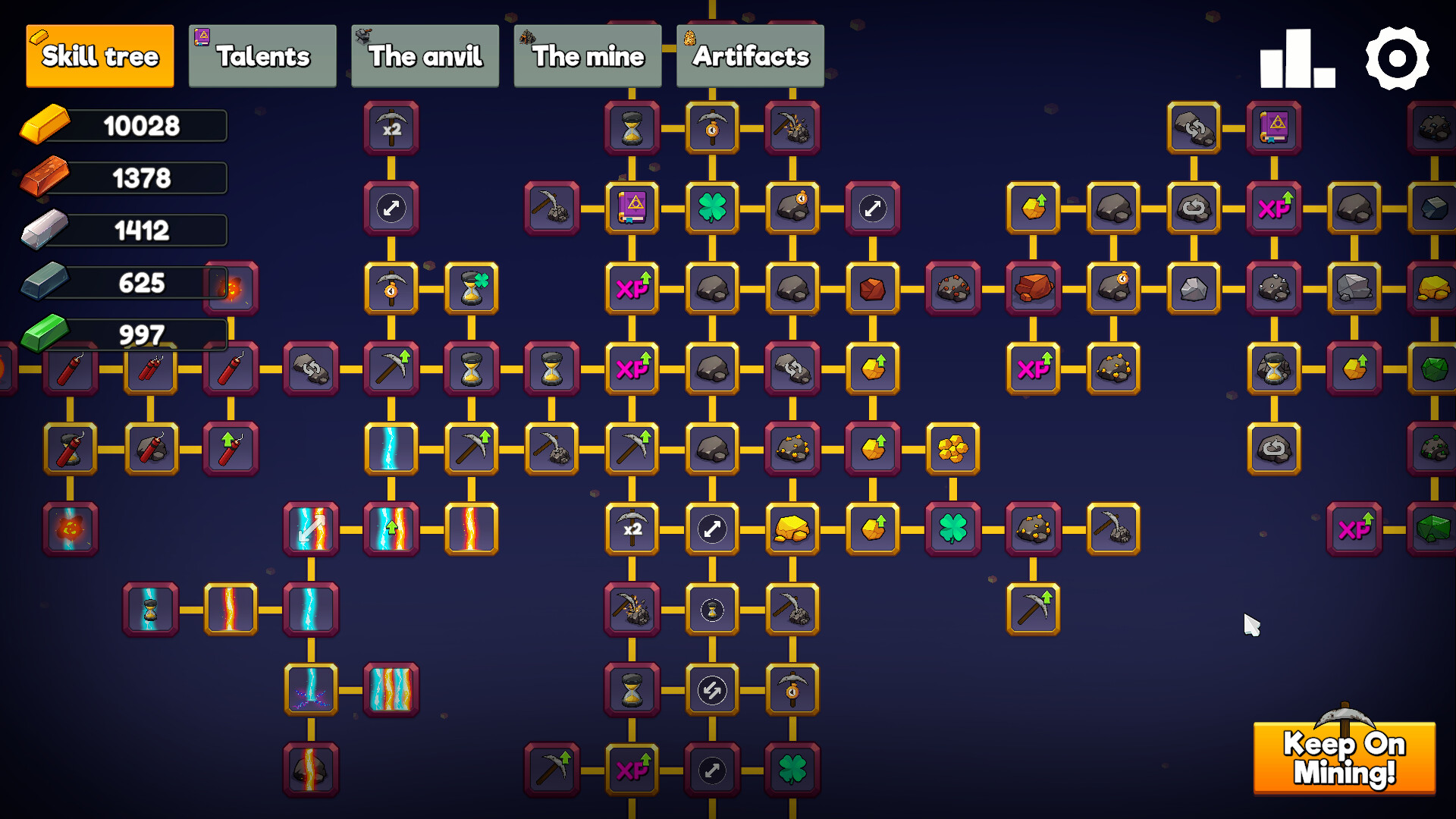
Material bars can be spent to unlock upgrades inside the skill tree. These upgrades permanently boost mining power and related stats.
Investing in the skill tree enhances both the speed and damage of mining actions, leading to quicker resource accumulation.
- Early upgrades that increase mining power give immediate benefits.
- Balance power upgrades with any utility upgrades that appear later.
04 / THE GUIDE
Talent Cards
Each level up grants a talent point, which reveals three random talent cards. Selecting one card raises the talent level while also increasing rock HP.
Higher talent levels improve overall performance, but tougher rocks require stronger pickaxes.
- Pick talent cards that match the strength of your current pickaxe.
- Remember that increased rock HP may require you to upgrade pickaxes sooner.
05 / THE GUIDE
The Mine (Idle)
Unlocking the Mine activates an automatic system that mines rocks and instantly crafts bars without player interaction. This serves as the game's idle mechanic.
The Mine continuously generates resources, allowing progress even when the player is not actively mining.
- Unlock the Mine early to benefit from idle resource generation.
- Combine idle output with skill‑tree upgrades for faster growth.
COMMUNITY
Player discussion