 GameWiki
GET YOUR BEARINGS
About Keep on Mining! - Worlds
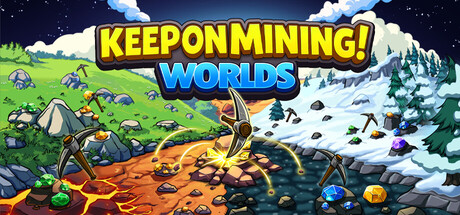
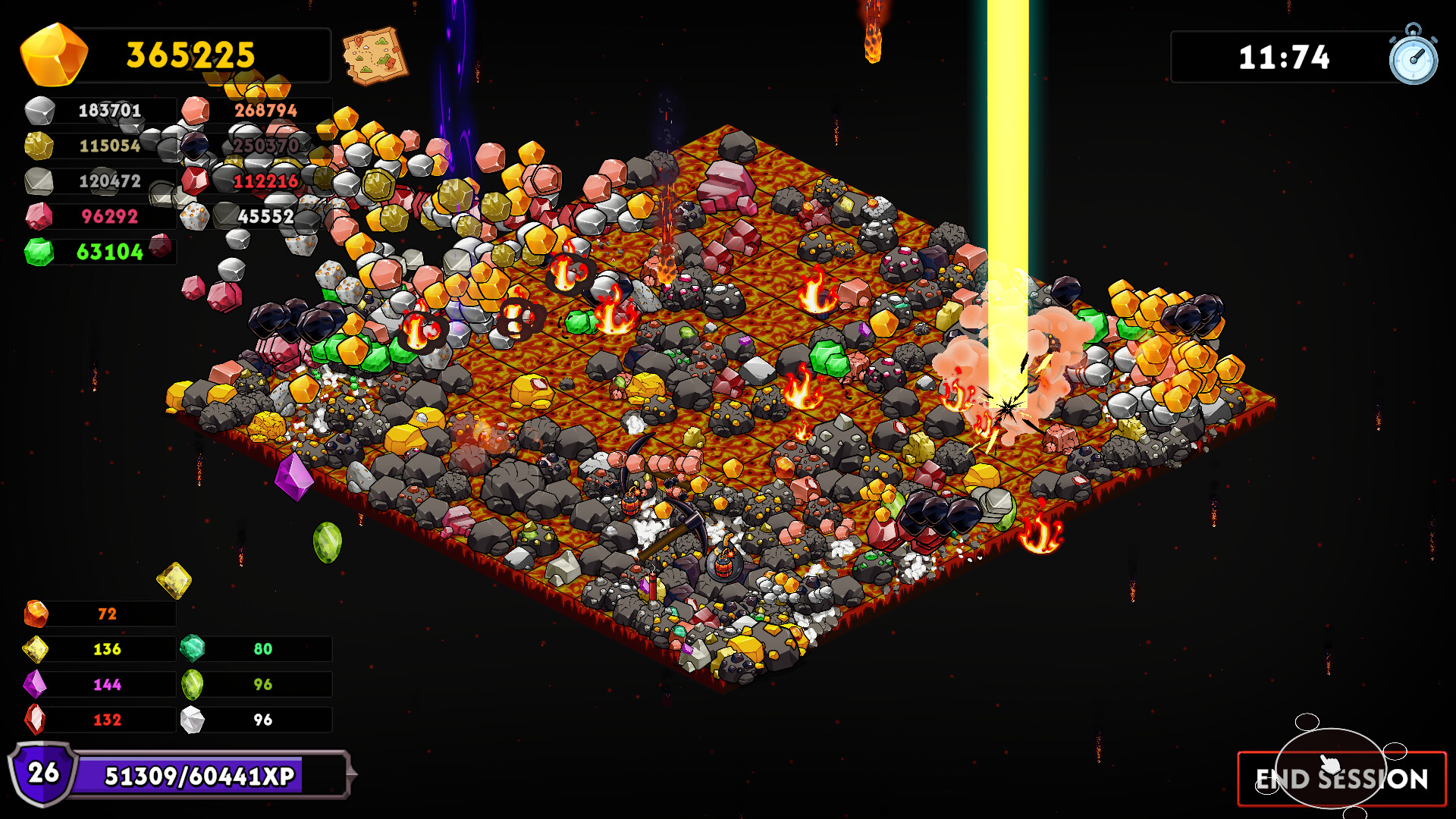
Keep on Mining! – Worlds is an incremental mining game where players break rocks to earn resources. The sequel expands the original loop with many new worlds, upgrades, artifacts, and pickaxes, letting mining power grow to chaotic levels. Progress is made by unlocking worlds with talent points earned from leveling, then selecting talent cards and purchasing permanent upgrades.
The game features a large skill tree with over 200 upgrades, a crafting system for pickaxes, and a shop for consumable items that grant session‑long buffs. All content is single‑player and supports Steam achievements, cloud saves, and family sharing on Windows.
01 / THE GUIDE
World Unlocking
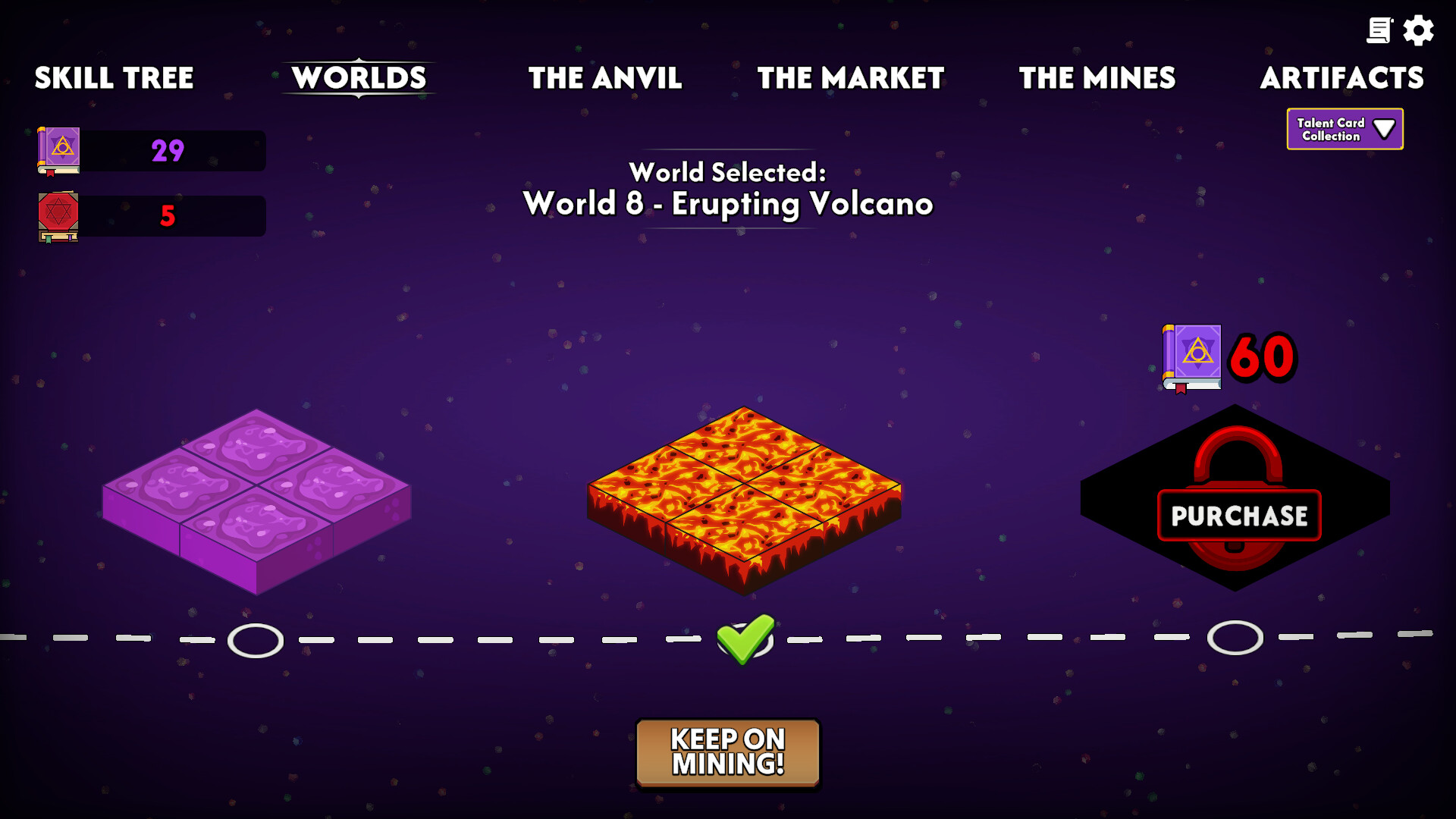
New worlds are the primary way to expand mining opportunities. Players spend talent points—earned by leveling up—to purchase worlds. Each purchase triggers the appearance of five talent cards, from which the player selects two to keep.
Talent points act as a currency for world acquisition, and the selection of talent cards adds a strategic layer to progression. Unlocking more worlds increases the variety of rocks and resources available for mining.
- Save talent points for worlds that unlock the most diverse rock types.
- Consider the long‑term benefits of the talent cards you keep.
02 / THE GUIDE
Skill Tree Upgrades
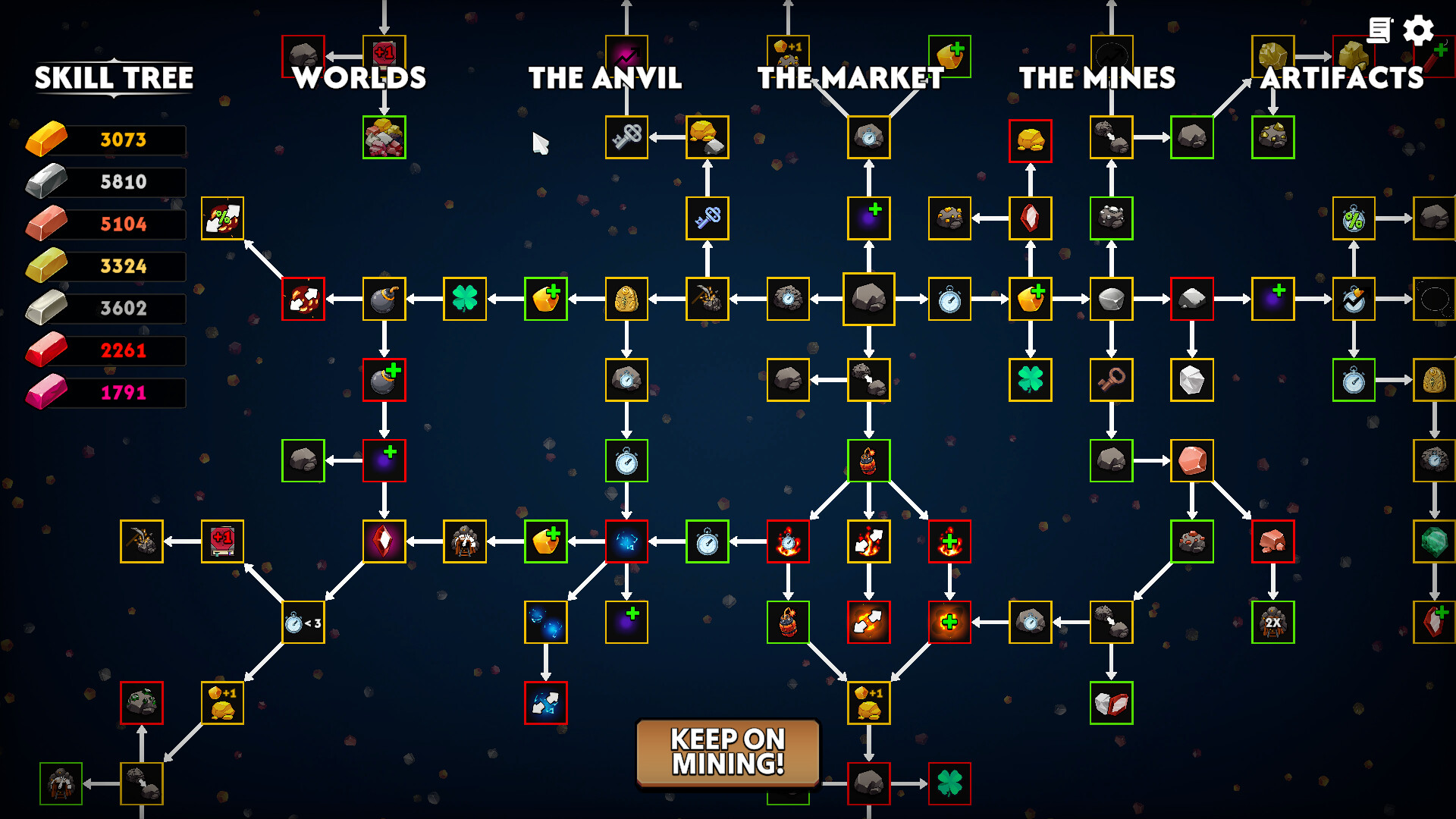
The skill tree houses over 200 permanent upgrades that affect mining efficiency, resource gain, and other gameplay aspects. Upgrades are bought with talent points and remain active throughout the game.
These upgrades range from modest stat boosts to more dramatic effects, allowing players to tailor their mining style. The breadth of options encourages experimentation with different upgrade combinations.
- Prioritize upgrades that complement your chosen pickaxe bonuses.
- Mix early‑game and late‑game upgrades for balanced growth.
03 / THE GUIDE
Pickaxe Crafting and Upgrading
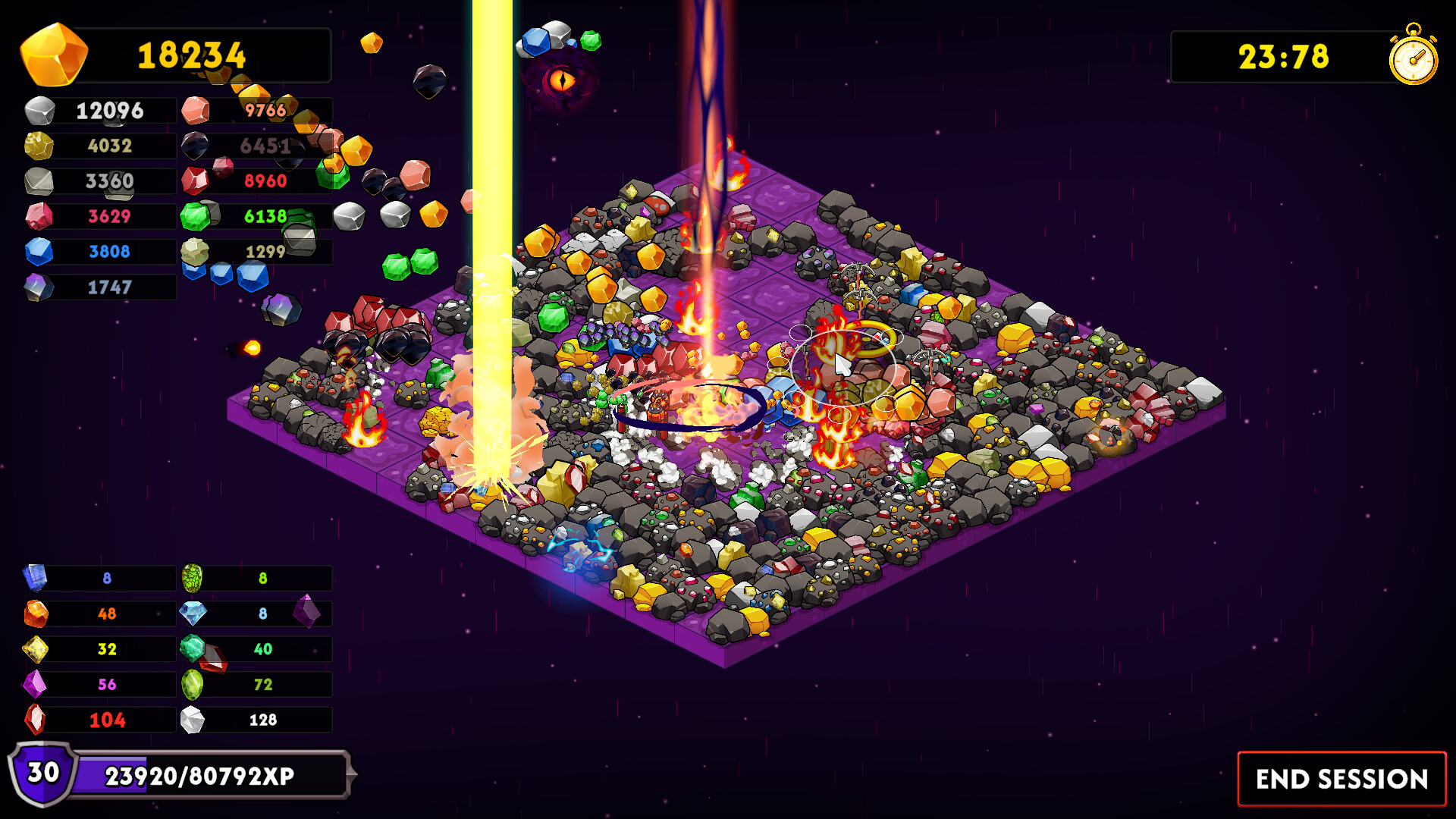
Bars collected from mining are used to craft new pickaxes, each with its own equip bonus that applies only when that pickaxe is equipped. Pickaxes can be further upgraded using gems, which improve all pickaxe stats.
Upgrading a pickaxe enhances its overall performance, while the unique equip bonus provides a specialized advantage. Crafting and upgrading together create a progression loop that fuels higher mining output.
- Upgrade pickaxes after acquiring enough gems for noticeable stat gains.
- Choose a pickaxe whose equip bonus matches your current skill tree focus.
04 / THE GUIDE
Item Shop and Session Buffs
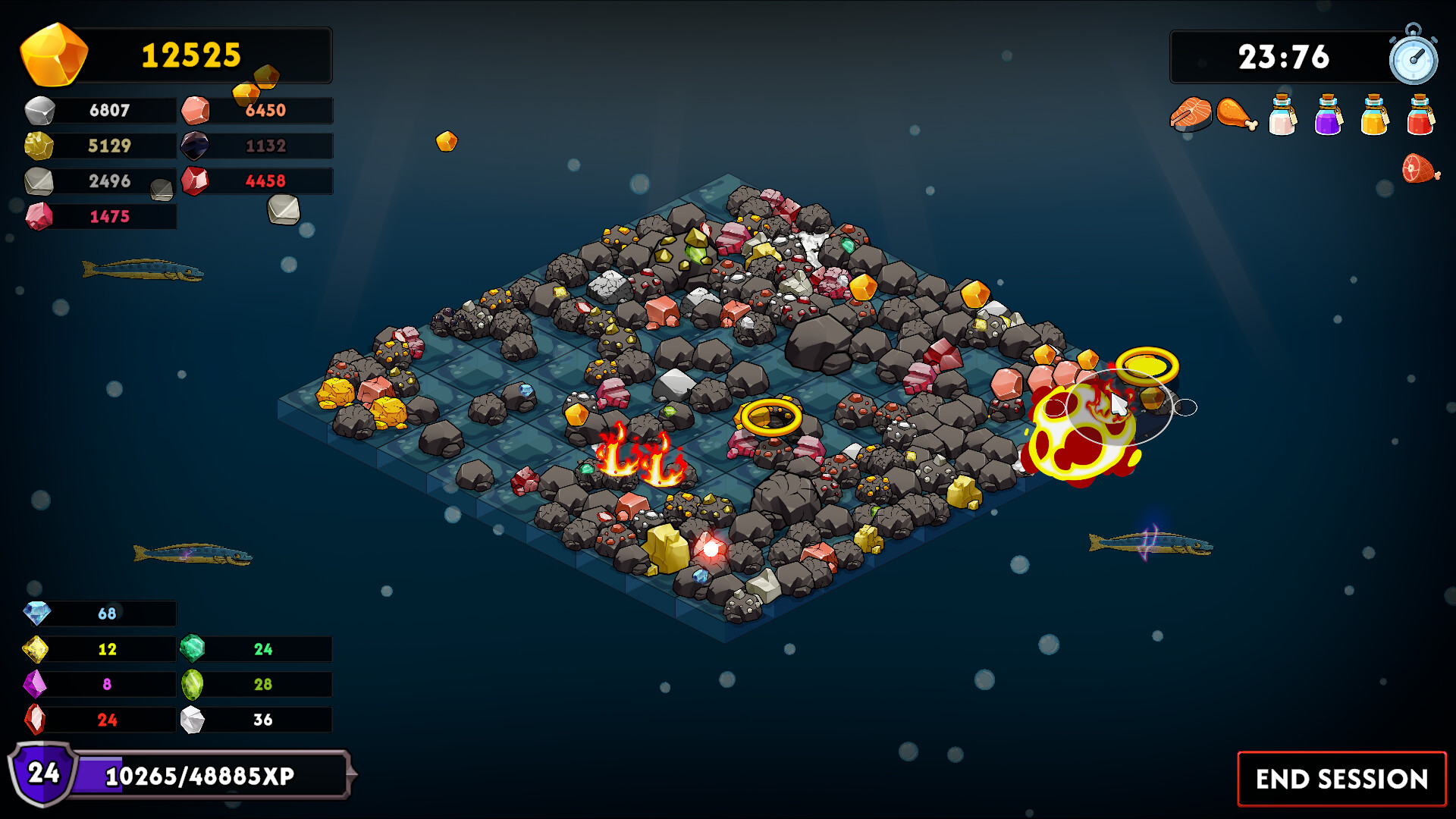
The in‑game shop sells items that can be used before a mining session. Once activated, an item's buff lasts for the entire session, providing temporary enhancements to mining performance.
Items, like pickaxes, can be upgraded with gems, extending their effectiveness. This system offers short‑term strategic choices that complement longer‑term upgrades from the skill tree and pickaxe improvements.
- Buy items that boost the resource type you plan to focus on during the session.
- Upgrade items with gems to increase the duration or potency of their buffs.
05 / THE GUIDE
Platform Features
Keep on Mining! – Worlds runs on Windows and integrates with Steam services. Players can earn Steam achievements, sync progress via Steam Cloud, and share the game through Family Sharing.
These features ensure that progress is preserved across installations and that multiple users on a shared library can experience the game without losing data.
- Enable Steam Cloud to safeguard your talent points and upgrades.
- Check achievement lists for optional challenges that guide exploration.
COMMUNITY
Player discussion