 GameWiki
GET YOUR BEARINGS
About Keep Her Safe
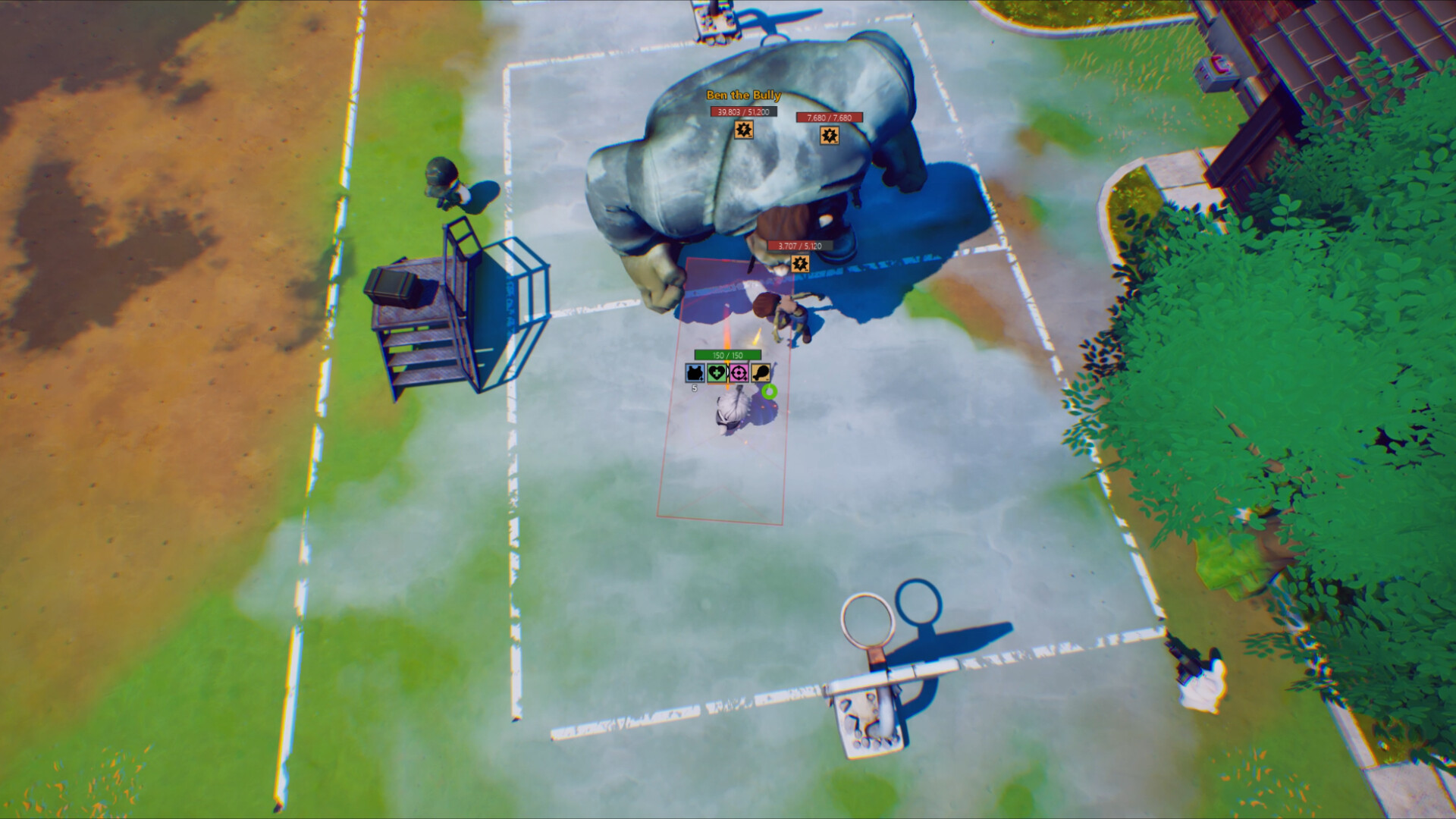
In a world ravaged by seven days of acid rain, you control a high‑IQ chicken tasked with protecting the base’s Energy Core from endless zombie and mutant waves. The game mixes base‑building, scavenging, and combat while offering both solo and online co‑op modes to launch a final rocket that ends the rain.
Between intense defense sessions you can join multiplayer mini‑games such as soccer, earn Steam Achievements, and compare scores on Steam Leaderboards. Features like Save Anytime, custom volume controls, and partial controller support let you play at your own pace.
01 / THE GUIDE
Base Defenses
You can construct defensive structures that act as barriers against increasingly dangerous enemy waves. Each structure adds a layer of protection for the Energy Core, which must survive every assault to keep the base operational.
Crafted weapons and gear can supplement your defensive structures when facing specific enemy types. The game encourages testing different layouts to see which best withstands the escalating threats.
- Mix ranged towers with area‑effect traps to cover multiple attack angles.
- Observe which enemy types breach your lines and adjust the layout accordingly.
02 / THE GUIDE
Post‑Apocalyptic Survival
Scavenge the acid‑rain‑soaked wasteland for resources, weapons, and gear needed to stay alive. Survival depends on gathering items that improve health, defense, or combat capability while fending off zombie hordes and intelligent animal enemies.
The environment itself is lethal, with acid rain shaping the landscape and limiting safe exploration zones. Staying alert to the hazardous environment helps you avoid unnecessary exposure and plan routes that keep you out of dangerous areas.
- Prioritize items that boost health or defensive stats early in a run.
- Avoid areas affected by acid rain to stay clear of danger.

03 / THE GUIDE
Crafting & Combinations
Combine weapons and gear to create hybrid tools that counter distinct enemies, mutant monsters, and unknown threats. Crafting lets you mix components to produce items suited for specific combat scenarios.
Each crafted item can be tailored to exploit enemy weaknesses, encouraging you to experiment with different pairings before each wave. The system rewards players who discover effective combinations for the toughest foes.
- Test a single weapon‑gear pairing against one enemy type to gauge effectiveness.
- Keep a few versatile combos ready for unexpected enemy spikes.
04 / THE GUIDE
Co‑op Wasteland Warfare
Online co‑op lets you team up with friends to defend the base together. Coordinated attacks can make the difference between surviving a wave and losing the Energy Core.
The game notes that certain weapons, such as flamethrowers, can cause friendly fire, so communicating load‑outs and positioning is advisable when playing with others.
- Assign complementary roles—ranged support, melee tank, etc.—to cover all threat vectors.
- Discuss weapon choices ahead of a wave to avoid accidental friendly fire.
05 / THE GUIDE
Mini‑Games & Casual Fun
When you need a break from defending the base, multiplayer mini‑games like soccer provide a lighthearted diversion. These multiplayer activities offer a quick change of pace online.
Mini-games offer a low‑stress way to stay connected with teammates before returning to the defense loop.
- Use mini‑games as a brief mental reset between intense waves.
- Switch back to the main mode refreshed for better focus on defense.



COMMUNITY
Player discussion