 GameWiki
GET YOUR BEARINGS
About Kasi
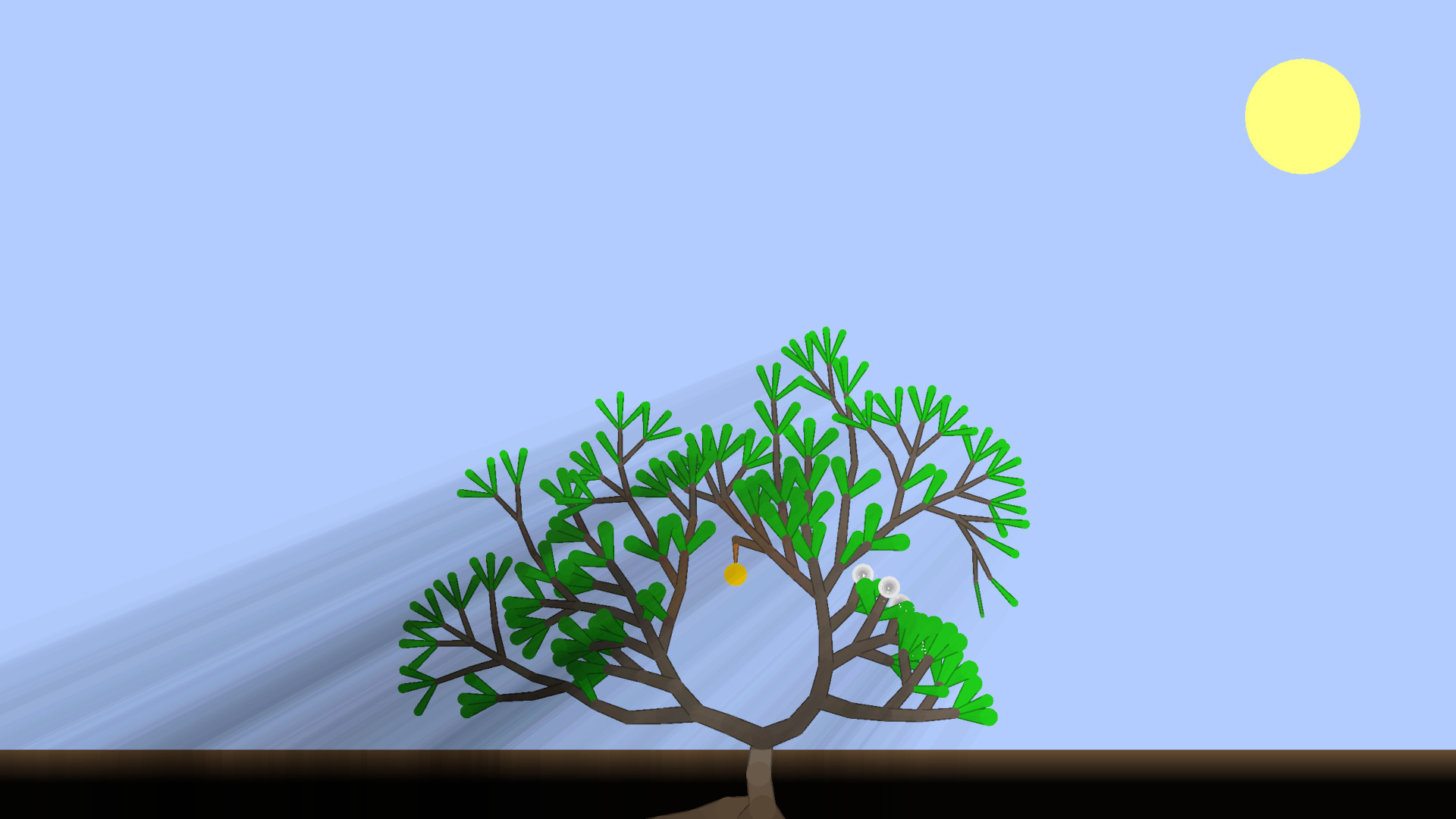
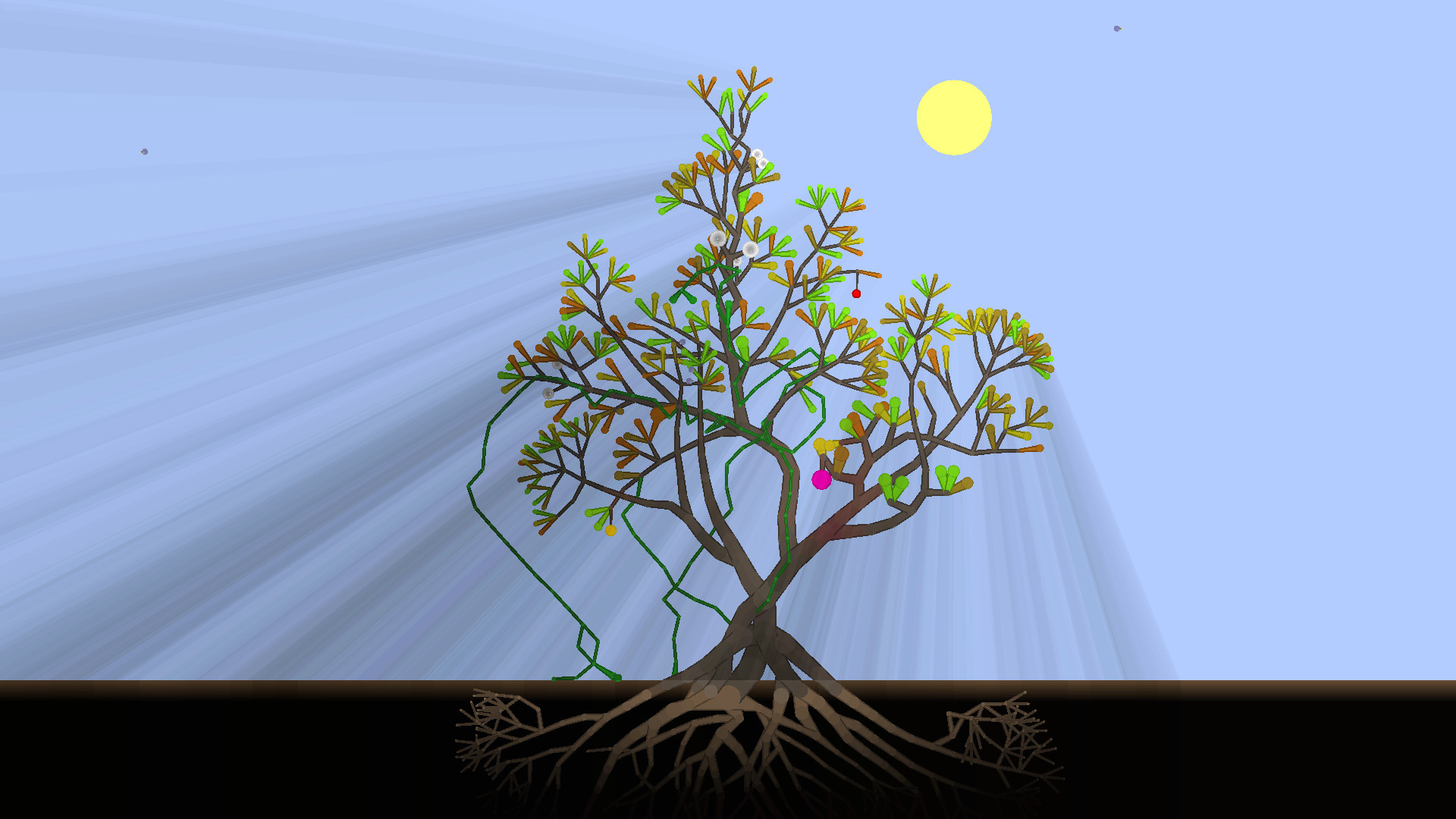
Kasi lets you nurture a single plant from a seed into any shape you design. By adding branches, leaves, roots, vines, flowers or fruit you gather sunlight, moonlight, water or pollination, and a balanced mix supplies the energy needed for further growth.
The world cycles between day and night, with rain, eclipses, star bursts and occasional creatures that may fertilize your plant. A minimalist visual style keeps focus on the plant’s development while subtle cues mark environmental changes.
01 / THE GUIDE
Growth Mechanics
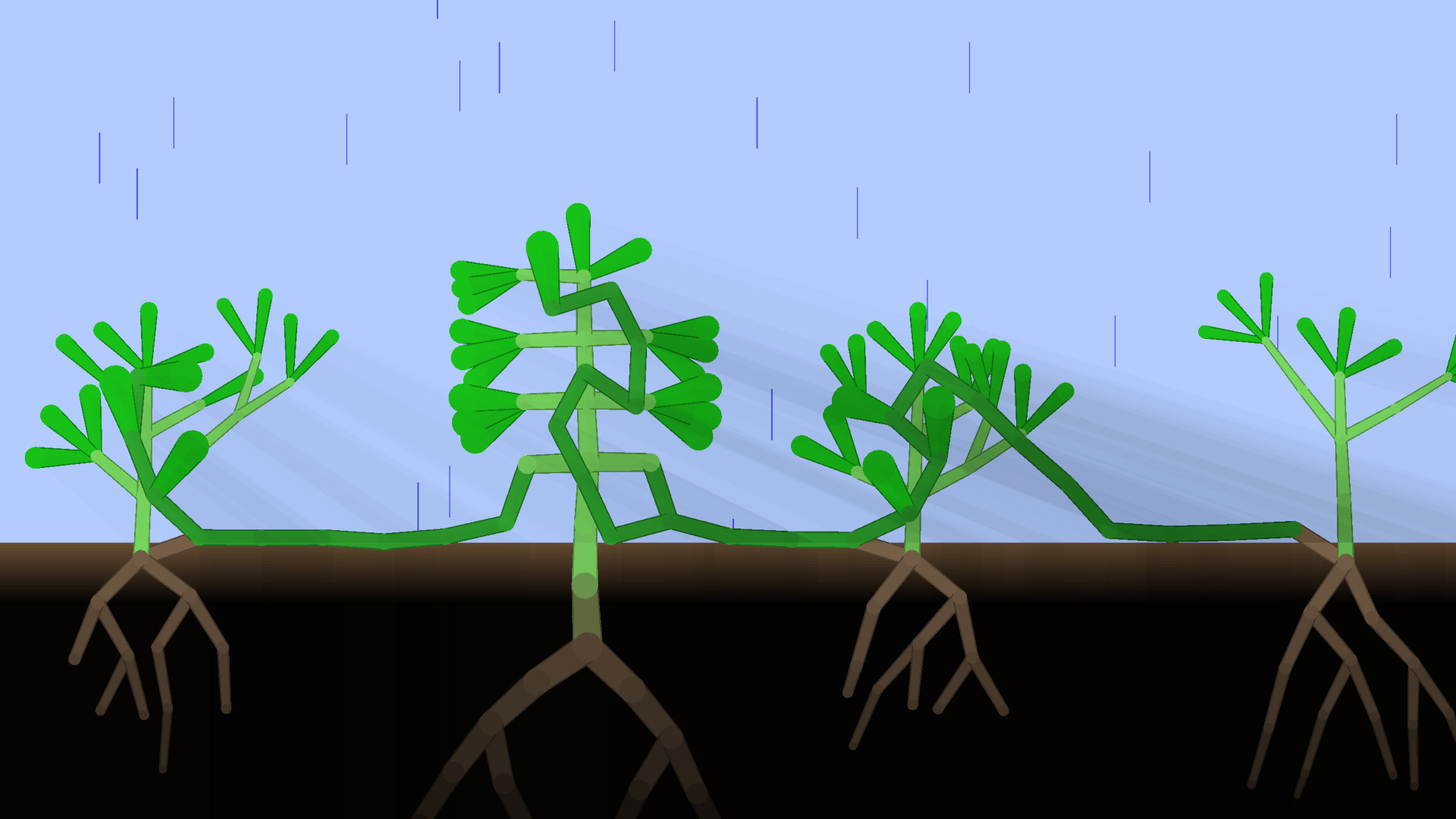
You begin as a humble seed planted in the ground and can create branches, leaves, roots, vines, flowers and fruit. Each part contributes a specific resource—sunlight, moonlight, water or pollination—and keeping those contributions balanced provides the energy needed to expand.
Choosing regular leaves or special moon‑light leaves changes how the plant gathers light during day versus night. The overall shape—tall tree, low hedge or snaking vine—directly reflects the parts you add and the balance you maintain.
- Mix regular and moon‑light leaves to see how night energy influences growth speed.
- Balance roots with leaves for steadier energy rather than focusing on a single resource.
02 / THE GUIDE
Day‑Night Cycle
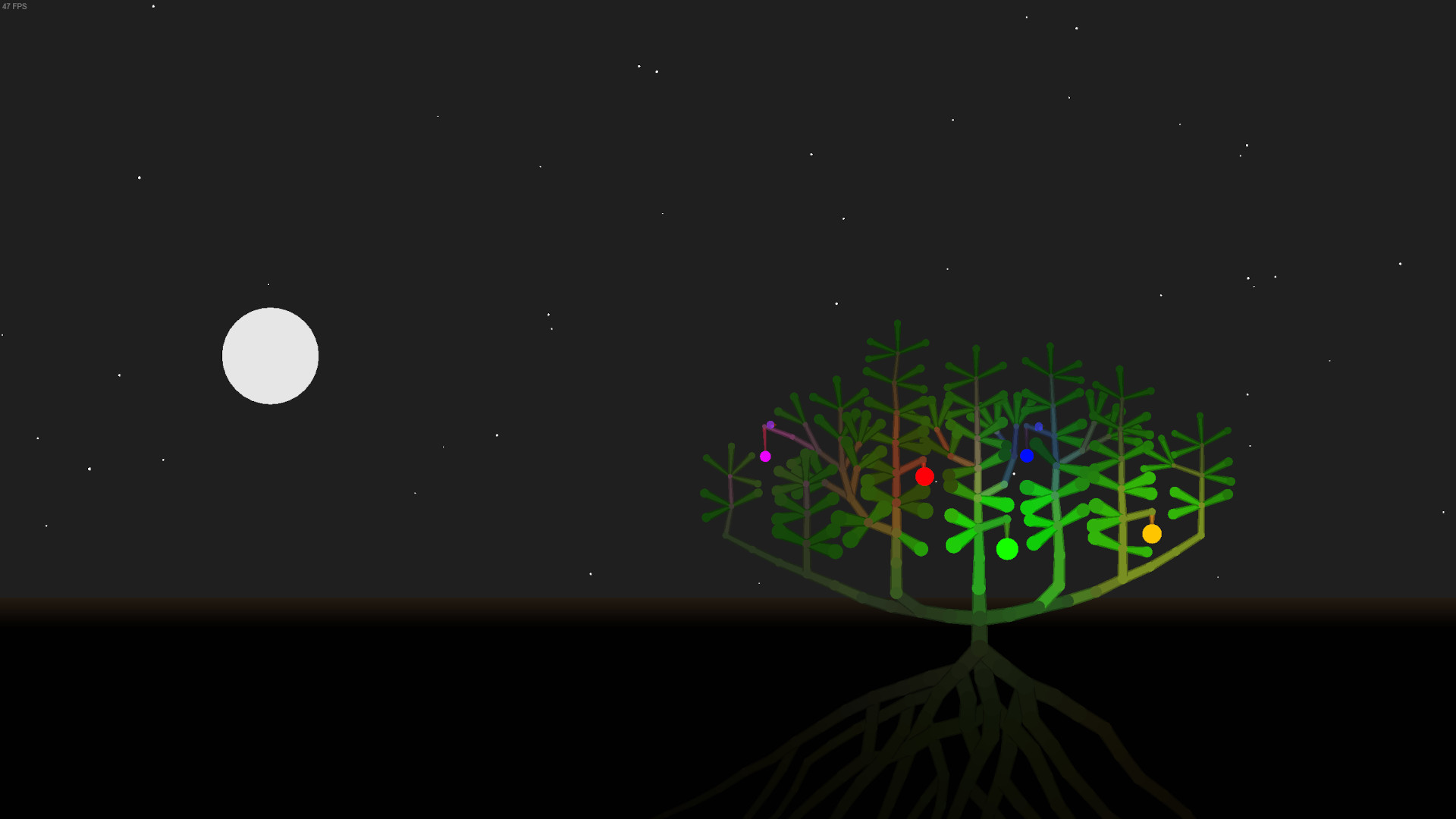
The game world moves from day to night, with the sun and moon traveling at different speeds. This creates moments such as eclipses and star bursts that add extra light during darkness, affecting how leaves collect energy.
Rain can fall, giving the plant additional water, while moon‑light leaves become useful when the sun is absent. Birds and occasional creatures may appear on branches, sometimes providing fertilization.
- Watch for eclipses; the brief darkness highlights the benefit of moon‑light leaves.
- Plan growth during rain to maximize water intake without extra effort.
03 / THE GUIDE
Multiplayer Options
Kasi offers both single‑player and multiplayer experiences, including co‑op, shared/split‑screen co‑op and split‑screen play. Players can share a screen locally or connect remotely via Steam’s Remote Play Together feature.
Family Sharing is listed, allowing multiple Steam accounts to access the same installation, which can be useful for households with several players.
- Try split‑screen co‑op to compare different growth strategies side by side.
- Use Remote Play Together to let a friend join without needing a second console.
04 / THE GUIDE
Visual Style
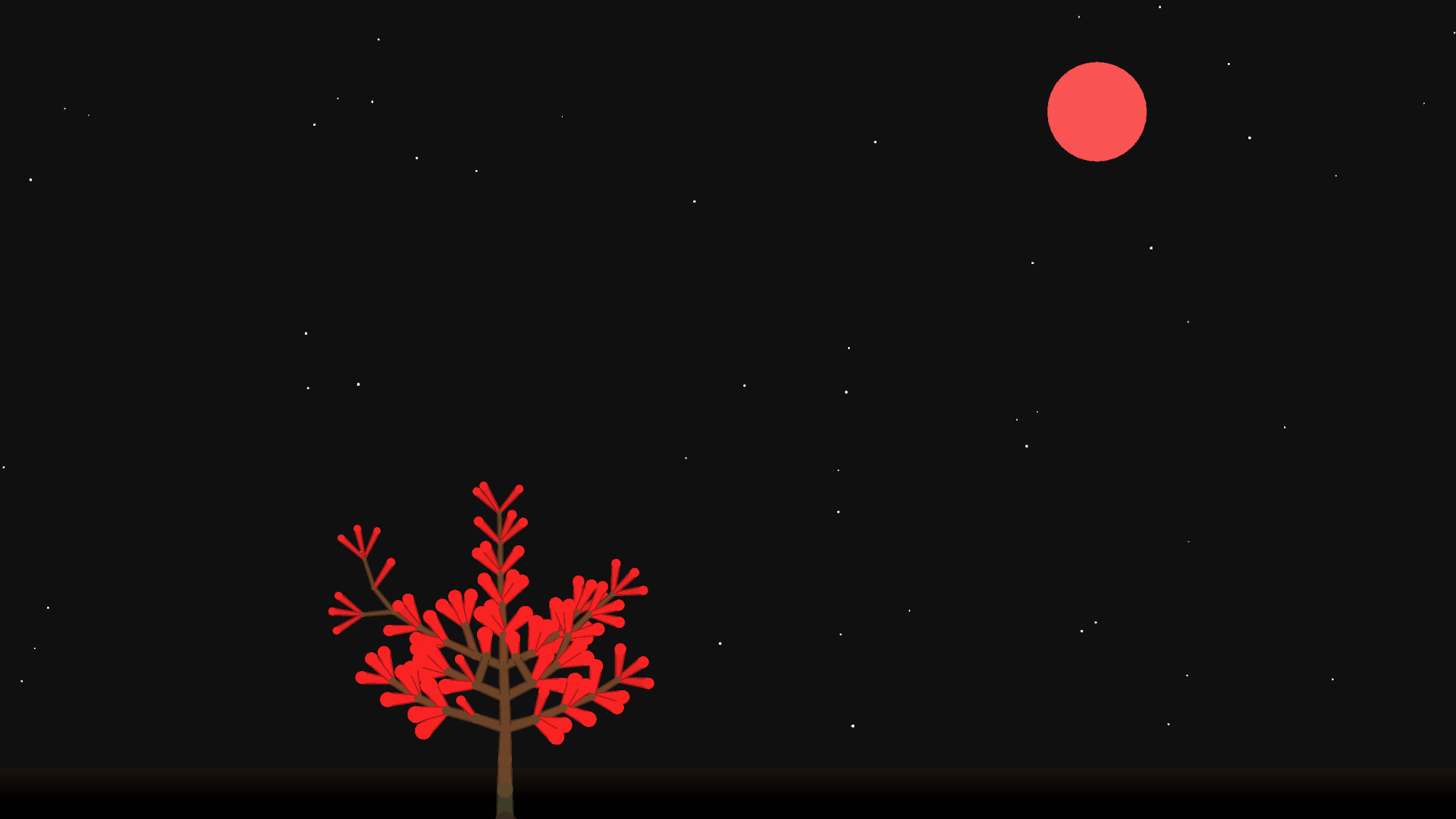
Kasi is rendered with a minimalist aesthetic and only a small amount of visual flair. This design keeps focus on the plant’s shape and the simple surrounding environment.
Subtle details such as creatures sheltering among leaves, stars bursting for extra light, and the shifting light of day and night provide visual cues without overwhelming detail.
- Observe how the minimalist art highlights contrast between day and night lighting.
- Notice the subtle visual cues that indicate when a creature is fertilizing your plant.
05 / THE GUIDE
Achievements & Sharing
Steam Achievements are listed as a feature, so the game includes achievements, though the source does not specify what they track.
Full controller support and Remote Play on TV let you play with a gamepad and display your plant’s progress on a larger screen for others to see.
- Check the achievement list in game to see what milestones it includes.
- Use Remote Play on TV to showcase your plant’s development to friends in the room.
COMMUNITY
Player discussion