 GameWiki

GET YOUR BEARINGS
About Kanon
Kanon is Key’s debut visual novel, now rebuilt with the studio’s latest engine and presented in high‑definition graphics. The story follows a young man returning to a northern town, where small miracles unfold based on the player’s choices, leading to multiple endings. The Steam edition adds full Japanese voice acting, supports several controller types, and lets players switch text between Japanese, English, and Simplified Chinese at any moment. Tablet PCs and the Steam Deck also accept touch gestures for navigation.
01 / THE GUIDE
Branching Story and Endings
The narrative changes according to the decisions you make, offering a variety of distinct conclusions to explore. Each choice influences character interactions and plot direction, encouraging multiple playthroughs. Because the story adapts to player input, you can discover new scenes and outcomes by revisiting decision points, making each run feel fresh.
- Take notes on key choices to compare different routes later.
- Experiment with alternate options early to see how relationships shift.
02 / THE GUIDE
Retouched HD Visuals and CG Coloring
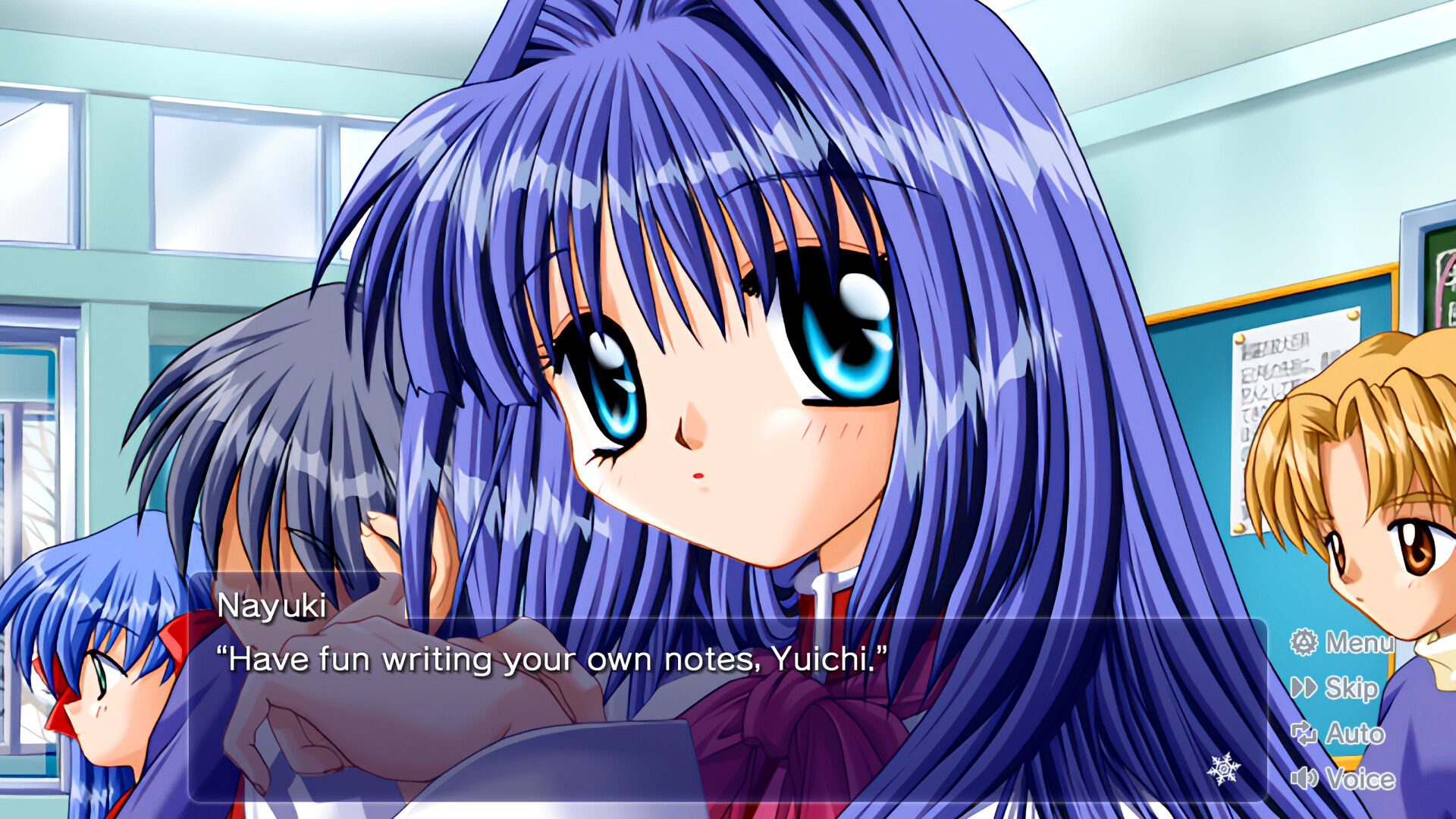
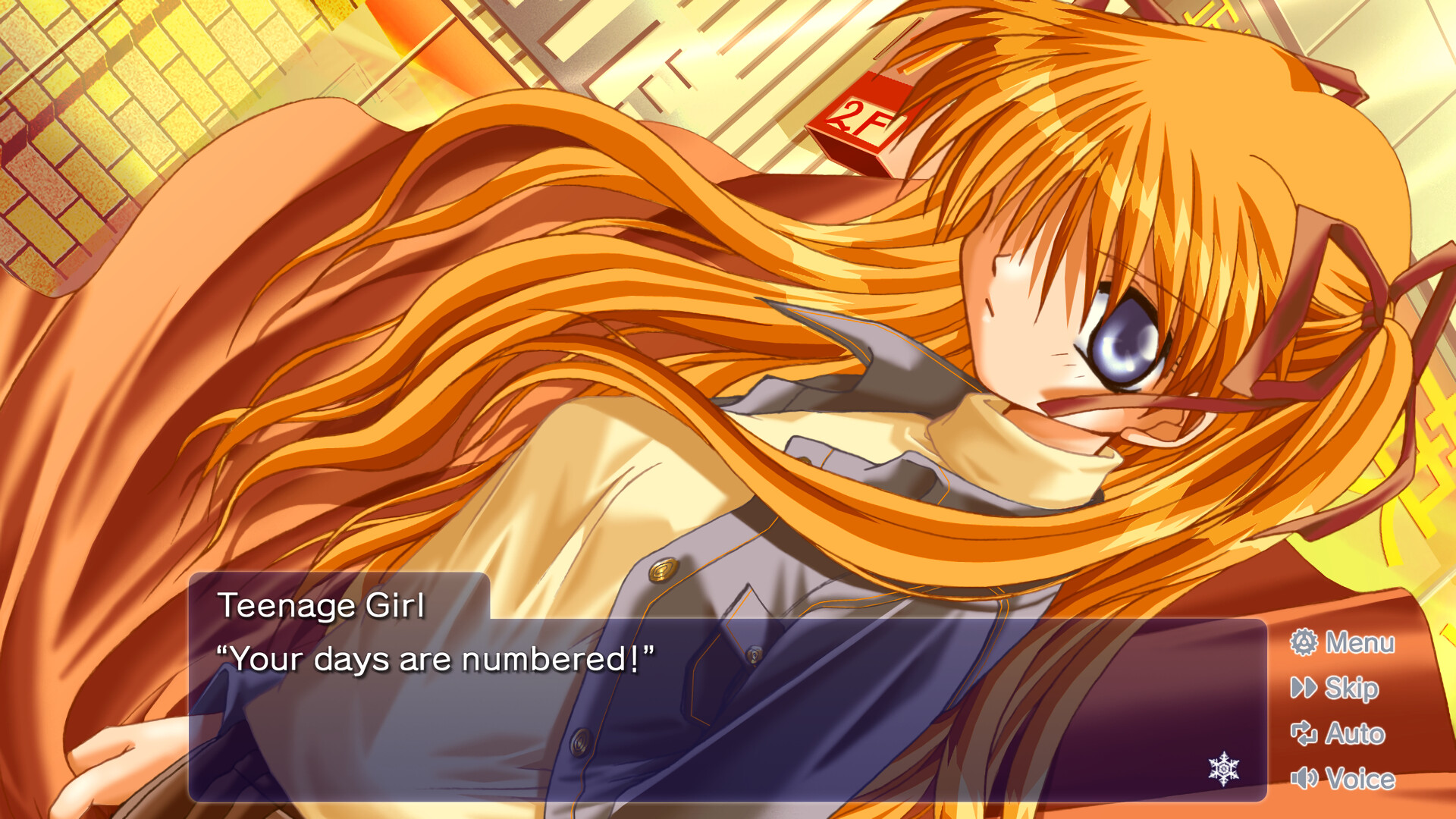
Kanon’s graphics have been upgraded to high‑definition, with all visuals retouched for sharper detail. The CG artwork has been recolored to better match LED display tones, delivering vibrant scenes. These visual improvements aim to enhance immersion, especially on modern monitors and handheld devices that support high‑resolution output.
- Enable full‑screen mode to appreciate the HD artwork.
- Adjust monitor brightness to highlight the recolored CGs.

03 / THE GUIDE
Full Japanese Voice Acting
The Steam version introduces complete voice support, featuring a cast of well‑known Japanese actors. While the protagonist speaks only in certain sections, other characters are fully voiced throughout. This addition brings the story to life with professional performances, aligning with the original anime adaptation’s tone.
- Use headphones for clearer dialogue separation.
- Toggle subtitles if you prefer reading the text alongside voice.
04 / THE GUIDE
Multilingual Text Settings
In‑game text, options, and the digital manual can be switched among Japanese, English, and Simplified Chinese at any time. Audio remains Japanese‑only, but the flexible text system accommodates diverse players. Language changes apply instantly, allowing you to experiment with different translations without restarting the game.
- Switch languages mid‑play to compare phrasing nuances.
- Keep the original Japanese audio on for authentic atmosphere.
05 / THE GUIDE
Full Controller Compatibility
Kanon supports DualShock, DualSense, and generic controllers via Steam Input API, offering a complete controller experience. Players can also use touch gestures on tablet PCs or the Steam Deck for navigation. Controller support does not replace mouse/keyboard options, but provides an alternative input method for comfort.
- Map frequently used actions to convenient buttons for smoother play.
- Test touch gestures on a tablet to see which feels most natural.


COMMUNITY
Player discussion