 GameWiki
GET YOUR BEARINGS
About Kaizen: A Factory Story
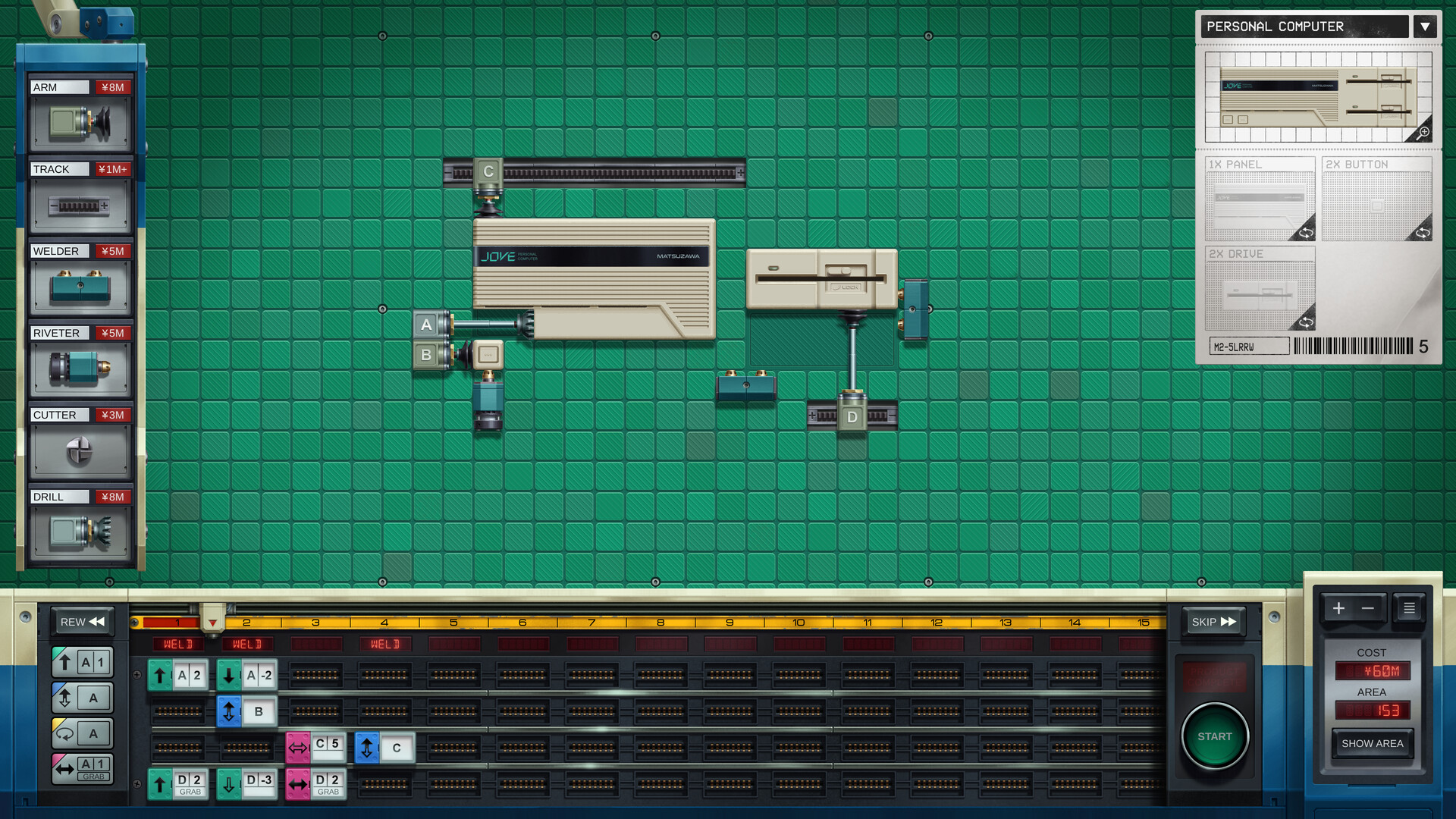
In 1986 you play as David Sugimoto, a recent graduate from South Bend, Indiana, who travels to Japan for a promised international sales position. Upon arrival you discover the job is at an older Matsuzawa Manufacturing factory on the outskirts of Tokyo, where you must design automated production lines.
The game focuses on building those lines with a limited set of construction actions, sharing your solutions as animated GIFs, and optionally taking breaks with a separate pachinko‑themed solitaire mini‑game. All content is delivered in a single‑player experience that runs on Windows, macOS, and Linux.
01 / THE GUIDE
Story and Setting
The narrative places you in 1986 Tokyo after arriving from South Bend, Indiana. The promised sales role is replaced by work in an older factory, reflecting Japan’s booming economy and the era’s corporate expectations.
This setting provides a concrete backdrop for the puzzle challenges, grounding each design task in a specific historical and geographic context that influences the visual style and the types of machines you encounter.
- Notice how the contrast between expectation and reality frames each design challenge.
- Observe visual details that reference the 1980s Japanese industrial environment.
02 / THE GUIDE
Factory Design Tools
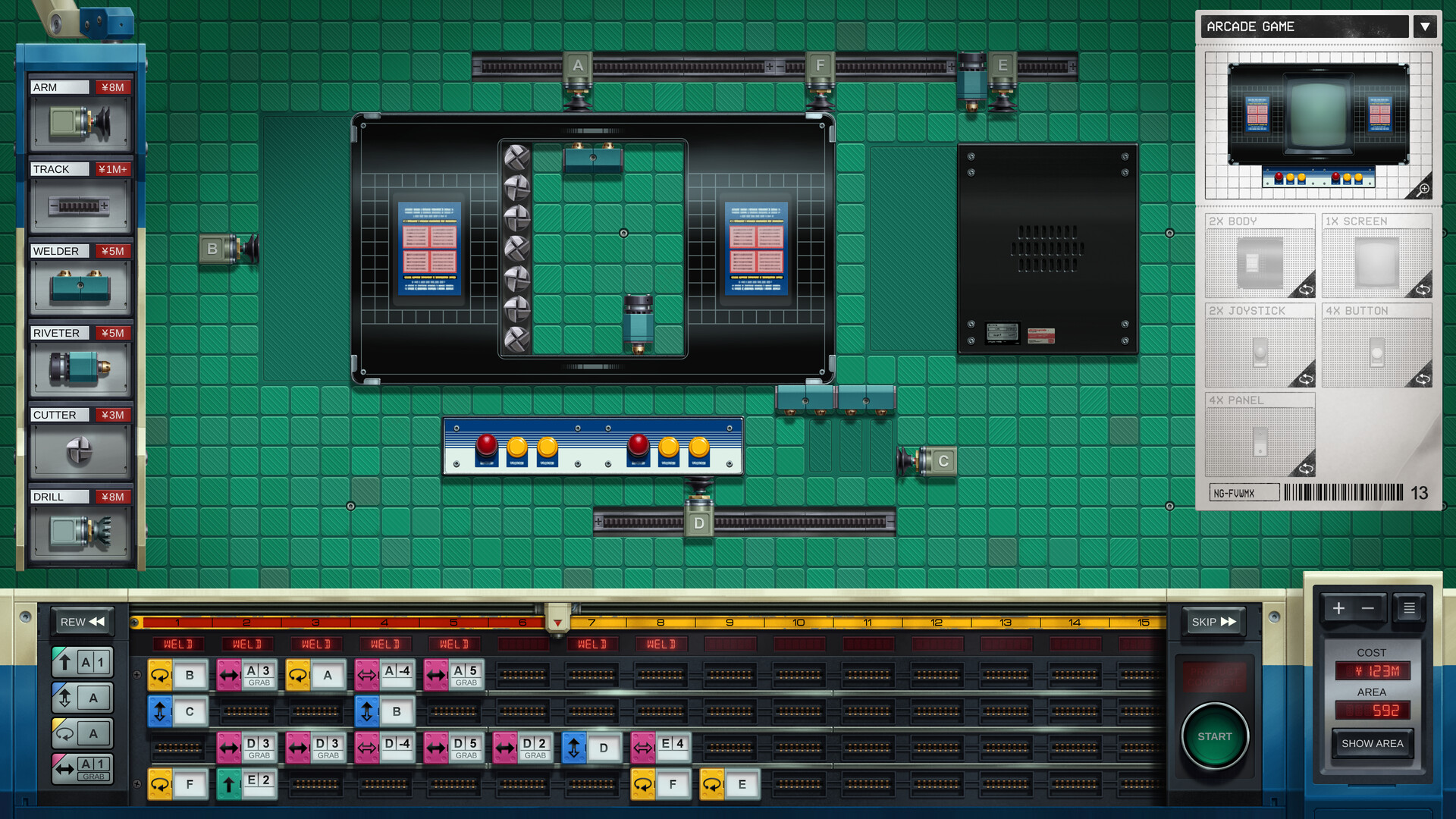
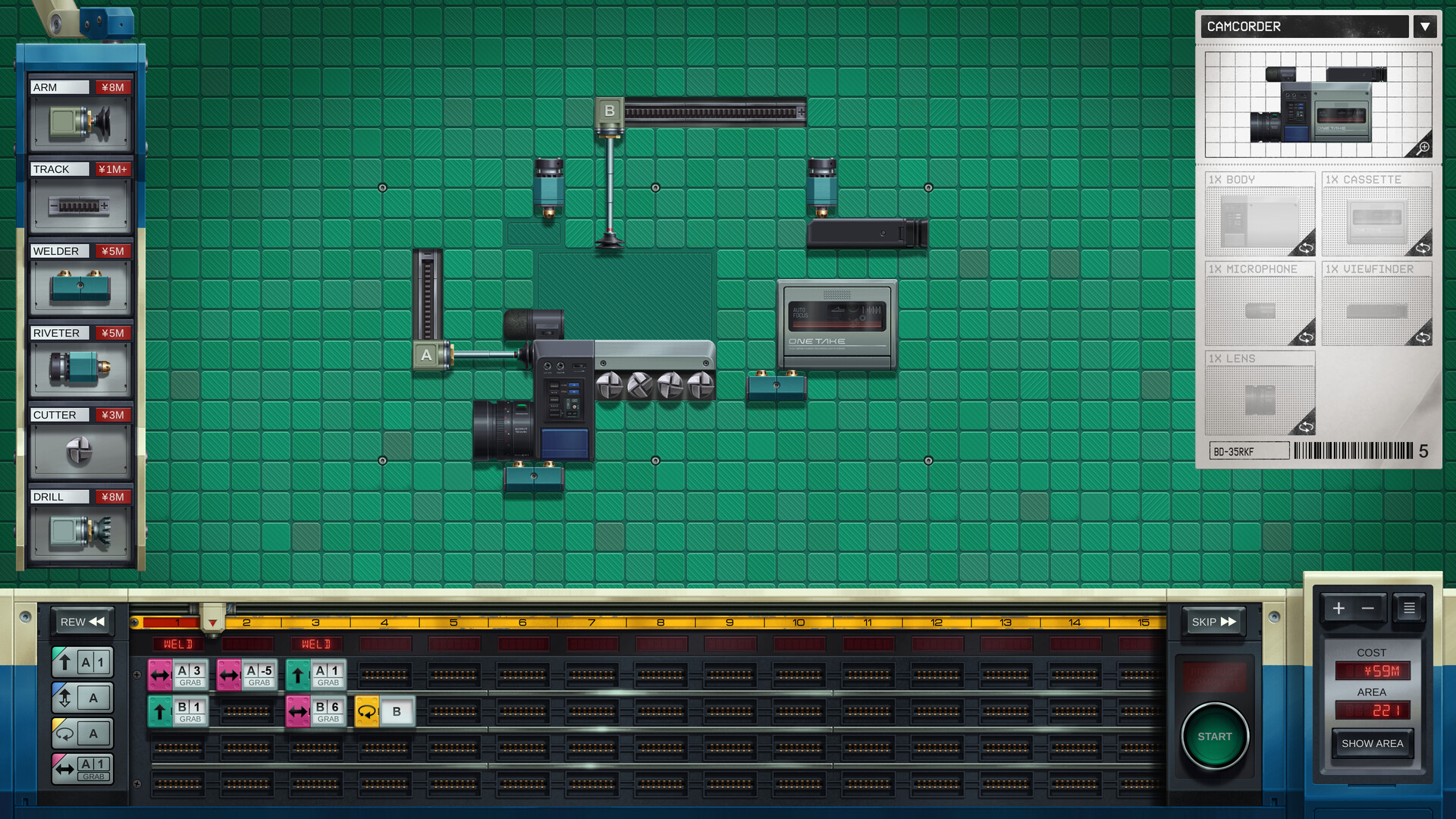
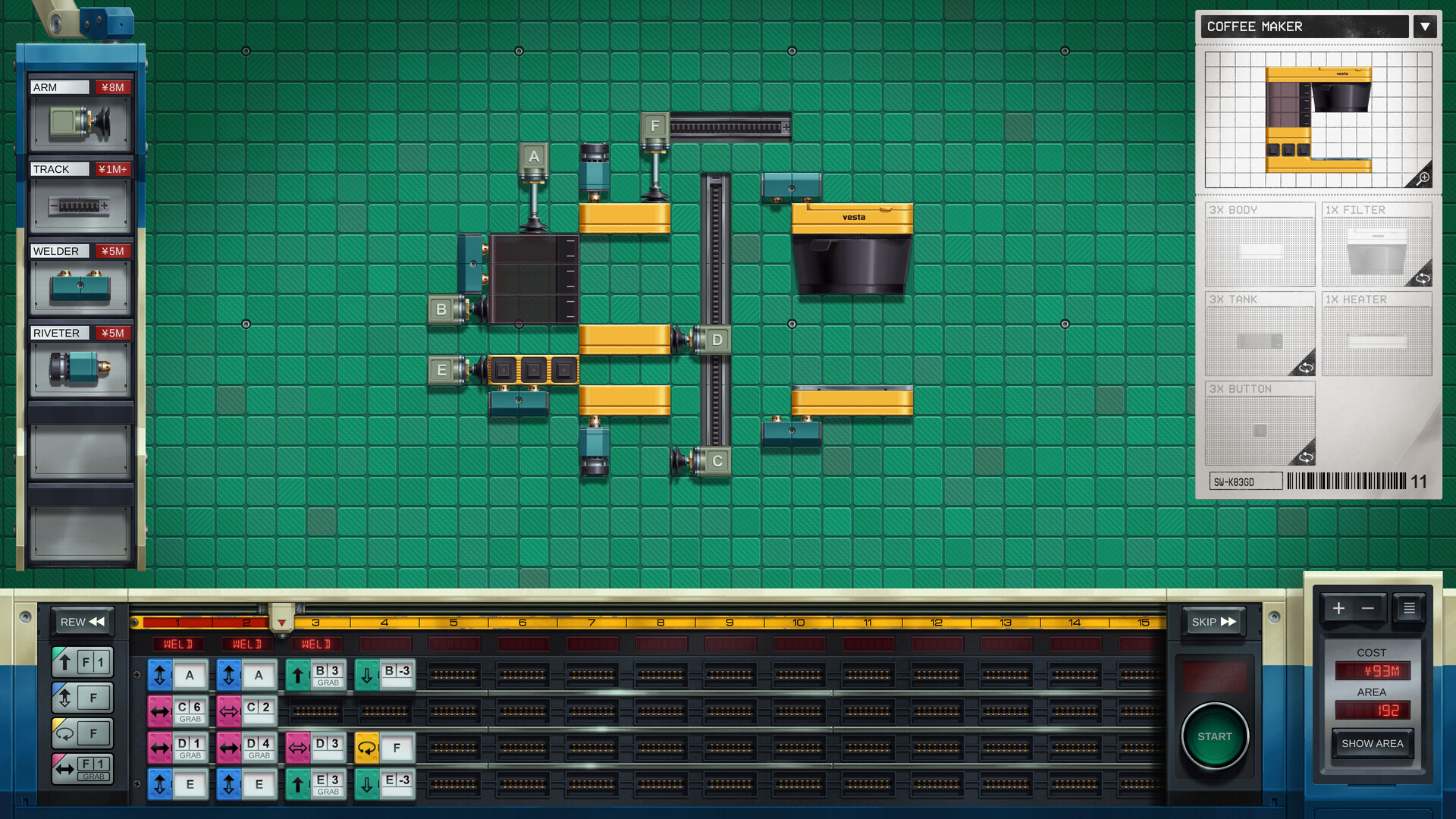
Kaizen offers four construction actions—weld, rivet, cut, and drill. Each action lets you connect, shape, or modify components of an automated line, forming the core of every puzzle solution.
The game encourages you to evaluate each layout for speed, simplicity, and part count, allowing iterative refinement within the provided toolset to reach an optimal design.
- Experiment with different sequences of the four actions to see how they affect layout density.
- Aim for the simplest tool chain when targeting a minimal‑part solution.
03 / THE GUIDE
Exporting Animated GIFs
After completing a factory, you can export an animated GIF that shows the operation of your design. This built‑in feature creates a visual record without external recording software.
The GIF can be shared with others to illustrate how your line functions, providing a straightforward way to show off your solutions to friends.
- Create short loops that focus on the most critical part of the process.
- Verify that the GIF captures the entire cycle you wish to demonstrate.
04 / THE GUIDE
Pachi‑Sol Mini‑Game
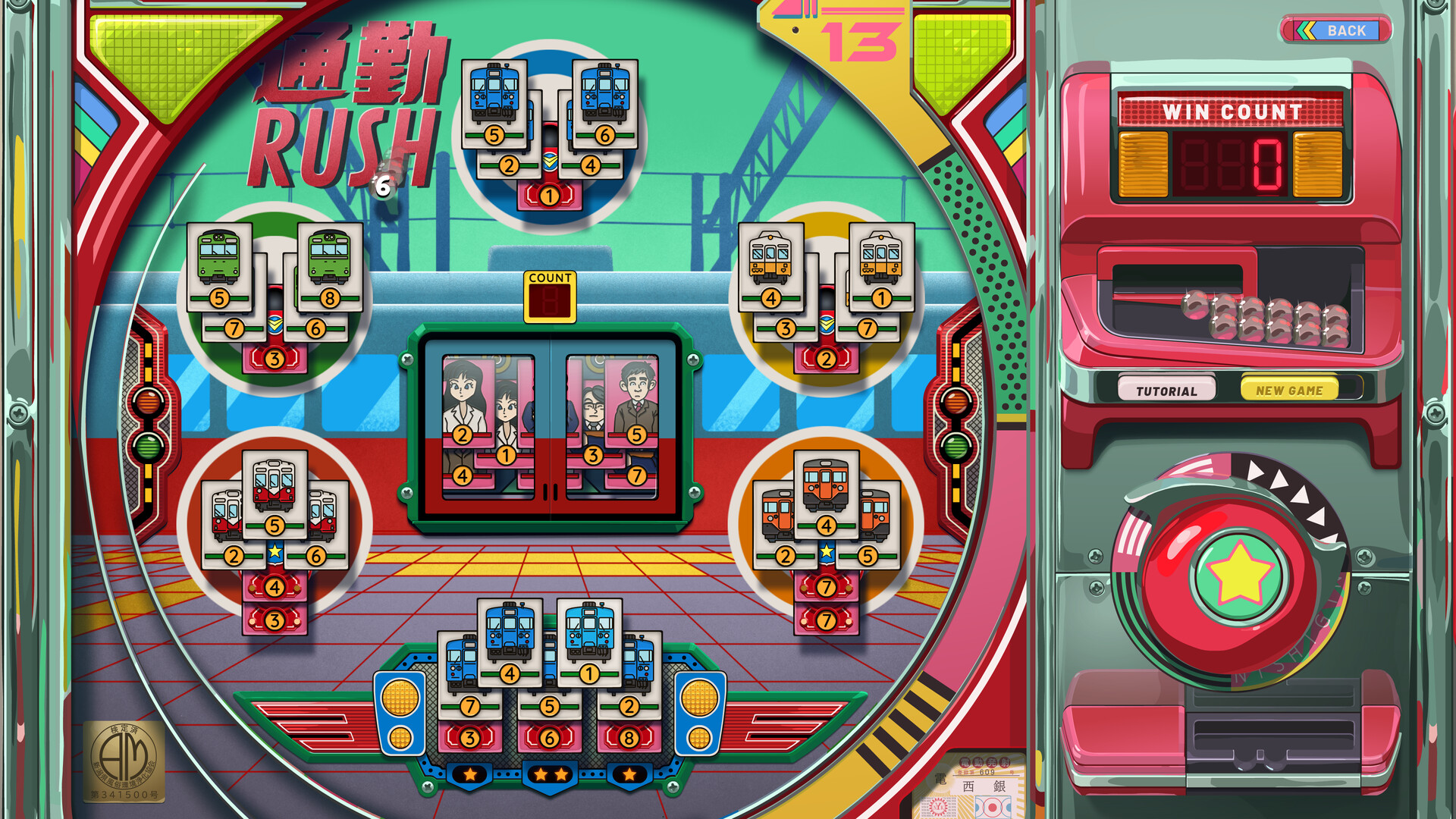
Kaizen includes a separate pachinko‑themed solitaire game called Pachi‑Sol, accessible from the same application but operating independently of the factory puzzles.
Playing Pachi‑Sol offers a casual diversion from factory life, allowing a brief mental reset while staying within the program.
- Use Pachi‑Sol when you need a short break from design work.
- Observe the pacing of the solitaire to gauge how quickly you can return to factory tasks.
05 / THE GUIDE
Platform and Accessibility Features
Kaizen runs on Windows, macOS, and Linux and includes a Mouse Only Option, Custom Volume Controls, and the ability to Save Anytime. Steam Cloud sync and Family Sharing are also supported, allowing progress to be stored and accessed across devices.
The game is marked Single‑player and features Steam Achievements and Steam Leaderboards, providing a solo experience with optional competitive tracking.
- Enable the Mouse Only Option if you prefer point‑and‑click interaction.
- Take advantage of Save Anytime to experiment without fear of losing work.
COMMUNITY
Player discussion