 GameWiki
GET YOUR BEARINGS
About Juufuutei Raden's Guide for Pixel Museum
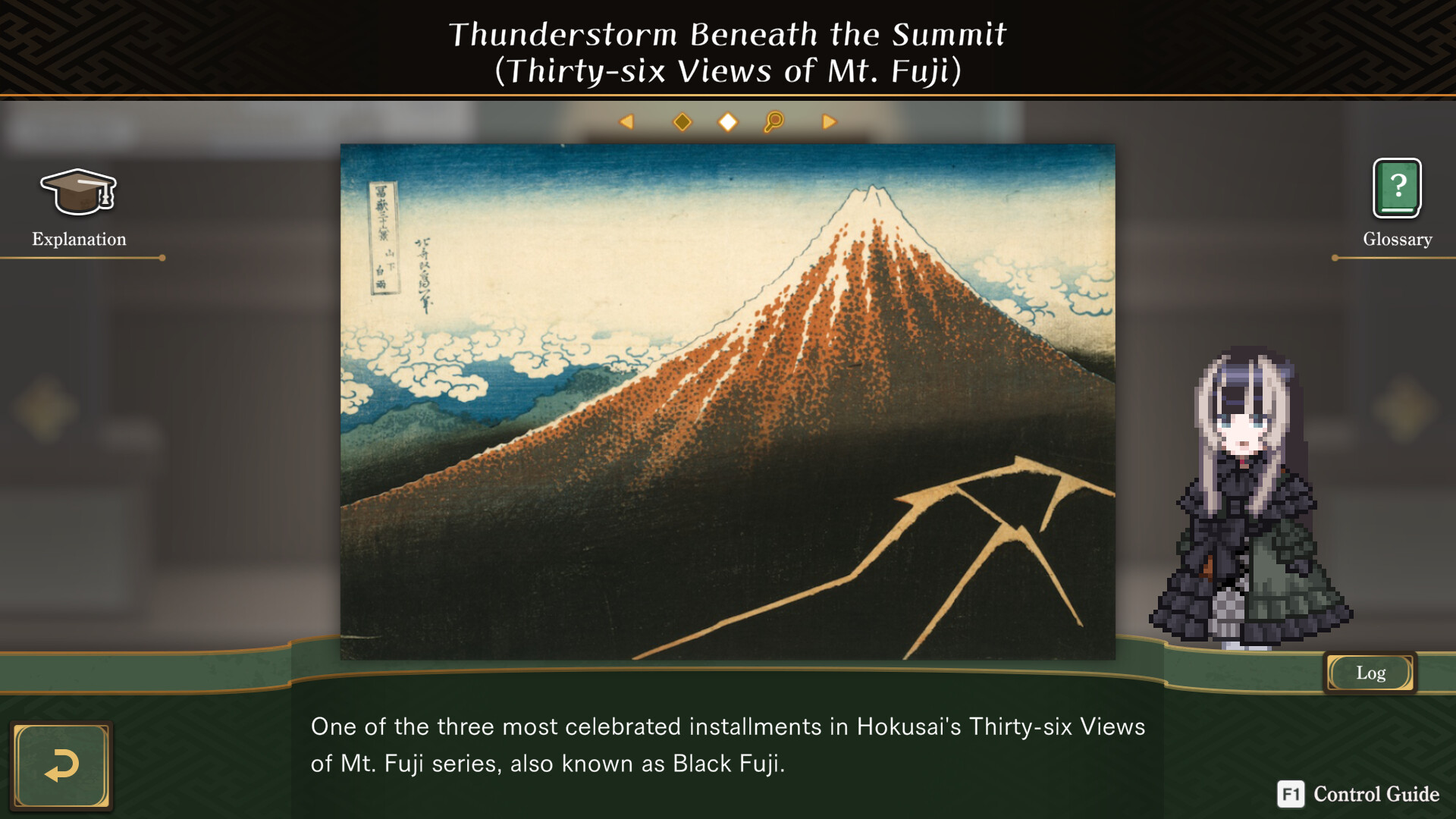
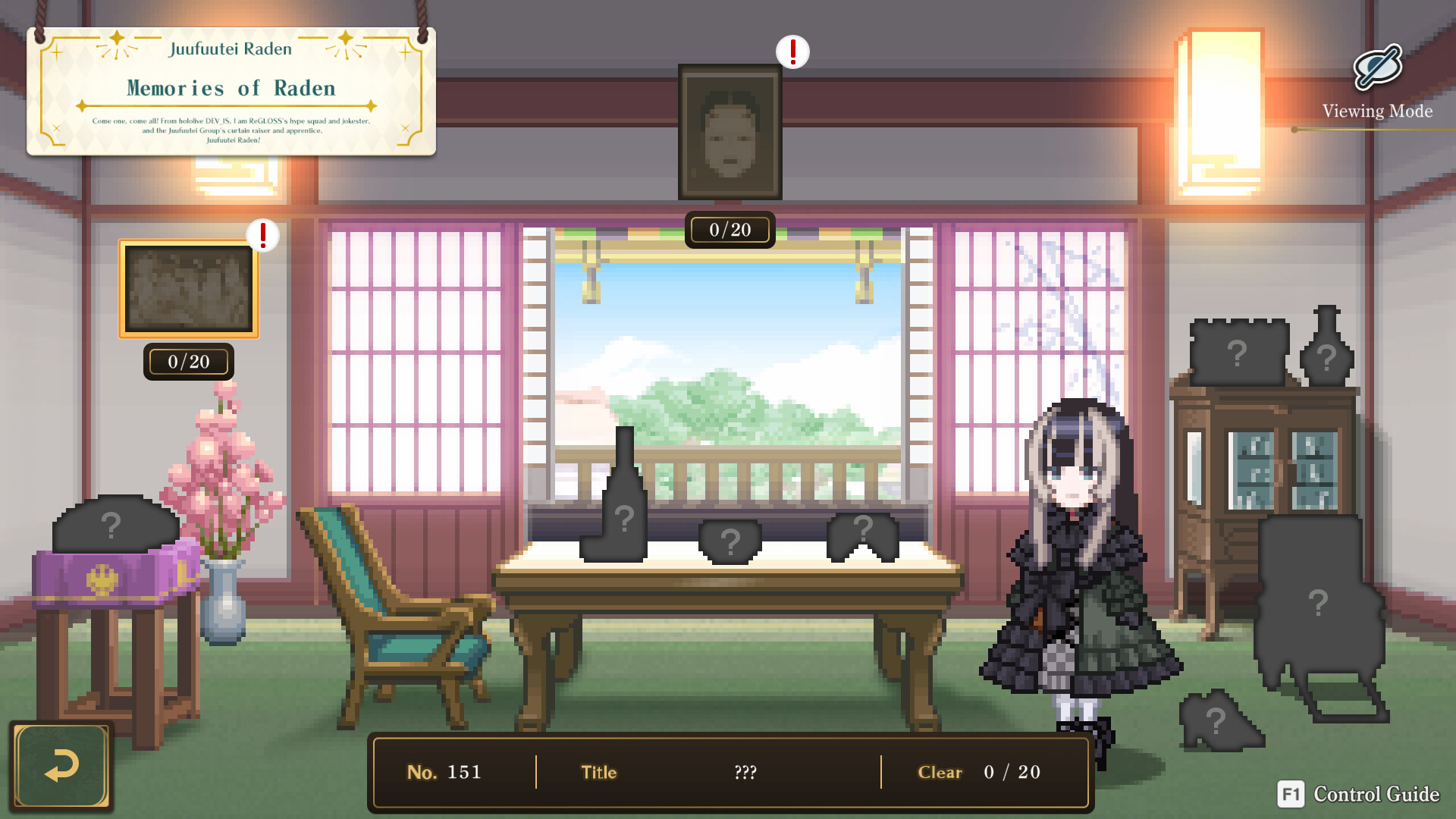
Juufuutei Raden™'s Guide for Pixel Museum lets players explore a pixel‑art museum led by VTuber curator Raden. The game presents a series of “Pixel Puzzles” that reveal dot‑art illustrations when solved, accompanied by Raden’s voice commentary about the artworks.
The experience is single‑player, supports full controller use, and offers Steam Cloud saves. Puzzles range from tiny 5×5 grids to large 40×30 challenges, with over 300 puzzles—including special multi‑grid pieces—providing a generous amount of content for casual play.
01 / THE GUIDE
Curator Raden as Guide
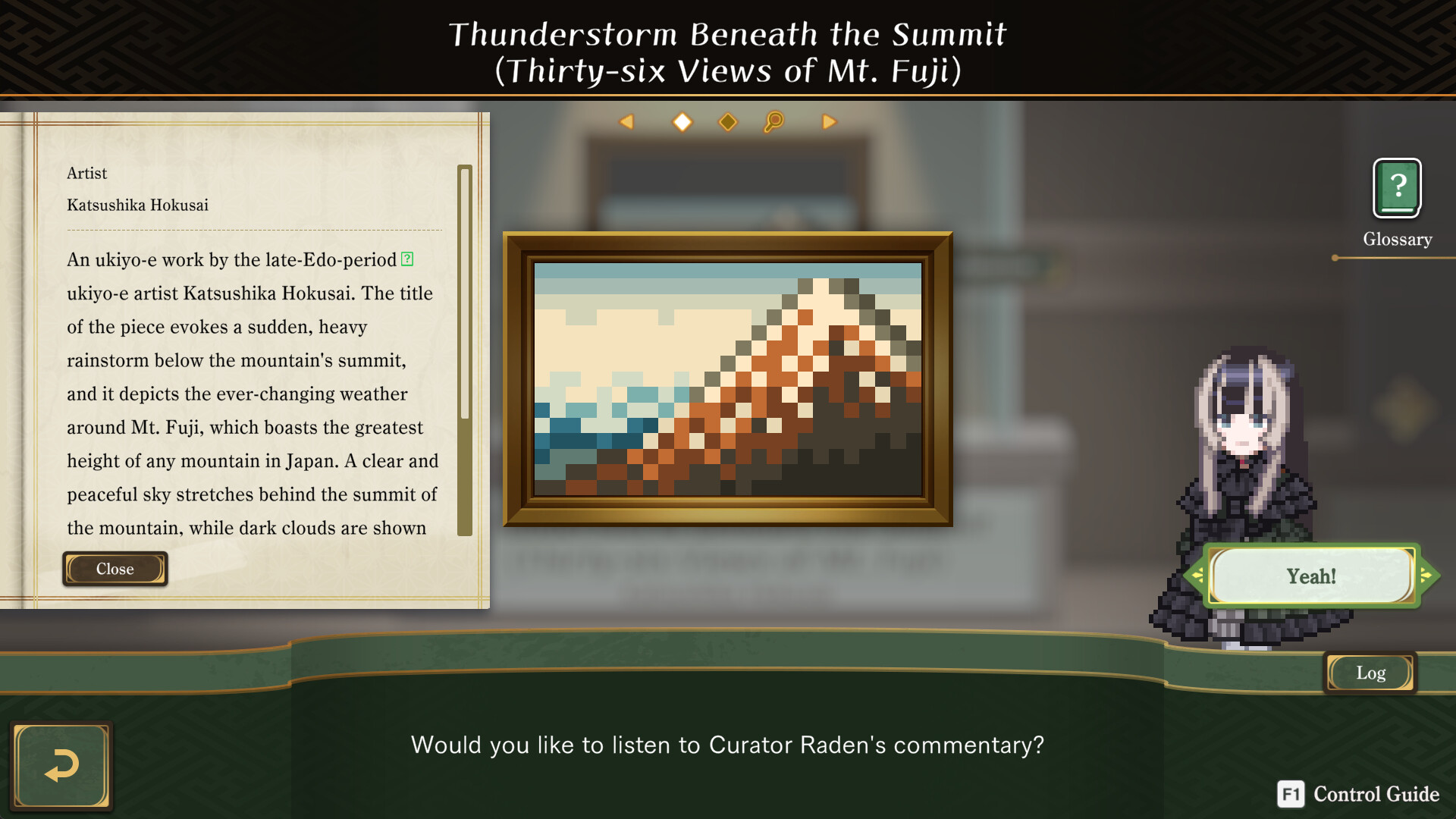
Curator Raden, a VTuber from hololive DEV_IS, appears as the museum’s guide. She moves in an adorable pixel‑art style and provides voice commentary that explains each completed artwork, adding context to the puzzles.
Raden’s personality blends tradition and revolution, reflecting her love for arts and culture. Her narration frames the museum tour, turning puzzle solving into a guided exhibition experience.
- Listen to Raden’s commentary for extra insight into the artwork themes.
- Enjoy the cute animation as a visual reward after each puzzle is completed.
02 / THE GUIDE
Pixel Puzzle Mechanics
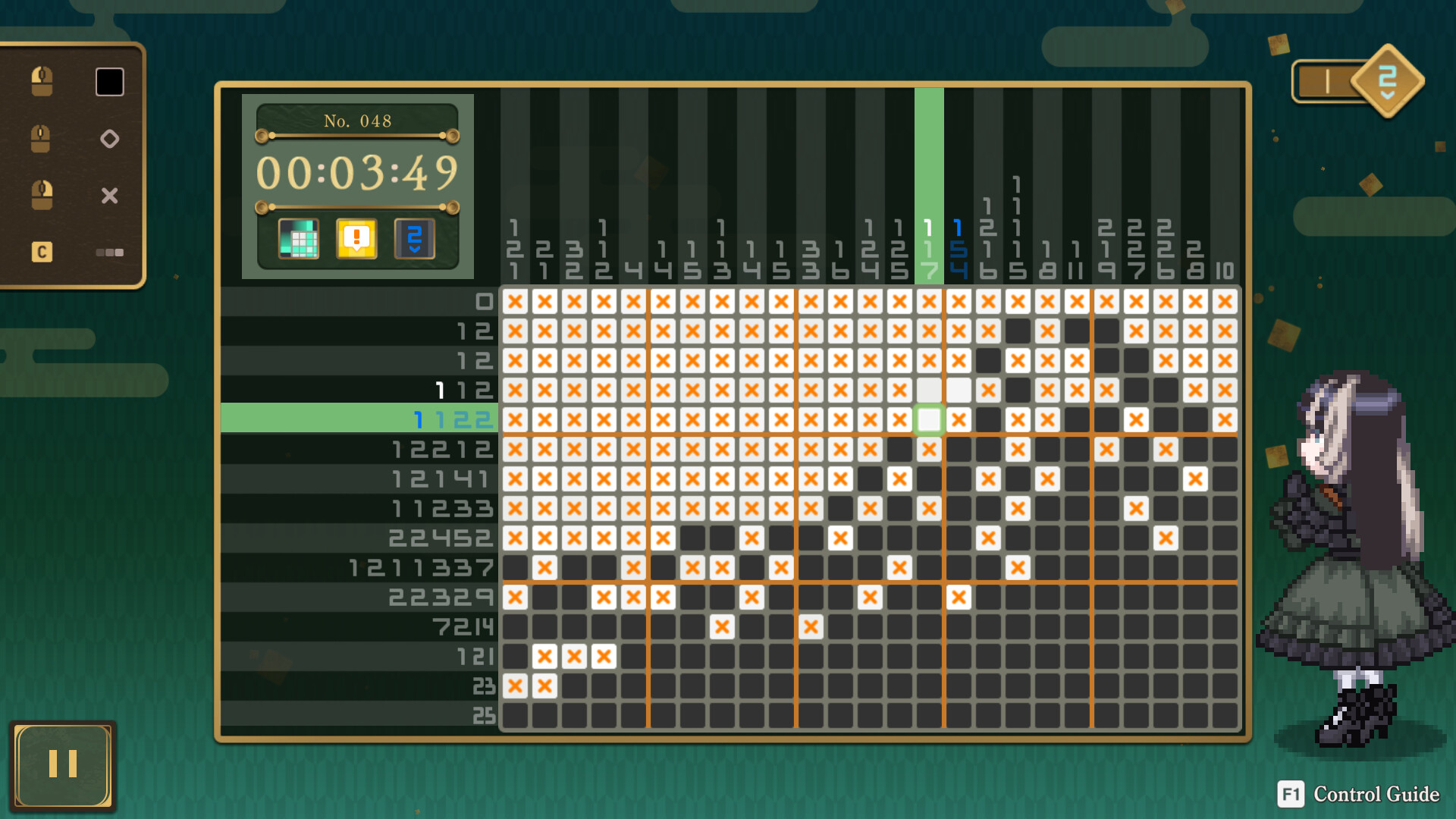
Each Pixel Puzzle uses vertical and horizontal numbers as clues, similar to classic nonograms. Solving the grid fills in dots to complete the illustration. A detailed tutorial helps beginners understand the simple rules.
Puzzles can be played at any pace, and the game includes assist functions that can be toggled on or off to aid solving.
- Start with the tutorial to grasp the clue system quickly.
- Turn off assist functions once comfortable to increase challenge.
03 / THE GUIDE
Puzzle Variety and Sizes
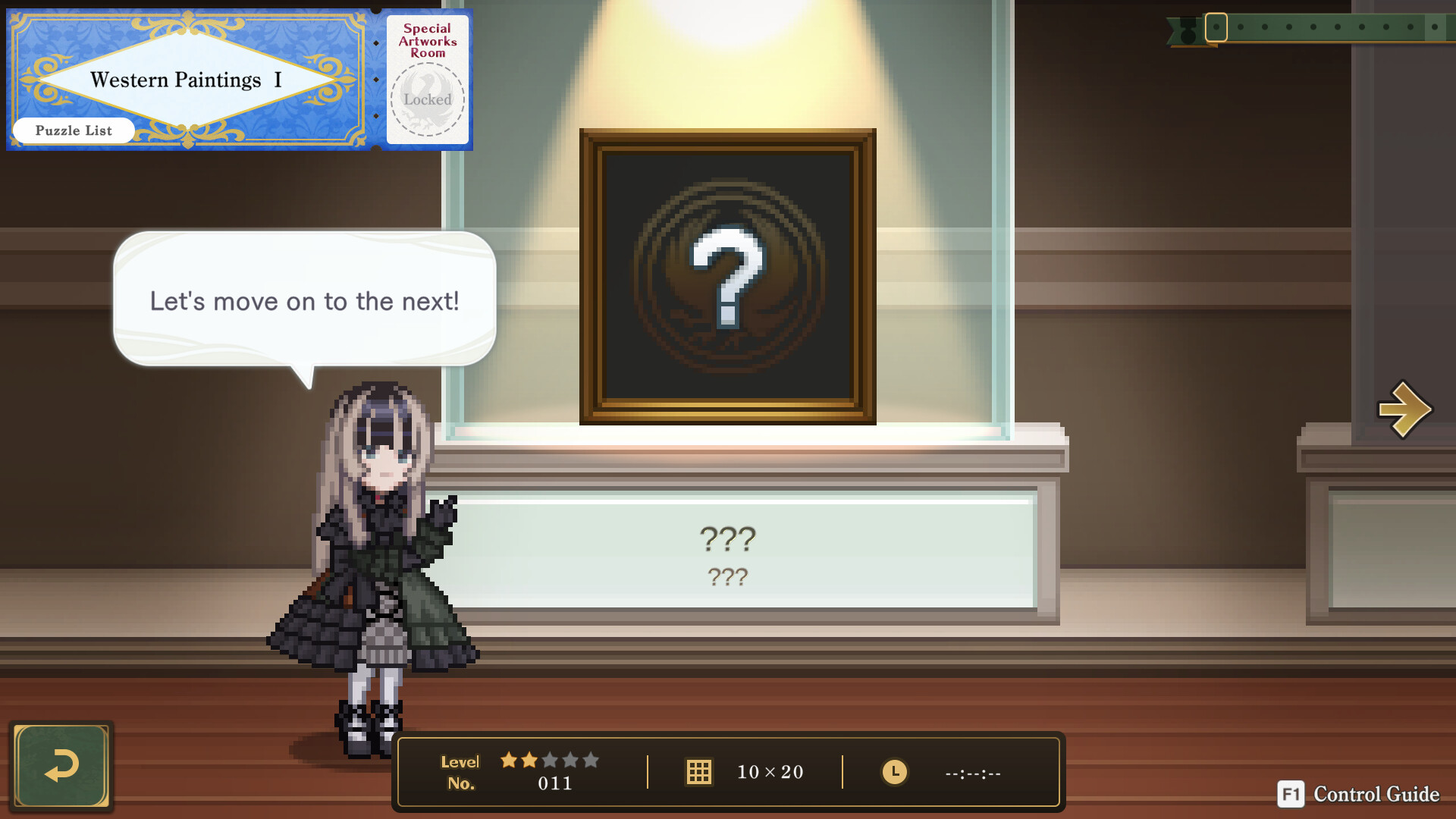
The game offers 150 standard puzzles, each completing a single illustration, plus 10 special puzzles that combine multiple grids into a larger picture. Puzzle dimensions range from 5×5 up to 40×30 cells.
Overall, more than 300 puzzles are available, providing a generous volume of content across different themes such as arts, crafts, culture, and Juufuutei Raden herself.
- Mix small and large puzzles to keep sessions varied.
- Explore the special multi‑grid puzzles for a sense of larger achievement.
04 / THE GUIDE
Assist Functions
Various assist functions are built into the game to ensure smooth gameplay. These can be turned off if the player prefers a more traditional puzzle experience.
Assist options include features that help beginners, though the exact nature of each assist is not detailed beyond its toggle capability.
- Enable assists when first tackling larger grids.
- Disable assists after mastering the clue system for a purer challenge.
05 / THE GUIDE
Platform Features
The title runs on Windows via Steam, supports full controller input—including DualShock and DualSense—and offers Steam Cloud saving and Family Sharing. Achievements are also available.
It is a single‑player experience, meaning all content is accessed by one player without multiplayer requirements.
- Use Steam Cloud to keep progress across installations.
- Try both DualShock and DualSense controllers to find your preferred feel.
COMMUNITY
Player discussion