 GameWiki
GET YOUR BEARINGS
About Just Click The Button
Just Click The Button blends clicker mechanics with arena‑shooter chaos, centering every session on a single button. Each click pushes the game forward, unlocking abilities and evolving the playfield.
The experience can continue indefinitely, letting players collect almost every ability, or it can be concluded by reaching one of four distinct endings. Certain ability builds make specific endings easier, encouraging strategic selection of powers before attempting a final run.
01 / THE GUIDE
Gameplay Evolution
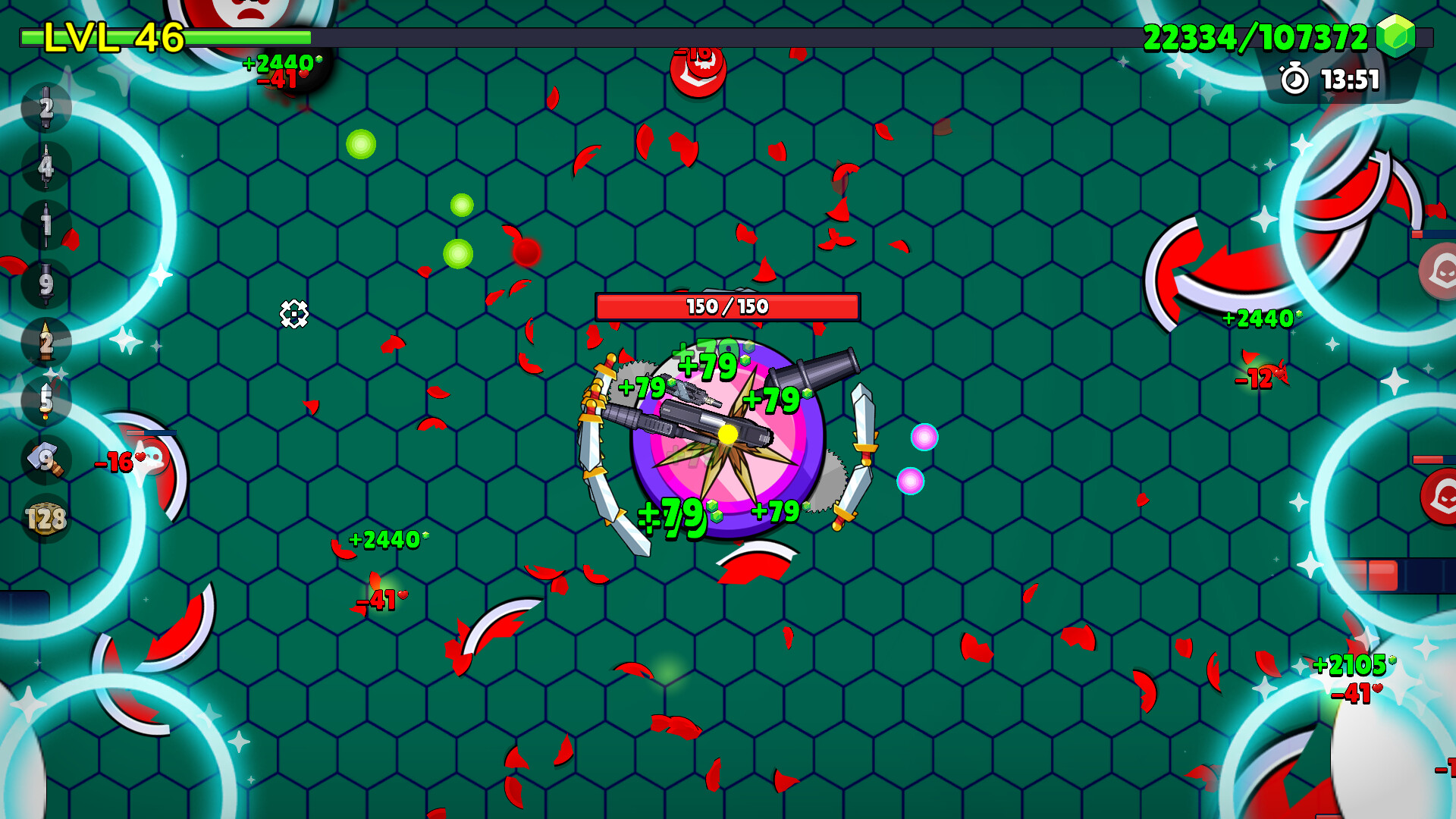
The core loop revolves around clicking a button; each click drives the evolution of the game state. As the game evolves, new patterns and challenges appear, reflecting the hybrid of clicker and arena‑shooter genres.
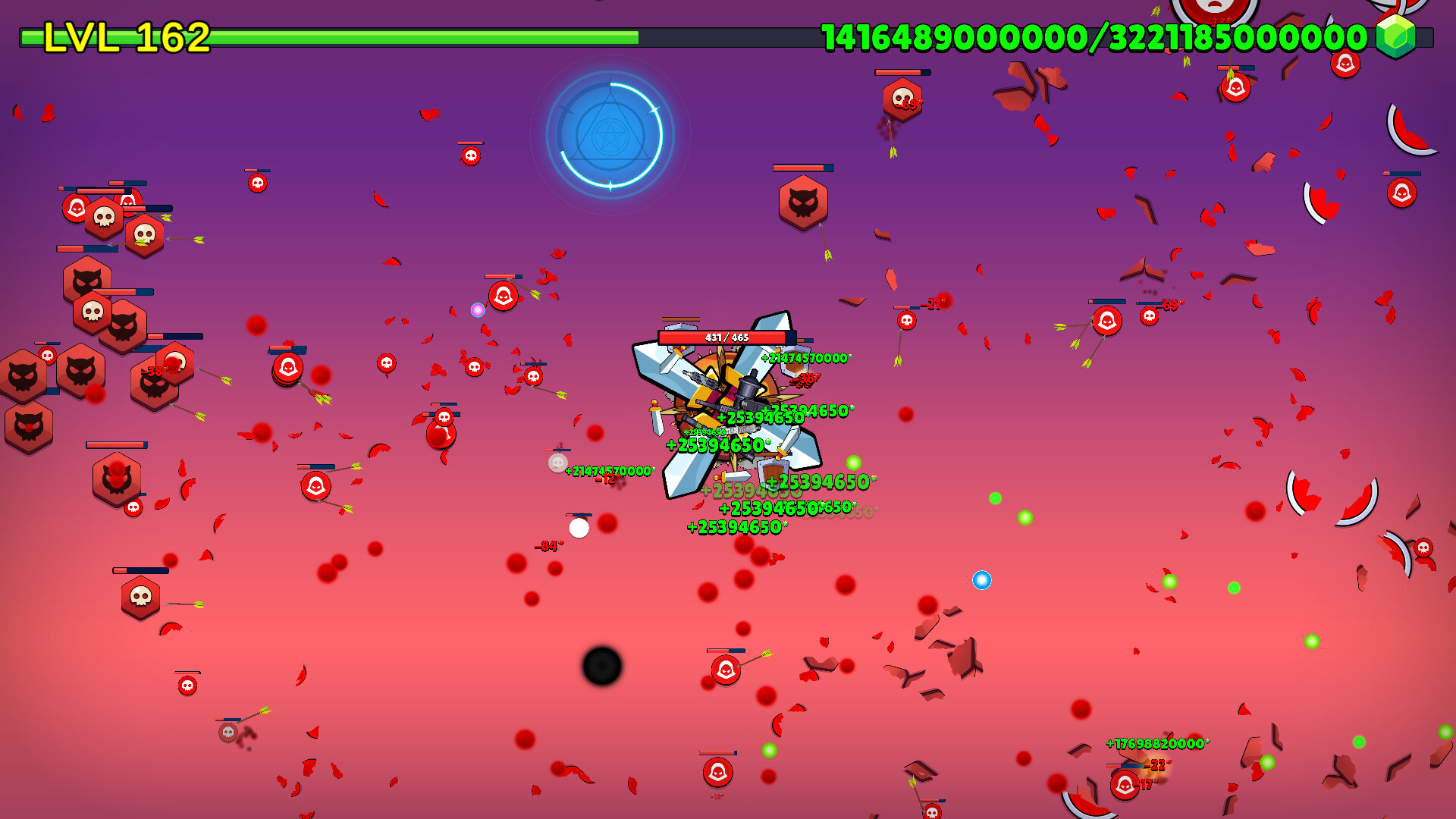
Evolution is continuous, allowing the game to become increasingly chaotic as more abilities are active at once. This allows the game to become increasingly chaotic, especially when many abilities are active at once.
- Observe how the game changes after a few dozen clicks to anticipate new threats.
- Consider pacing your clicks to manage the speed of evolution.
02 / THE GUIDE
Ability Acquisition
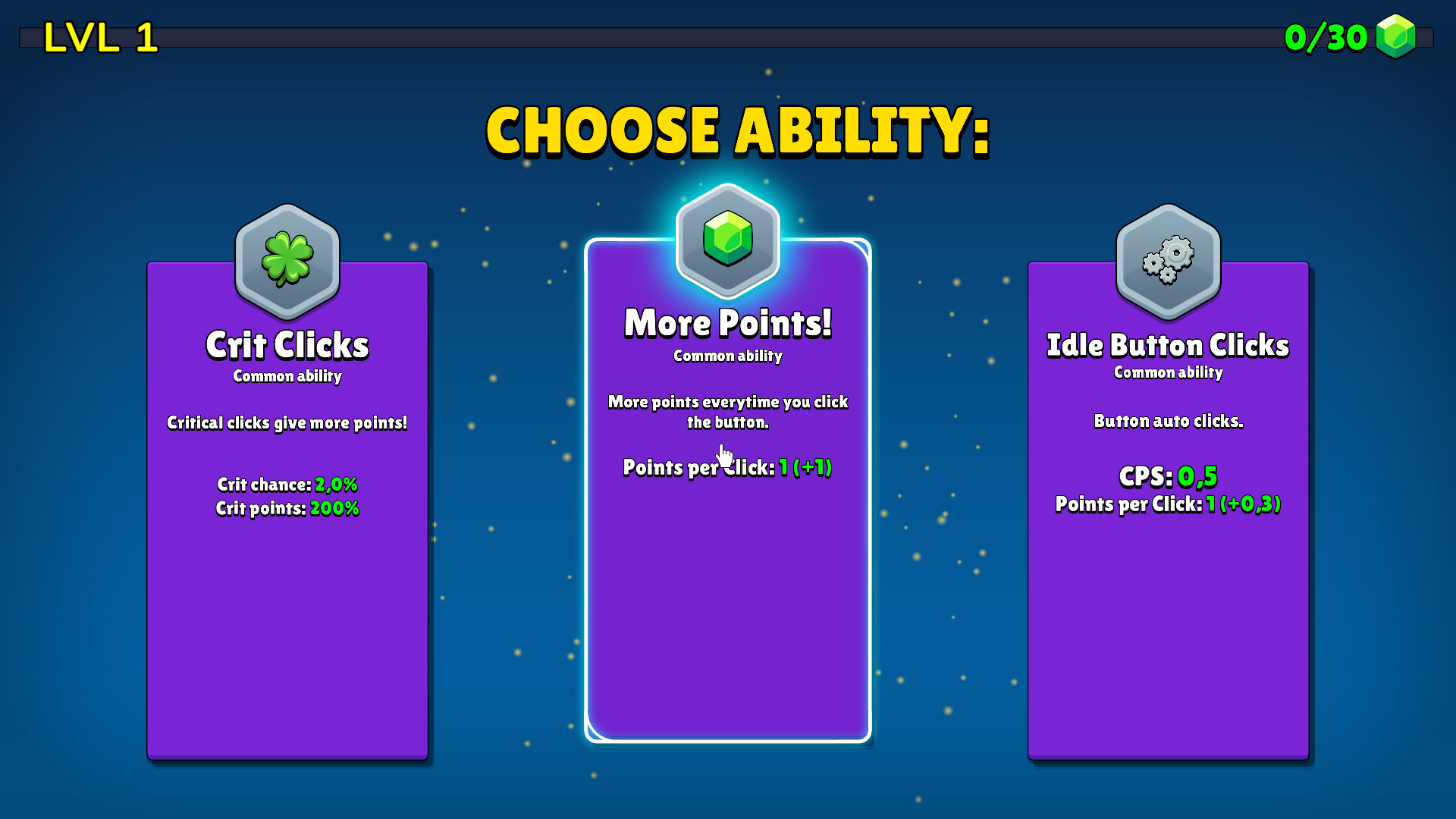
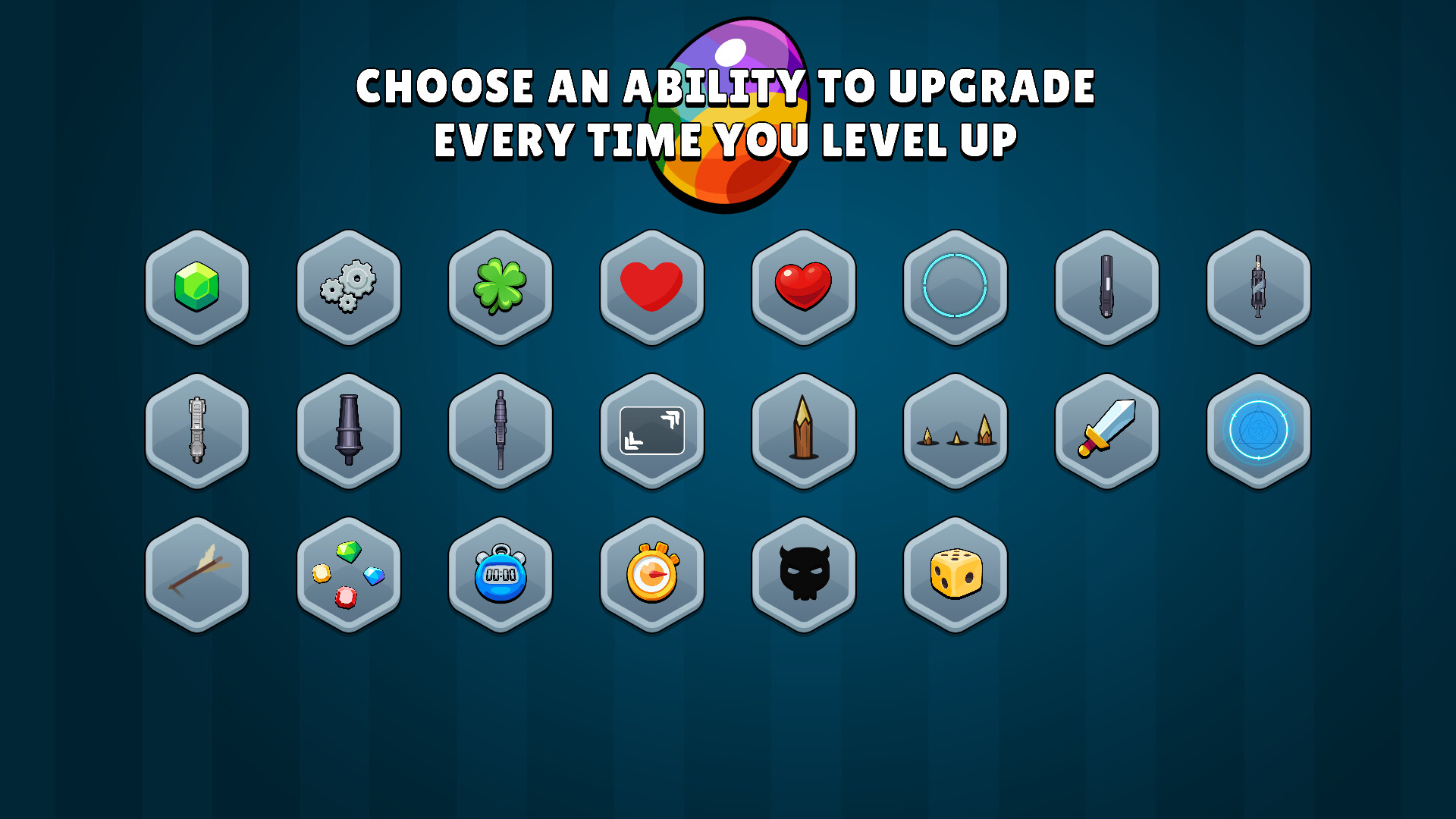
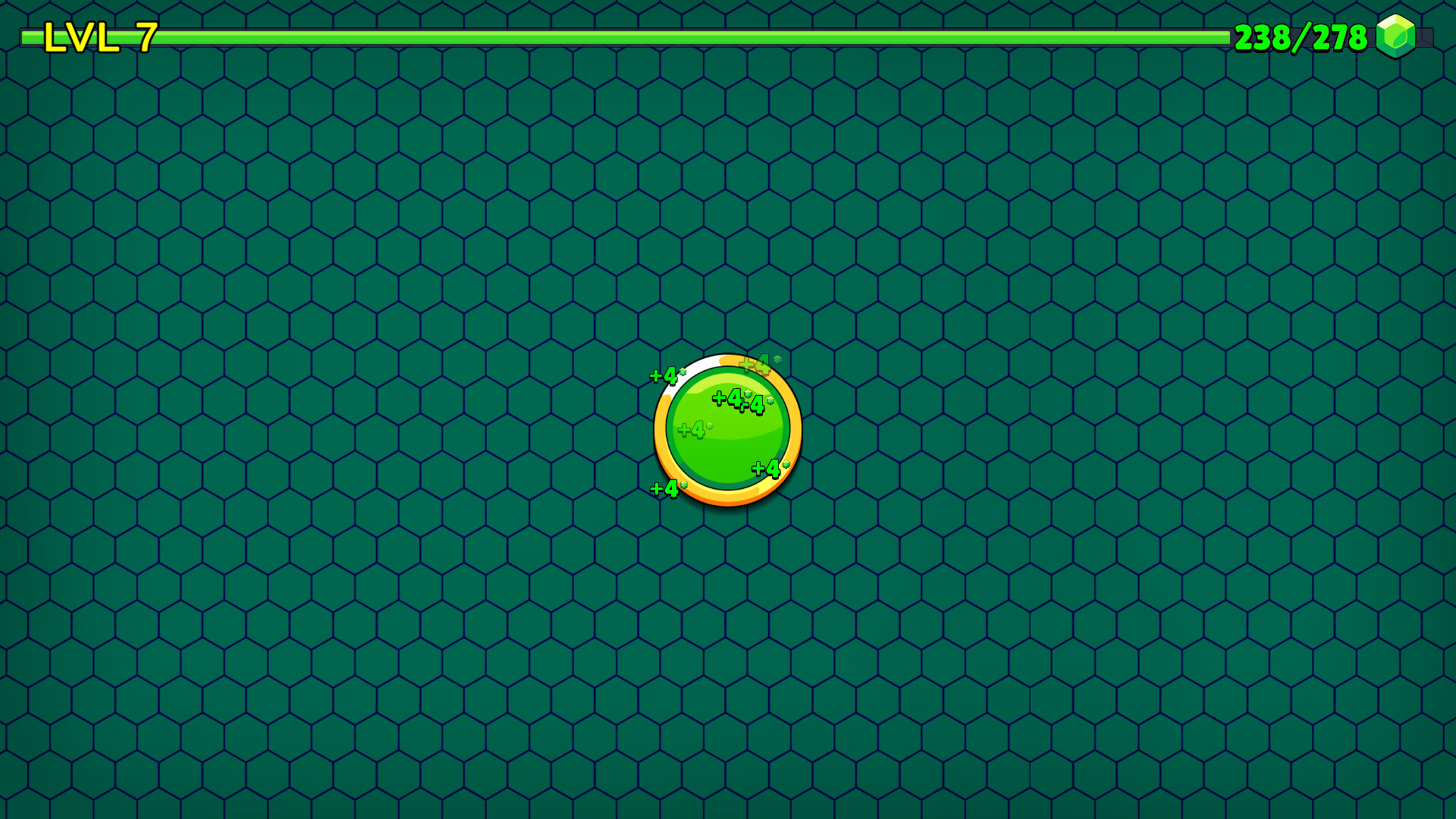
Each click contributes toward leveling up, which grants new abilities. Players can choose which abilities to acquire, shaping their playstyle and influencing how the game behaves as it becomes more complex.
Because abilities stack, acquiring many of them can lead to a situation where “there is way too much stuff going at once,” highlighting the game's capacity for overwhelming variety.
- Track which abilities synergize well before committing to a large build.
- Experiment with different ability combos to see how they affect game chaos.
03 / THE GUIDE
Multiple Endings
The game offers four separate endings. The game can be beaten via one of four endings, and players can attempt a different conclusion in another run.
Some ability builds make particular endings easier, so selecting abilities with a target ending in mind can streamline the path to that conclusion.
- Identify which abilities favor the ending you aim for and prioritize them.
- When planning alternative ending routes, prioritize the abilities that favor your target conclusion.
04 / THE GUIDE
Indefinite Play
There is no built‑in time limit; the game can be played indefinitely, allowing players to continue acquiring abilities beyond what is needed for any ending.
This endless mode encourages experimentation, as players can observe how the game behaves when nearly every ability is active simultaneously.
- Use the indefinite mode to test extreme ability combinations.
- Take breaks during long sessions to avoid overwhelming input fatigue.
05 / THE GUIDE
Platform Features
Just Click The Button is released on Windows via Steam and includes standard Steam features such as achievements, trading cards, cloud saves, and family sharing.
The game is single‑player only; no multiplayer or online components are mentioned, and it does not list support for macOS or Linux.
- Enable Steam Cloud to keep progress across multiple Windows installations.
- Check the Steam achievement list for optional challenges.
COMMUNITY
Player discussion