 GameWiki
GET YOUR BEARINGS
About Jurassic World Evolution 2
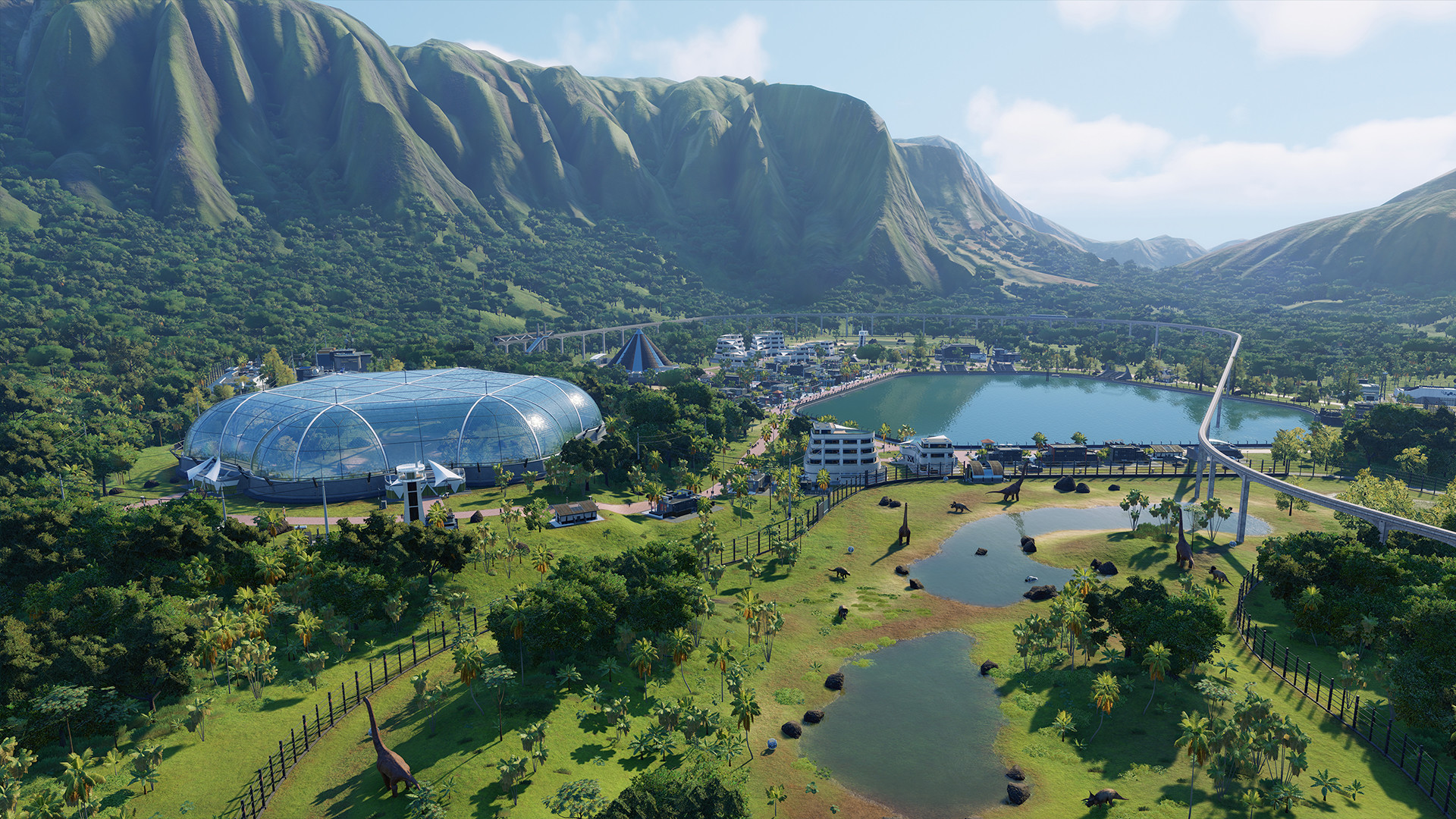
Jurassic World Evolution 2 expands Frontier’s park‑management simulation with a new narrative campaign set after Jurassic World: Fallen Kingdom. The story is voiced by Jeff Goldblum as Dr. Ian Malcolm and Bryce Dallas Howard as Claire Dearing, and places players in charge of controlling, conserving, and containing dinosaurs that have escaped across the United States.
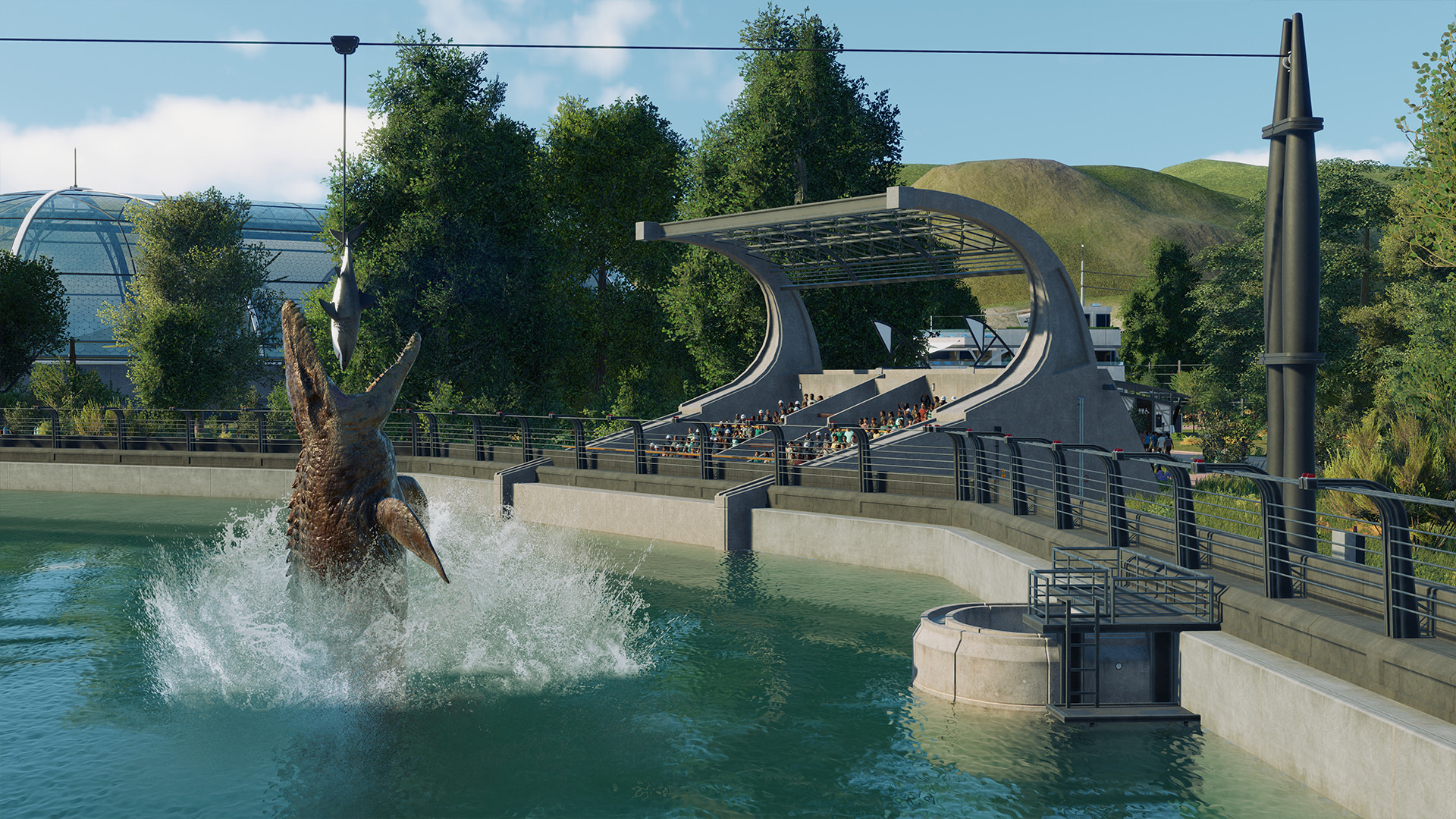
The sequel adds deeper management tools, customizable buildings, new Scientist staff, and four distinct game modes. Over 75 prehistoric species—including flying and marine reptiles—can be bio‑engineered with bold colours and genome‑altered traits, giving players extensive creative and strategic options.
01 / THE GUIDE
Campaign Mode
The campaign delivers an original story that follows the earth‑shattering events of Jurassic World: Fallen Kingdom. Players work alongside the voiced characters Dr. Ian Malcolm and Claire Dearing while managing parks that span multiple locations across the United States.
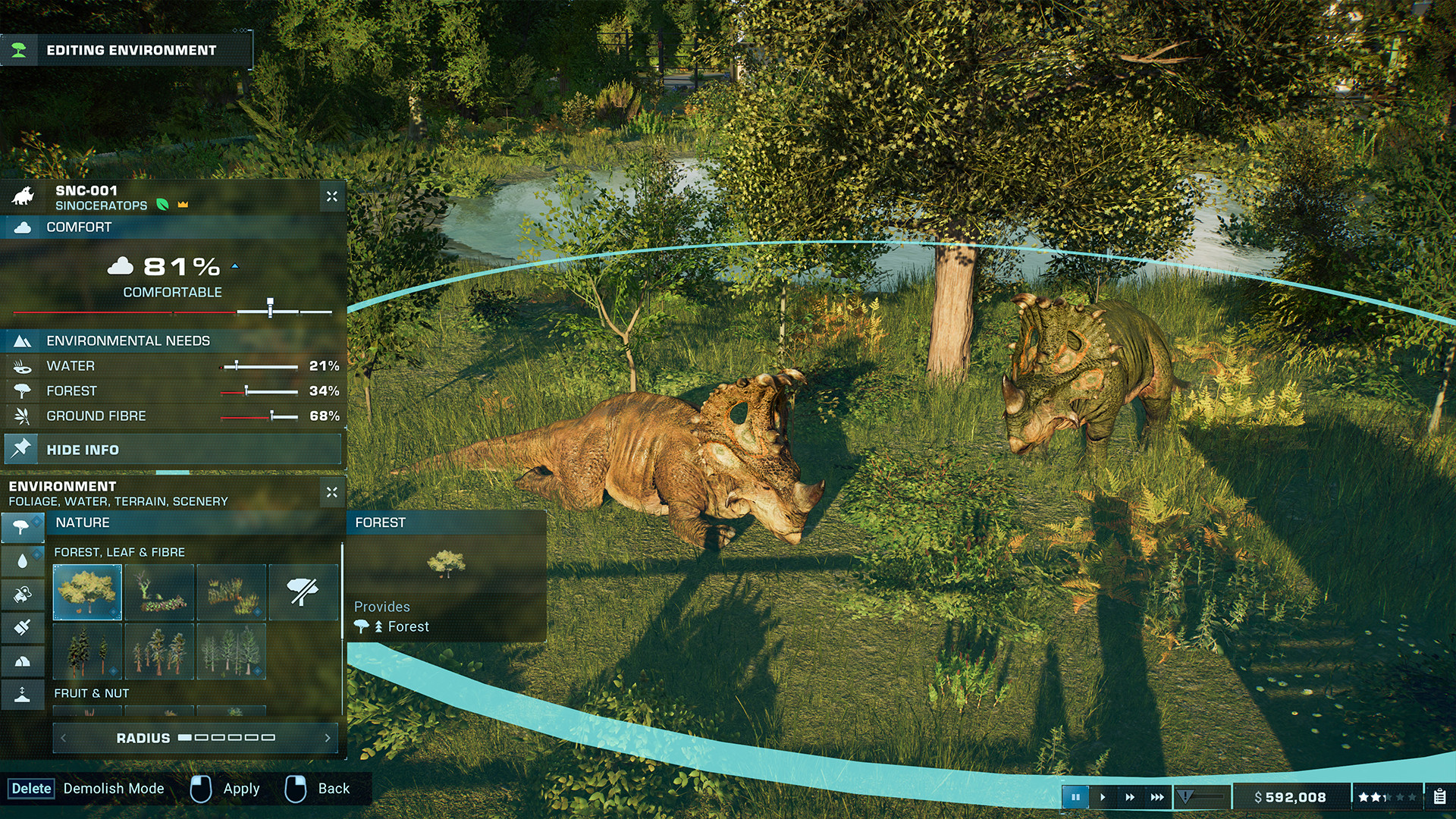
Management tools let you construct new buildings, hire Scientists, and balance guest needs with dinosaur welfare. The narrative weaves key film moments into gameplay, offering a fresh “what‑if” perspective on the franchise’s history.
- Observe how new building options affect both guest flow and dinosaur habitats.
- Compare the impact of hiring Scientists versus other staff on overall park efficiency.
02 / THE GUIDE
Sandbox Mode
Sandbox provides a creative environment for placement and experimentation without narrative constraints. Players can design parks from the ground up without preset objectives.
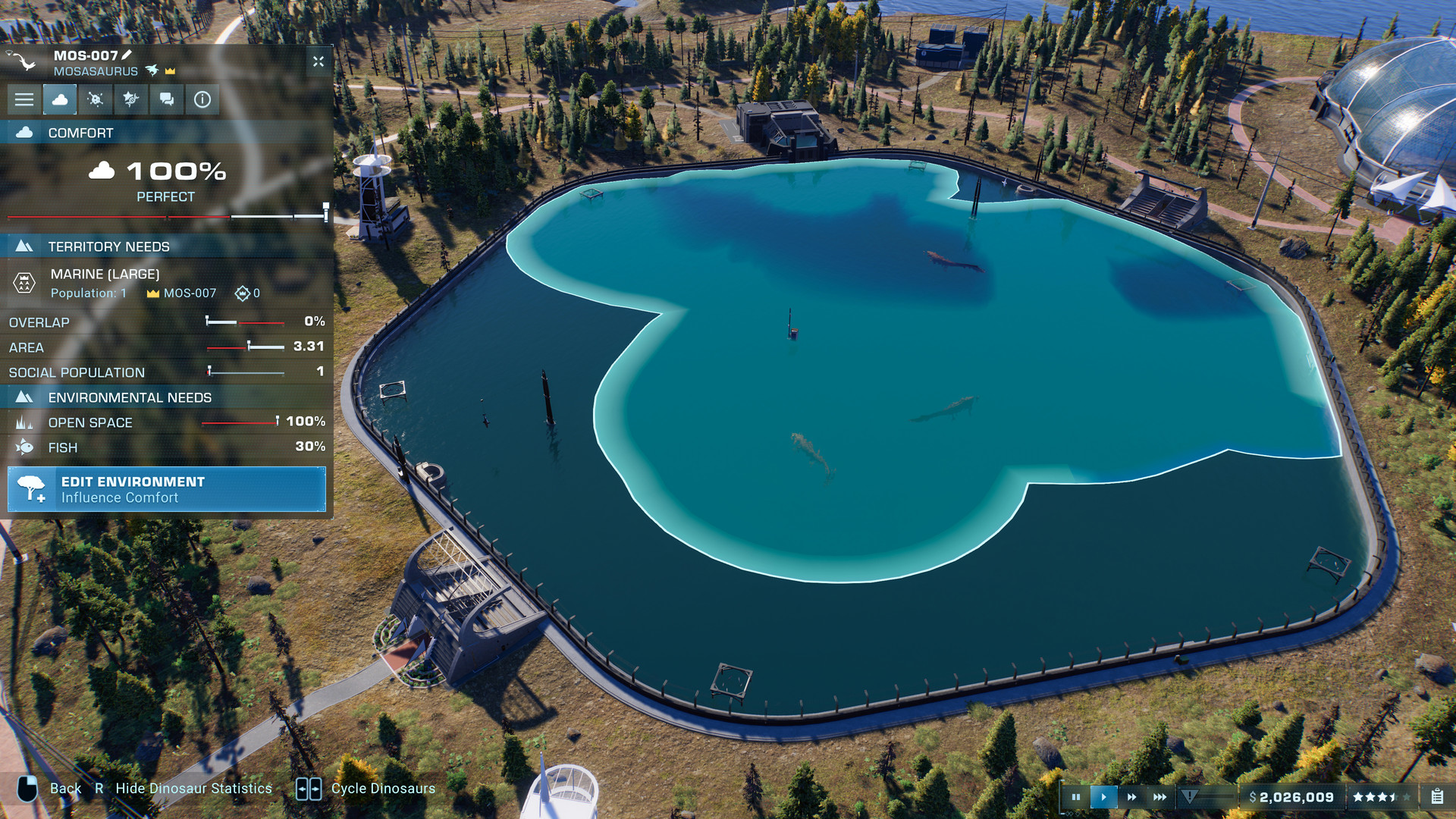
With the full roster of over 75 species—including newly added flying and marine reptiles—players can test enclosure designs, dinosaur interactions, and visual customisations, observing how each element influences guest satisfaction and dinosaur behaviour.
- Use the freedom to test different enclosure layouts before applying them in campaign.
- Experiment with bio‑engineered colour variations to see visual effects on park aesthetics.
03 / THE GUIDE
Challenge Mode
Challenge mode presents a series of scenarios set in varied locations and environmental conditions, each with specific objectives to meet. The scenarios introduce environmental calamities that affect dinosaur behaviour and guest expectations.
Strategic planning is essential as you balance limited resources, staff, and park infrastructure while keeping dinosaurs contained. Success is measured by how well you meet the scenario’s goals under the given constraints.
- Review each scenario’s objectives before allocating resources.
- Compare how different environmental calamities affect dinosaur stress levels.
04 / THE GUIDE
Dinosaur Bio‑Engineering
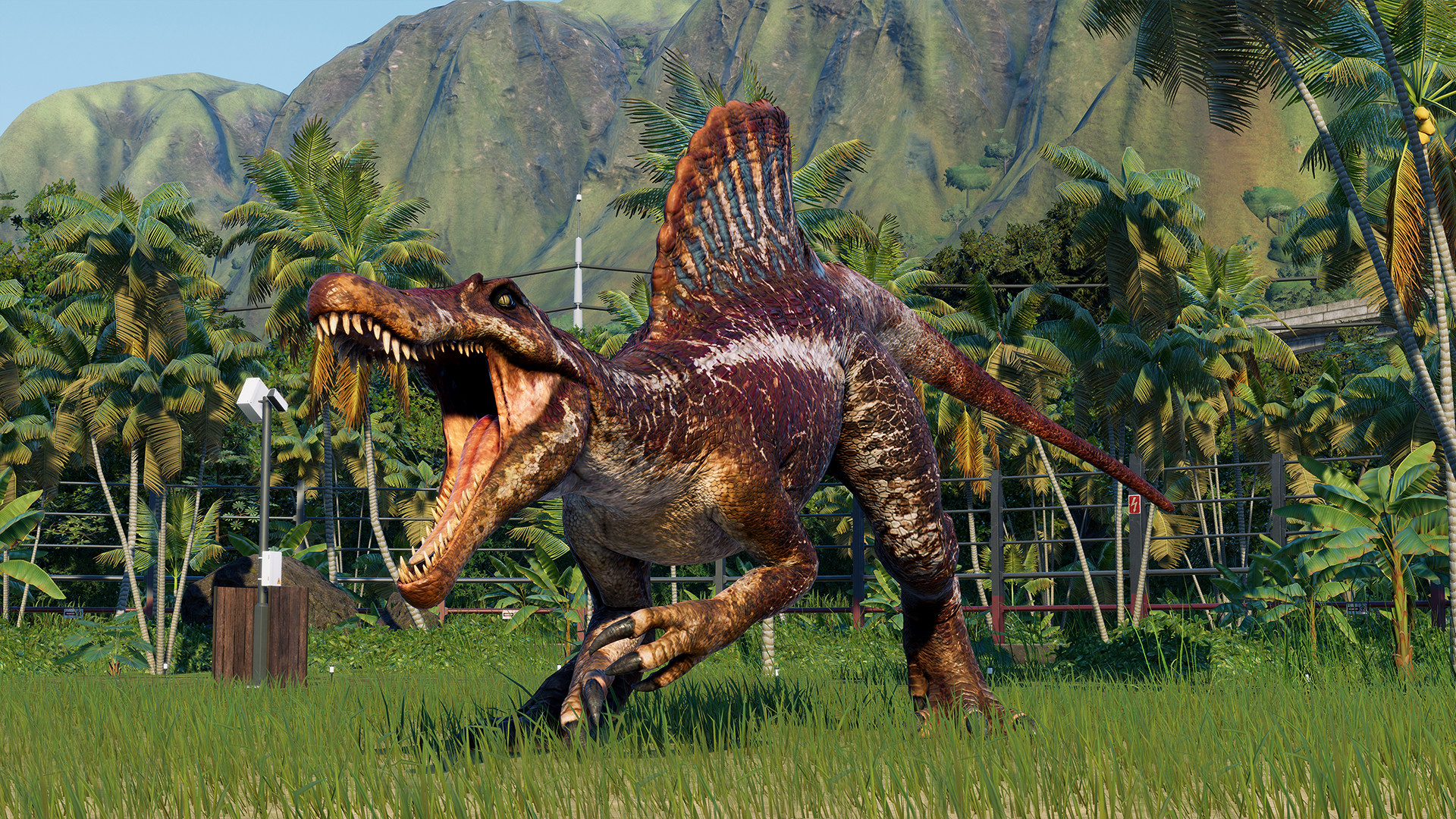
Bio‑engineering lets players customise dinosaurs with bold new colours and altered genomes that unlock additional traits. This system applies to all 75+ species, including the newly added flying and marine reptiles.
Engineered traits influence how dinosaurs claim territory, fight for dominance, and respond to park conditions, adding depth to both management decisions and visual presentation.
- Track how colour changes affect guest attraction ratings.
- Observe trait impacts on dinosaur aggression when placing them near each other.
05 / THE GUIDE
Full Controller Support
Jurassic World Evolution 2 includes full controller support, allowing players to navigate menus, place structures, and manage park operations using a gamepad. All management tools are accessible via this input method.
Players can choose the device that feels most comfortable for building placement and park oversight.
- Try both controller and mouse/keyboard to see which feels more natural for building placement.
- Try both input styles over time to find which matches your preferred way of playing.
COMMUNITY
Player discussion