 GameWiki
GET YOUR BEARINGS
About Juno: New Origins
Juno: New Origins is a 3D aerospace sandbox where players construct rockets, planes, cars, and other vehicles using a fully customizable part system. Realistic physics apply on land, sea, air and space, letting creations be tested from launch pads to distant planets.
A career mode guides progress through contracts, milestones and landmarks that reward money and tech points, which unlock new items in the tech tree. Community tools let users download crafts, planets and mods and share their own crafts and sandboxes, while the Vizzy visual language adds programmable automation.
01 / THE GUIDE
Career Mode
The career mode features a tech tree, contracts, milestones and landmarks. Completing contracts provides money, while milestones and landmarks award tech points that can be spent to unlock further technology.
Tech points accumulate as you reach each milestone or landmark, expanding the pool of available parts. Money earned from contracts supports your aerospace company as it grows, while tech points unlock further technology.
- Prioritize milestones early to gain tech points for unlocking new parts.
- Use contract earnings to fund larger projects as you unlock new technology in the tech tree.
02 / THE GUIDE
Fully 3D Craft Designer
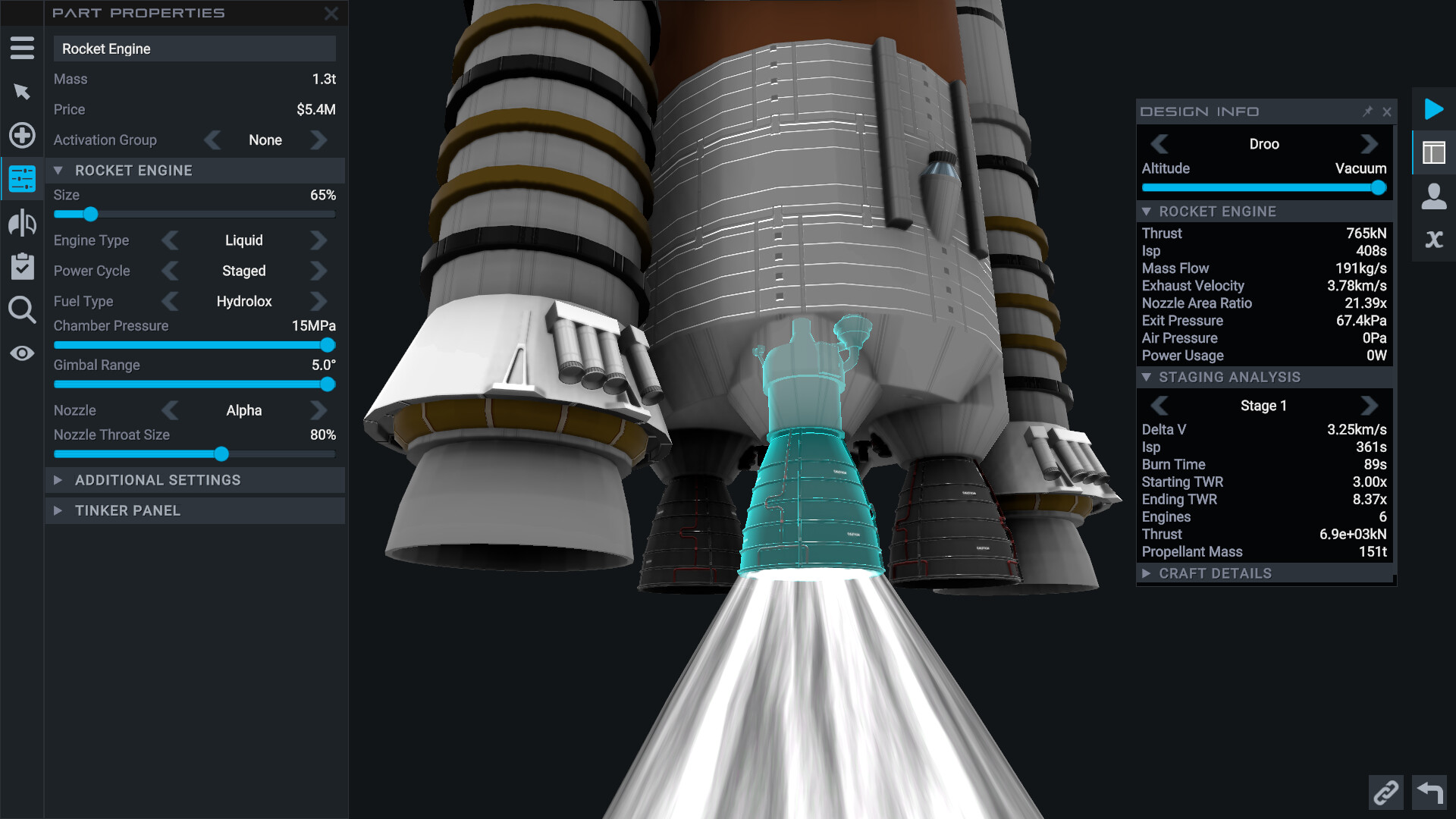
Over 30 parts, including fairings, retractable solar panels and procedural landing gear, can be resized and reshaped. The designer also supports custom colors, textures, reflectiveness, emissiveness and other visual styles.
Engines can be tuned for sea‑level thrust or vacuum efficiency, and the Performance Analysis window displays Delta‑V, thrust‑to‑weight ratio and Isp as you modify the design.
- Resize fuel tanks and cargo bays to reduce dead weight.
- Check the Performance Analysis window after each major change to see its impact.
03 / THE GUIDE
Realistic Flight Mechanics
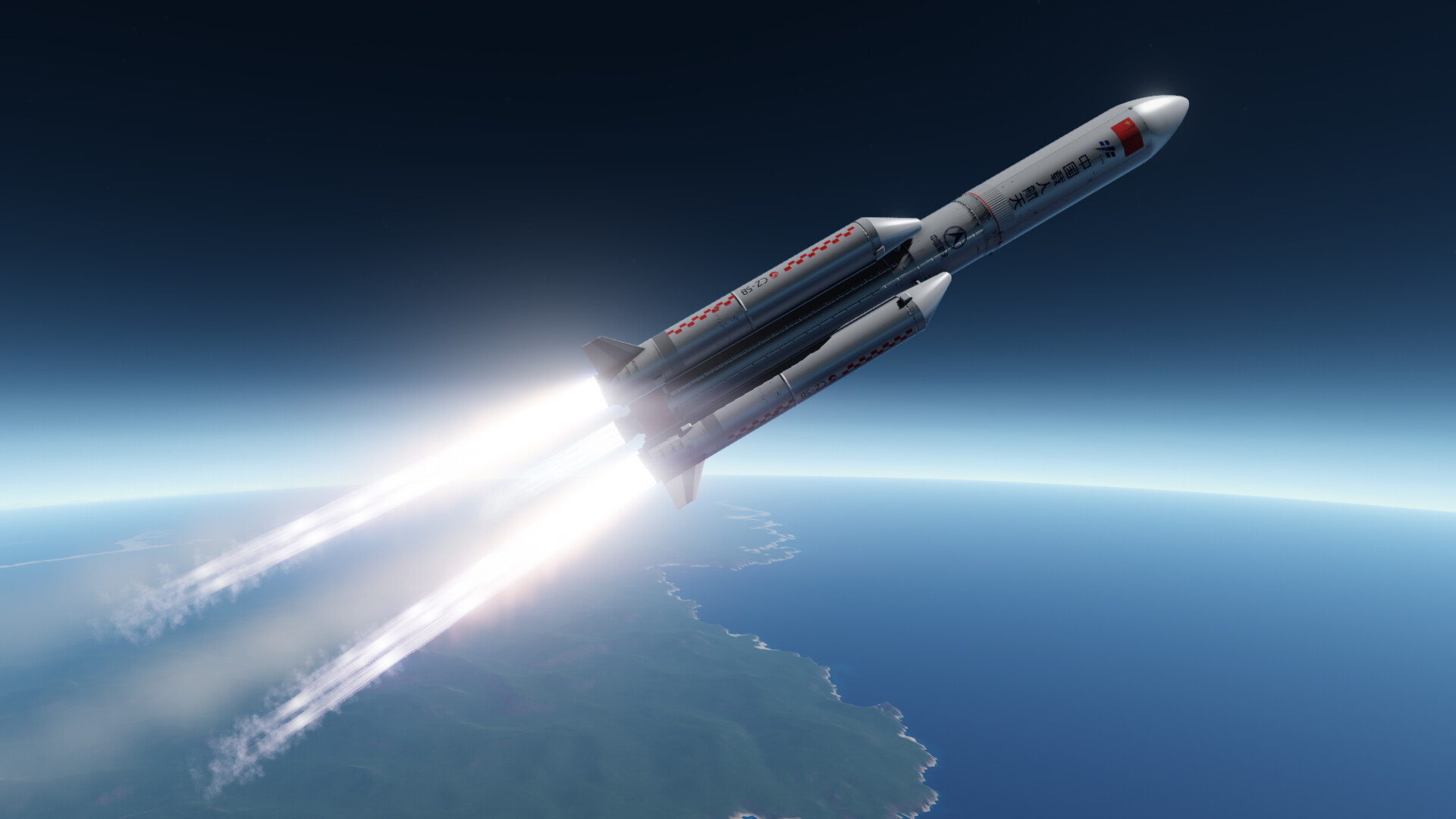
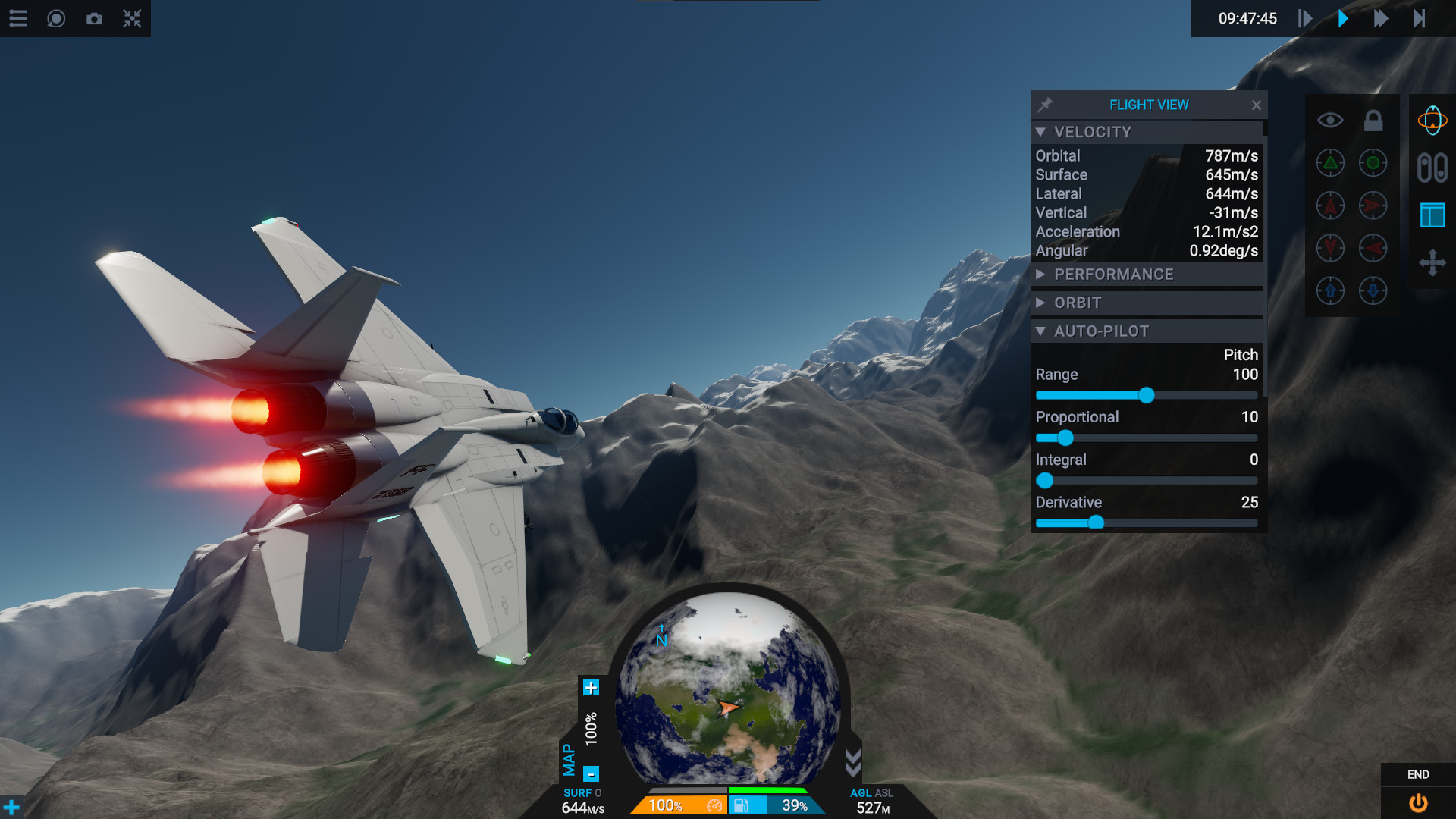
Rocket physics and orbital mechanics are simulated with dynamic drag and lift that change as the craft morphs. Time‑warp lets you fast‑forward while in orbit, and ion engines can burn during warp.
Map View displays predicted orbits and encounters, while the Nav Sphere aids heading control. Re‑entry includes visual effects and part damage from heat.
- Plan burns using Map View to minimize fuel consumption.
- Watch re‑entry heat warnings to avoid unnecessary damage.
04 / THE GUIDE
Vizzy Visual Programming
Drag‑and‑drop code blocks let you log telemetry, automate launches and design custom MFD touch screens. Vizzy is built for Juno, teaching programming, maths and physics while expanding craft capabilities.
Programs can control fuel management, docking procedures and other automated tasks, giving both beginners and advanced users a way to customize behavior without writing text code.
- Start with simple telemetry blocks to monitor performance.
- Combine docking and fuel‑transfer blocks for automated refueling.
05 / THE GUIDE
Planet Studio
Planet Studio provides templates and tools to create planets, stars, moons and whole stellar systems. An advanced mode adds noise layers, biome tweaks and a paintbrush for complex shapes.
User‑uploaded planets and sandboxes can be downloaded, letting you explore endless procedurally generated worlds or share your own creations with the community.
- Use a template as a base before adding custom noise layers.
- Experiment with the paintbrush to craft unique biomes.


COMMUNITY
Player discussion