 GameWiki
GET YOUR BEARINGS
About JUMP FORCE
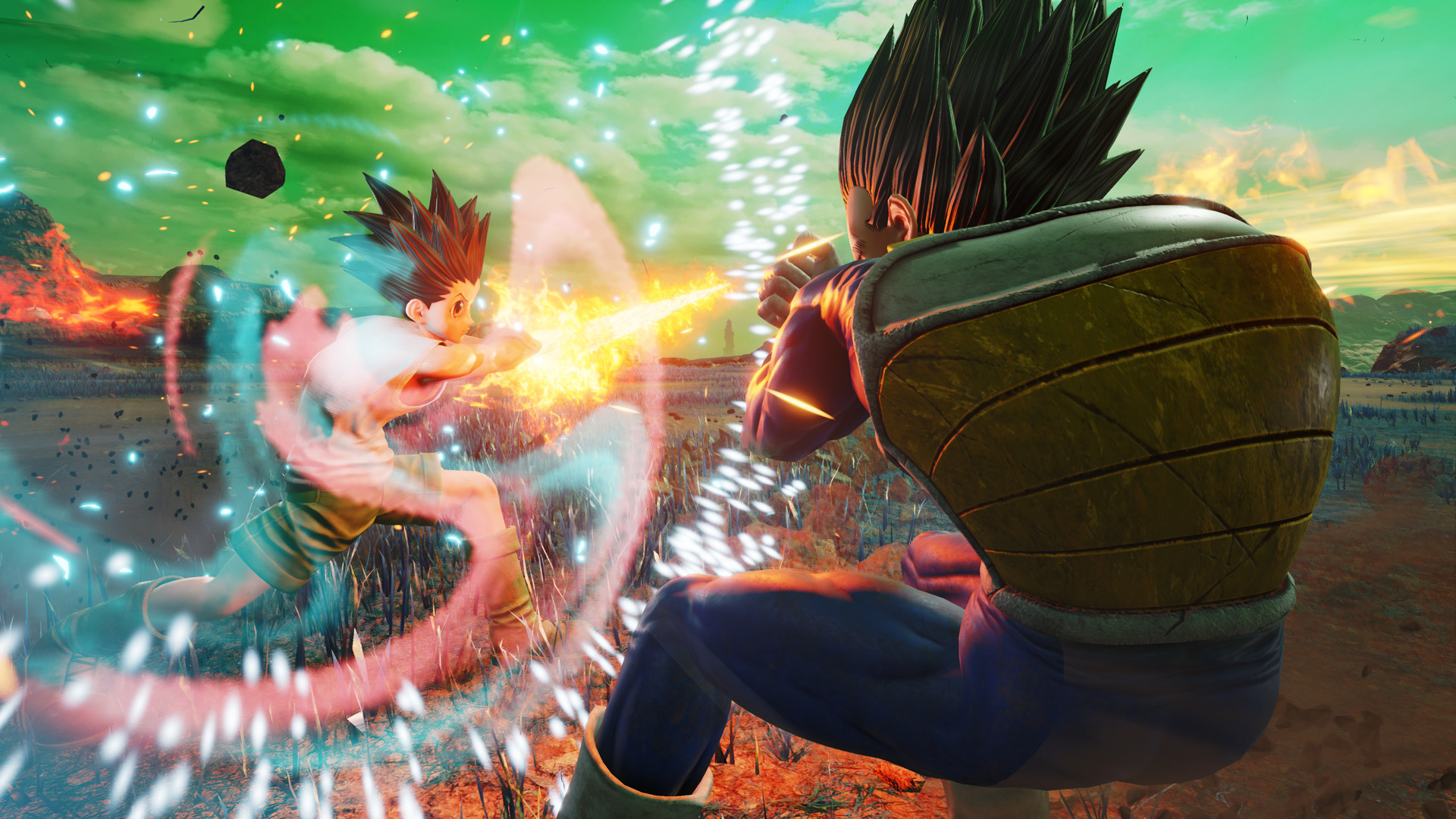
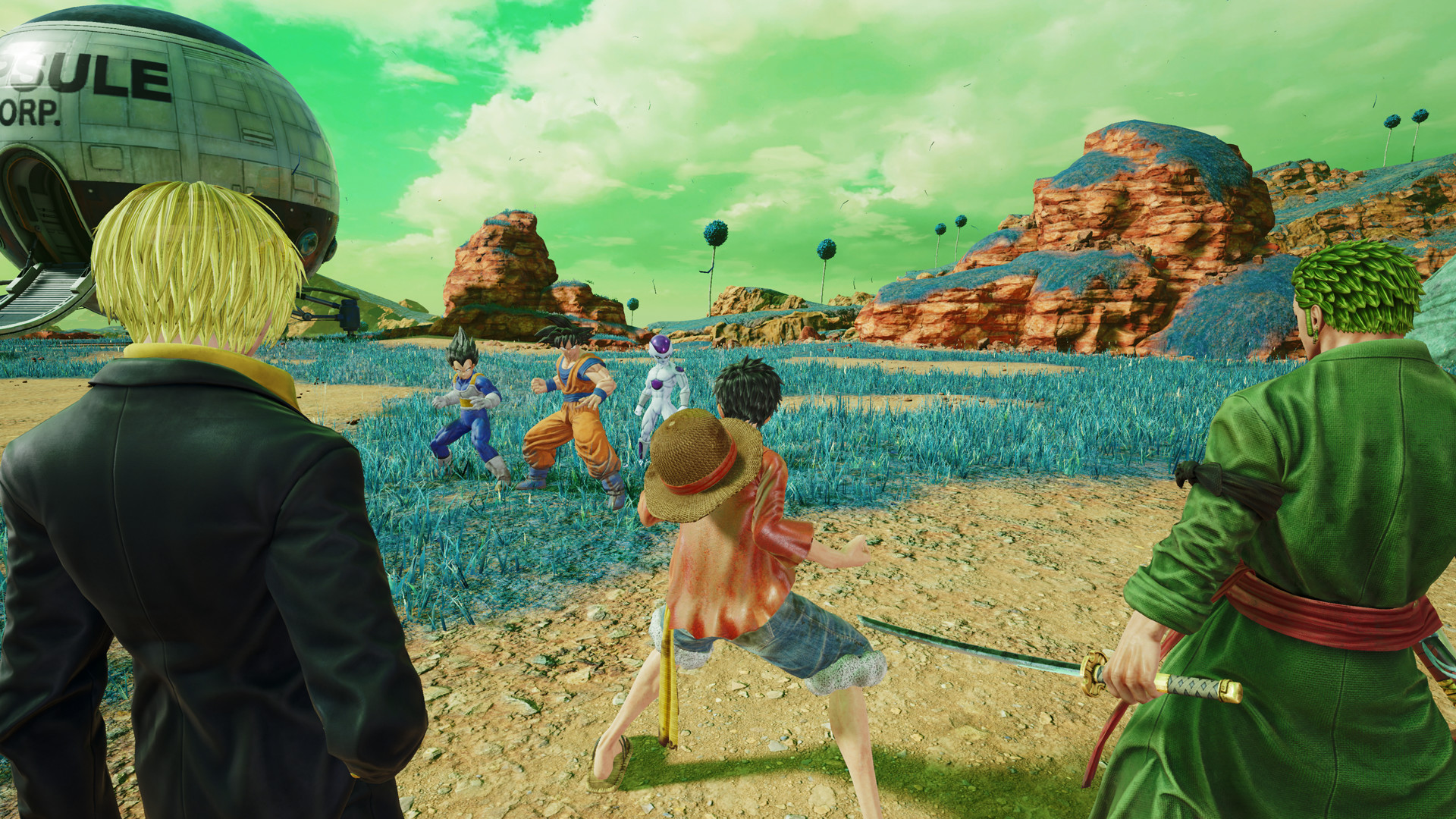
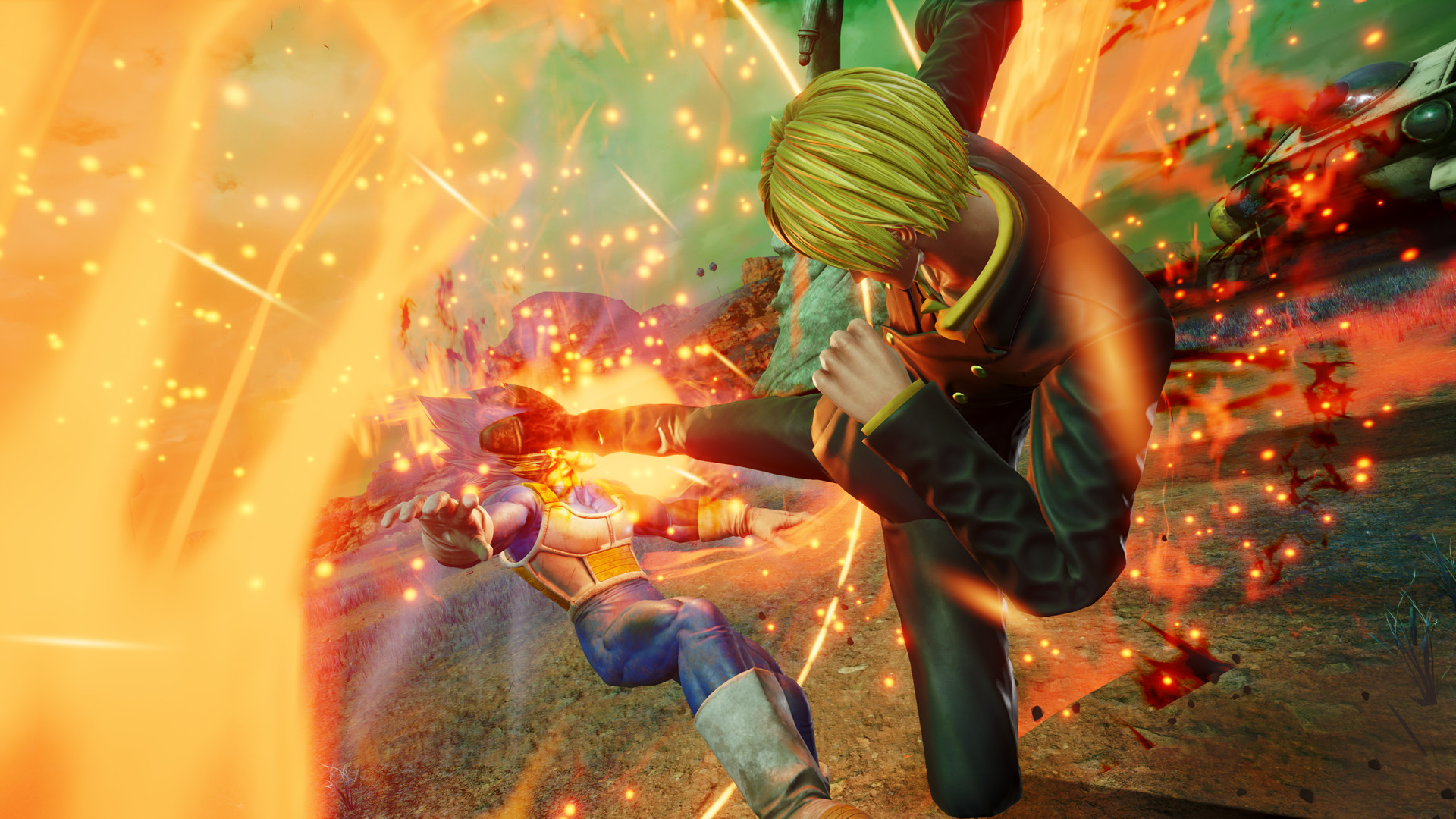
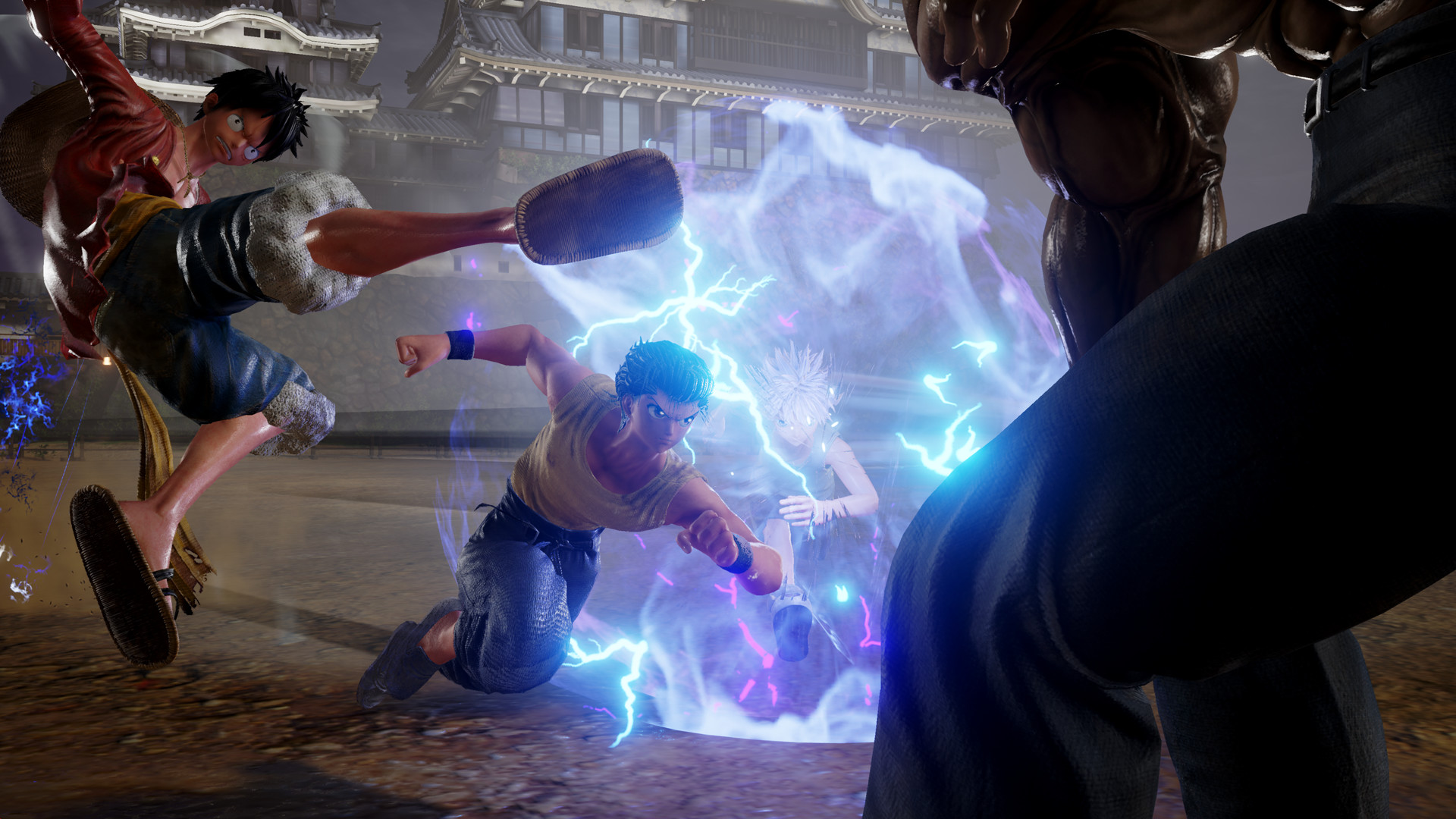
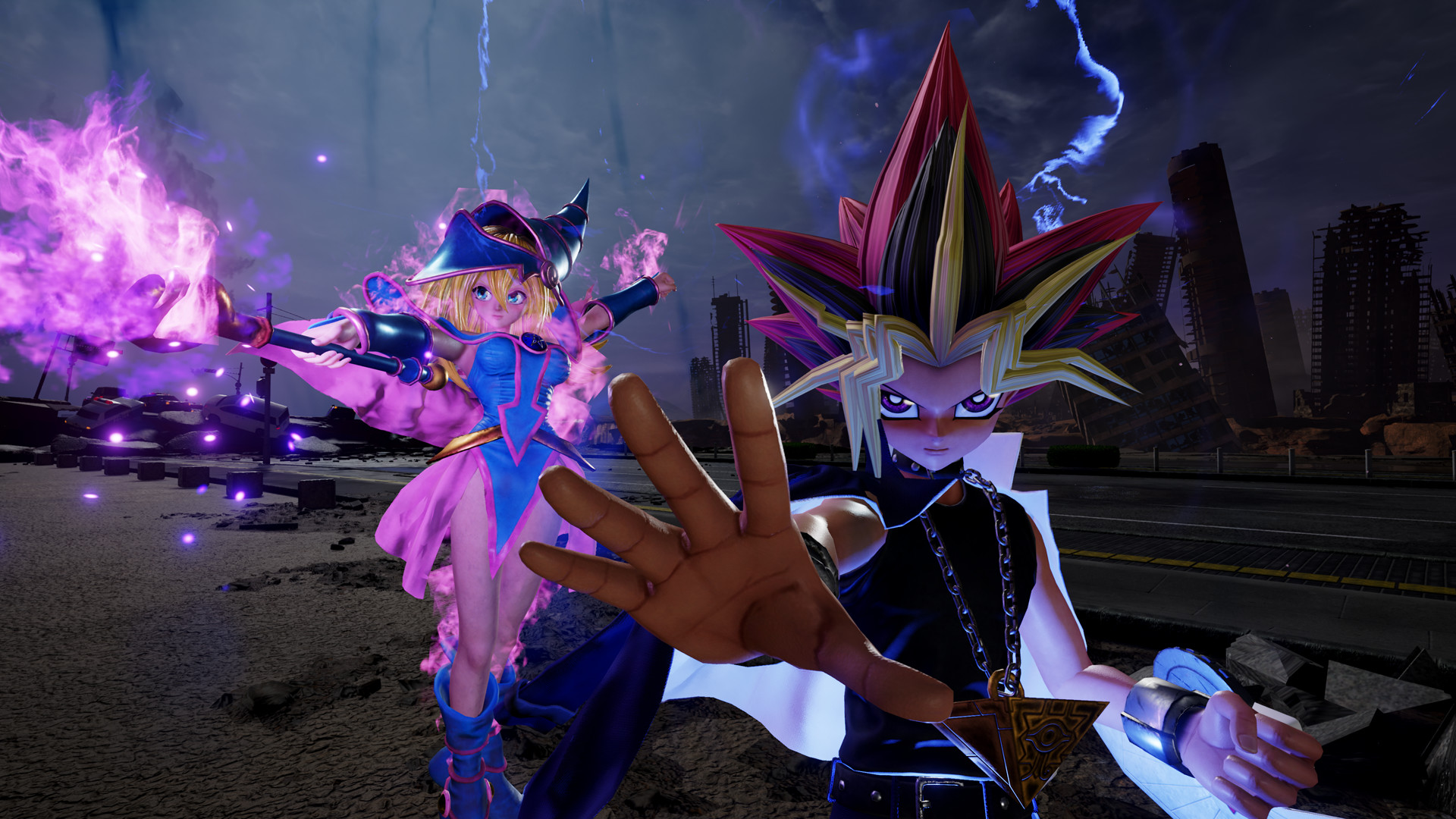
Jump Force pits iconic manga heroes against a new, real‑world battleground. Players can craft a custom avatar and fight alongside characters from series such as Dragon Ball Z, One Piece, Naruto, and many more. The game offers a single‑player Story Mode and an Online Lobby with various multiplayer activities, though online services ended in August 2022.
01 / THE GUIDE
Story Mode
The original Story Mode lets you create an avatar and battle alongside famous manga heroes. The narrative centers on a dangerous threat that endangers humanity, prompting the assembled Jump Force to act.
Progression occurs through missions that blend the game's action combat with the diverse abilities of the featured characters, providing a solo experience separate from online features.
- Experiment with different hero combos to discover synergistic attacks.
- Focus on mastering your avatar’s moves before tackling later missions.
02 / THE GUIDE
Online Lobby
The Online Lobby previously allowed players to challenge each other in various modes, including PvP and ranked matches. It also hosted events, clan functions, and leaderboards.
All online services, including the lobby, were discontinued on 25 August 2022, removing access to multiplayer matchmaking and related features.
- If you own the game, you can still enjoy offline modes after the service ends.
- Check the official website for any post‑service updates or community tools.
03 / THE GUIDE
DLC Availability
Downloadable content purchased before the sales deadline remains usable after online services cease. This ensures that previously bought character packs or cosmetic items stay in the game.
No new DLC can be bought after the sales end date of 8 February 2022.
- Verify your DLC library in the game’s menu before the sales deadline.
- Keep a backup of your game files to preserve DLC after service ends.
04 / THE GUIDE
Platform Features
Jump Force runs on Windows PCs and supports full controller input, Steam achievements, and various Remote Play options for phones, tablets, and TVs. Family Sharing is also listed among its features.
The title does not support macOS or Linux platforms.
- Use Remote Play Together to enjoy local multiplayer on a separate device.
- Enable Family Sharing to let multiple accounts access the game on the same PC.
05 / THE GUIDE
Multiplayer Modes
Beyond the now‑defunct online lobby, the game includes split‑screen PvP and shared‑screen options, allowing two players to compete locally. These modes function without an internet connection.
Steam achievements track progress in both single‑player and local multiplayer activities.
- Set up a split‑screen session for quick practice against a friend.
- Check achievement lists to guide your multiplayer goals.
COMMUNITY
Player discussion