 GameWiki
GET YOUR BEARINGS
About Jumbo Airport Story
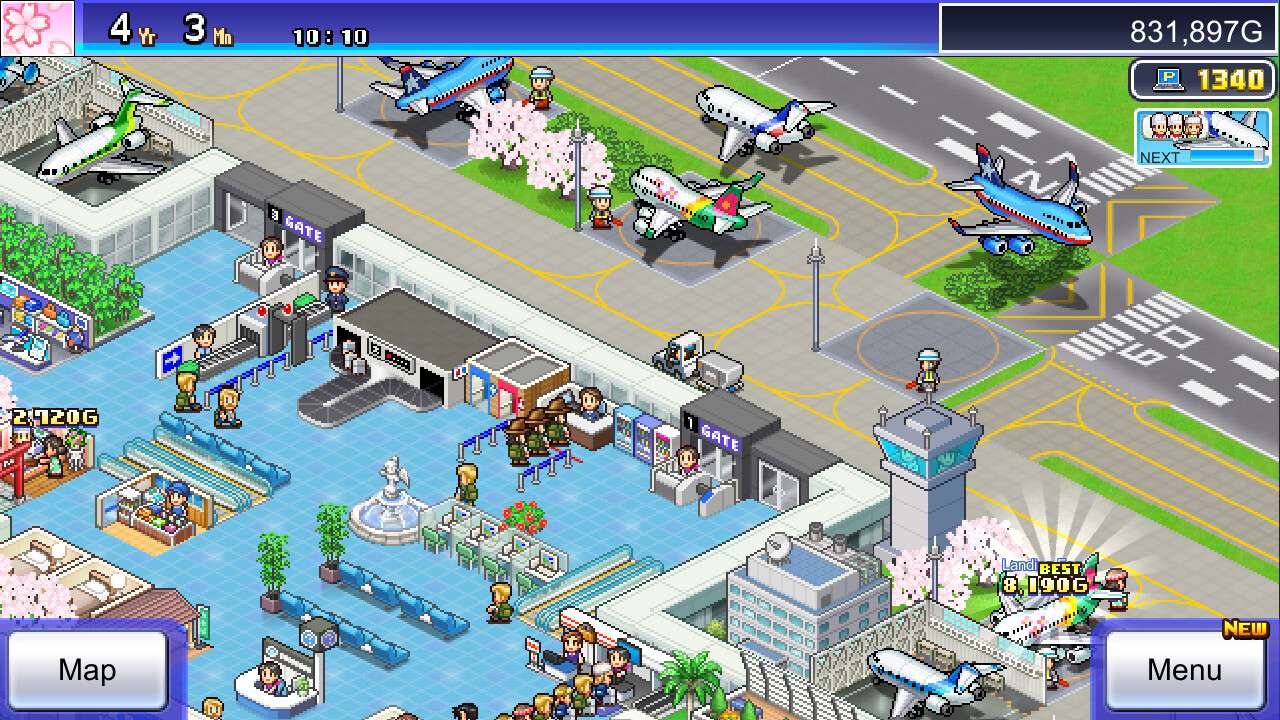
Jumbo Airport Story lets you expand a modest airport by adding amenities such as Bistros, Bookstores, Benches, Sofas, and Plants. Each addition raises visitor satisfaction, which in turn increases the airport’s popularity and draws more travelers.
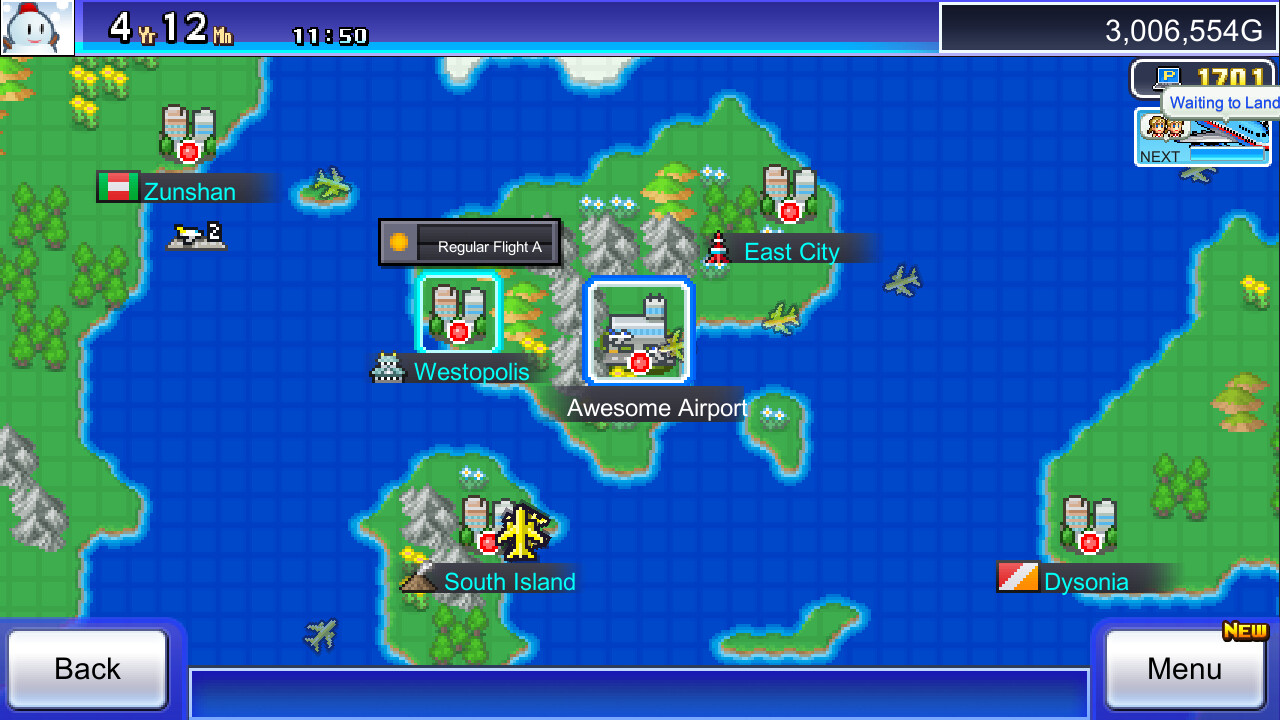
As the airport grows you can host fairs, purchase airliners, create flight plans, and sign contracts with foreign airlines. These steps turn the airport into an international hub that welcomes guests from many cities.
01 / THE GUIDE
Building Facilities
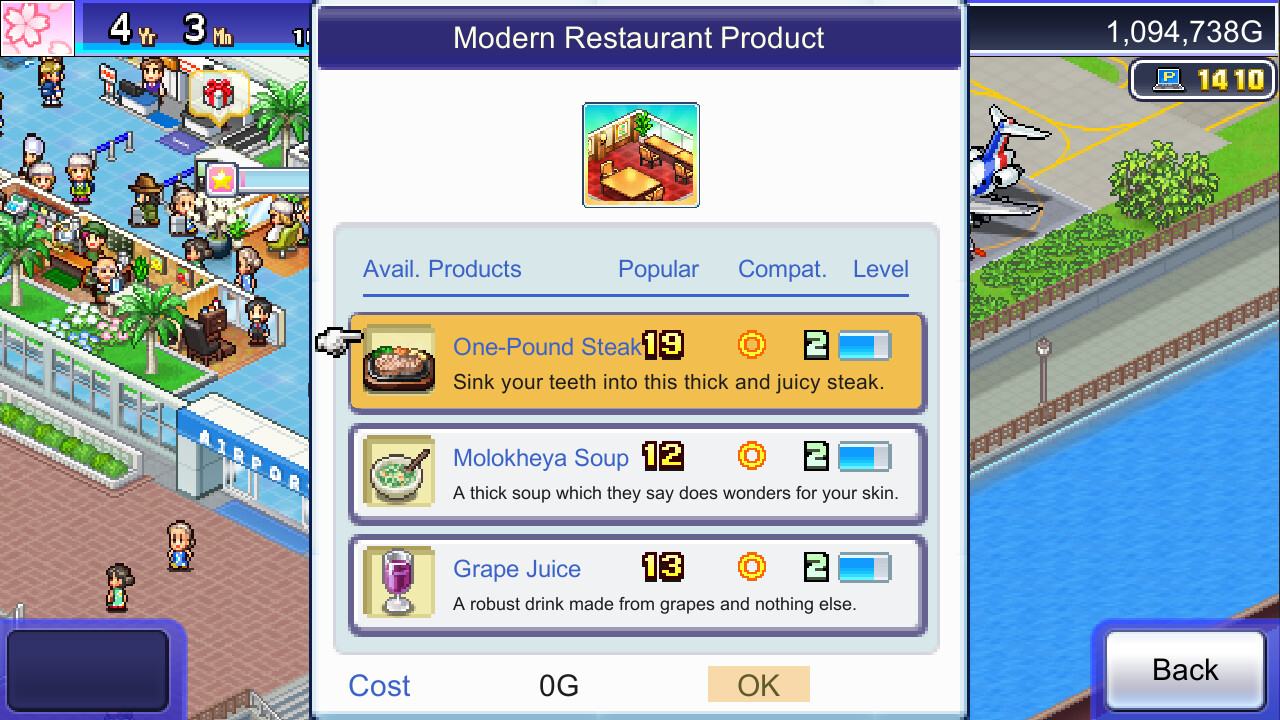
The first step is to place basic services like Bistros and Bookstores. These facilities make visitors comfortable and directly contribute to higher popularity scores.
When the airport expands, adding seating such as Benches and Sofas near those services gives guests places to rest, helping to keep satisfaction levels up.
- Place seating close to high‑traffic amenities for quick rest stops.
- Mix food and retail options to maintain a steady flow of happy visitors.
02 / THE GUIDE
Visitor Fatigue
As the terminal becomes larger, visitors grow more tired from walking long distances. Providing Benches and Sofas reduces that fatigue and keeps guests content.
Plants are also mentioned as a way to soothe sore eyes, adding visual relief that complements the seating options.
- Cluster benches in long corridors to break up walking distance.
- Add greenery in waiting areas for an extra calming effect.
03 / THE GUIDE
Hosting Fairs
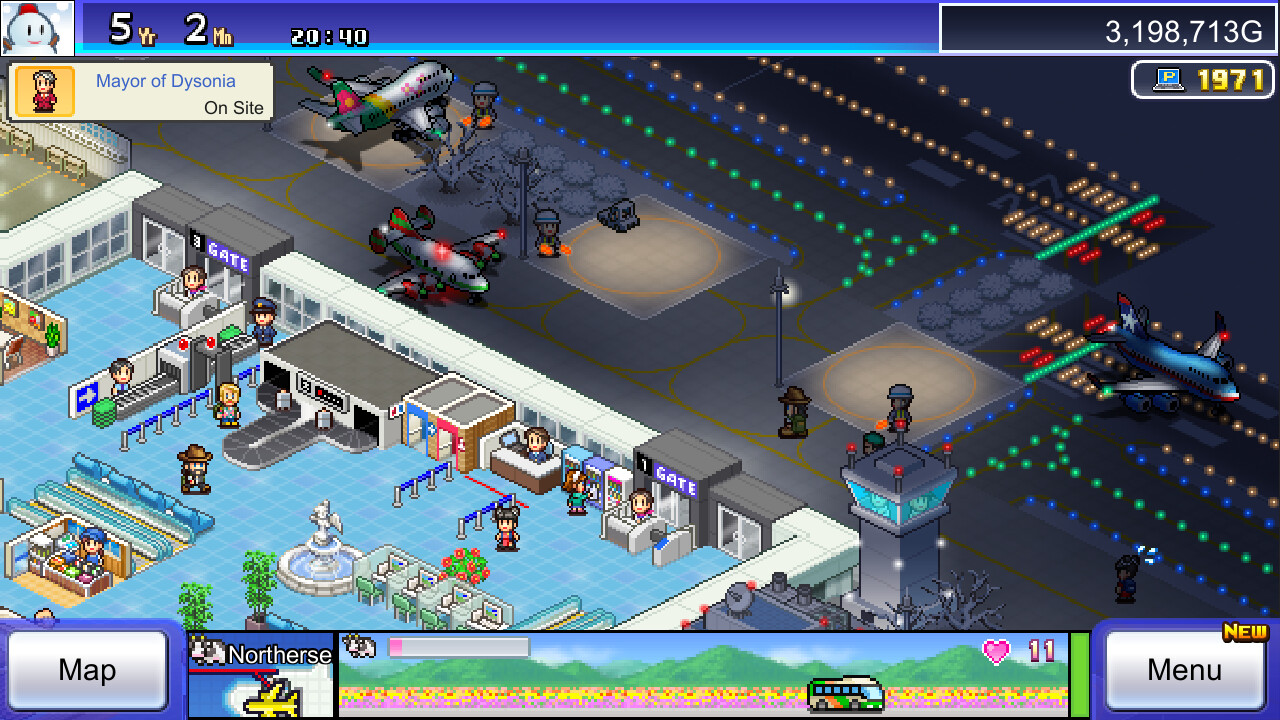
After establishing enough facilities, you can hold fairs that make the airport livelier and attract additional visitors.
Fairs may also introduce new visitor types, expanding the demographic reach of your airport.
- Schedule fairs after upgrading core amenities for maximum impact.
- Observe visitor spikes during fairs to plan future expansions.
04 / THE GUIDE
Acquiring Airliners
Earning sufficient money allows you to purchase your own airliners and design flight plans, giving you control over routes and schedules.
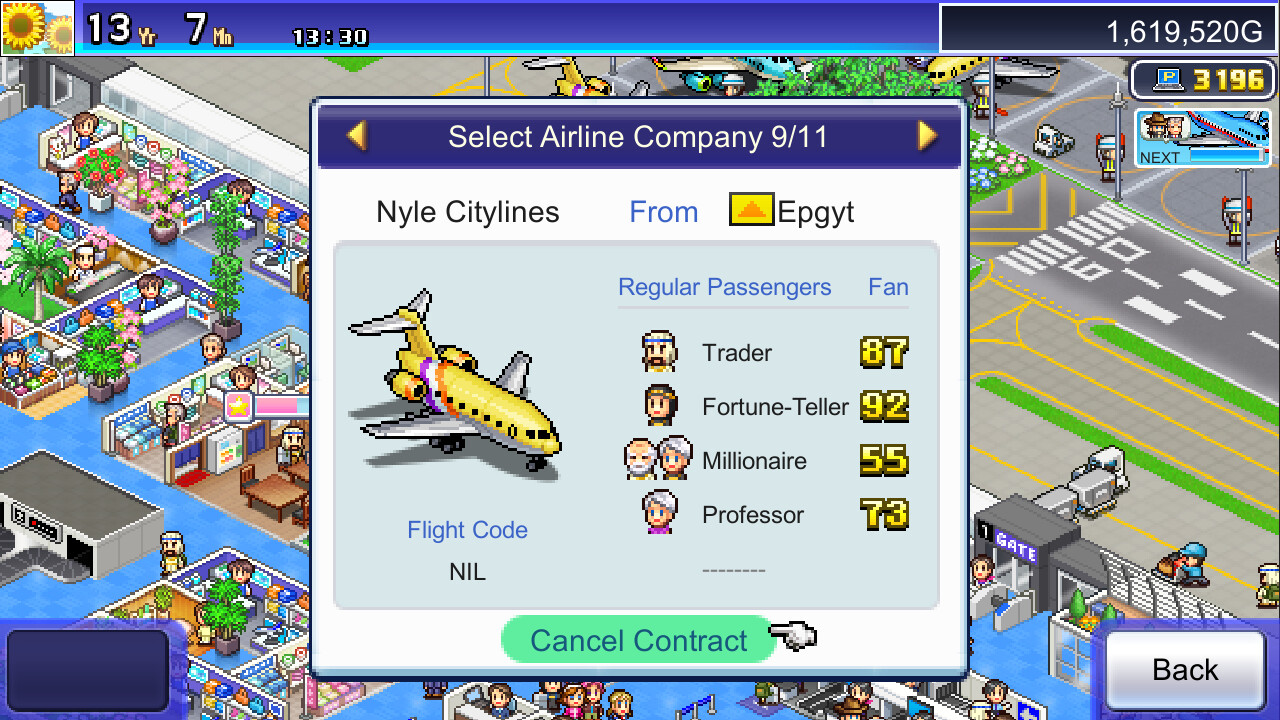
With a fleet in place you can negotiate contracts with foreign airline companies, moving the airport toward a global presence.
- Invest in airliners after stabilizing visitor satisfaction to ensure steady income.
- Compare route profitability before committing to new flight plans.
05 / THE GUIDE
International Contracts
Signing contracts with overseas airlines builds friendships with foreign cities and draws travelers from around the world, raising the airport’s prestige.
Maintaining these partnerships encourages repeat visits and supports continued growth.
- Prioritize contracts with cities that match your current passenger demographics.
- Monitor contract performance to adjust services accordingly.
COMMUNITY
Player discussion