 GameWiki
GET YOUR BEARINGS
About Judofuri
Judofuri is a local party title that lets up to nine participants compete in fast‑paced mini‑games. Each round uses a single button per player, so the control barrier is minimal and the focus stays on quick reactions.
The game works on a single screen or via Steam Remote Play Together, meaning only one copy is required for online play. Shared controller use lets a single gamepad or keyboard serve the whole group.
01 / THE GUIDE
One‑Button Controls
Every participant interacts with the game by pressing exactly one button, which can be a mouse click, a gamepad trigger, or any keyboard key. No joystick movement or mouse dragging is needed, keeping the input requirement simple for all ages.
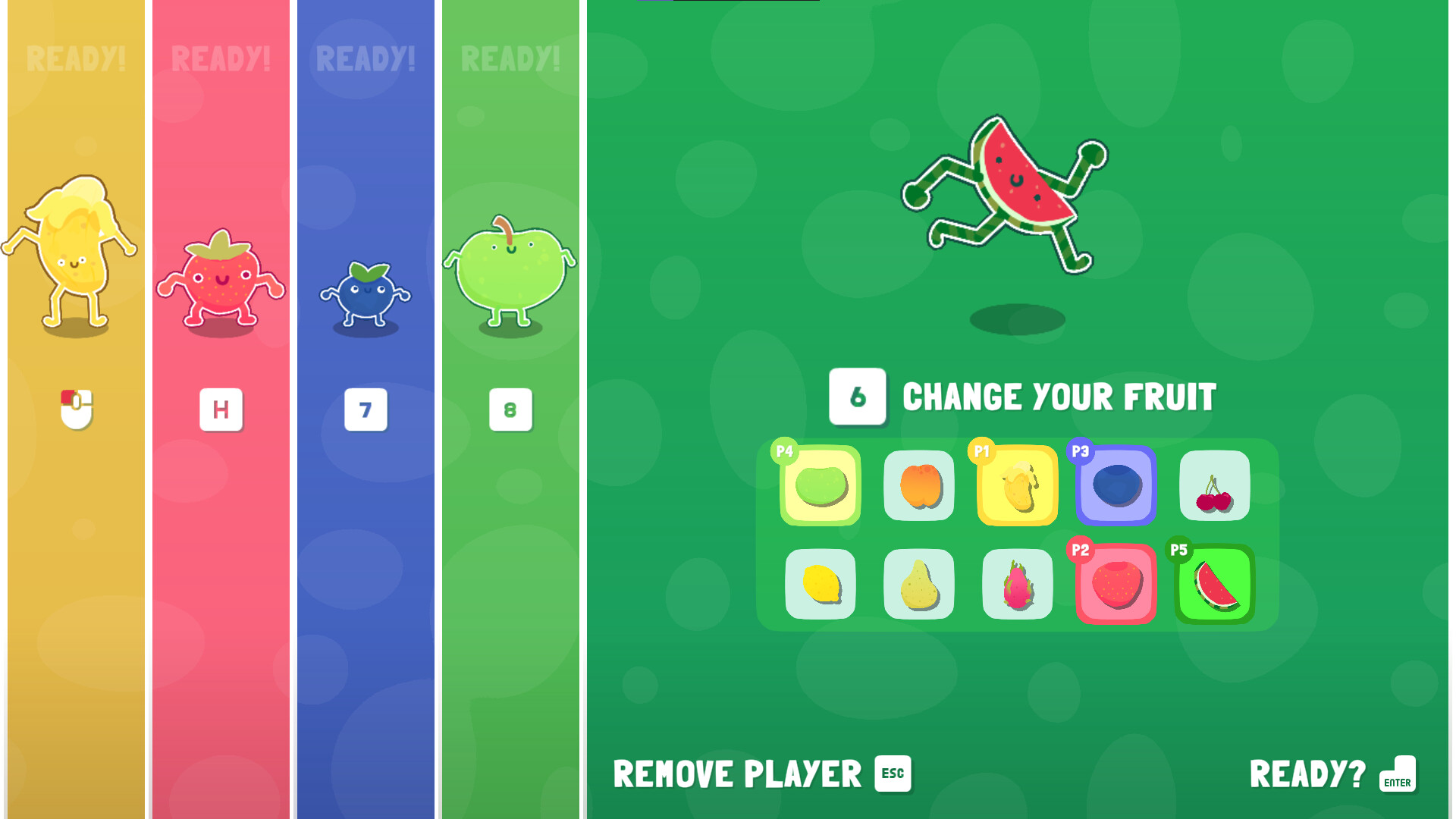
At the start of each session players choose which physical button they will use. This selection happens once per match, allowing mixed devices to coexist without additional configuration.
- Choose a button that is comfortable to press repeatedly.
- Avoid keys that conflict with system shortcuts.
02 / THE GUIDE
Mini‑Game Variety
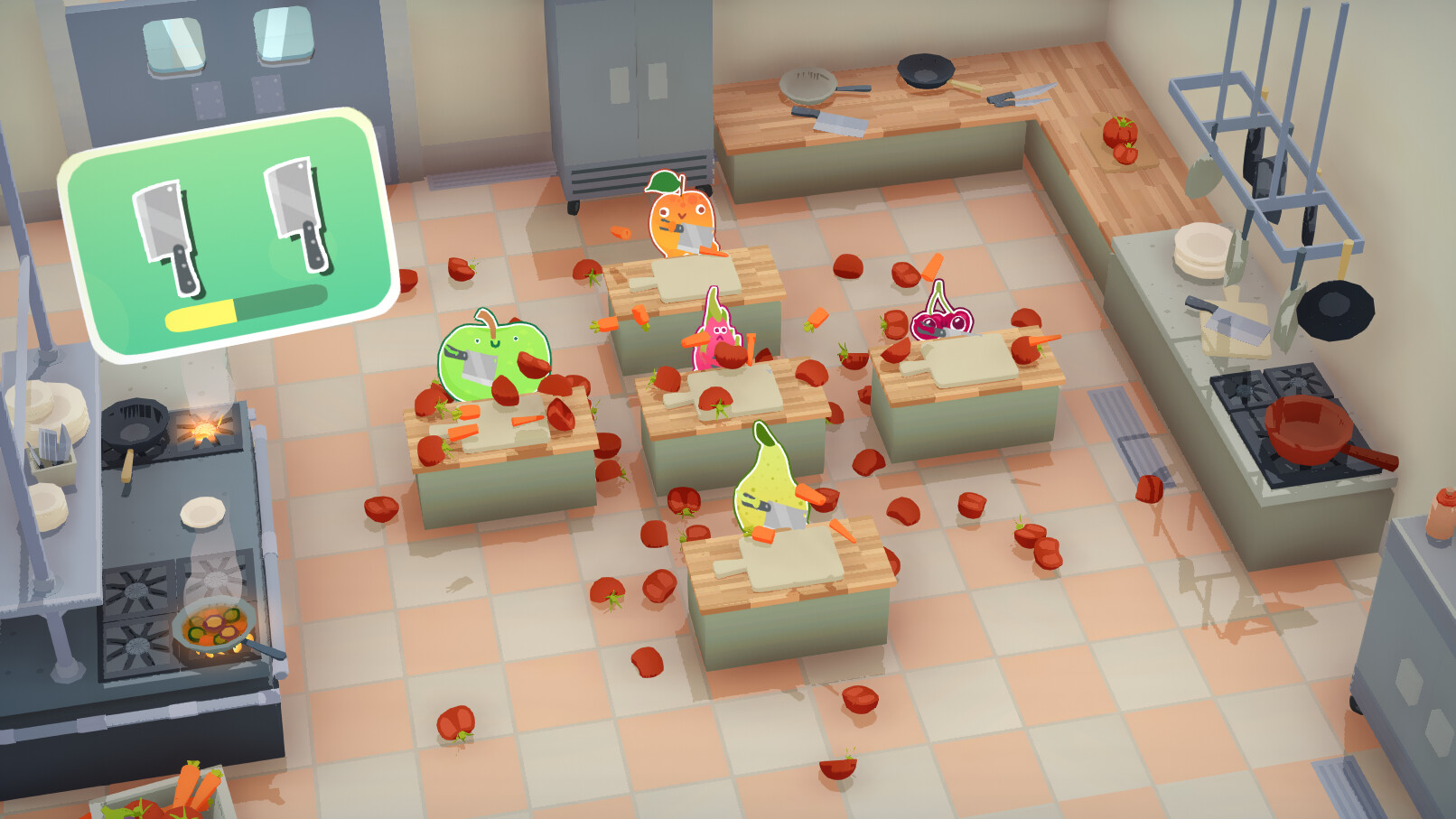
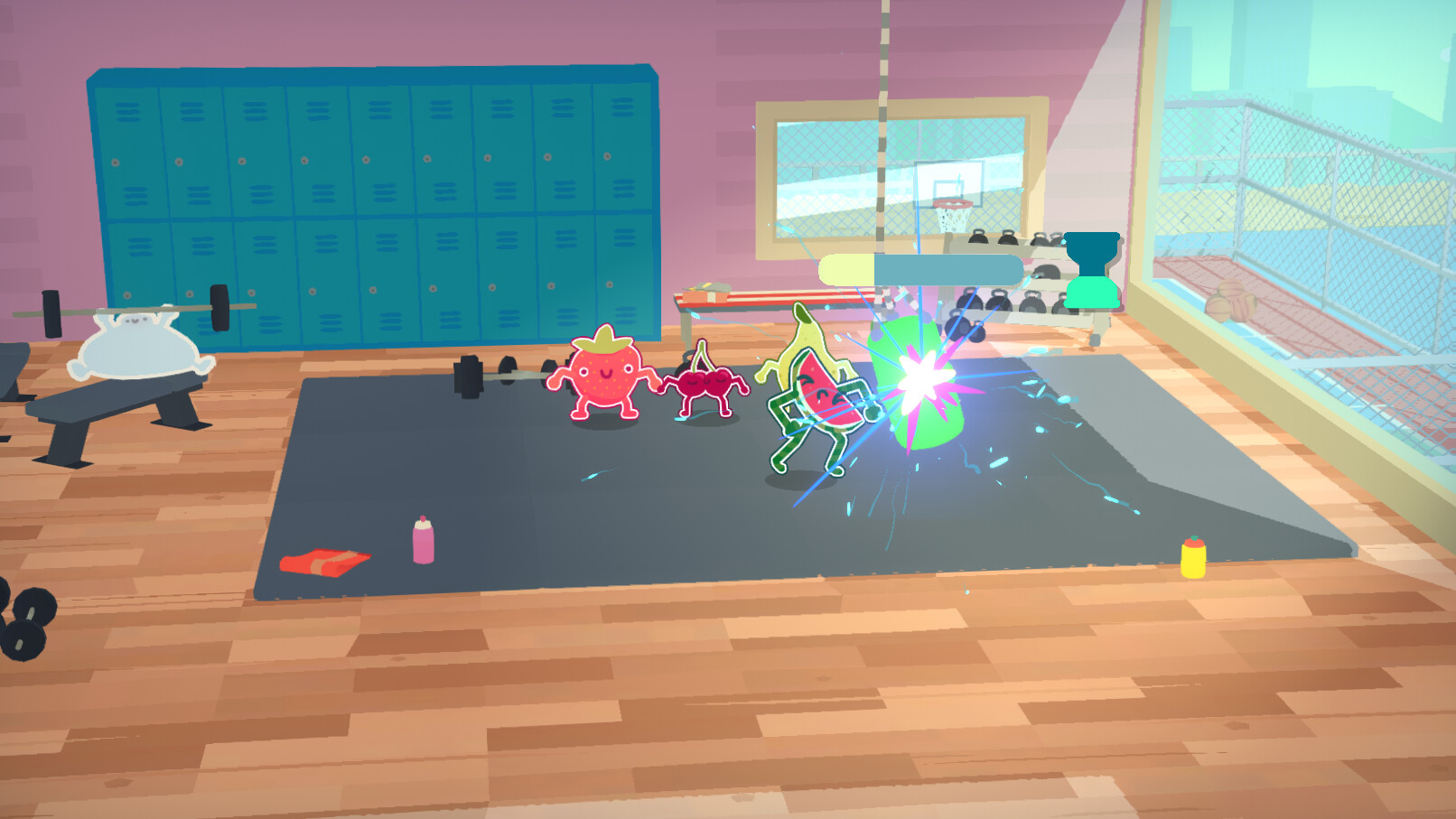
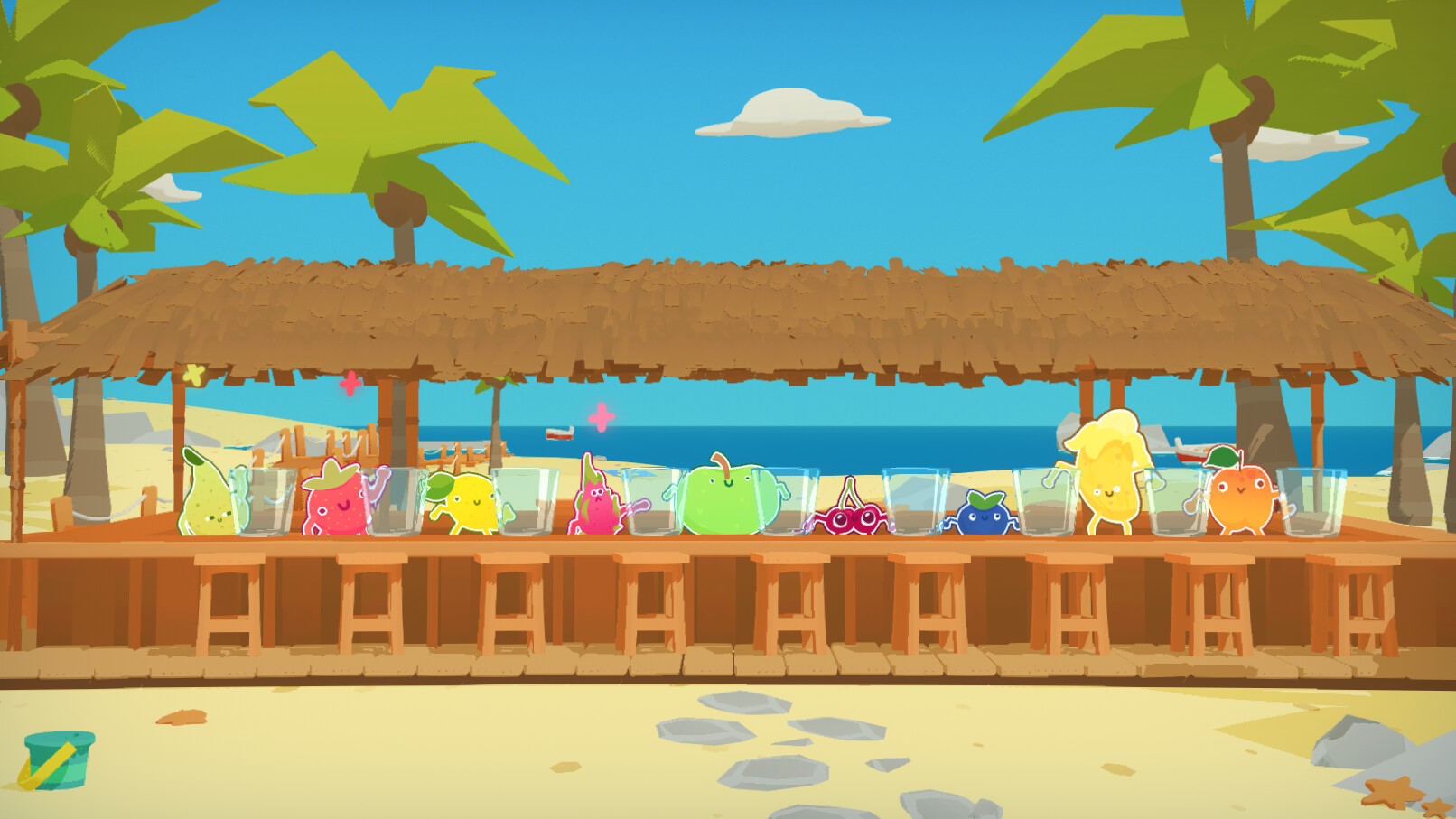
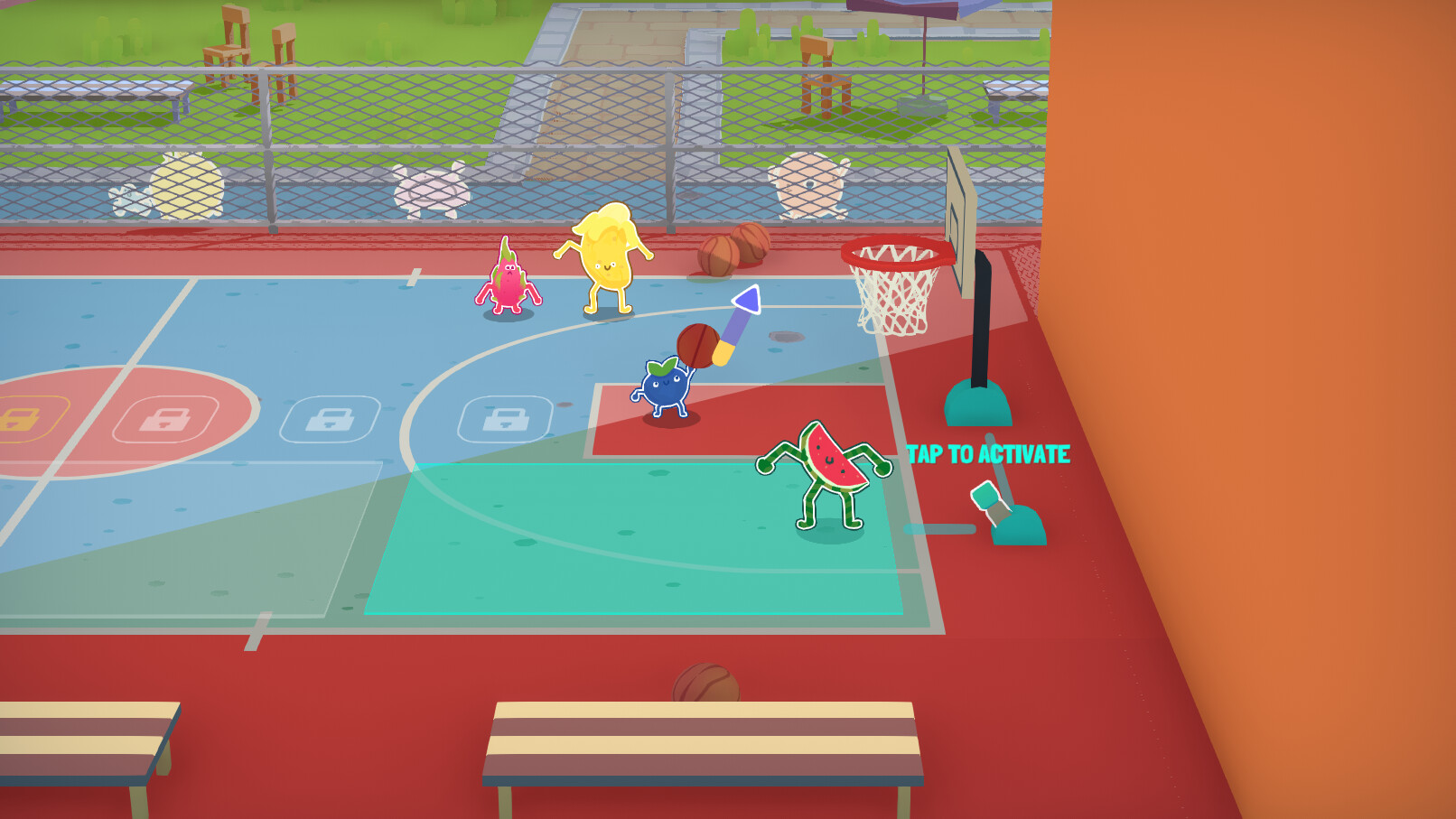
Judofuri includes twenty distinct mini‑games such as hurdle races, vegetable chopping, cardio training, and fishing. Each mini‑game presents a unique timing challenge, so players must adapt their single‑button press to different visual cues.
Because the skill required changes from round to round, no single player can dominate the entire session. This design gives everyone a chance to shine as the game progresses through its varied lineup.
- Watch the brief preview before each mini‑game to learn the timing pattern.
- Practice the same button rhythm across several mini‑games to build consistency.
03 / THE GUIDE
Multiplayer Capacity
The title supports up to nine players at once, making it suitable for parties, family gatherings, or classroom settings. All participants share the same display, either in a shared view or split‑screen arrangement.
Since each player only needs a single button, the game scales smoothly from a duo to a full crowd without requiring additional hardware per participant.
- Arrange seating so every player can see the screen clearly.
- Decide button assignments before the match begins to avoid confusion.
04 / THE GUIDE
Steam Remote Play Together
Online sessions are enabled through Steam Remote Play Together, which streams the host’s game to friends. Only the host must own Judofuri; all other participants join with a few clicks inside Steam.
This feature removes the need for each player to purchase the game, allowing quick online gatherings while preserving the same one‑button mechanics used locally.
- Make sure the host has a stable internet connection for smooth streaming.
- Use voice chat to coordinate button choices during the match.
COMMUNITY
Player discussion