 GameWiki
GET YOUR BEARINGS
About JOY OF PROGRAMMING - Software Engineering Simulator
JOY OF PROGRAMMING is a 3D programming puzzle game that lets players control machines, robots, drones and more using real Python code. The game emphasizes authentic coding experience with syntax‑highlighted IDE, real packages and immediate feedback on each step.
Players solve bite‑sized challenges, earn stars, unlock new programming features and collect certificates. A built‑in level editor and Steam Workshop support let the community create and share custom puzzles, while leaderboards compare speed, memory and code length.
01 / THE GUIDE
In‑Game Python IDE
The game includes a CodeMirror‑based IDE offering syntax highlighting, auto‑completion, docstring tooltips, debugging, auto‑indentation, code‑folding, copy/paste and undo/redo. Advanced users may also connect external IDEs such as VSCode or PyCharm.
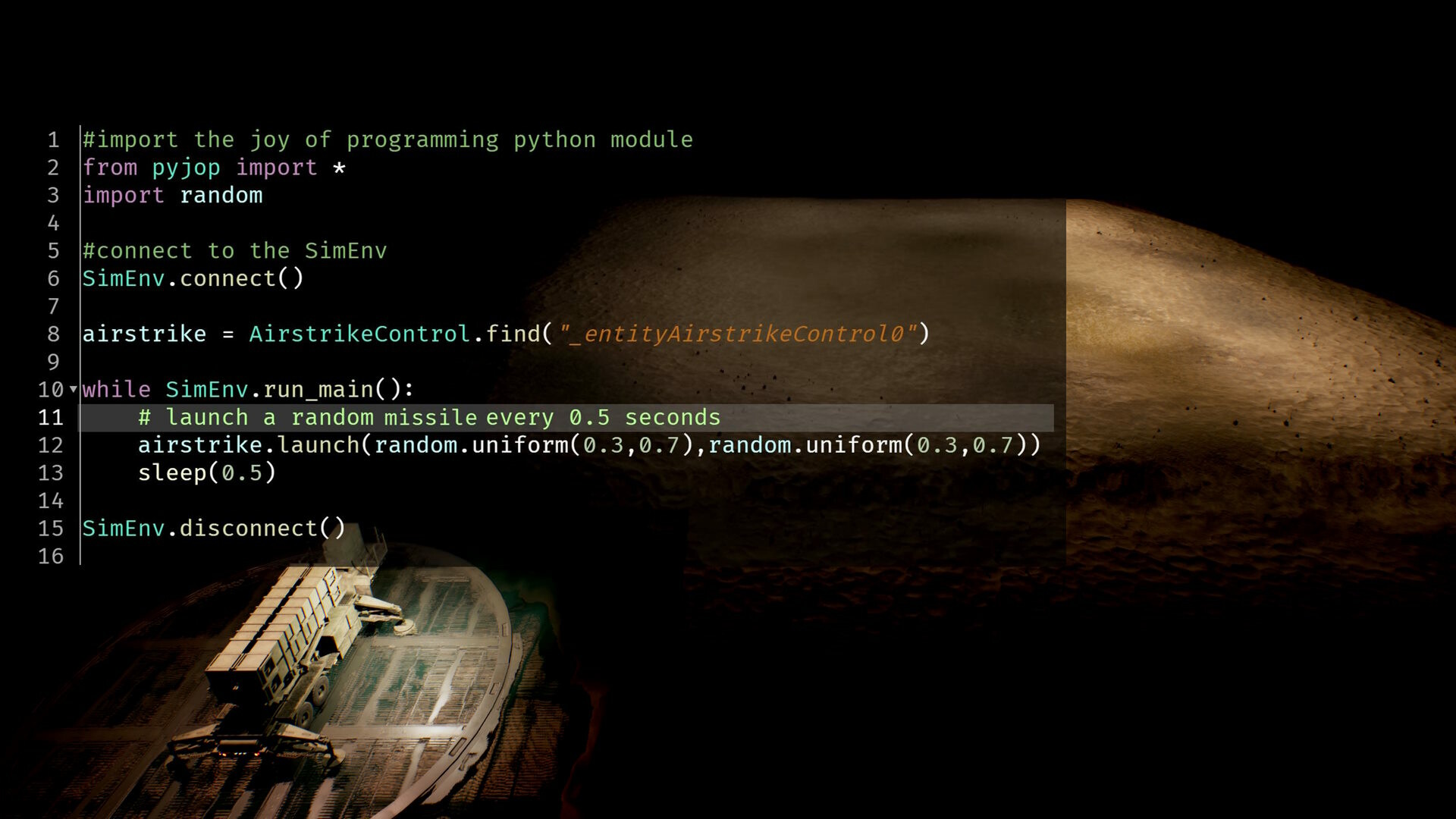
All code written in the IDE runs as fully functional Python, supporting packages like numpy, pandas, scipy, pillow and sklearn. Immediate, incremental feedback shows whether each step moves toward a working solution.
- Use the IDE’s auto‑completion to explore available library functions quickly.
- Toggle code‑folding to keep complex scripts readable while debugging.
02 / THE GUIDE
Python‑Based Level Editor
JOY OF PROGRAMMING ships with an innovative Python‑driven level editor that lets players script entirely new puzzles and challenges. Created levels can be shared through the Steam Workshop for community play.
The editor’s flexibility means each level can have many valid solutions, encouraging creative problem‑solving rather than a single scripted path.
- Start with simple object placements before adding complex scripting.
- Test your level frequently to ensure the mandatory goal is reachable.
03 / THE GUIDE
Stars, Certificates and Feature Unlocks
Completing levels awards stars, which are used to unlock new programming features. Achieving all levels in a category grants a certificate, marking mastery of that topic.
Stars and certificates provide a clear progression path, and the game never hard-locks a single level, with several open challenges always available.
- Focus on optional goals to earn extra stars for faster feature unlocks.
- Track which certificates you lack to plan your next play sessions.
04 / THE GUIDE
Performance Metrics and Leaderboards
After submitting a solution, the game records speed, memory usage and code length, allowing anonymous comparison with other players. Leaderboards can be accessed to view top performances.
These metrics encourage efficient coding practices and give players insight into how their solutions stack up against the community.
- Review memory usage reports to spot unnecessary data structures.
- Aim for shorter code when competing for code‑length rankings.
05 / THE GUIDE
Tutorial Levels and Difficulty Warning
The game begins with tutorial levels that introduce programming concepts used throughout. A prominent warning notes that JOY OF PROGRAMMING is among the most difficult games on Steam, requiring real problem‑solving and debugging.
Prior programming knowledge is recommended, and players should expect extensive thinking, information gathering and occasional frustration as part of the learning curve.
- Use the tutorials to experiment with each new library before tackling harder puzzles.
- Take breaks after challenging sections to maintain clear thinking.



COMMUNITY
Player discussion