 GameWiki
GET YOUR BEARINGS
About Jigsaw Puzzle Dreams
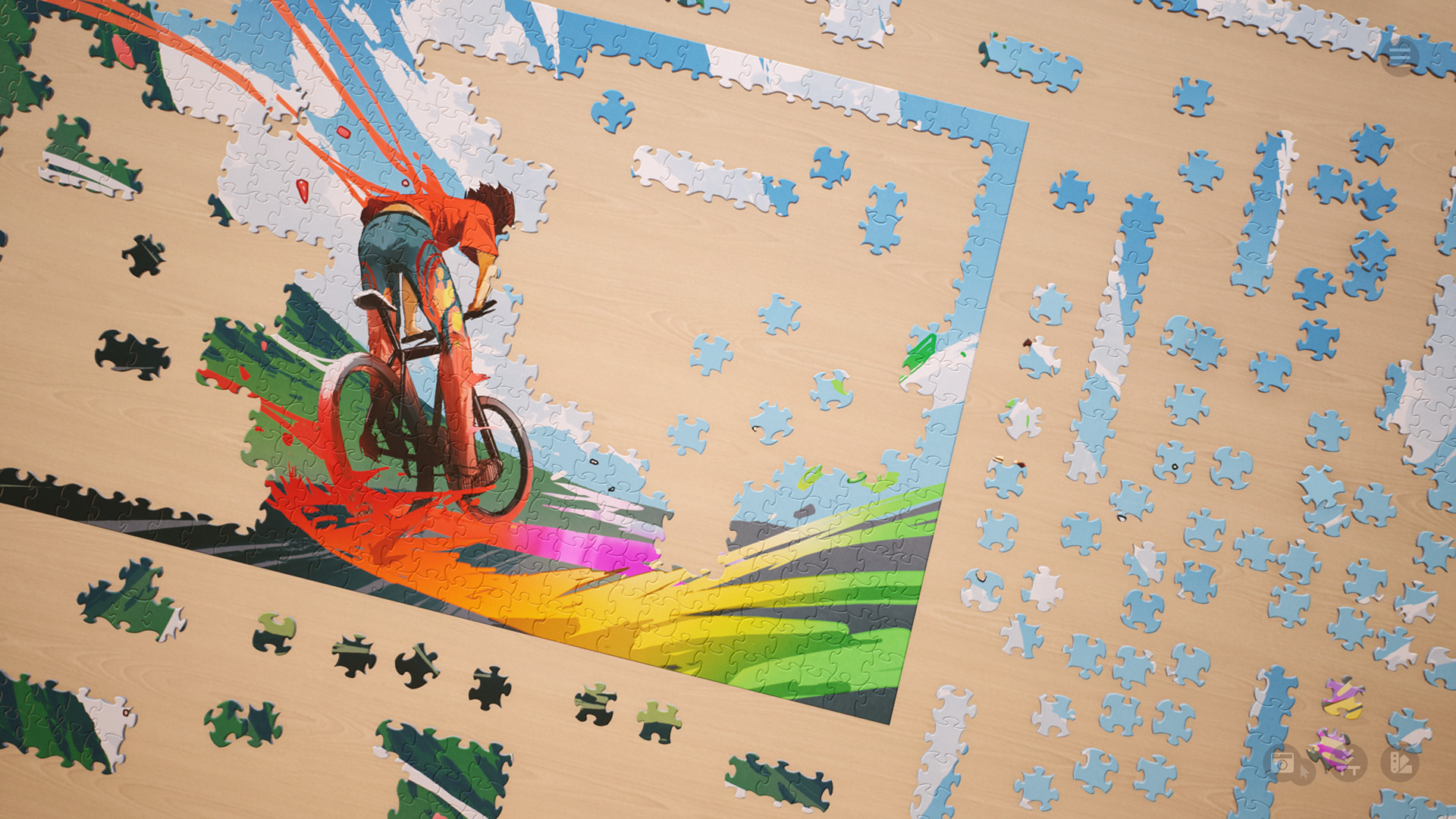
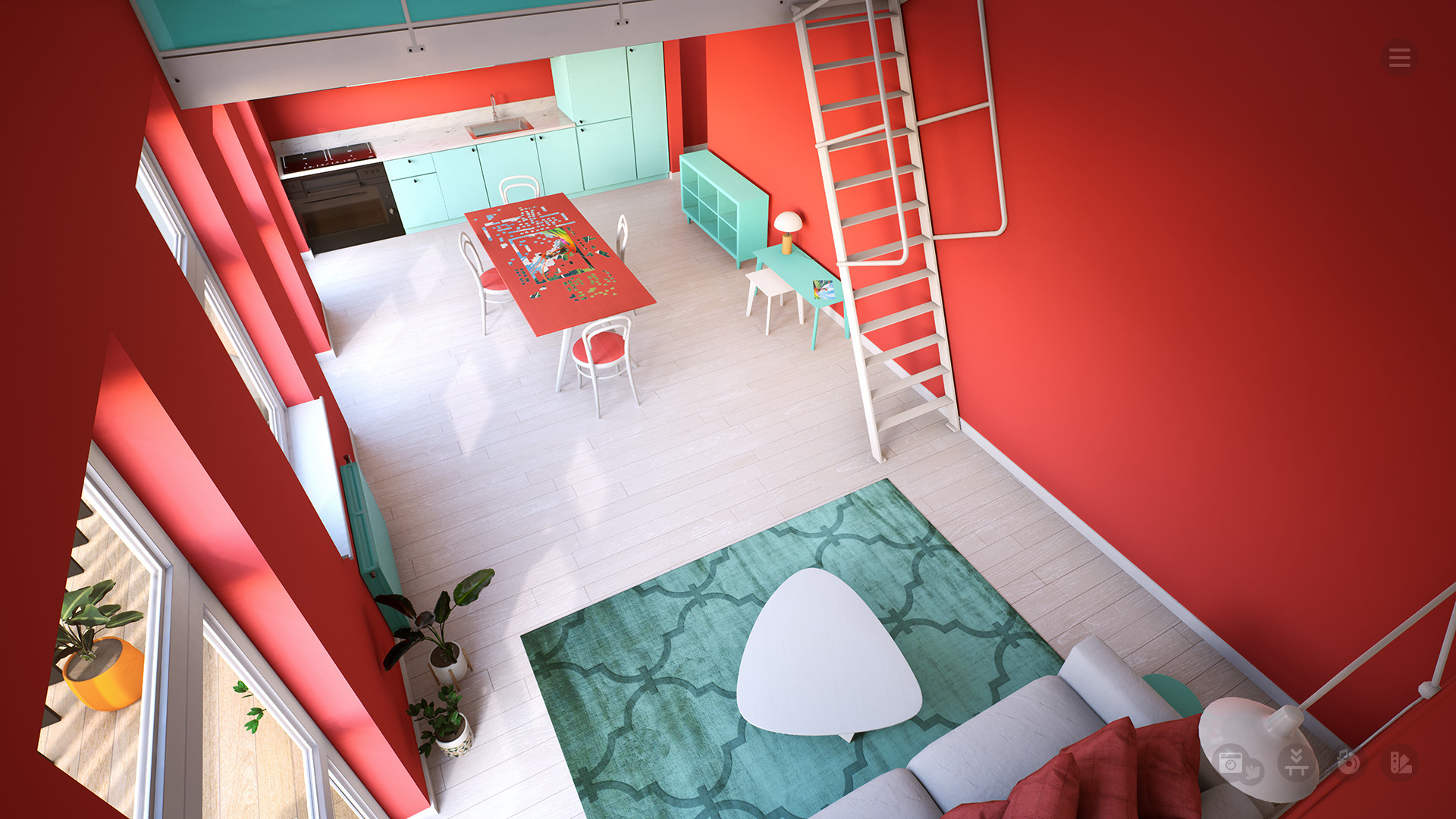
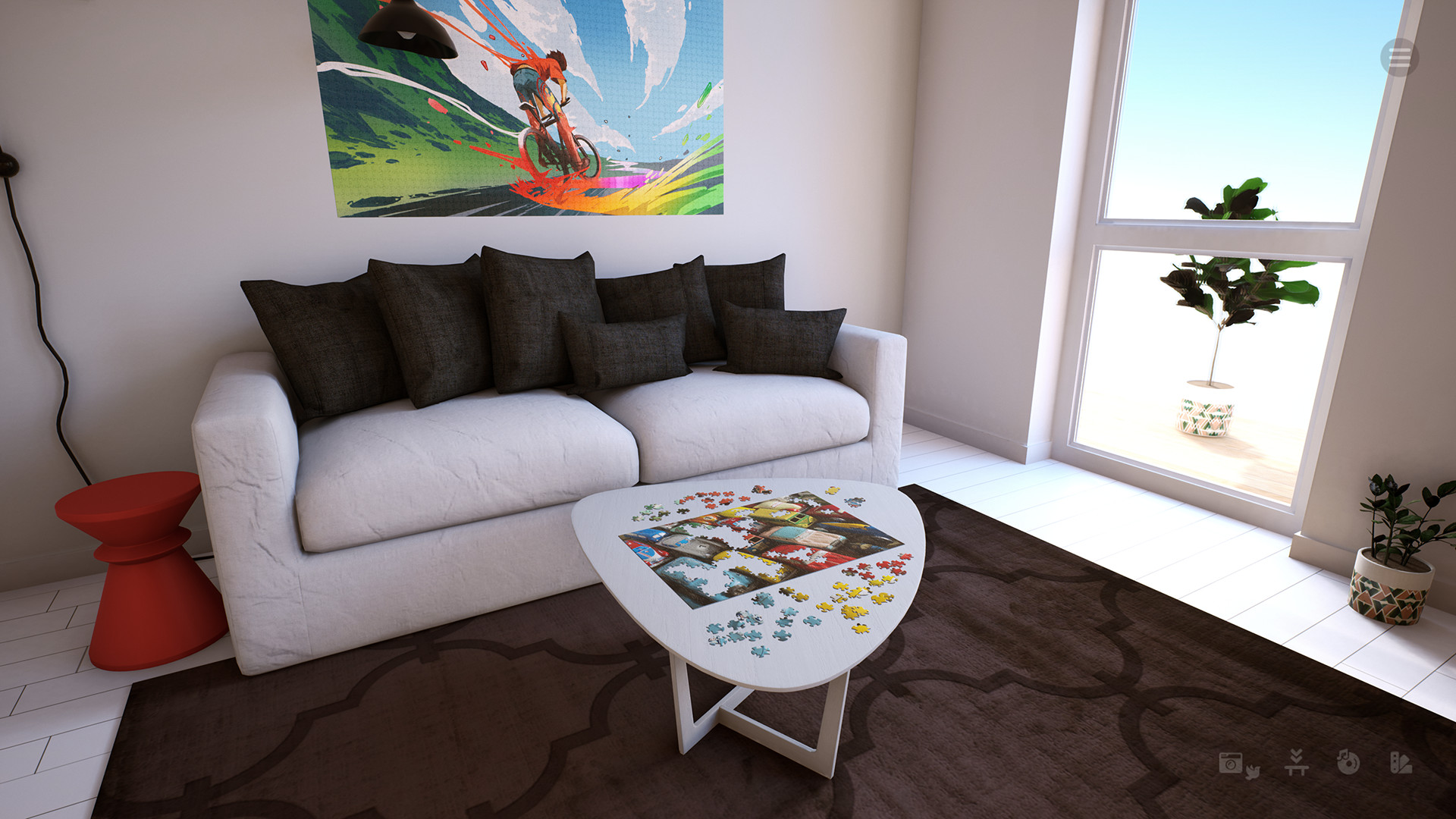
Jigsaw Puzzle Dreams places you in a sun‑lit, cozy room where natural light highlights vibrant puzzle images. You can solve puzzles alone or with friends, letting everyday worries drift away.
Each puzzle starts with pieces cut anew, guaranteeing a fresh layout every time. Preset sizes of 100, 200, 600 and 1000 pieces are offered, and you may type any number to set your own difficulty.
01 / THE GUIDE
Random Puzzle Creation
When a new puzzle begins, the game cuts every piece from scratch, so no two puzzles share the same shape pattern. This randomness lets you match pieces by shape or colour without relying on a fixed layout.
You can choose from the four preset piece counts or type any number you like, letting you test personal limits or enjoy a quick session.
- Start with a mid‑range preset to see how the random cuts feel before trying extreme numbers.
- Notice colour clusters; they often guide you when shapes are similar.
02 / THE GUIDE
Gradient Puzzle Maker
The Gradient Puzzle Maker lets you design puzzles that transition smoothly between colours. You may create as many gradient puzzles as you like, adding a visual twist to the standard jigsaw format.
These custom gradients sit alongside the 27 high‑resolution puzzles included for free, expanding the visual library you can work with.
- Use subtle colour shifts for a calming challenge, or bold gradients for a striking look.
- Mix gradient puzzles with standard images to keep sessions varied.
03 / THE GUIDE
Online Multiplayer Co‑op
Jigsaw Puzzle Dreams supports online co‑op, allowing you to work on the same puzzle with friends. You and your friends can puzzle together in multiplayer.
Working together on the same puzzle encourages teamwork and communication.
- Coordinate via voice or text to decide which sections each player tackles.
- One player can focus on edge pieces while others fill the interior for smoother progress.
04 / THE GUIDE
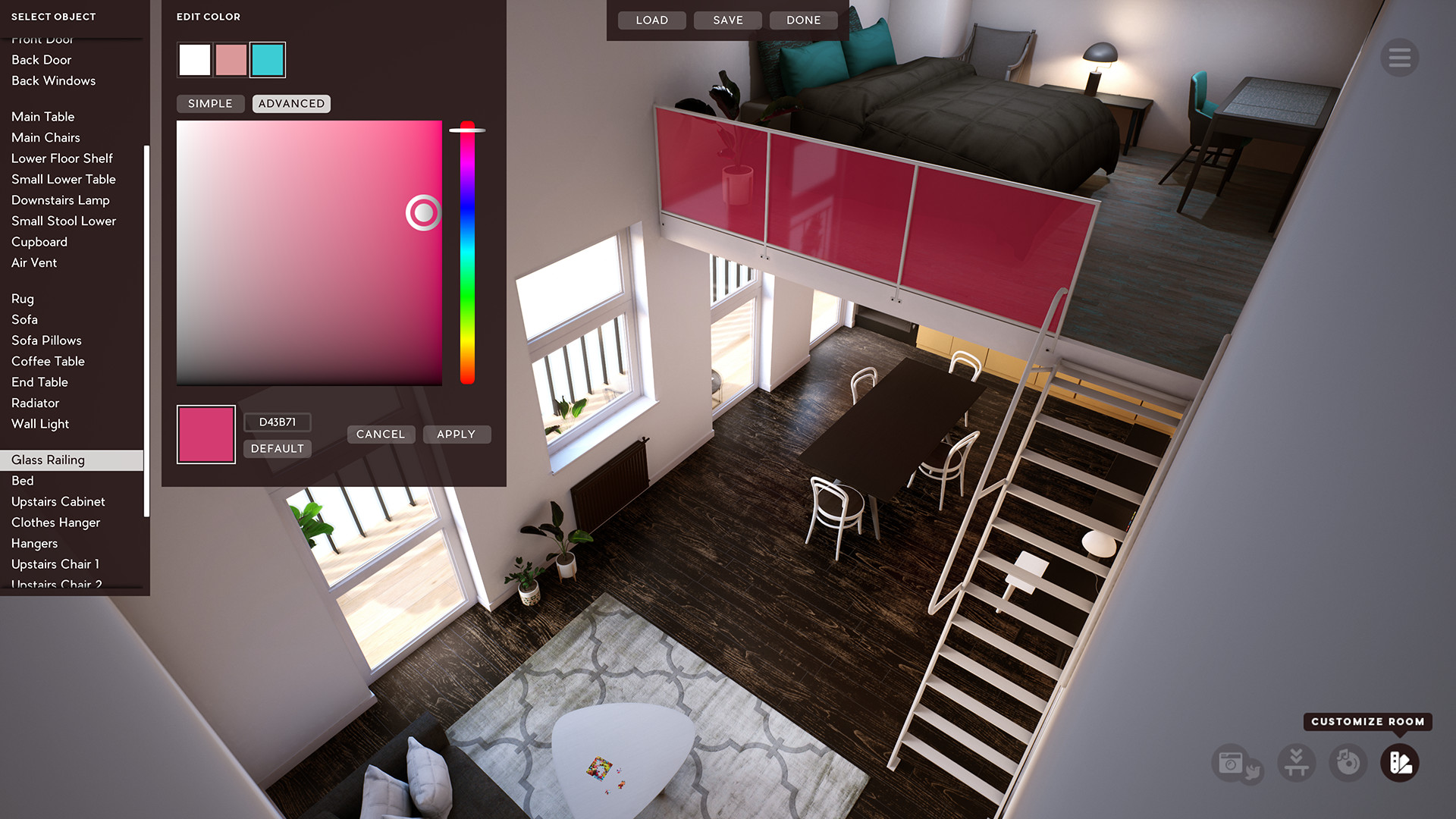
Customizable Room Environments
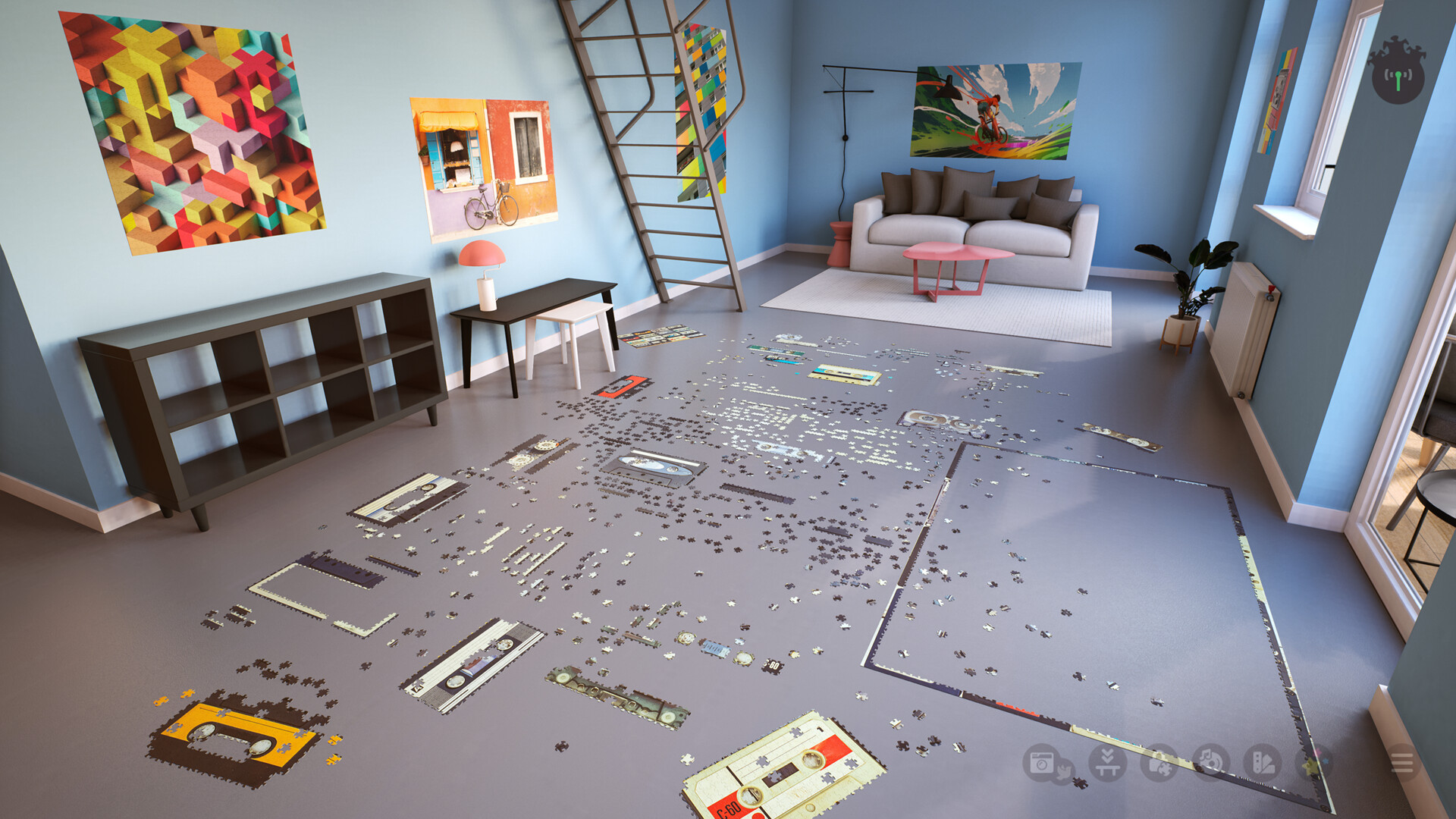
Players can edit walls, floors, tables and other room elements, creating a personalized puzzle‑solving space. The realistic, cozy environment reflects these visual customisations.
Completed puzzles may be displayed on the walls, turning the room into a gallery of your finished works.
- Choose wall colours that contrast with puzzle pieces for easier visibility.
- Arrange tables to match your preferred viewing angle for comfort.
05 / THE GUIDE
Steam Integration
The game works with Steam Workshop, letting you add community‑made images as puzzle sources. This expands the pool of available pictures beyond the built‑in set.
The game supports Steam Cloud, and Family Sharing permits other accounts on your device to launch the game without a separate purchase.
- Browse the Workshop regularly for fresh images to keep puzzles interesting.
- Steam Cloud support is available if you want cloud saves when switching between Windows PCs.
COMMUNITY
Player discussion