 GameWiki
GET YOUR BEARINGS
About JermaSlots
JermaSlots is a free, single‑player fan game built around a slot‑machine theme that celebrates Twitch streamer Jerma985. It runs on Windows via Steam, offering Steam achievements, cloud saves, and family‑sharing support, while containing no advertisements or in‑game purchases.
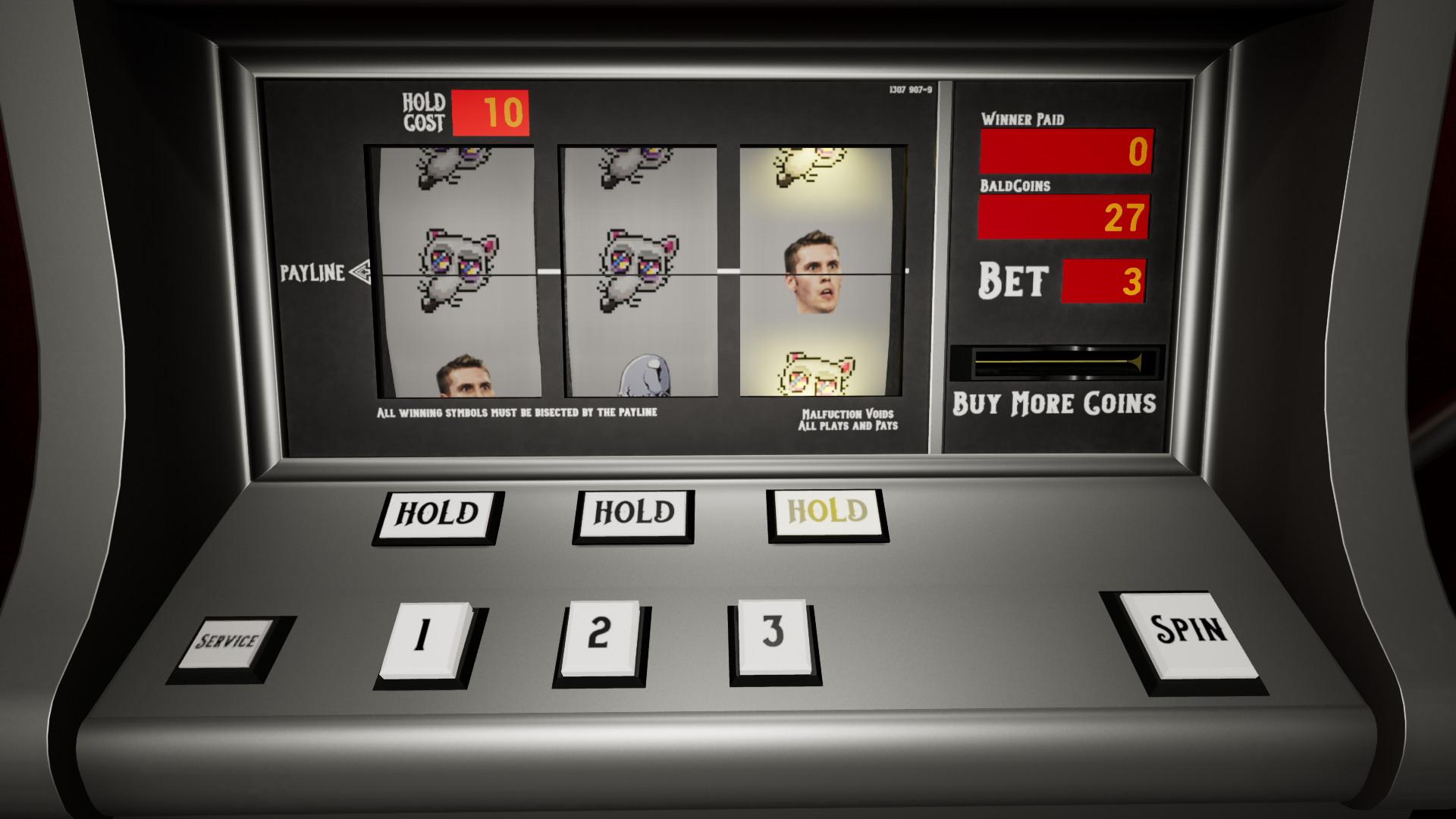
The core experience centers on the Jerma Emote Slot Machine with six distinct winning combinations, each launching its own event. The title also includes three Jerma‑themed mini‑games and three selectable graphics modes.
01 / THE GUIDE
Slot Machine Mechanics
The Jerma Emote Slot Machine provides six winning combinations. When a combination appears, a unique event is triggered, giving each spin a different outcome.
An escape‑menu cheat is built into the game; it reveals all six combinations and lets players view every associated event and mini‑game without external tools.
- Use the cheat to familiarize yourself with each combination before playing normally.
- Watch the events that follow each win to decide which outcomes you find most entertaining.
02 / THE GUIDE
Additional Mini‑Games
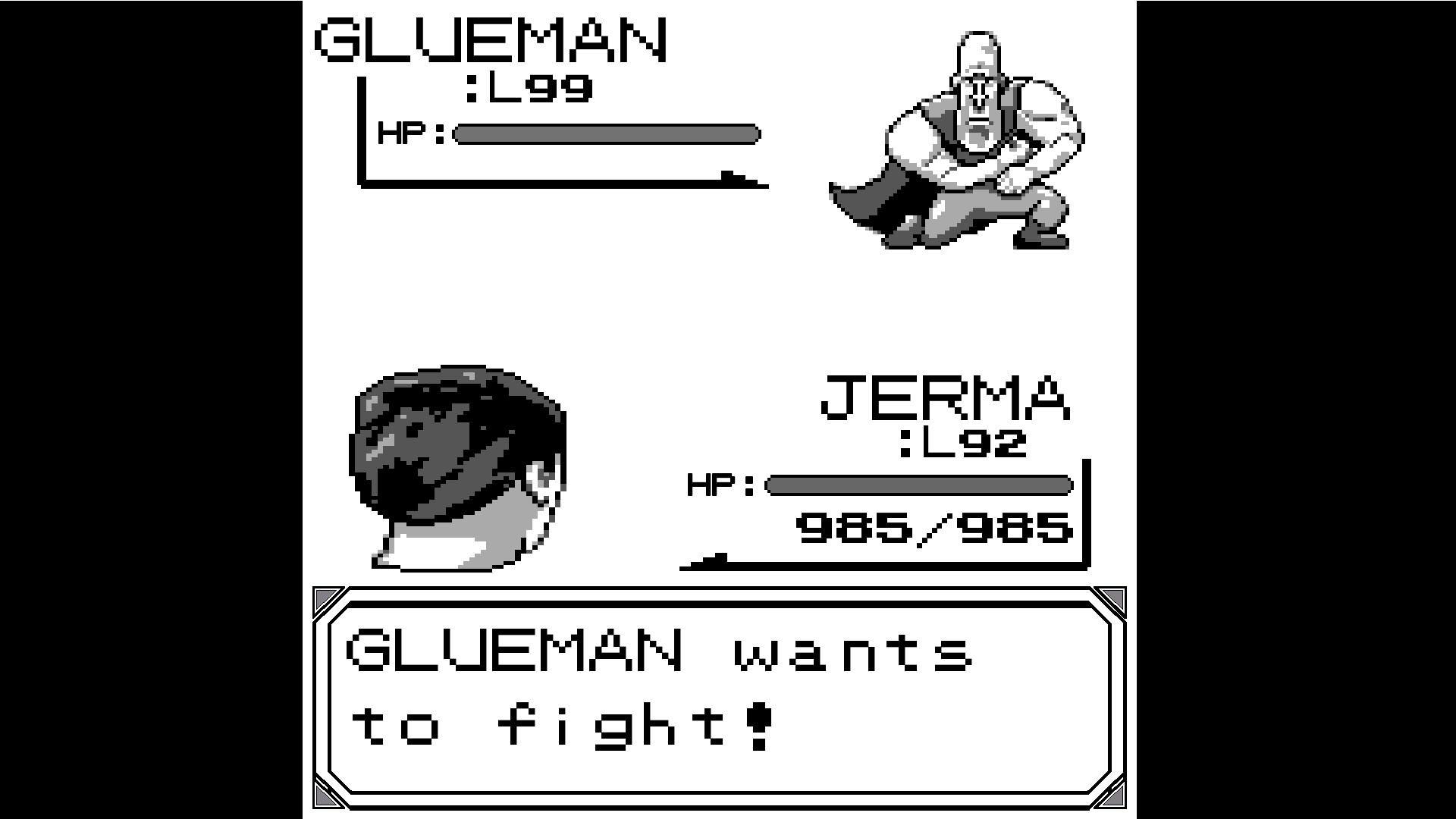
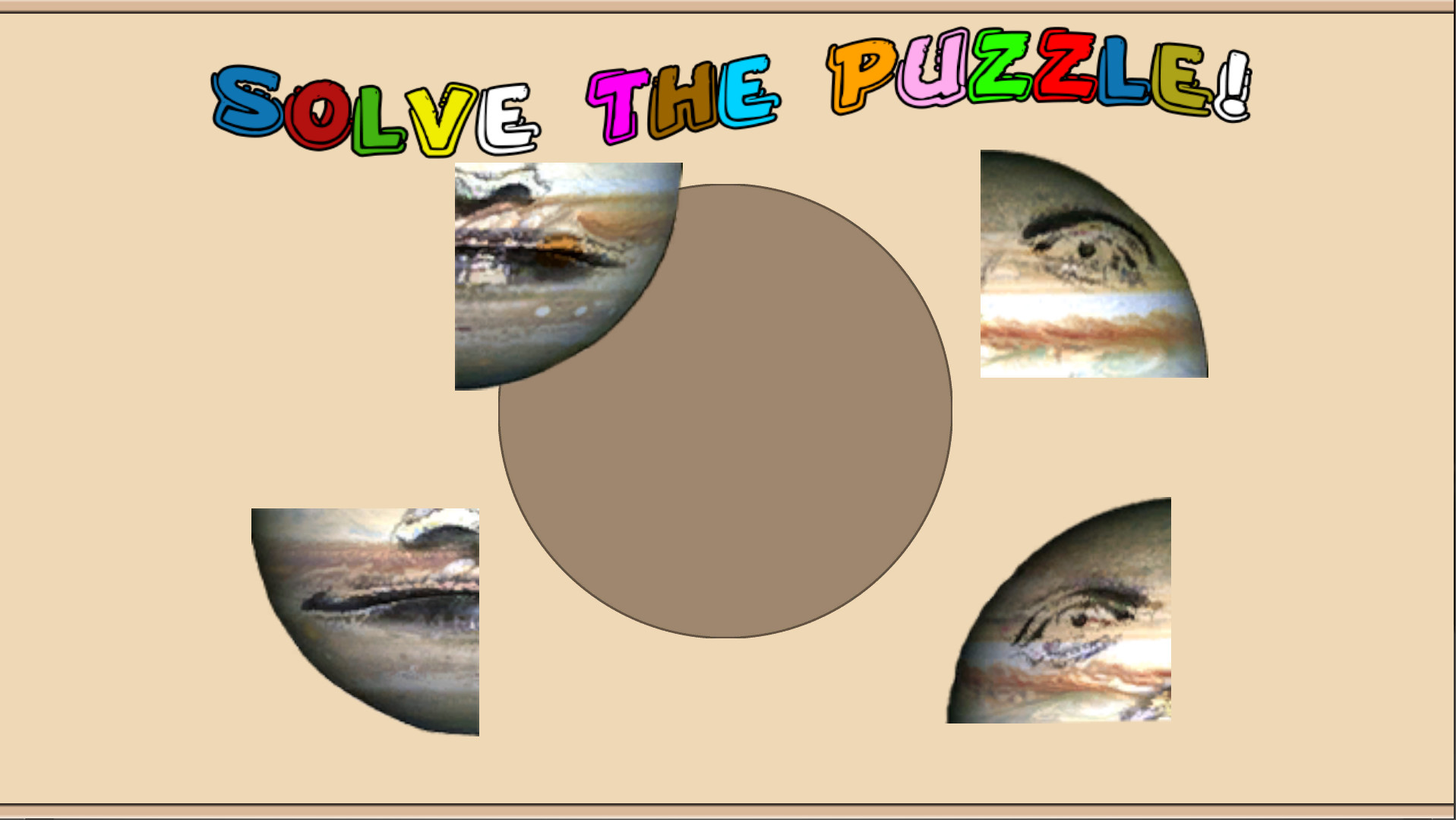
Beyond the slot machine, JermaSlots offers three separate mini‑games themed around JUP, Glueman, and Byeahs. They operate independently of the slot‑machine spins.
Each mini‑game follows its own simple rule set and is designed to complement the overall Jerma‑centric humor, providing extra play variety without any extra cost.
- Try each mini‑game to see which style matches your preferences.
- Use the escape‑menu cheat to preview events linked to these mini‑games.

03 / THE GUIDE
Graphics Modes
Players can select one of three graphics modes: Full, Half, or None. These options change the visual fidelity of the slot machine and mini‑games.
Additional advanced options are also available for further adjustment.
- Choose ‘None’ if you encounter performance issues on older PCs.
- Experiment with ‘Half’ to balance visual quality and smoothness.
04 / THE GUIDE
Steam Integration
JermaSlots integrates with Steam to provide achievements, cloud saves, and family sharing. These features are available when the game is played through the Steam client.
The game lists Steam Cloud and Family Sharing support, so cloud syncing and library sharing can be used through the Steam client.
- Check the achievement list for a quick overview of completed tasks.
- Steam Cloud support is listed, so you can enable cloud syncing in the Steam client if you want your data available on multiple PCs.
05 / THE GUIDE
Platform Availability
JermaSlots is released for Windows only; macOS and Linux are not supported. Distribution is handled through Steam, where updates are delivered automatically.
Being a Windows‑only title, the game relies on standard PC input methods without requiring any special hardware.
- Verify your system meets the minimum Windows requirements before installing.
- Use the Steam client to manage updates and cloud synchronization.
COMMUNITY
Player discussion