 GameWiki
GET YOUR BEARINGS
About JellyCar Worlds
JellyCar Worlds delivers a tactile soft‑body physics experience where both car and terrain are made of jelly. Players use abilities such as Grow, Balloon, Sticky Tires, and Rocket to reach each level’s exit while hunting secret exits and optional challenges.
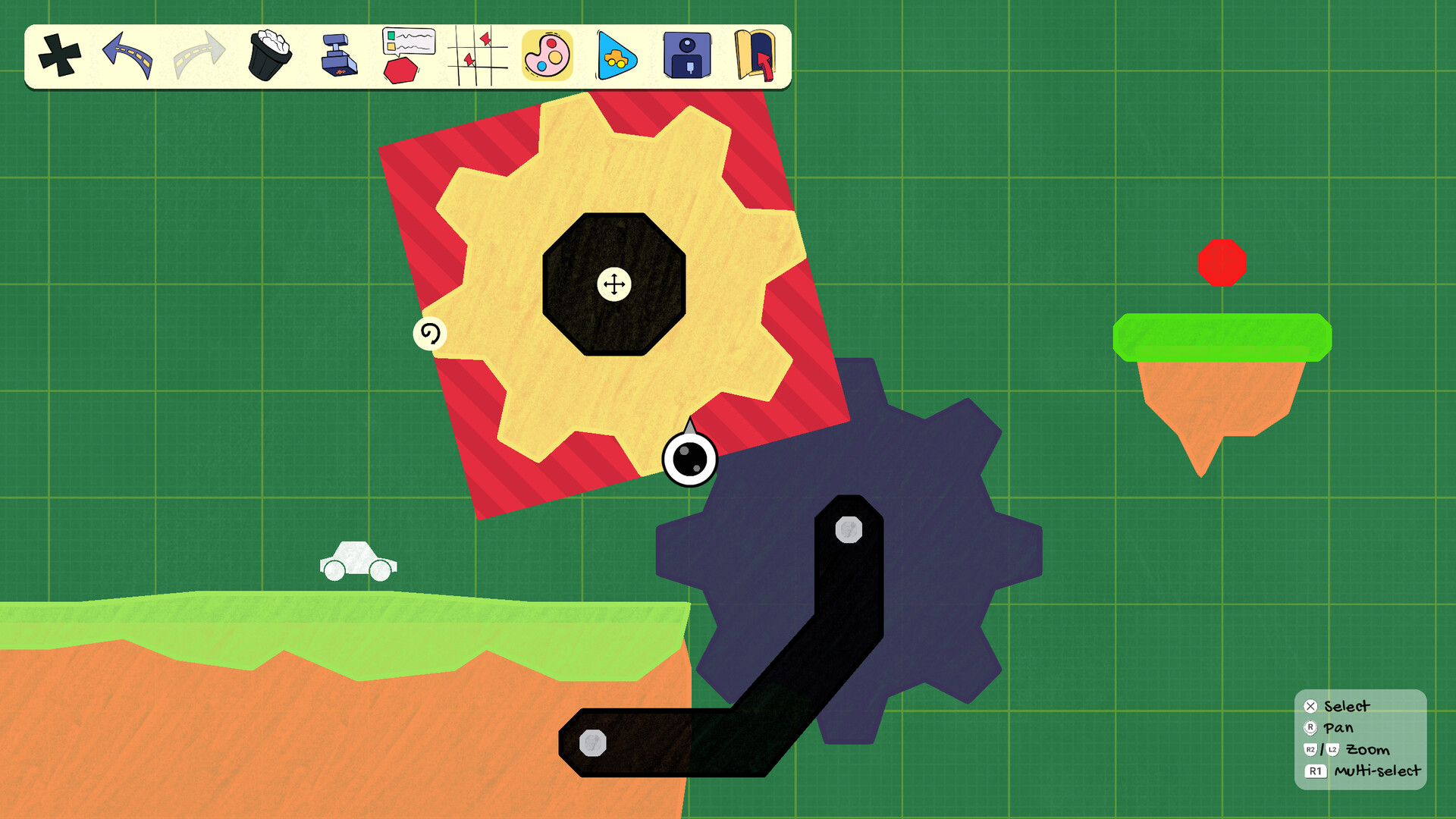
The game adds a paint tool for custom car skins, a full level editor for player‑made playgrounds, and classic levels from earlier JellyCar titles. It supports single‑player, multiplayer, PvP, co‑op, and split‑screen play, with gamepad and DualShock controller options.
01 / THE GUIDE
Gameplay Mechanics
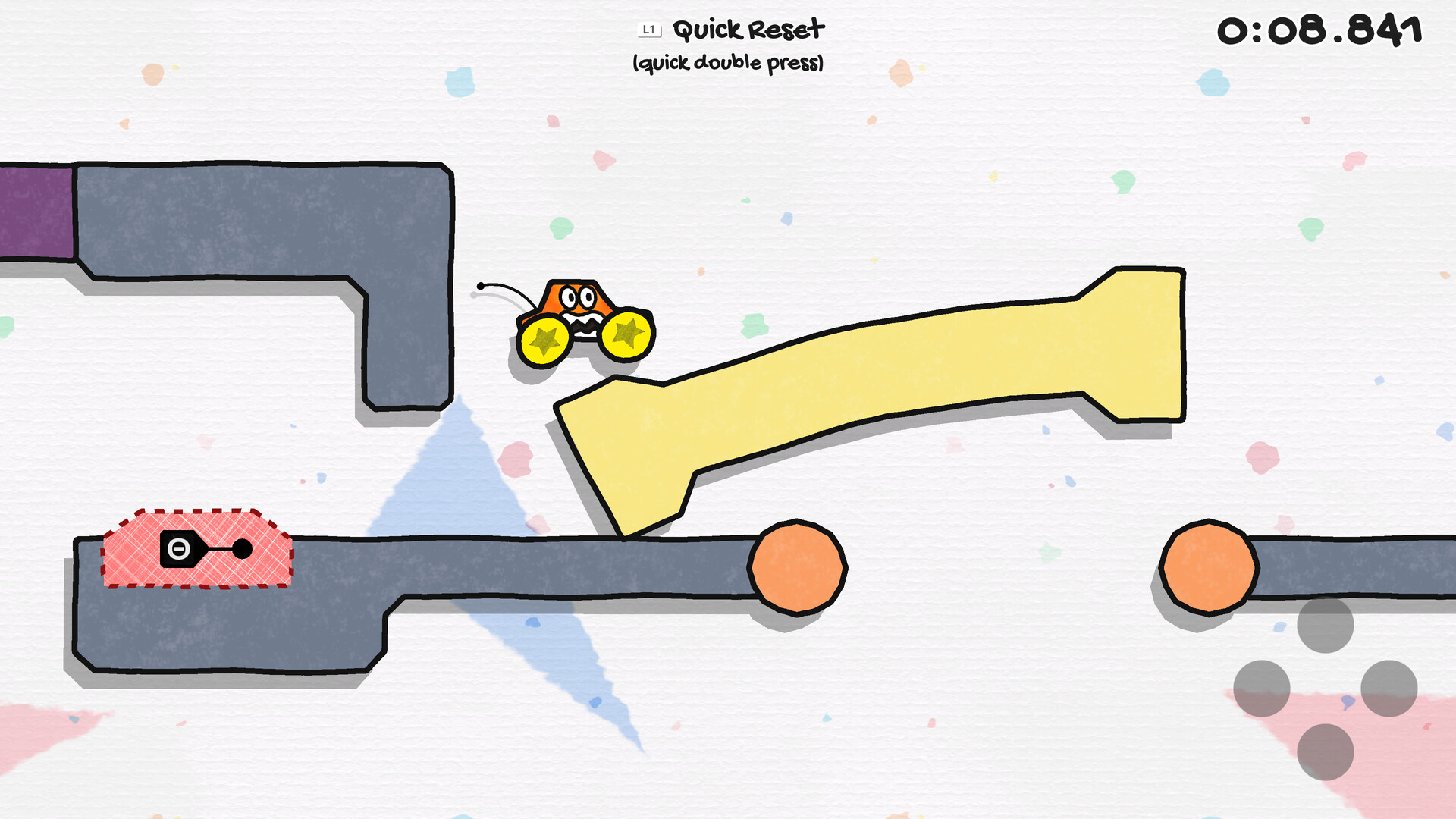
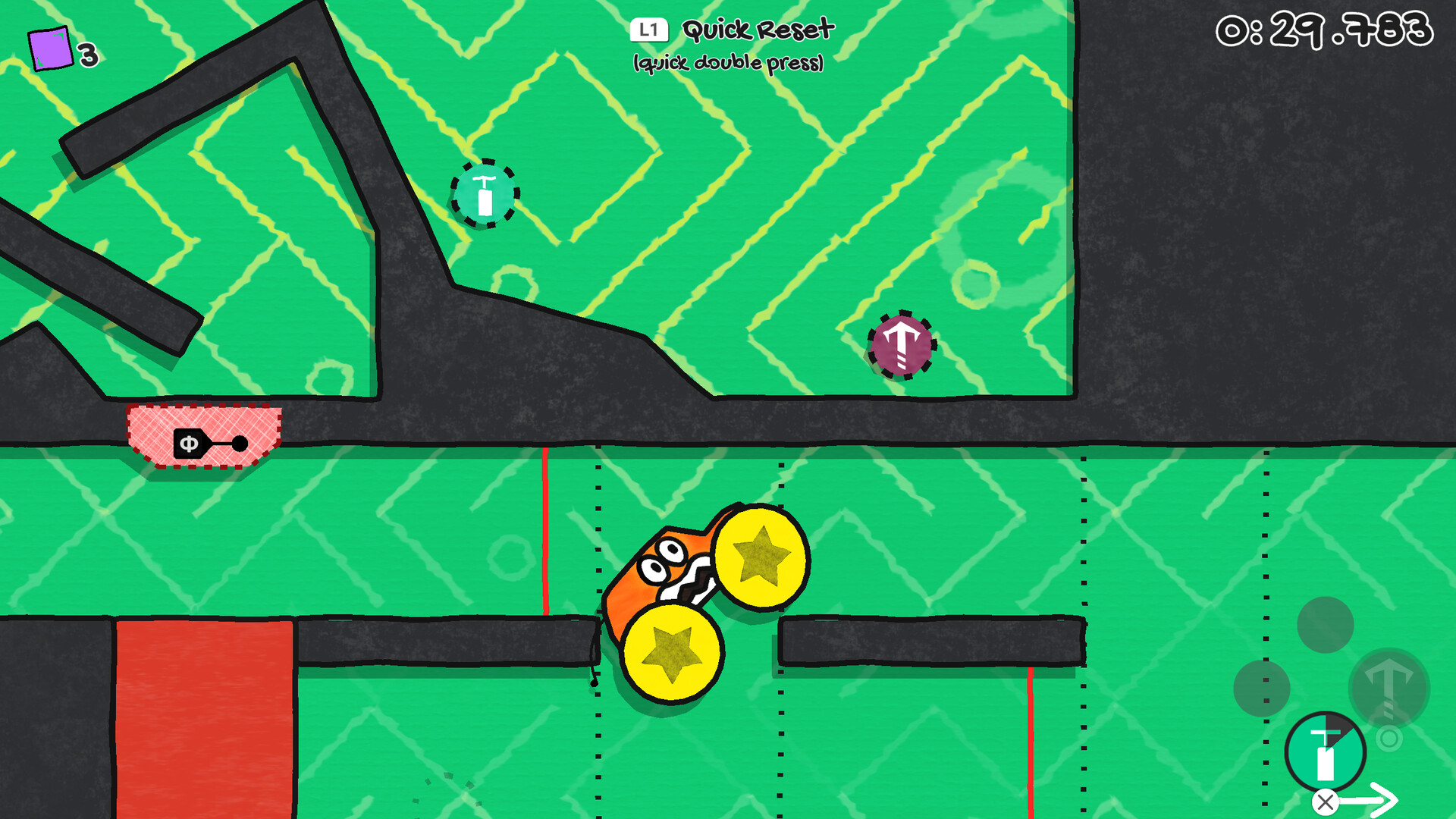
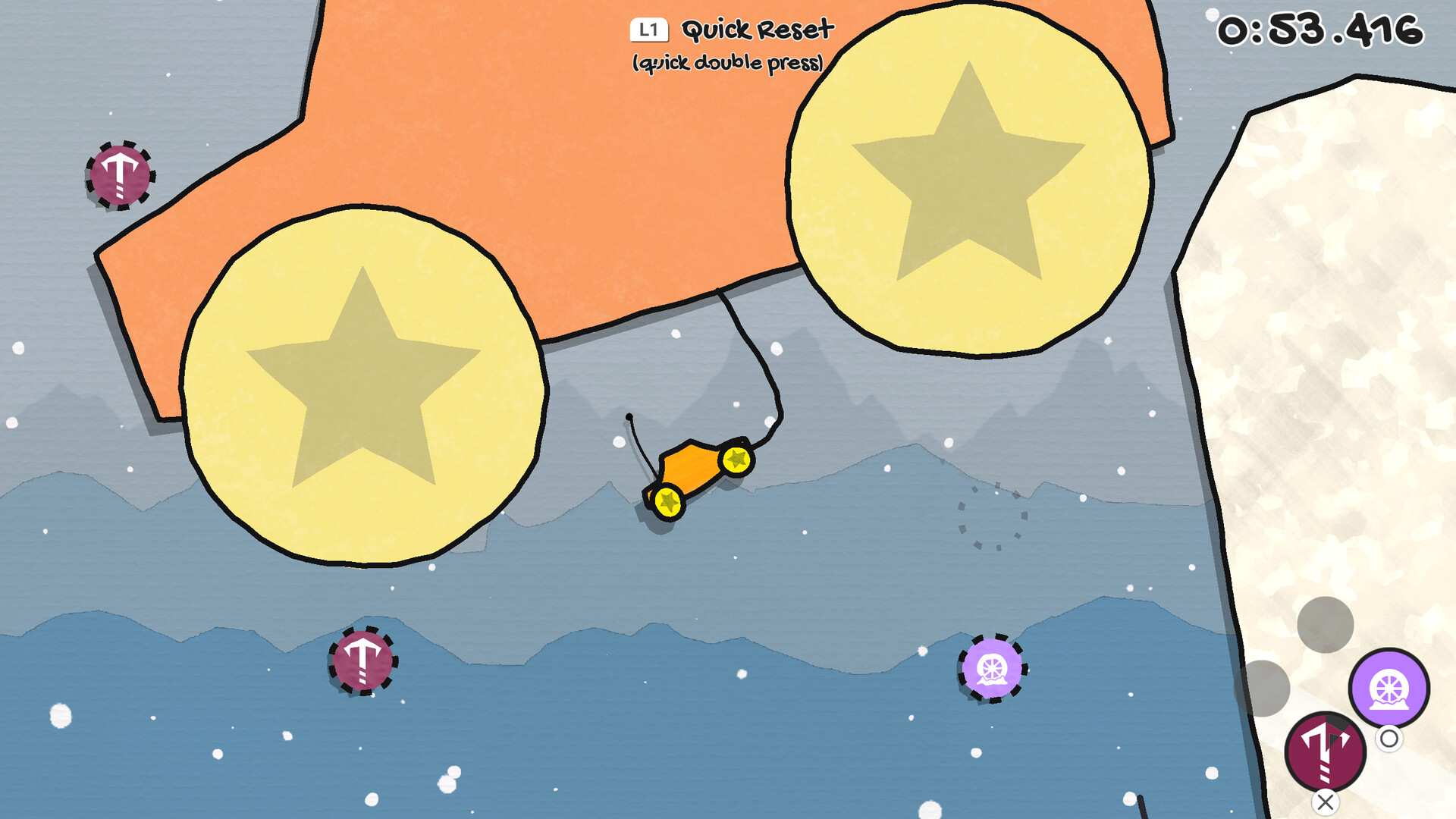
Your car and the world behave like jelly, creating a soft‑body physics playground. Abilities such as Grow, Balloon, Sticky Tires, and Rocket let you manipulate the environment to find each level’s exit. Each level hides a secret exit and offers optional challenges, encouraging exploration beyond the main path.
- Experiment with different abilities to discover hidden routes.
- Observe how the jelly physics react to each ability for smoother navigation.
02 / THE GUIDE
Worlds and Levels
The game features eight distinct worlds, each with its own theme and gameplay mechanics. Every world contains multiple levels that challenge players to locate the main and secret exits. Optional challenges are scattered throughout, providing extra goals for players who seek more than the basic completion.
- Take note of each world’s theme to anticipate its unique mechanics.
- Search corners and hidden areas for the secret exits.
03 / THE GUIDE
Customization Tools
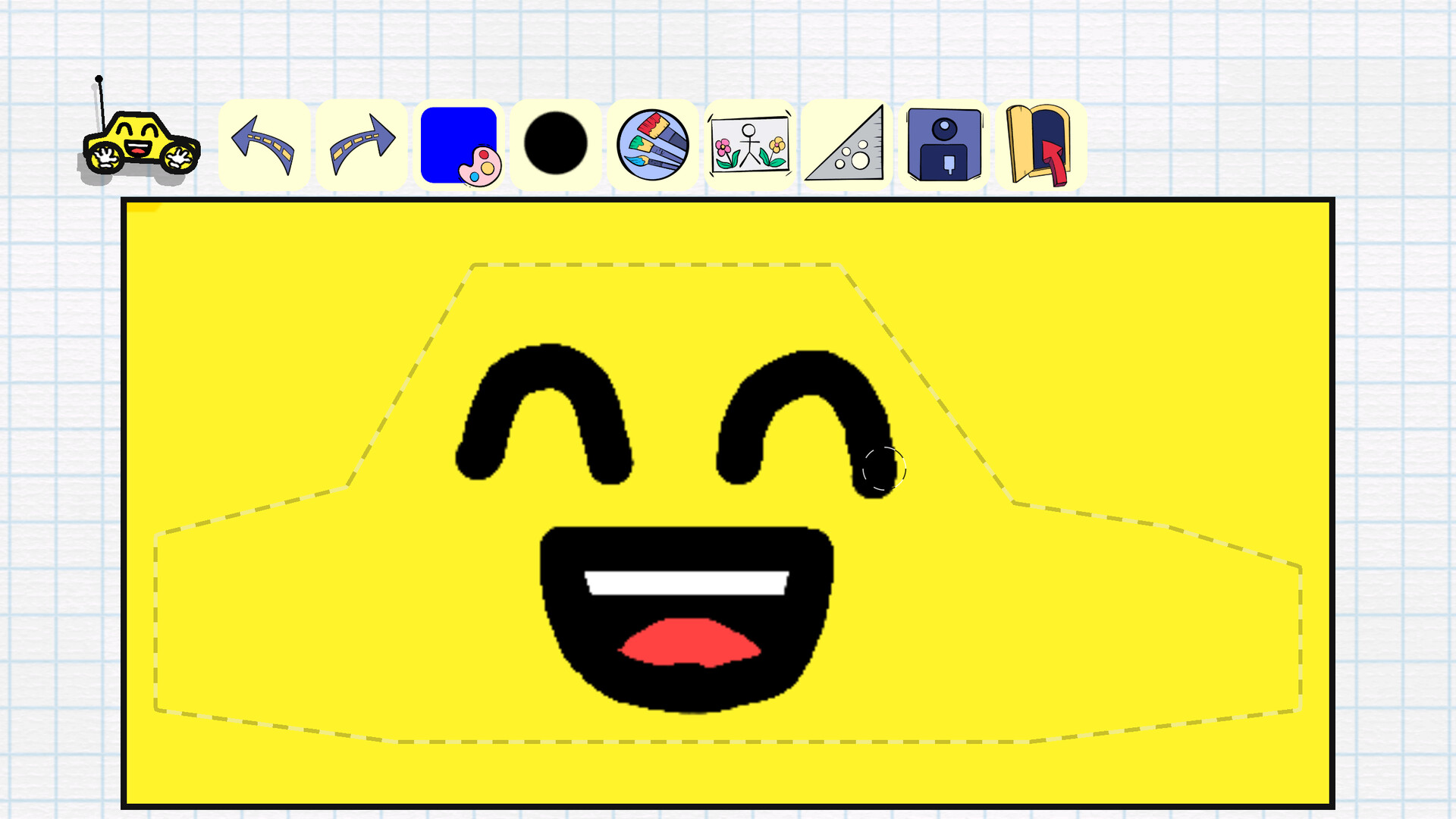
An in‑game paint tool lets you design your own car skins, adding a personal visual touch. You can also record custom sound effects to replace the default audio, further tailoring the experience. These tools are built into the game, letting you personalize your car's look and sounds.
- Use the paint tool to create high‑contrast designs for better visibility.
- Record short, distinct sound effects to avoid audio clutter.
04 / THE GUIDE
Multiplayer Modes
JellyCar Worlds supports both PvP and co‑op play, including shared or split‑screen configurations. Players can compete or collaborate locally, making the jelly physics fun in a social setting. The game also offers Remote Play Together, allowing friends to join over the internet while sharing a single screen.
- Try split‑screen co‑op for a shared exploration experience.
- Use Remote Play Together to involve friends who don’t own the game.
05 / THE GUIDE
Platform Features
Available on Windows, the title recommends gamepad use and includes DualShock controller support, as well as partial controller support. Steam Cloud saves progress, and Remote Play on TV lets you stream the game to a larger display. Family Sharing is also supported, enabling multiple accounts to access the same purchase.
- Enable Steam Cloud to keep your level progress across installations.
- Connect a DualShock controller for the recommended control experience.
COMMUNITY
Player discussion