 GameWiki
GET YOUR BEARINGS
About Japanese Ramen Simulator
Japanese Ramen Simulator puts you in charge of a ramen shop, handling everything from ingredient prep and cooking to serving, cleaning, and dealing with surprise incidents. The game works in single‑player or online co‑op for up to six friends.
You can switch between a first‑person view for immersive cooking and a third‑person view that shows your character and surroundings, letting you pick the perspective that feels most comfortable.
01 / THE GUIDE
Cooking Process
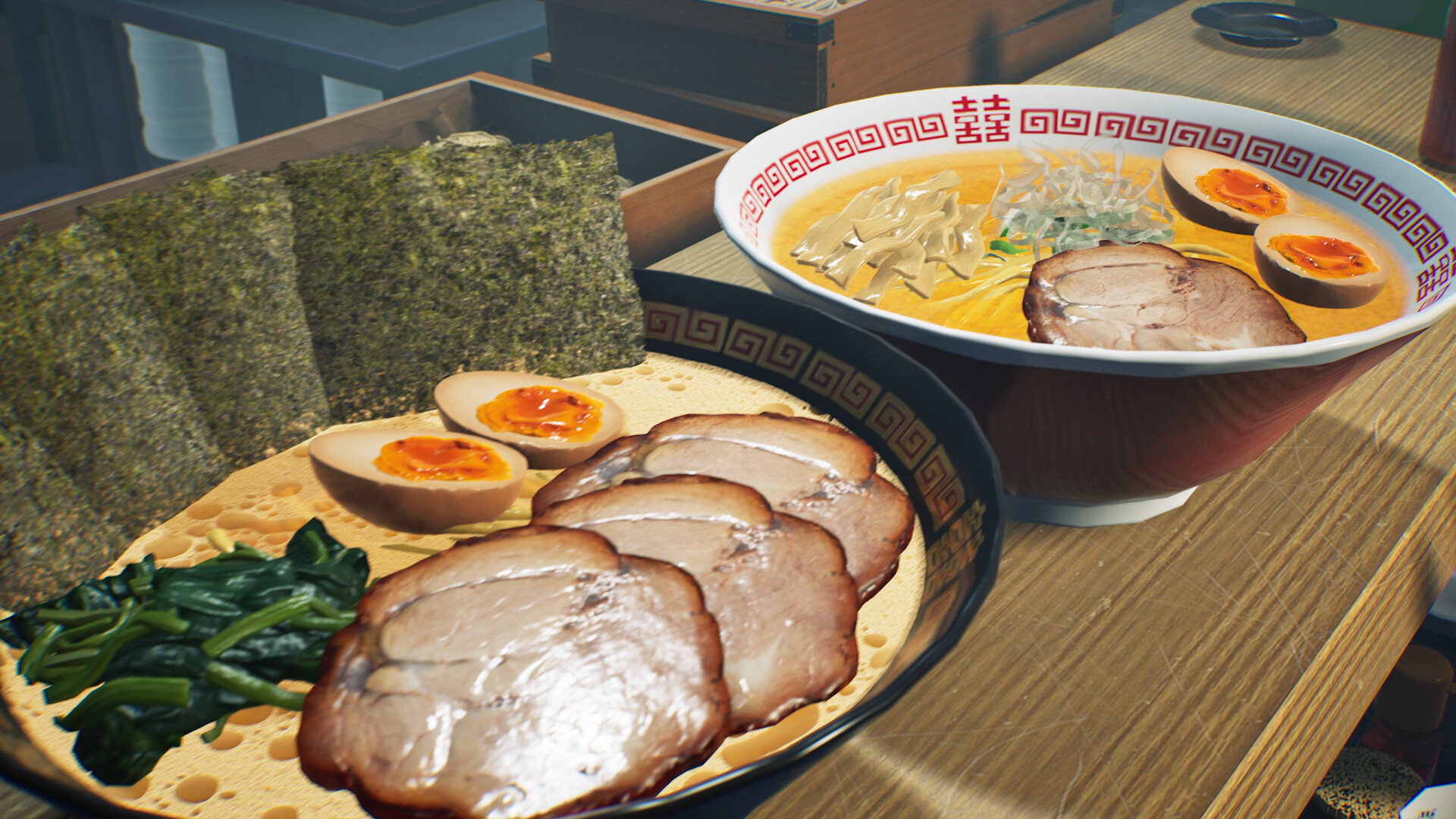
The core loop asks you to prepare soup, cook noodles, and arrange toppings exactly as each order specifies. Success is judged by noodle texture, soup temperature, aroma, umami, and how quickly you serve the bowl.
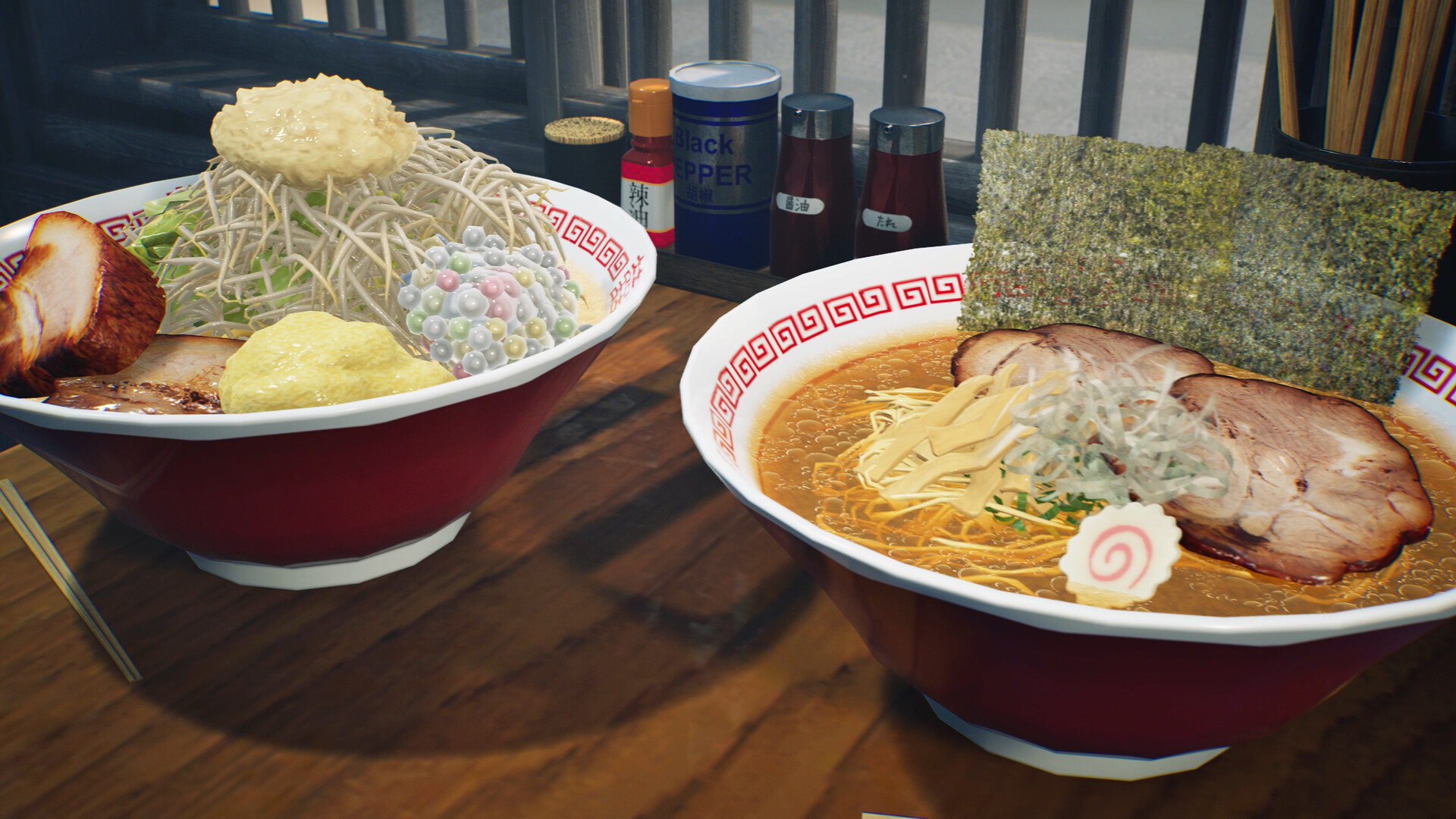
Different soup ingredients and physics‑based plating give each bowl a distinct finish, so you can recreate classic ramen or experiment with new flavor combinations.
- Watch how noodle firmness changes with cooking time to find a reliable texture.
- Try swapping soup bases and note how aroma and umami affect customer reactions.
02 / THE GUIDE
Expanded Menu
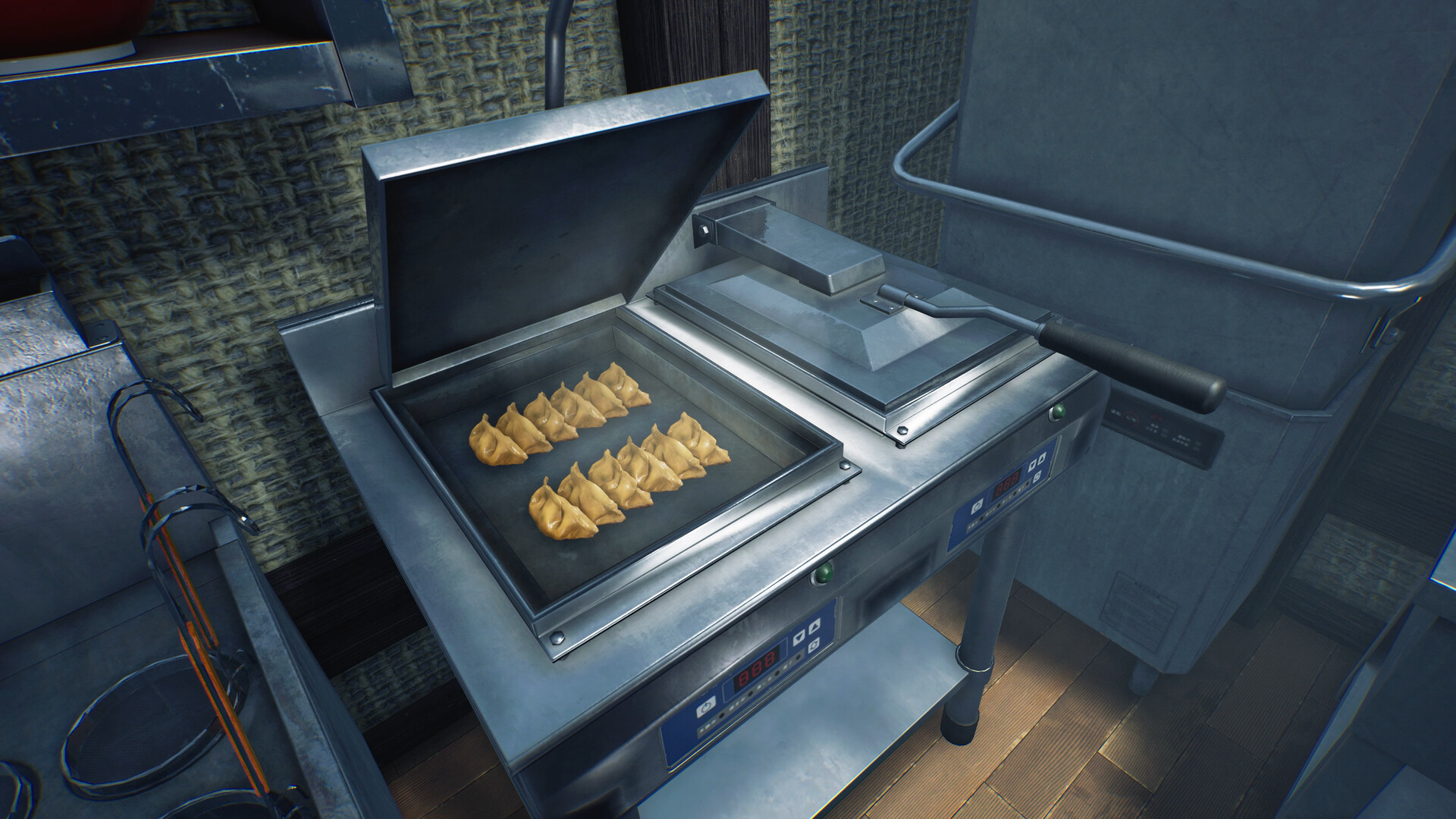
Beyond ramen, the shop can serve gyoza, rice bowls, beer, and other items. Visual cues such as gyoza browning and beer foam let you gauge quality at a glance.
Dishes like Char Siu Don let you place ramen toppings over rice, broadening the menu and giving customers more variety.
- Observe the browning level on gyoza to judge crispness.
- Adjust beer pouring to achieve a balanced foam.
03 / THE GUIDE
Shop Customization
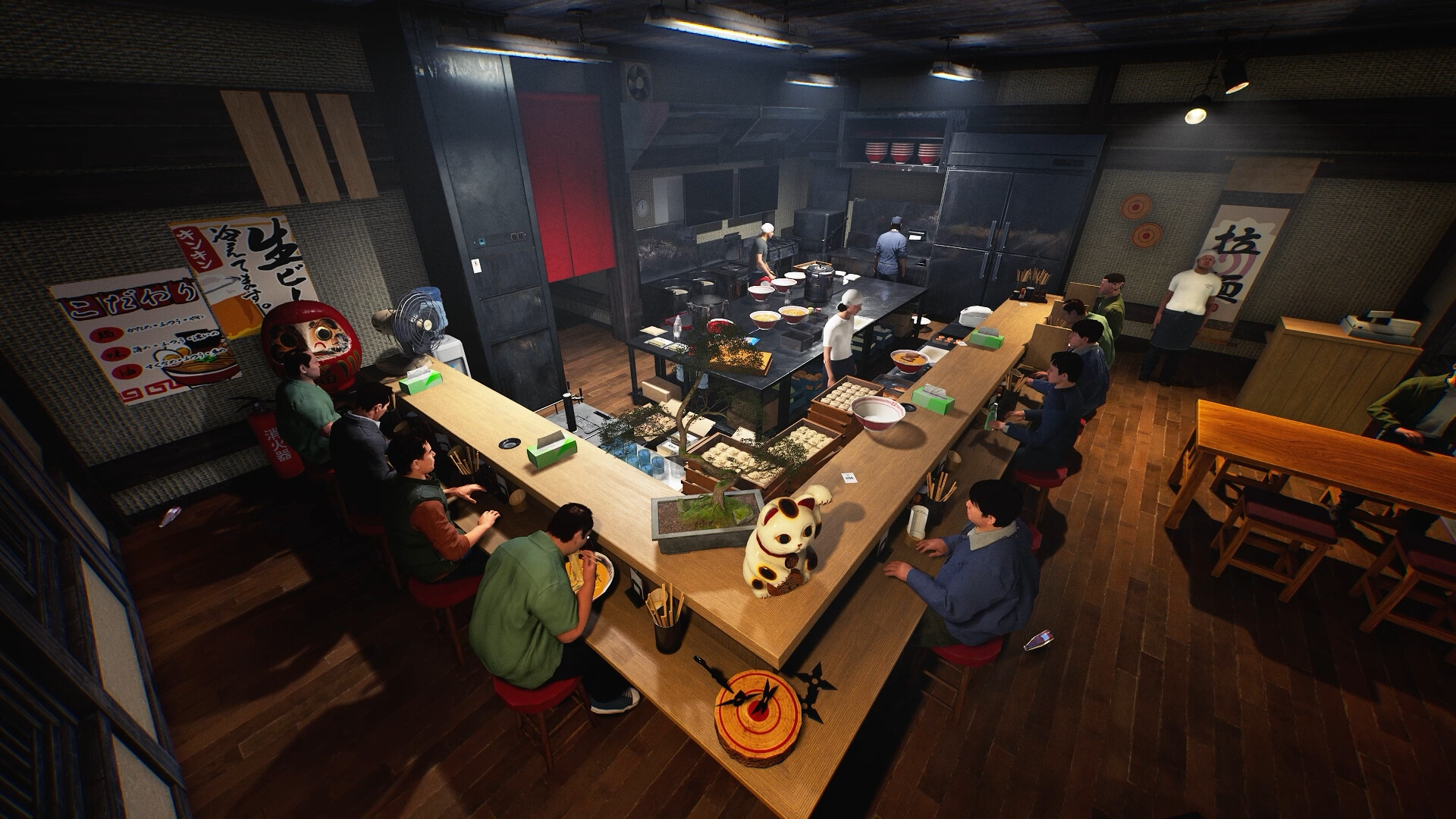
You can arrange cooking equipment, furniture, storage, and decorations to suit your workflow or aesthetic. The My Designs tool lets you apply personal drawings to posters, curtains, bowls, and uniforms.
Unusual fixtures such as toilets and gas cylinders add visual flair, while outfit, body shape, and noodle‑draining animation customization let each player express style.
- Place frequently used tools within easy reach to streamline order handling.
- Use matching designs on uniforms for a cohesive team appearance.
04 / THE GUIDE
Multiplayer Co‑op
Online multiplayer supports up to six players who can divide tasks such as ingredient preparation, cooking, serving, customer service, and cleaning. Each player can focus on a role that matches their preference.
If you prefer solo play, you may hire part‑time NPC staff to handle duties, giving flexibility in how the shop is run.
- Assign each player a clear role to avoid overlapping responsibilities.
- Coordinate timing by communicating when orders are ready to serve.
05 / THE GUIDE
Unexpected Events
During business hours a demanding critic may visit, requiring fine‑tuned aroma, umami, and toppings to earn approval. Thieves can target the cash register, and fires may break out without warning.
You can respond with shuriken, fire extinguishers, or other items to protect your shop when these events occur.
- Keep a fire extinguisher nearby for rapid response to sudden fires.
- Practice using shuriken quickly so you can react if a thief appears.

COMMUNITY
Player discussion