 GameWiki
GET YOUR BEARINGS
About IT Specialist Simulator
IT Specialist Simulator places you in a junior IT role where each job arrives as a ticket describing a realistic technical problem. You must read documentation, inspect logs, and use tools such as CMD or PowerShell to locate the cause instead of a preset "Fix" button.
The game simulates a corporate infrastructure that includes computers, servers, routers, switches, printers and an Active‑Directory‑style directory. Solving tickets grants experience and lets you practice networking, system administration and programming languages like Python, Flask, HTML, CSS, JavaScript, SQL and Git.
01 / THE GUIDE
Ticket Workflow
Every scenario begins with a ticket that outlines a user‑reported issue. The description provides clues but no explicit solution, so you must explore the relevant device, read configuration files and run diagnostics to discover the fix.
A ticket is considered resolved when you close it, which awards experience as you work through the queue. This loop encourages careful reading of the ticket text and systematic analysis of logs and settings.
- Highlight keywords in the ticket that point to a subsystem such as network, driver or permission.
- Open system logs early; error codes often narrow the search space.
02 / THE GUIDE
Network Configuration
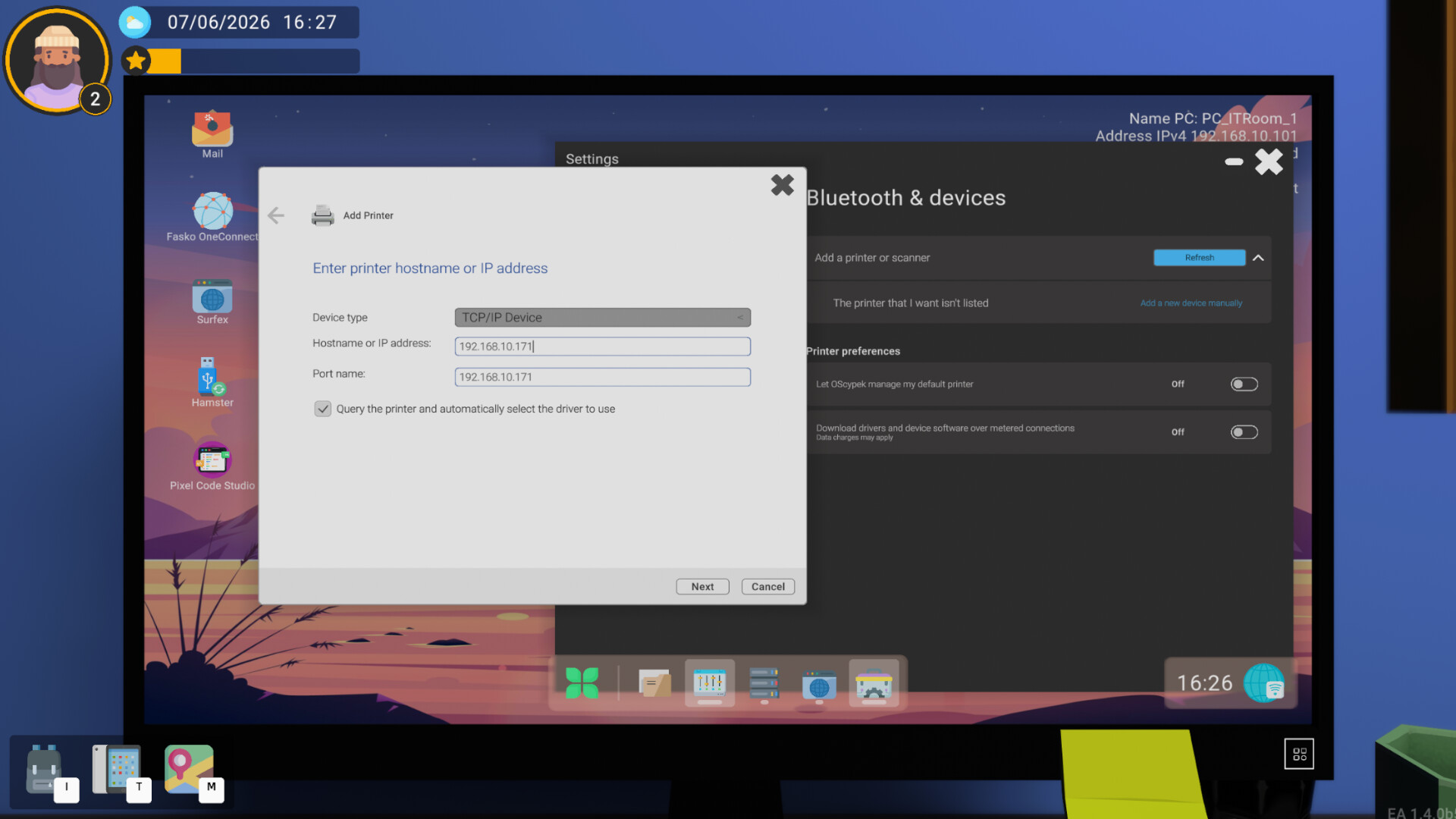
You can set IP addresses, gateways, DNS servers and configure routers, switches and access points within a shared simulated network. Because devices share the same infrastructure, a single mis‑configuration can affect many endpoints.
Typical tickets involve connectivity failures that require you to verify subnet masks, test ping responses and adjust routing settings. Planning and verification are essential before applying them.
- Check the subnet mask before assigning static IPs to avoid address conflicts.
- Use ping to verify that a device can reach its gateway after a change.
03 / THE GUIDE
Active Directory Simulation
The simulator includes an environment inspired by Active Directory where you manage users, groups, computers and permissions. Tickets may involve account lockouts, group‑policy mismatches or missing rights.
Since all devices reference the same directory, adjusting a permission on one object can resolve multiple related tickets, mirroring real‑world AD behavior without external servers.
- When a user cannot access a resource, examine both group membership and explicit permissions.
- Record any permission changes; they may impact other tickets later.
04 / THE GUIDE
Programming Tools
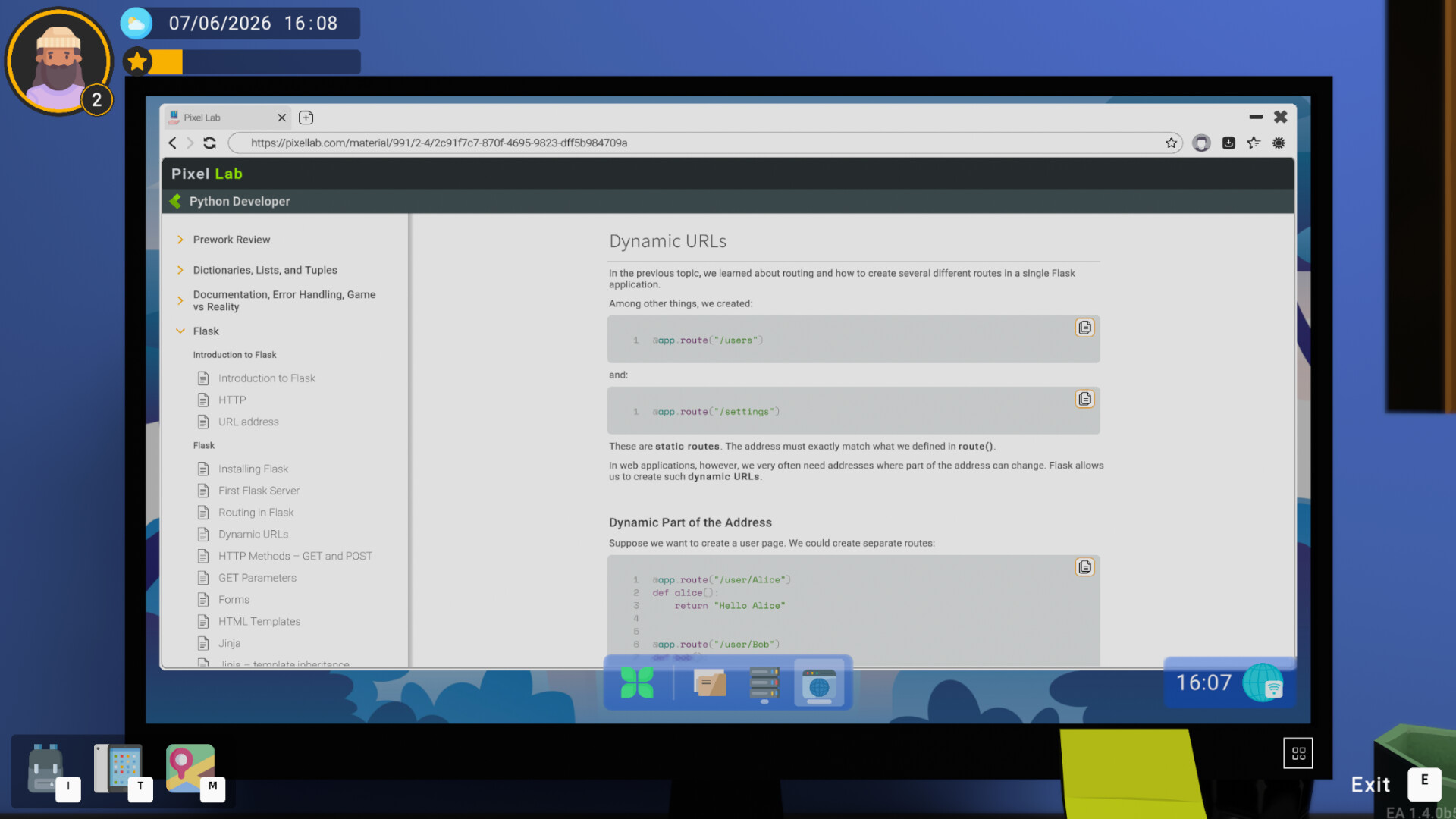
Beyond troubleshooting, you can write and run real code inside the simulator. Supported languages include Python and web stacks such as Flask, HTML, CSS, JavaScript, SQL and Git, allowing you to create scripts, websites and database queries.
Coding tasks appear as tickets, so you test, debug and iterate just like in a real development environment. Mistakes are expected and provide learning opportunities.
- Use Git to commit incremental changes; you can revert faulty scripts easily.
- Run web applications locally before deploying them to the simulated server.
05 / THE GUIDE
Difficulty and Progression
Adjustable difficulty lets you choose ticket complexity, from simple hardware glitches to full network redesigns. Closing tickets grants experience that reflects skill growth as you solve more problems.
The game tracks statistics and achievements, providing a sense of accomplishment without a linear storyline.
- Start on lower difficulty to become comfortable with the toolset before tackling advanced tickets.
- Review the achievement list to identify areas where you might want extra practice.
COMMUNITY
Player discussion