 GameWiki
GET YOUR BEARINGS
About IT Simulator
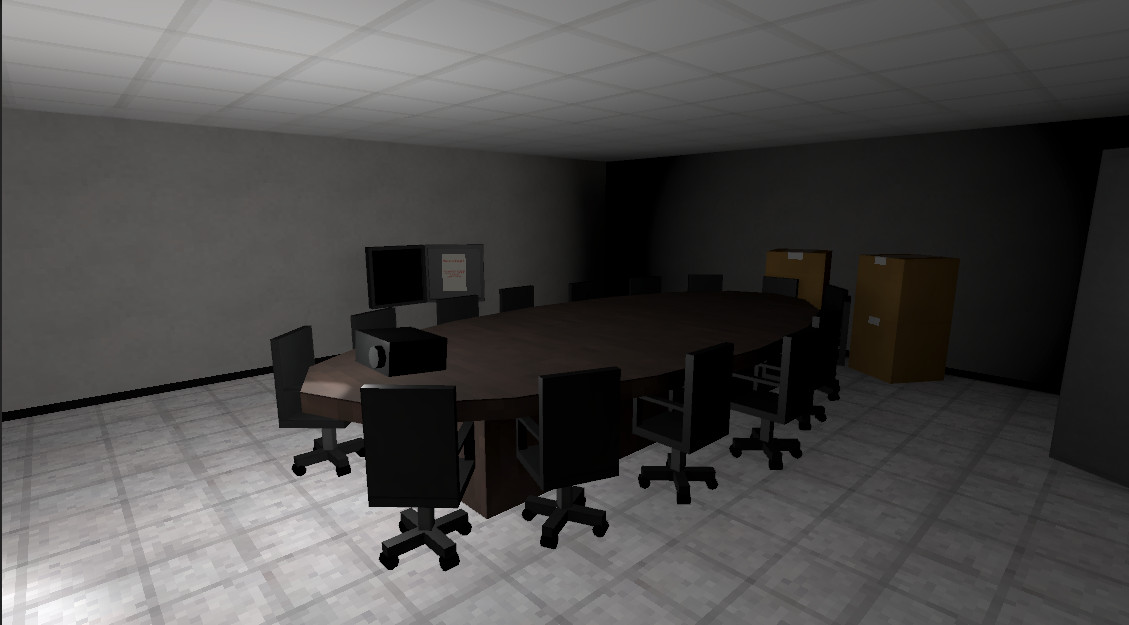
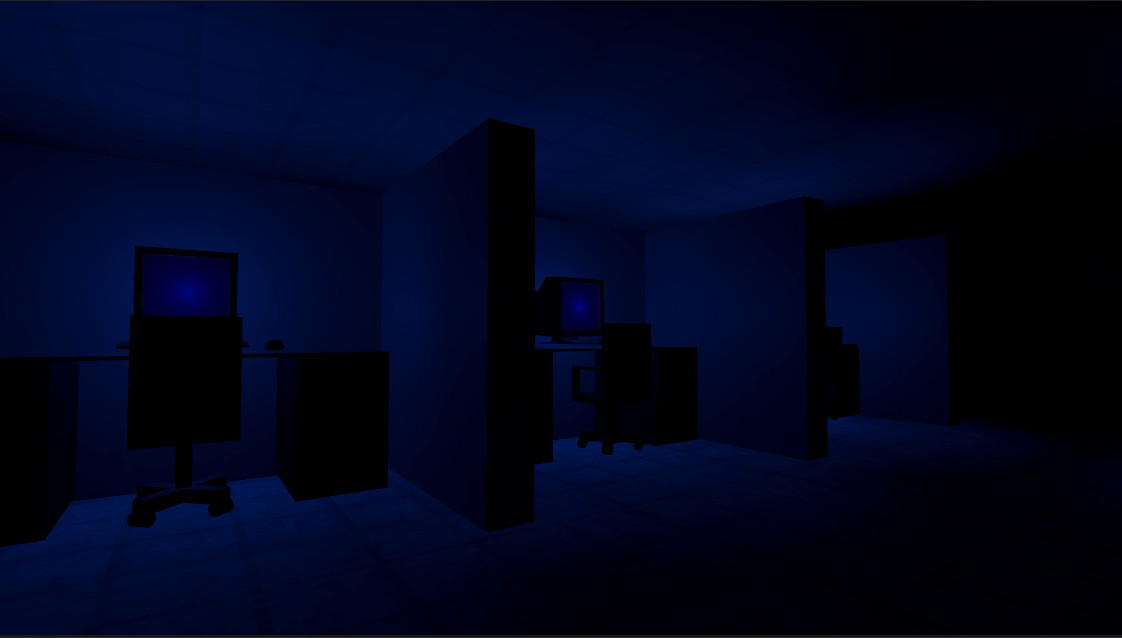
IT Simulator is a co‑op horror adventure where two players work together to restore power to an office building. The game places you in the role of IT staff handling tasks like fixing Wi‑Fi and repairing copy machines while strange events unfold.
The experience emphasizes teamwork, with one player acting as the Control Room Operator who can access diagnostics, cameras, and doors. Obstacles block the backup generator, and repair terminals are scattered throughout, requiring coordinated effort to escape the locked building.
01 / THE GUIDE
Co‑op Horror Gameplay
The game is designed for two players who must collaborate to return power to an office. Tasks such as fixing Wi‑Fi and repairing copy machines are shared responsibilities, creating tension as the environment becomes increasingly unsettling. The horror element emerges from corrupted messages and a locked exit, forcing players to rely on each other's actions to progress and survive the strange occurrences.
- Communicate task priorities early to avoid duplicated effort.
- Watch for narrative clues that may hint at hidden obstacles.
02 / THE GUIDE
Control Room Operator Role
One player assumes the Control Room Operator, granting floor‑wide diagnostics and the ability to grant access to repair terminals. This role also provides emergency access to security cameras and doors, helping keep the team safe. The operator’s tools are essential for navigating the building’s locked doors and monitoring the environment, making their coordination with the partner crucial for success.
- Use diagnostics to locate malfunctioning systems before moving.
- Leverage camera access to anticipate hazards.
03 / THE GUIDE
Repair Terminals Access
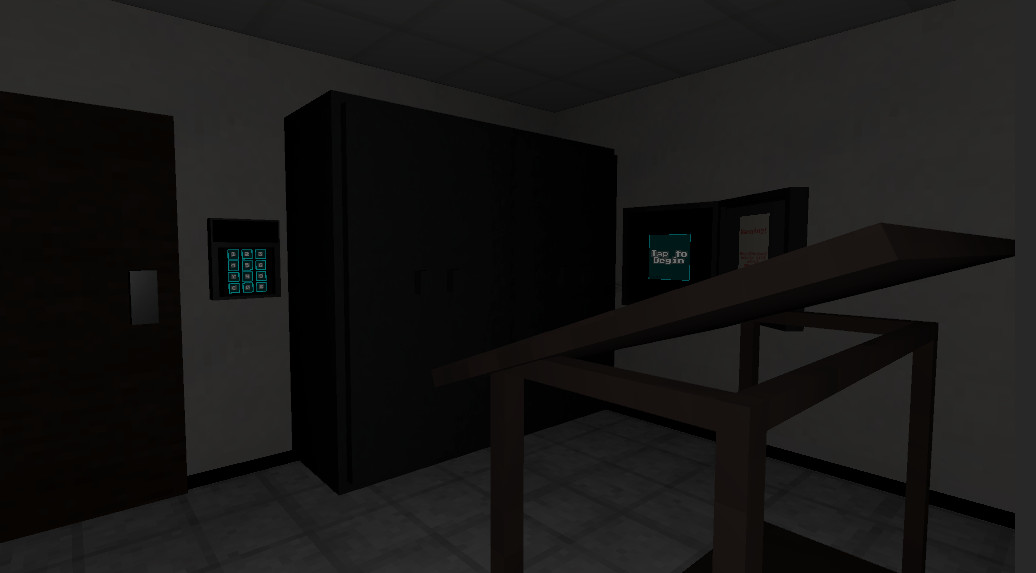
Repair terminals are placed throughout the office, allowing players to fix critical systems. Access requires permission from the Control Room Operator; unauthorized use triggers a security violation. These terminals are the primary means to restore power and open pathways, so managing who can use them at any time is a key strategic element.
- Coordinate terminal usage to avoid triggering security alerts.
- Remember that getting the lights back on is part of restoring power and escaping.
04 / THE GUIDE
Motion Trackers and Security
Motion trackers beep when activity is detected, though only the two players have active trackers. The system notes possible malfunctions during repair cycles, suggesting caution around unexpected lights. While the trackers provide limited information, they reinforce the need to stay aware of the environment and avoid unnecessary exposure to unknown phenomena.
- Treat tracker beeps as warnings rather than definitive threats.
- Investigate unexpected lights only after confirming safety.
05 / THE GUIDE
Backup Generator Blockage
The backup generator on the bottom floor is blocked by a slew of obstacles, preventing immediate power restoration. Repair terminals are installed throughout the building and may be needed as you work toward the generator. Restoring the generator is essential for lighting and escape, making it a focal point for coordinated problem‑solving between the two players.
- Map out obstacle locations before attempting to reach the generator.
- Use the operator’s diagnostics to help locate malfunctioning systems.
COMMUNITY
Player discussion