 GameWiki
GET YOUR BEARINGS
About Island of Hearts
Island of Hearts drops you into a live‑action, first‑person romance on a tropical island where every dialogue choice and action influences the story. Multiple love interests, hidden storylines, and several possible endings encourage players to explore emotional outcomes.
The experience blends cinematic realism with puzzles, clues, and mini‑games performed by popular Asian content creators. It supports Keyboard Only, Mouse Only, and Touch Only inputs, offers save‑anytime, and includes Steam Cloud and Family Sharing.
01 / THE GUIDE
First‑Person Immersive Romance
The game is presented entirely from the player’s viewpoint, so you see every glance, blush, and silent stare as if you were there, making dialogue feel personal.
Live‑action performances by real influencers give the narrative a cinematic feel that differs from traditional animated romance games.
- Watch facial cues for hints about character mood.
- Notice recurring visual motifs that may signal hidden scenes.
02 / THE GUIDE
Choice‑Driven Branching Paths
Every dialogue decision and action contributes to multiple endings, with no single “right” answer, encouraging exploration of different outcomes.
The description highlights emotional intelligence (or lack thereof) as a factor, meaning both thoughtful and reckless choices affect the story.
- Try contrasting responses to see how relationships shift.
- Keep a simple note of choices that seem to change character reactions.

03 / THE GUIDE
Puzzles and Mini‑Games
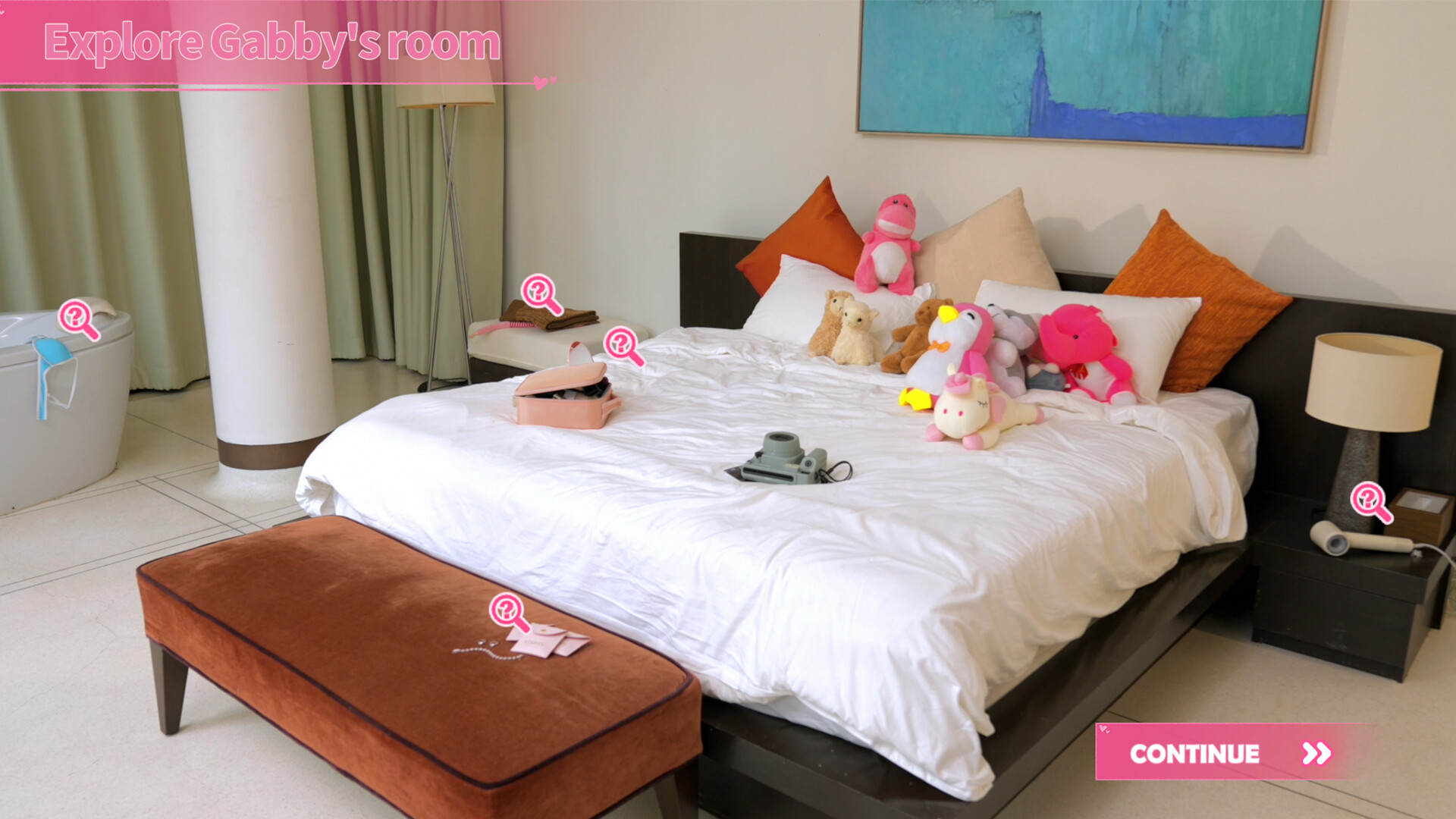
Beyond conversation, the adventure includes clues, exploration tasks, and mini‑games that influence romantic progress, even when they seem unrelated.
These elements add variety, requiring players to engage with the environment and think beyond simple dialogue selection.
- Treat each mini‑game as a potential story catalyst.
- Scan surroundings for visual hints that could serve as puzzle clues.
04 / THE GUIDE
Multiple Input Options
Island of Hearts supports Keyboard Only, Mouse Only, and Touch Only options, letting players choose the control scheme that matches their hardware.
No controller is required; interaction relies on the listed input methods for dialogue, exploration, and mini‑games.
- Select your preferred input mode before starting the first scene.
- Switch between mouse and keyboard if one feels more responsive for timing.
05 / THE GUIDE
Progress Saving and Cloud Features
Players can save at any point, preserving decisions for later continuation, and Steam Cloud stores those saves online for the same Steam account.
Family Sharing is supported, allowing the game to be shared with other users on the same Steam account library.
- Save before major dialogue branches to compare outcomes later.
- Enable Steam Cloud in settings to protect progress against reinstall.



COMMUNITY
Player discussion