 GameWiki
GET YOUR BEARINGS
About Island Of Enchantment
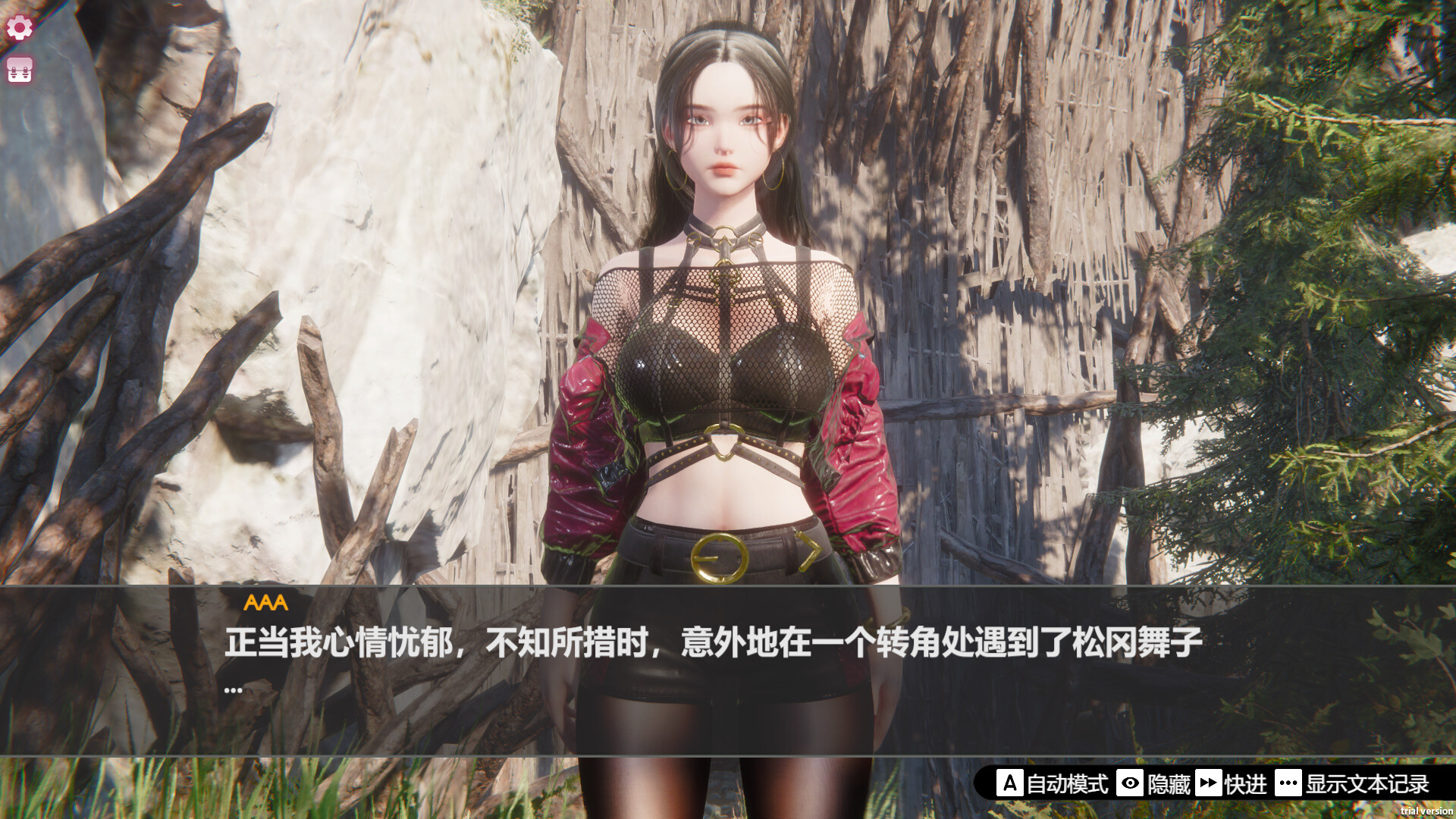
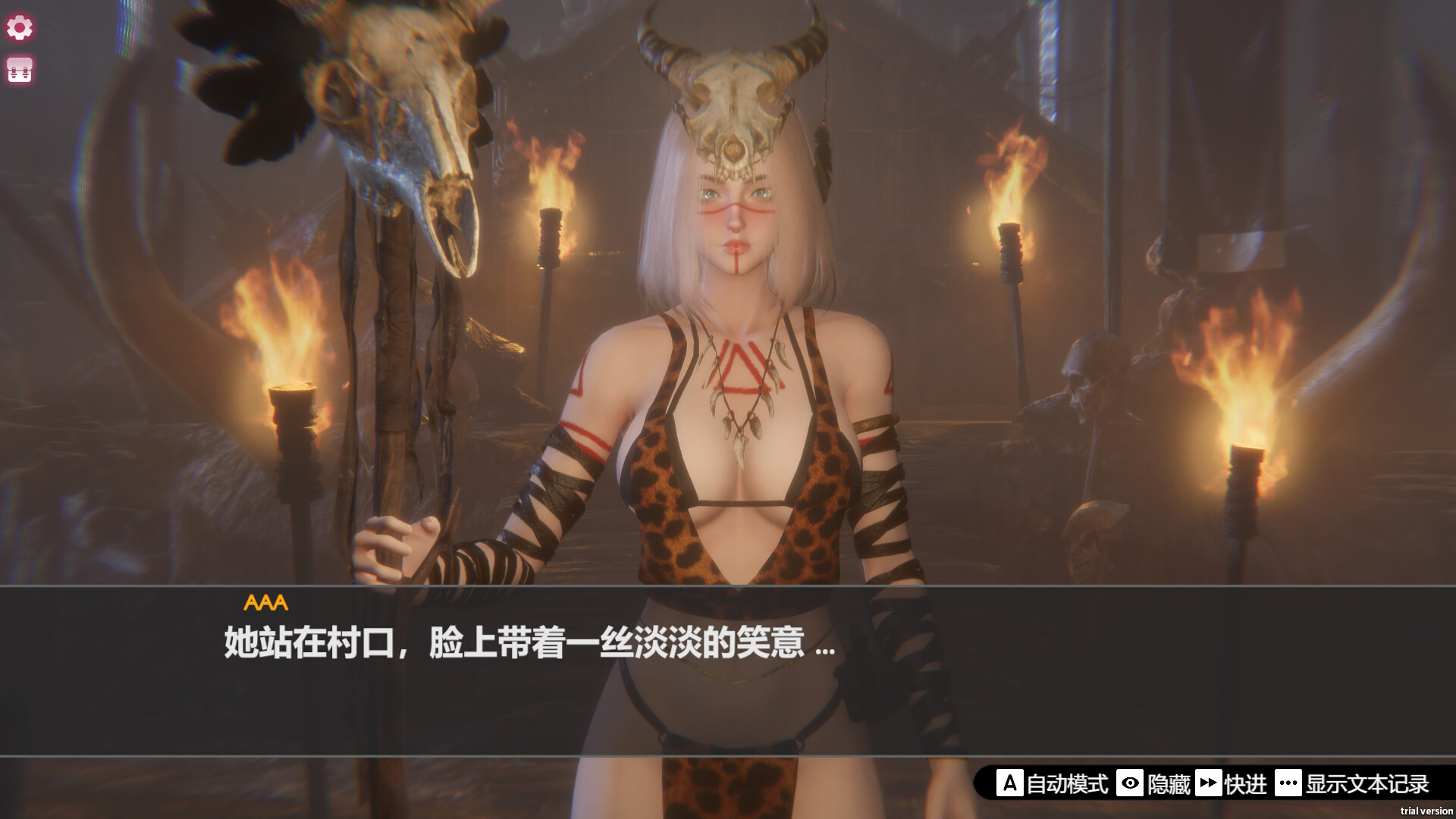
Island Of Enchantment is a hidden‑object casual game where players help four girls locate lost items before a countdown ends. The title offers thirteen levels that range from easy to challenging, each packed with hundreds of visual elements to scan.
An Endless Mode adds a competitive twist, letting players collect time‑boosting items to extend play and vie for high scores on a global Steam leaderboard. The game is positioned as a relaxing yet engaging experience suitable for all ages.
01 / THE GUIDE
Gameplay Mechanics
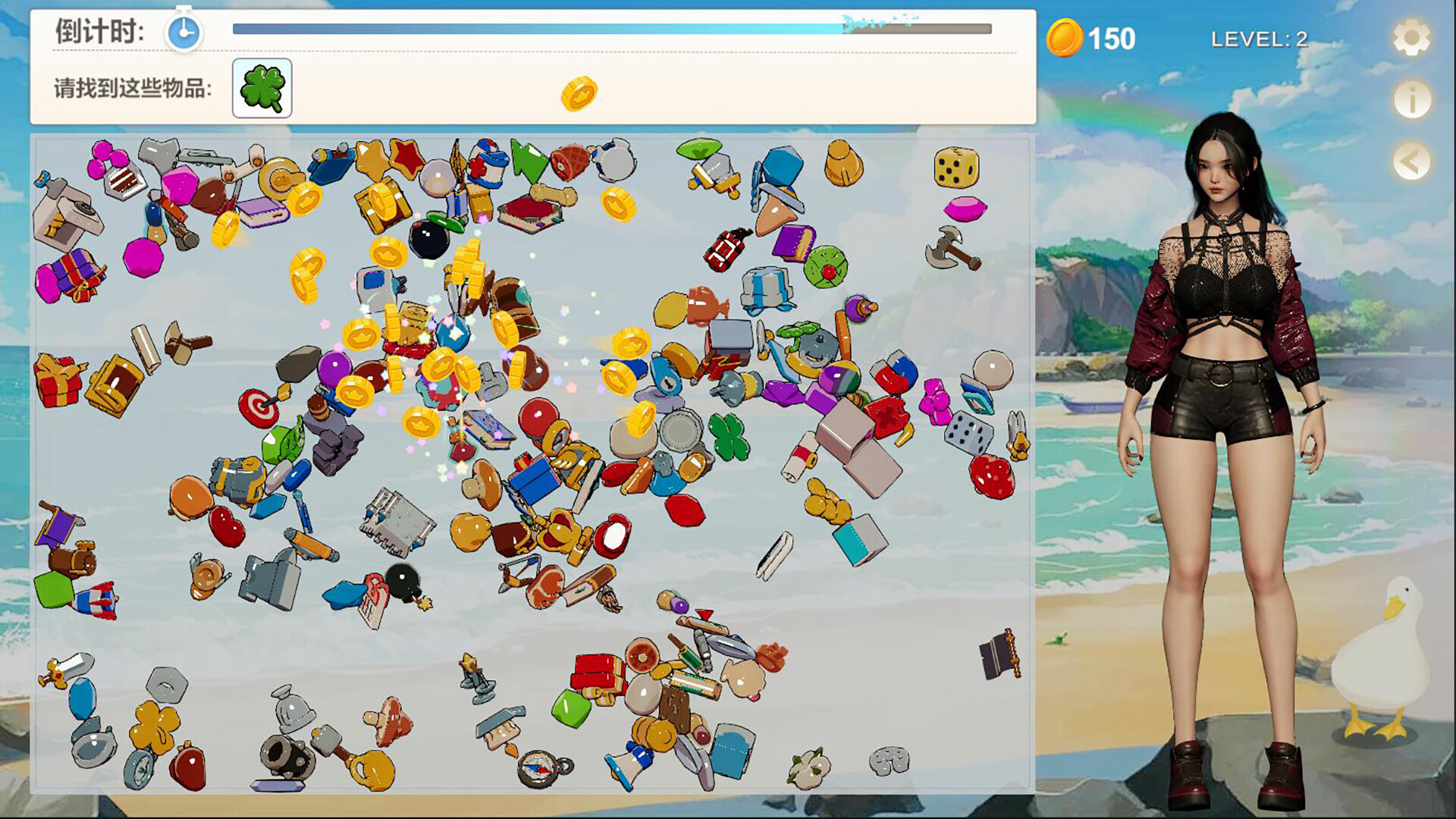
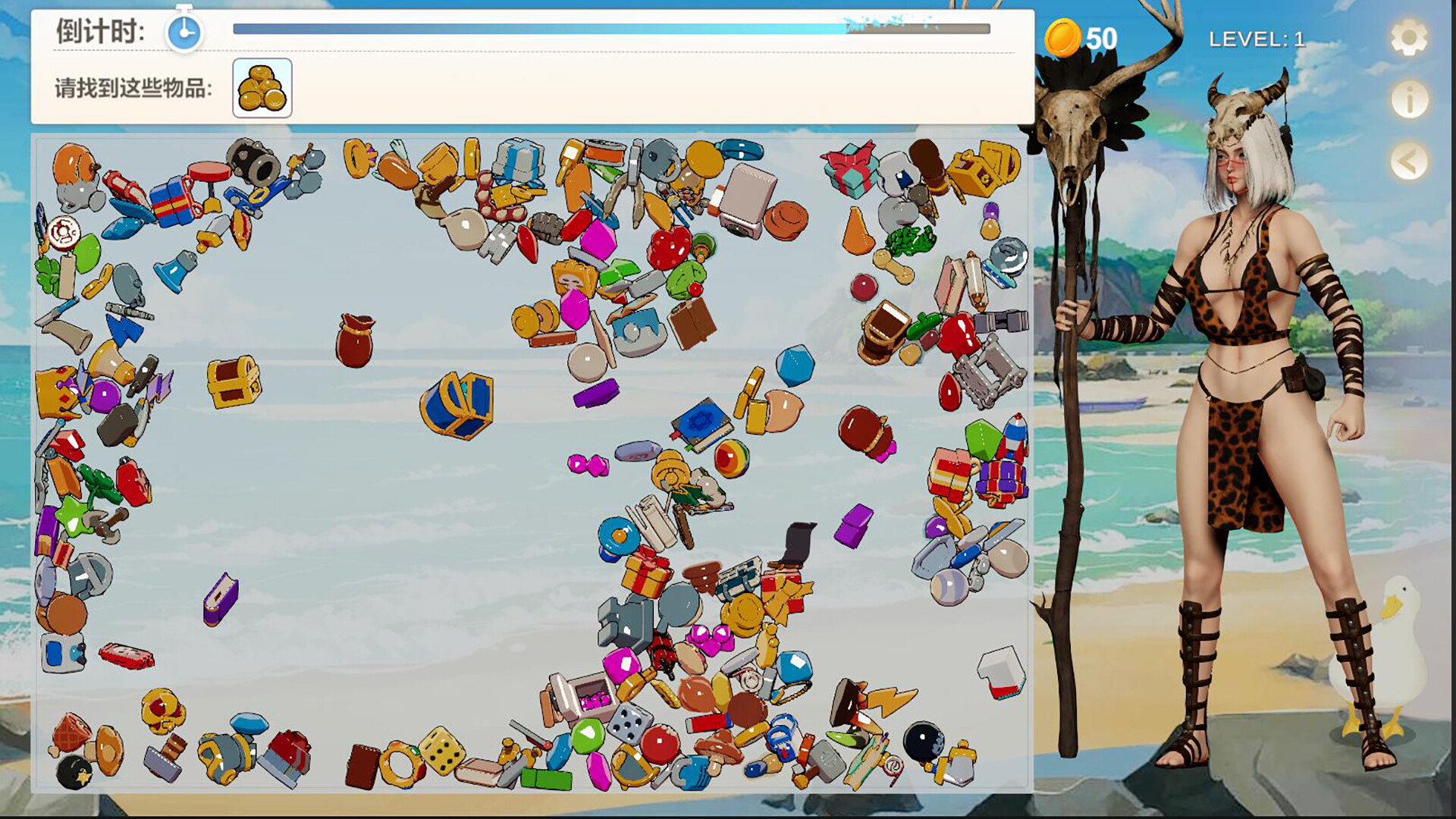
Each level presents a list of specific objects that must be found among a screen populated with over 400 items. Players click items to mark them as found while a visible timer counts down, creating a pressure‑filled search loop.
If a player cannot locate an object, a Hint Button on the right side of the screen can be pressed to receive assistance. Hints are optional, so players can decide for themselves when to seek assistance.
- Scan the whole scene before clicking to avoid accidental misses.
- Reserve hints for items that remain hidden after an initial quick search.
02 / THE GUIDE
Levels and Difficulty
Island Of Enchantment includes thirteen carefully designed levels that progress from easy to challenging. Each level introduces new item arrangements and visual clutter, ensuring that the visual puzzle feels fresh throughout the game.
The variety of items across levels tests observation skills in different contexts. While the hidden‑object formula stays constant, the increasing complexity of item placement provides a clear difficulty curve.
- Begin with the easier levels to learn the typical item categories.
- Notice recurring visual themes to speed up later, harder stages.
03 / THE GUIDE
Endless Mode
Beyond the story levels, Endless Mode offers a continuous visual challenge. Players collect time‑boosting items that extend the remaining timer, allowing the session to continue as long as boosts are found.
Scores achieved in Endless Mode are posted on a global Steam leaderboard, where players can compare their performance with others worldwide.
- Prioritize time‑boosting items early to maximize overall survival time.
- Observe your own high scores before checking the leaderboard to set realistic targets.
04 / THE GUIDE
Hint System
A Hint Button is positioned on the right side of each level’s screen. Pressing it provides help with the search, assisting players who become stuck.
Hints serve as optional assistance for players who become stuck during a level.
- Use hints only after a brief independent search to keep the challenge meaningful.
- Combine a hint with a quick scan of the hinted area to locate the object faster.
05 / THE GUIDE
Steam Features
Island Of Enchantment integrates several Steam services: Achievements, Trading Cards, Cloud saves, Leaderboards, and Family Sharing. These features operate alongside the single‑player experience and do not alter core gameplay.
Steam Cloud provides cloud storage, while Family Sharing allows other accounts on the same Steam library to launch the game.
- Enable Steam Cloud in the client settings to make use of its cloud storage.
- Check the leaderboard regularly to monitor how your scores rank globally.
COMMUNITY
Player discussion