 GameWiki
GET YOUR BEARINGS
About iRacing Arcade
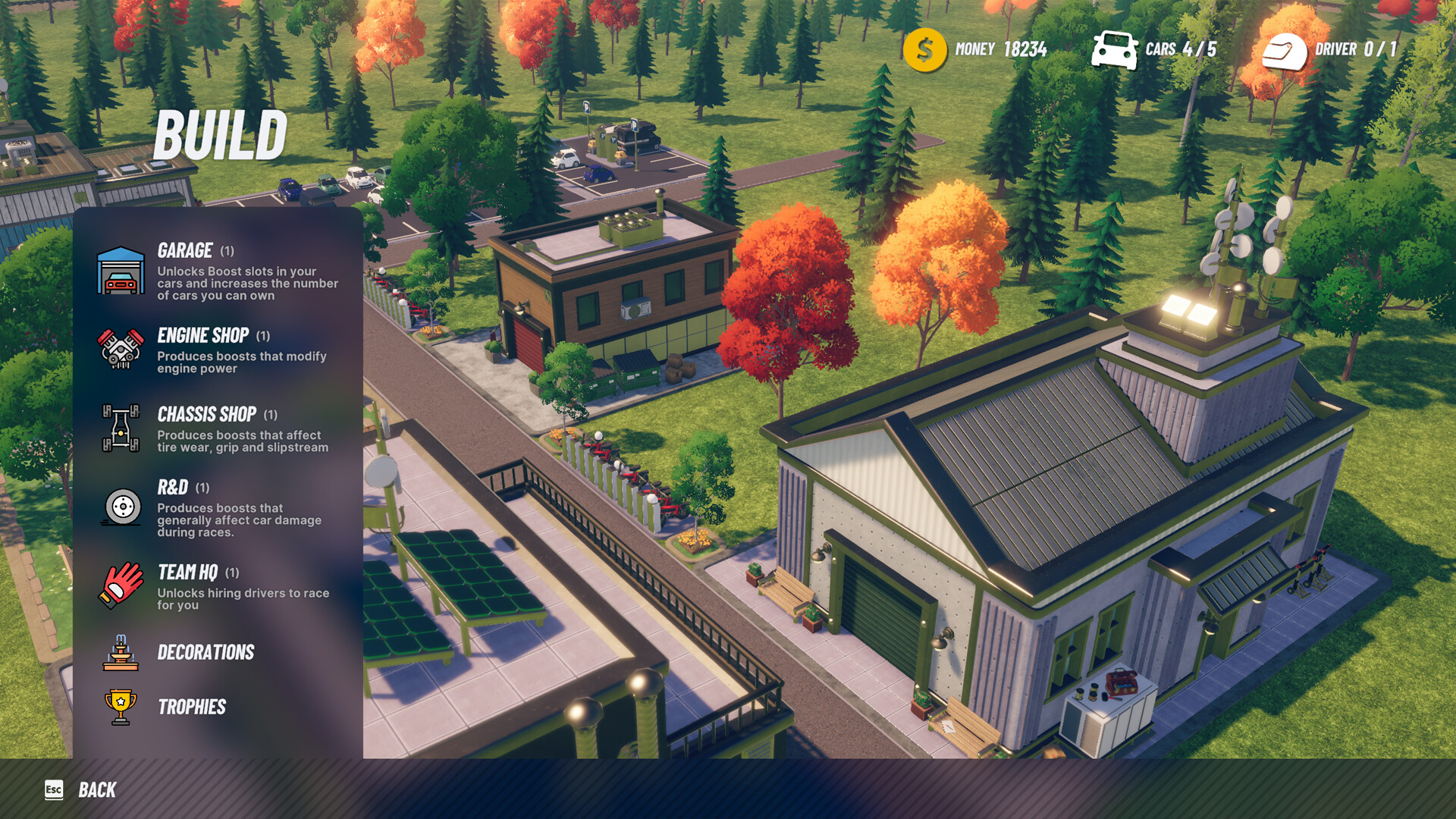
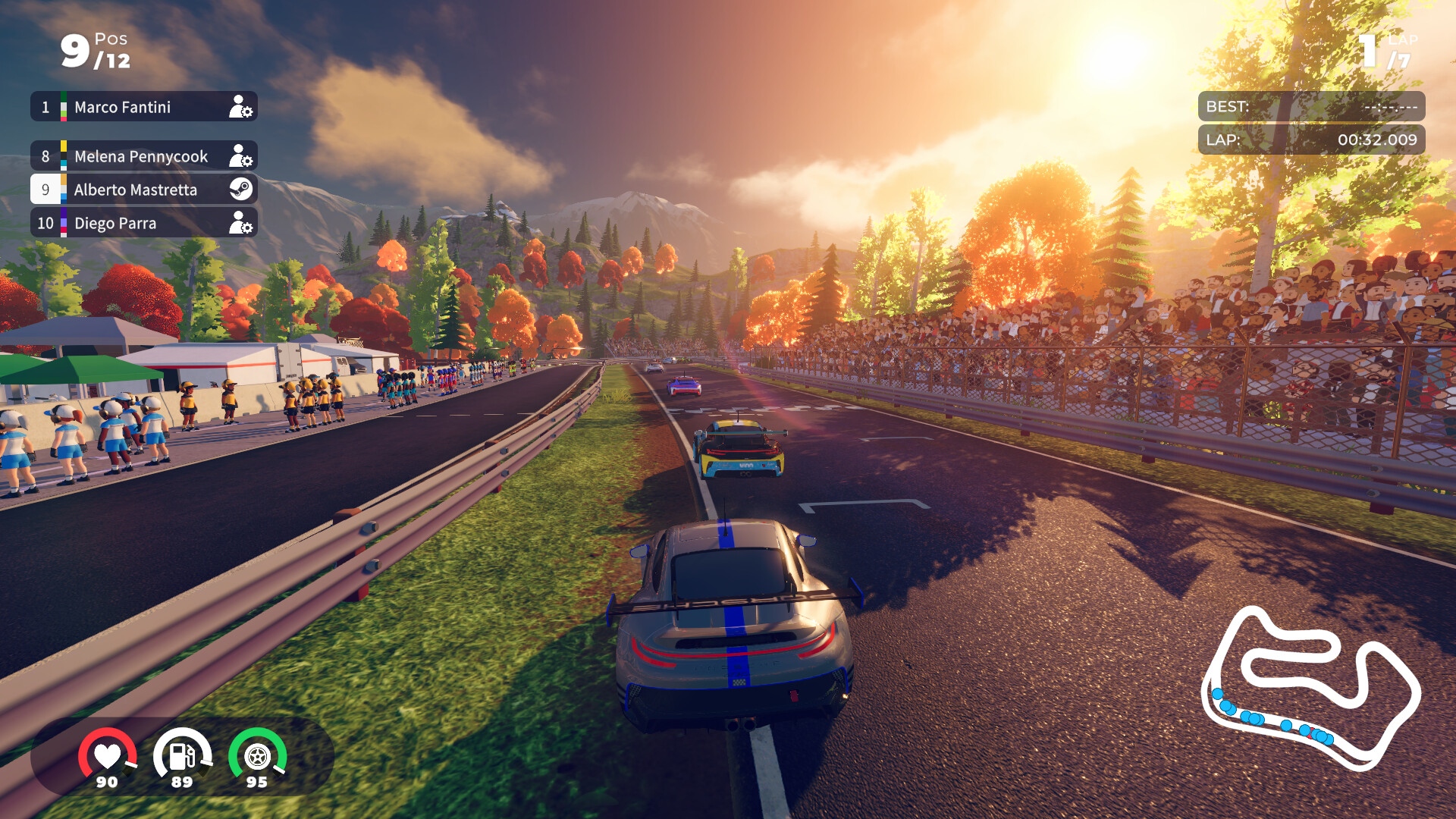
iRacing Arcade puts you behind a third‑person view of stylized, licensed cars and tracks. Your performance in races earns resources that you can allocate to buildings, drivers, cars, or branding, shaping a personal motorsport legacy.
The game offers weekly online events, Global Time Trials, and multiplayer races for up to eleven competitors. Full controller support and split‑screen options let you play solo or with friends on Windows.
01 / THE GUIDE
Resource‑Driven Progression
Each race awards resources, which act as the currency for expanding your team. You may spend them on buildings that unlock performance boosts or on hiring skilled drivers for licensed series.
Investments directly affect future races, creating a loop of competing, earning, and allocating that defines your legacy and influences track advantage.
- Track which type of investment—building or driver—yields the biggest lap‑time improvement in a given series.
- Balance spending between infrastructure and talent to keep options open across multiple categories.
02 / THE GUIDE
Tactile Physics Model
The physics system is described as easy to learn yet endlessly rewarding, encouraging players to chase perfect laps without overwhelming newcomers.
This model underpins all racing categories, providing consistent handling that rewards practice and precision across every licensed car and track.
- Spend several laps with a single car to feel the physics before switching to another vehicle.
- Use the third‑person camera to better observe car behavior while learning the model.
03 / THE GUIDE
Licensed Cars and Tracks
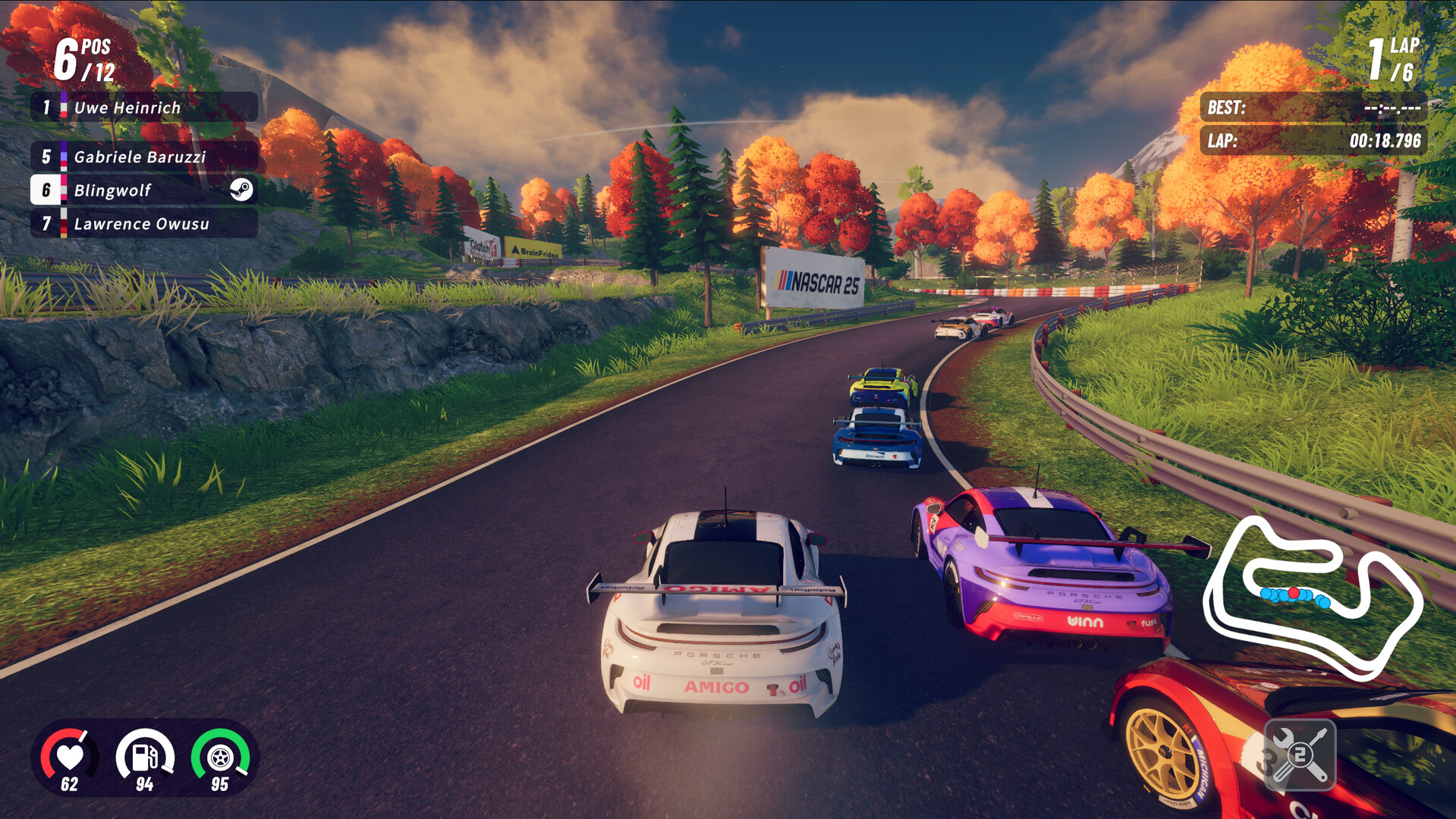
iRacing Arcade features stylized recreations of real‑world vehicles such as the Porsche 911 GT3 Cup and tracks like Mexico City’s Hermanos Rodríguez Autodrome.
These licensed elements provide recognizable settings while maintaining an arcade aesthetic, letting players experience iconic motorsport moments in a unified world.
- Try the Porsche 911 GT3 Cup on Imola to compare its handling with other cars.
- Explore multiple series to see how each licensed track influences your racing line.
04 / THE GUIDE
Online Multiplayer and Global Time Trials
Up to eleven competitors can race together in online multiplayer, creating a live competitive environment that rotates weekly for fresh challenges.
Global Time Trials let players chase top times on leaderboards, offering an asynchronous way to test skill on the same rotating tracks.
- Join weekly events to experience new track rotations regularly.
- Use time trials to refine your line before entering a live race.
05 / THE GUIDE
Full Controller Compatibility
The game lists full controller support, including DualShock and DualSense devices, and also supports shared/split‑screen play for local multiplayer sessions.
Controller compatibility applies to both single‑player and multiplayer modes, allowing players to use standard console controllers on PC without requiring a keyboard.
- Test both DualShock and DualSense to see which feels more natural for steering.
- Activate split‑screen mode for a couch‑co‑op racing experience.
COMMUNITY
Player discussion