 GameWiki
GET YOUR BEARINGS
About inZOI
inZOI is a life‑simulation adventure where players act as creators, shaping realistic worlds and watching the stories of autonomous characters, called Zois, unfold. The game emphasizes appreciation of life’s meaning through immersive, visually rich environments built with Unreal Engine 5.
Players can design cities inspired by real locations, adjust weather, properties and streets, and customize characters and architecture with extensive tools, including on‑device generative AI for patterns, 3D conversion and motion capture. All content can be shared via the in‑game Canvas platform.
01 / THE GUIDE
Community Simulation
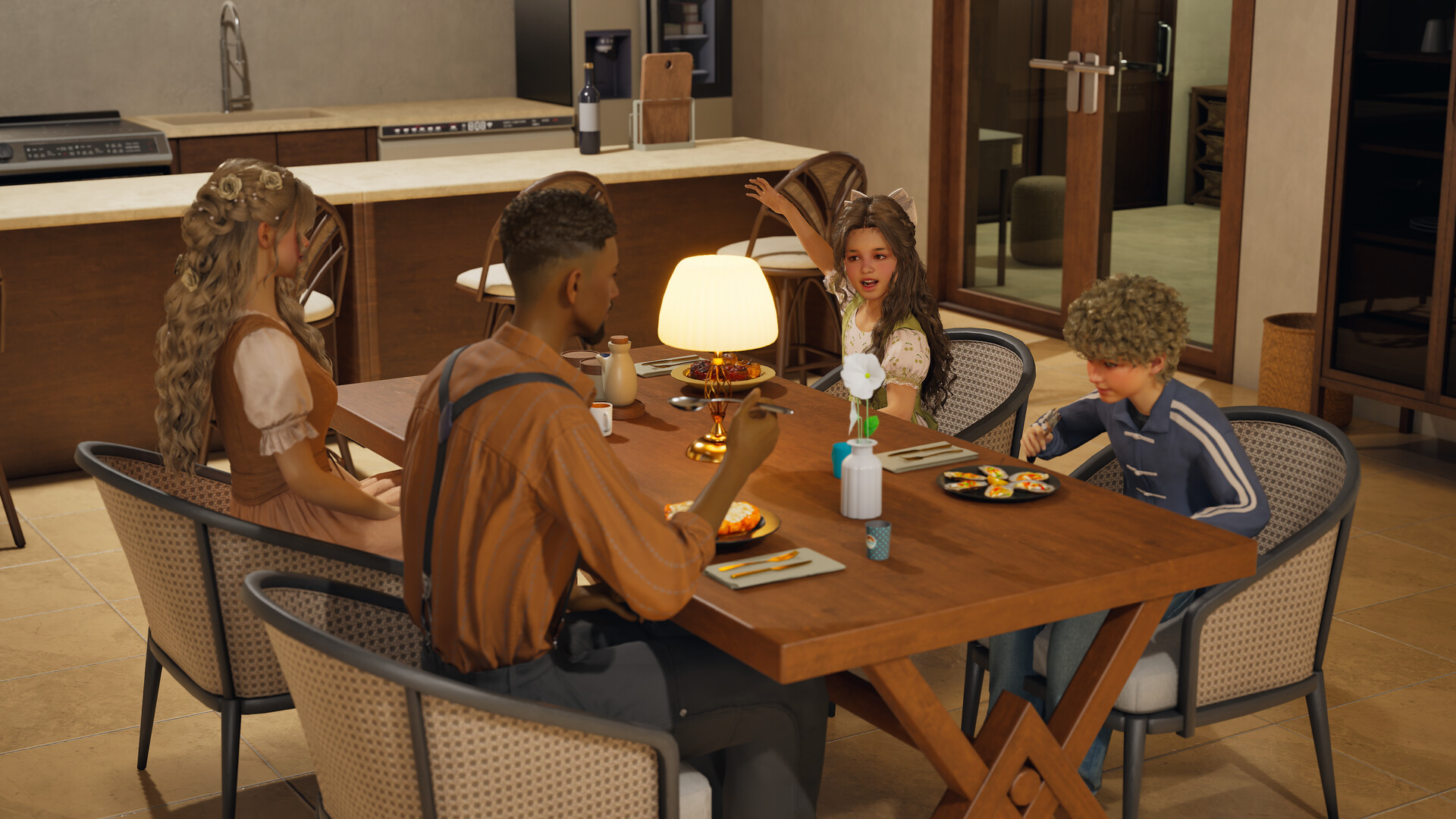
Zois live with free will, acting according to their personalities and experiences. Their actions generate rumors, trends and even disease, creating emergent stories that surprise the player.
The simulation runs continuously, allowing players to observe how relationships evolve and how community dynamics shift over time.
- Watch early interactions to anticipate larger community events.
- Use the AI tools to introduce new visual cues that may influence Zois’ behavior.
02 / THE GUIDE
World Building
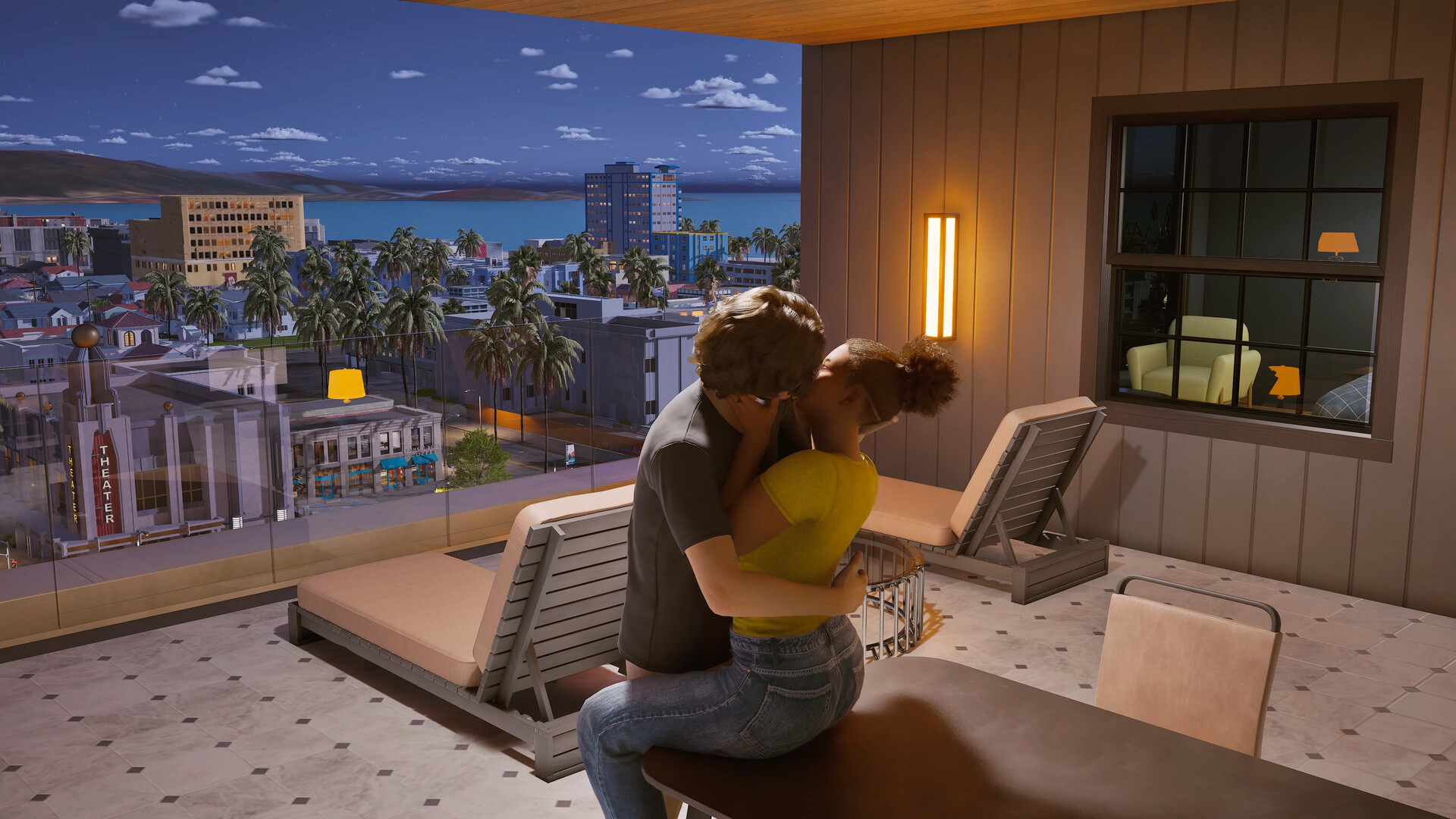
Players can shape cities modeled after real‑world locations, altering weather, property layouts and street designs to create a personal backdrop for stories.
Architectural elements—walls, roofs, stairs, fences, platforms and gates—can be mixed and matched, while furniture and objects are fully customizable.
- Experiment with weather changes to see how Zois react.
- Combine architectural pieces to form unique building silhouettes.
03 / THE GUIDE
Character Customization
Over 250 options let creators adjust hair, skin, physique, outfits, accessories and nail art, producing distinct Zois for any narrative.
Facial and motion capture tools let players animate characters and produce videos directly within the game.
- Layer multiple accessories for richer visual detail.
- Record motion capture clips to reuse across different scenes.
04 / THE GUIDE
Generative AI Tools
On‑device AI accepts text prompts to generate custom patterns and images for outfits, props and furniture, expanding creative possibilities without external software.
Players can also transform 2D images into 3D objects or generate character motions by uploading video files.
- Use concise prompts for clearer pattern results.
- Upload short video clips for smoother motion generation.
05 / THE GUIDE
Sharing via Canvas
Canvas is the in‑game platform where creators showcase characters, homes and stories, and discover inspiration from others worldwide.
Interaction on Canvas fosters a connected community, allowing easy sharing of creations and collaborative feedback.
- Tag your uploads with relevant keywords for better discoverability.
- Engage with other creators’ posts to build a supportive network.



COMMUNITY
Player discussion