 GameWiki
GET YOUR BEARINGS
About Inside My Radio
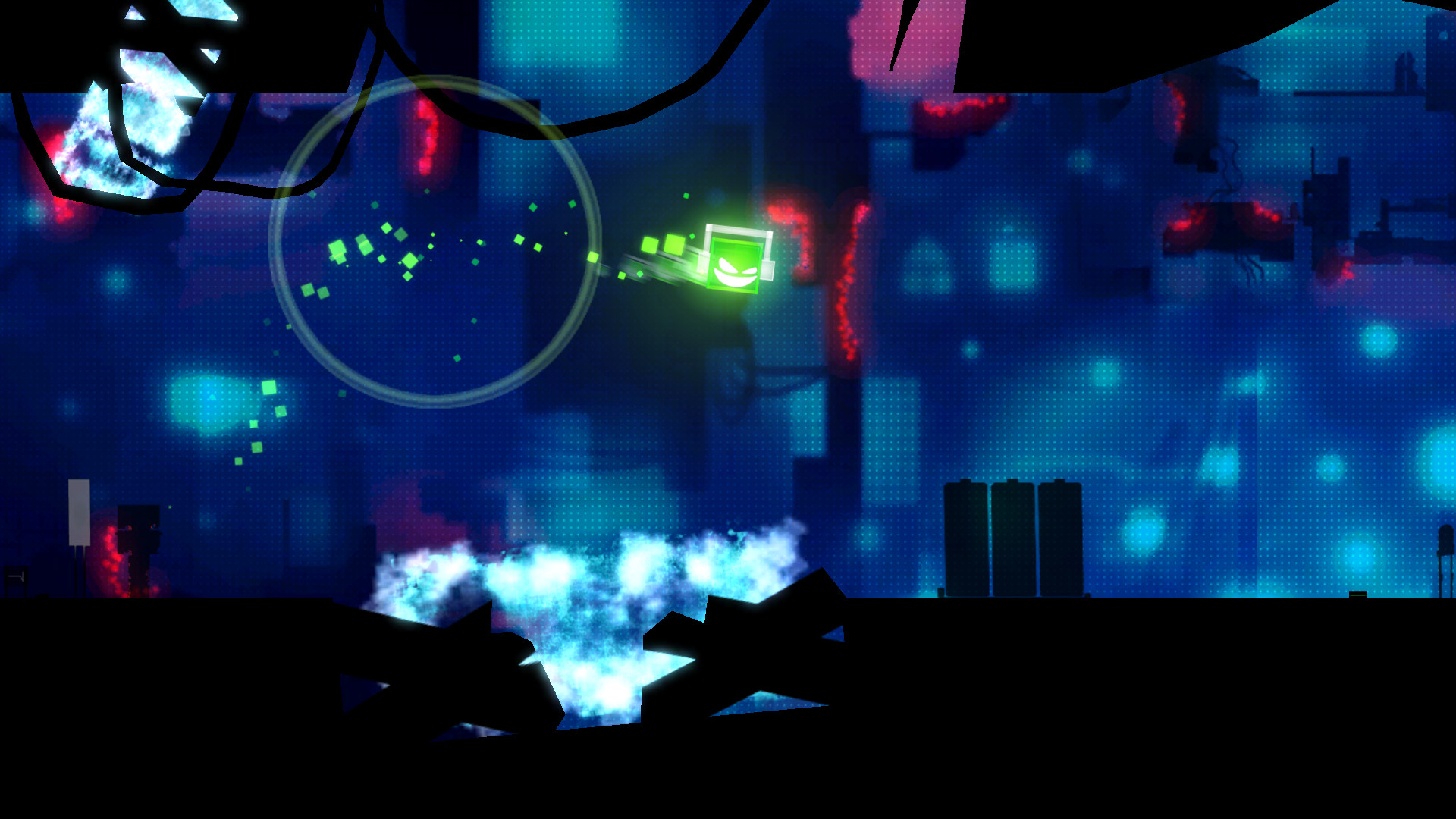
Inside My Radio puts you in the role of a green LED trapped inside a dying boombox. Every jump, dash, and slam must line up with the music, turning each level into a rhythmic platform challenge.
Each level acts as its own mixtape, mixing electro, dub, or disco. A creative jam zone lets you shape the track with your movements, while Time Attack adds a ticking clock and score multipliers for flawless rhythm.
01 / THE GUIDE
Rhythmic Core Gameplay
Every action—jump, dash, or slam—must be timed to the beat, making rhythmic awareness essential. Missing the beat reduces your multiplier and adds a time penalty, directly affecting your score.
The game explicitly warns against playing on mute, reinforcing that audio cues drive every platforming decision. Listening closely to the percussion lets you anticipate timing windows.
- Listen to the drum layer to gauge when actions become available.
- Start a level at a slower pace to feel the beat before speeding up.
02 / THE GUIDE
Jam Zone Music Creation
Inside My Radio lets you compose the track through your actions or by entering a jam zone where you can freely mix tracks. Your movement choices directly influence the music’s layers.
Each level is treated as a mixtape, offering variations of electro, disco, or dub. The jam zone gives you control over how those musical elements combine as you progress.
- Try different movement combos to discover unique musical blends.
- Use the jam zone when you want to freely choose and mix the tracks the way you want.
03 / THE GUIDE
Time Attack Mode
A separate mode challenges you to finish levels before a clock expires. Hitting beats raises a score multiplier, while missed beats lower it and add a time penalty.
Higher multipliers produce better scores, encouraging precise rhythm and quick completion of each mixtape‑styled level.
- Prioritize keeping the multiplier high rather than rushing.
- Watch the timer early to gauge how much margin you have for mistakes.
04 / THE GUIDE
Platform Features
The game runs on Windows and includes full controller support, Steam achievements, Steam Cloud, Remote Play on TV, and Family Sharing. These features provide accessibility and persistence across sessions.
Steam Cloud stores your progress online, while Family Sharing lets multiple accounts access the game without separate purchases.
- Enable Steam Cloud in the client to keep saves synced.
- Use Remote Play on TV for a larger display while maintaining rhythm precision.
05 / THE GUIDE
Audio Importance
The game explicitly warns against playing on mute, underscoring that audio cues drive gameplay. Beats guide every platforming action, making sound a core mechanic.
Because each level’s soundtrack varies, staying attentive to its rhythm is crucial for success across the game’s diverse musical styles.
- Keep volume high enough to hear percussion clearly.
- Headphones can help isolate the beat from ambient noise.

COMMUNITY
Player discussion