 GameWiki
GET YOUR BEARINGS
About INPUT6
INPUT6 is a first‑person, short, fast‑paced horror experience set in an abandoned TECH‑AID ROBOTICS factory. Players explore separate segments of the facility, searching for hidden remote controls while a malfunctioning robot stalks them. The game forces quick reactions: when the robot appears, you must switch inputs to avoid being blocked. A limited timer, occasional mini‑games, and collectible lore items add tension and encourage thorough exploration before the collapse’s mystery is solved.
01 / THE GUIDE
Core Switching Mechanic
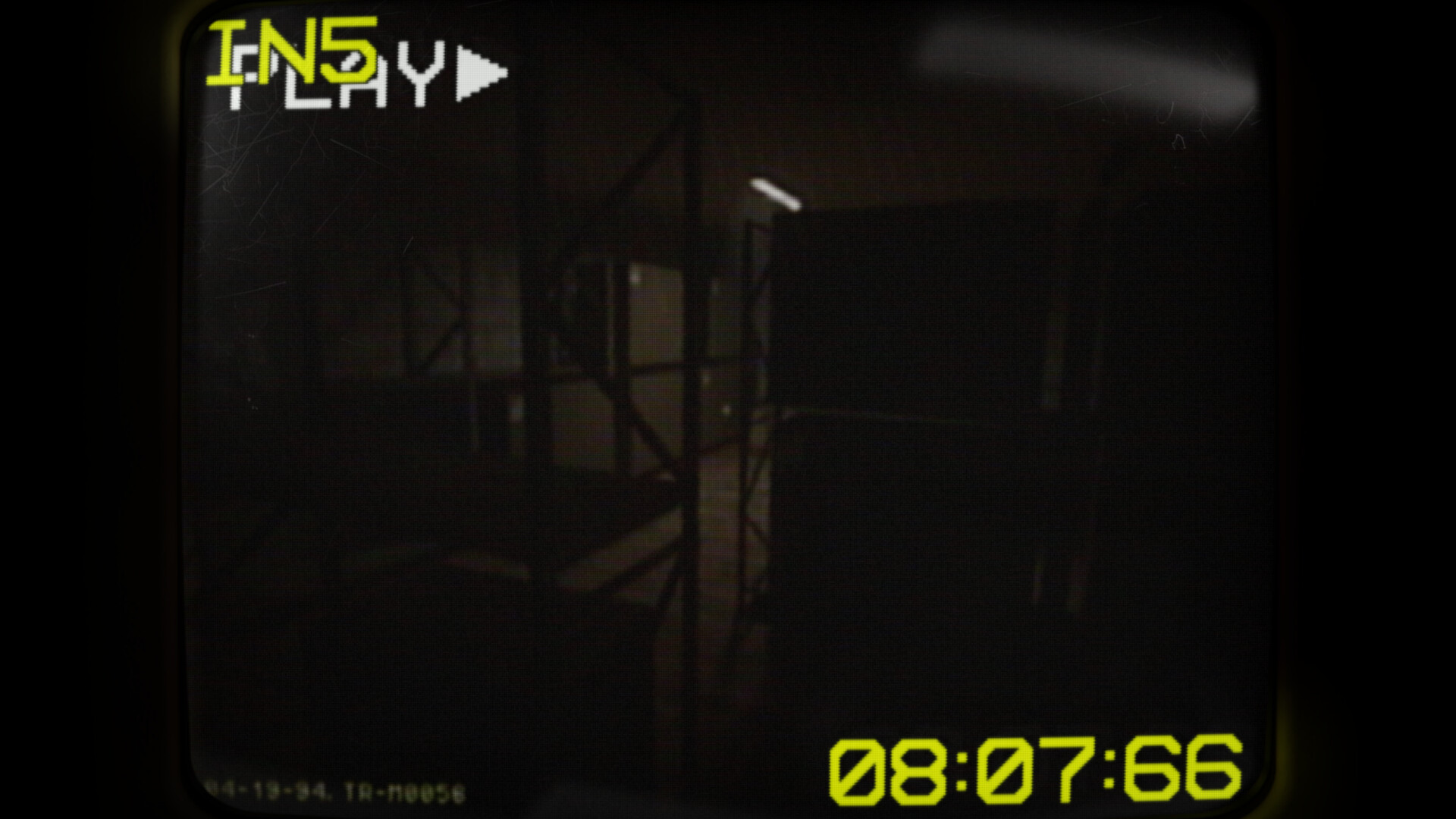
The game splits the factory into separate segments called ‘inputs.’ Players can switch between these inputs at any moment, which also serves as protection against the robot. Switching must happen within a brief window after the robot enters the view. This mechanic is central to movement; failing to switch in time blocks further navigation in the current segment, forcing the player to rely on the other inputs to continue.
- Observe the robot’s approach direction to anticipate the optimal moment to switch.
- Practice rapid input changes in a safe area to build muscle memory.
02 / THE GUIDE
Remote Control Collection
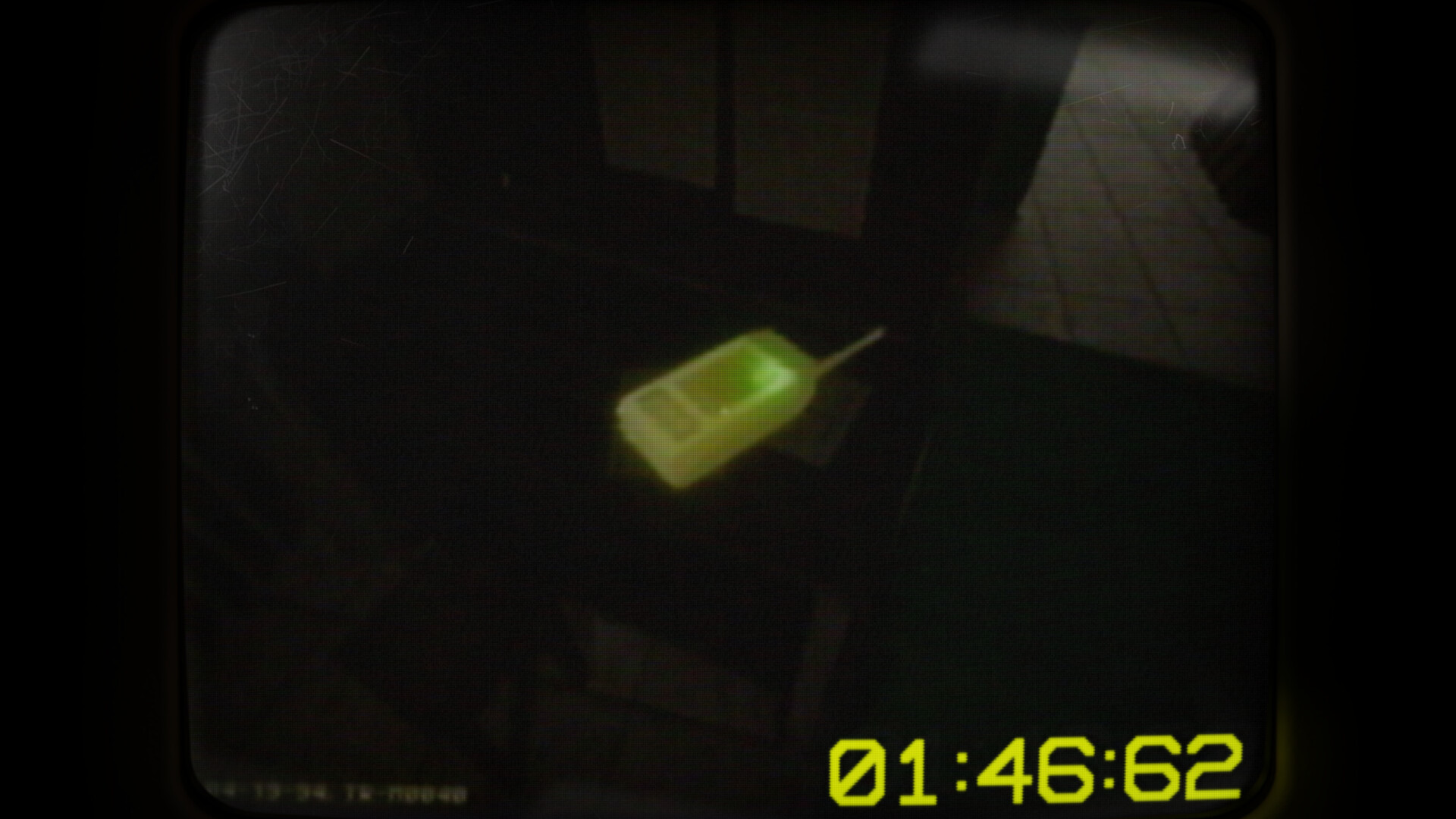
Each playthrough hides five remote controls, one in each factory segment. Their locations change every start, requiring fresh exploration each run. Collecting all remotes is the primary objective. Finding a remote often involves navigating the current input’s layout while avoiding the robot, making the switching mechanic essential for successful retrieval.
- Prioritize segments where you have already spotted a remote to reduce back‑tracking.
- Use the brief safety window after a robot sighting to quickly scan for a remote.

03 / THE GUIDE
Time Pressure
A limited amount of time governs each session, urging players to move quickly between inputs and locate items. You have a limited amount of time to complete your search. Because the robot can block movement, efficient switching and swift navigation are crucial to stay ahead of the countdown and finish the collection.
- Keep an eye on the timer while switching; avoid lingering in a single input.
- Plan a route that visits each segment at least once before the timer expires.
04 / THE GUIDE
Mini‑Game Events
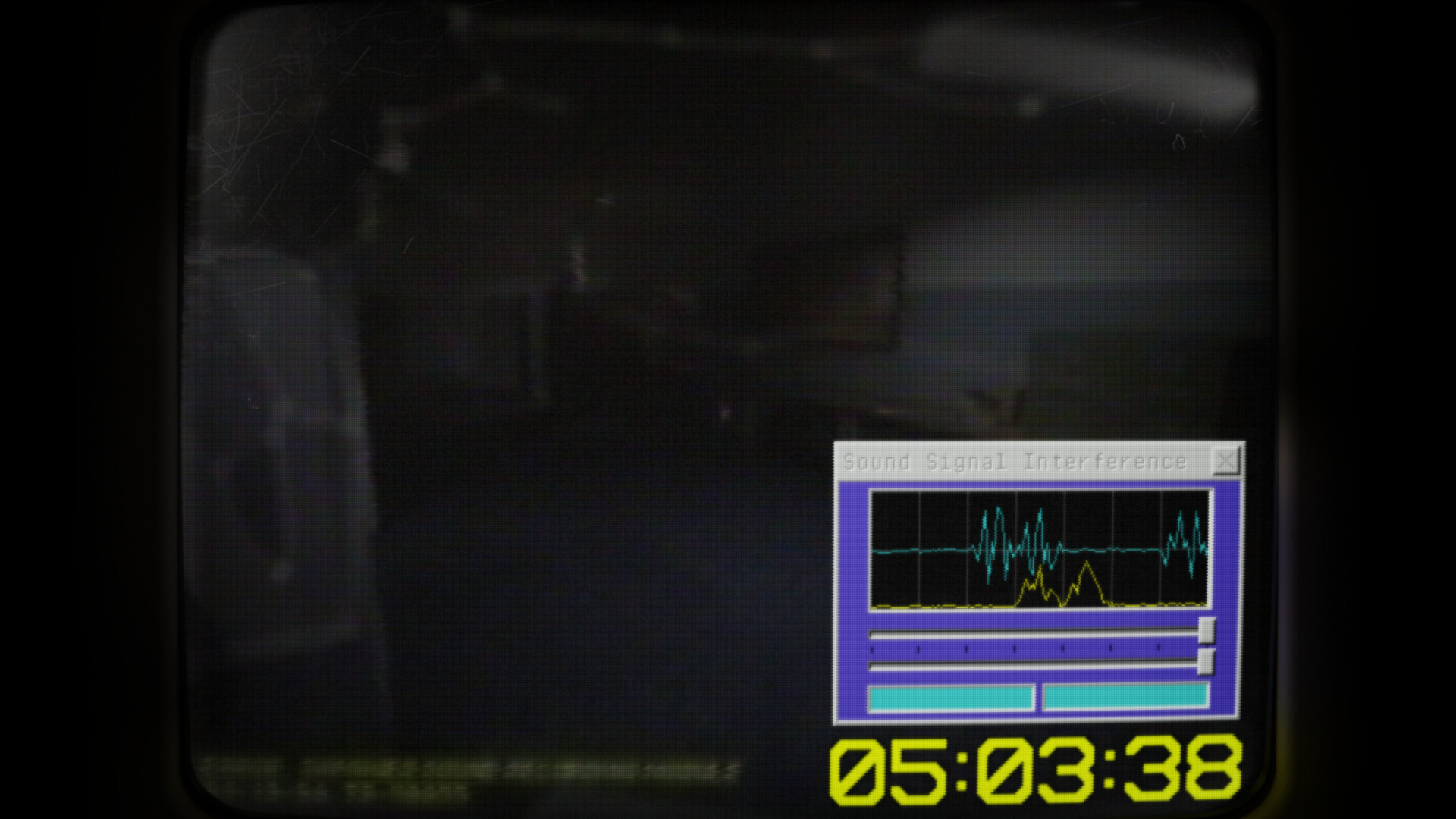
During gameplay, small windows may appear offering a mini‑game. Losing this mini‑game applies a temporary negative effect that makes the main game slightly harder. These events can influence difficulty, so managing them wisely helps maintain a smoother experience.
- If you feel confident, attempt the mini‑game to avoid the negative effect.
- When the mini‑game appears, pause briefly to assess the challenge before acting.
05 / THE GUIDE
Archives and Lore
Collected items contain information about TECH‑AID ROBOTICS’s history. Players can access the archives to examine these items more closely, helping to piece together the company’s collapse. Gathering all lore pieces may provide a fuller picture of the narrative, complementing the remote‑finding goal.
- Review each item in the archives before moving on; details may help piece together the company’s story.
- Take notes on recurring themes to better understand the company’s downfall.

COMMUNITY
Player discussion