 GameWiki
GET YOUR BEARINGS
About InKing
InKing is a fast‑paced ink‑action rogue‑lite where you control the Ink Warrior. You fight waves of tool enemies, using rapid attacks, moves, and ink‑based skills to claim the crown. The game emphasizes timing each ink splash for effective combat.
The title runs on Windows, offers full controller support, and includes Steam achievements and family sharing. It is a single‑player, free‑to‑play experience developed by Team Digital Toilet.
01 / THE GUIDE
Core Combat
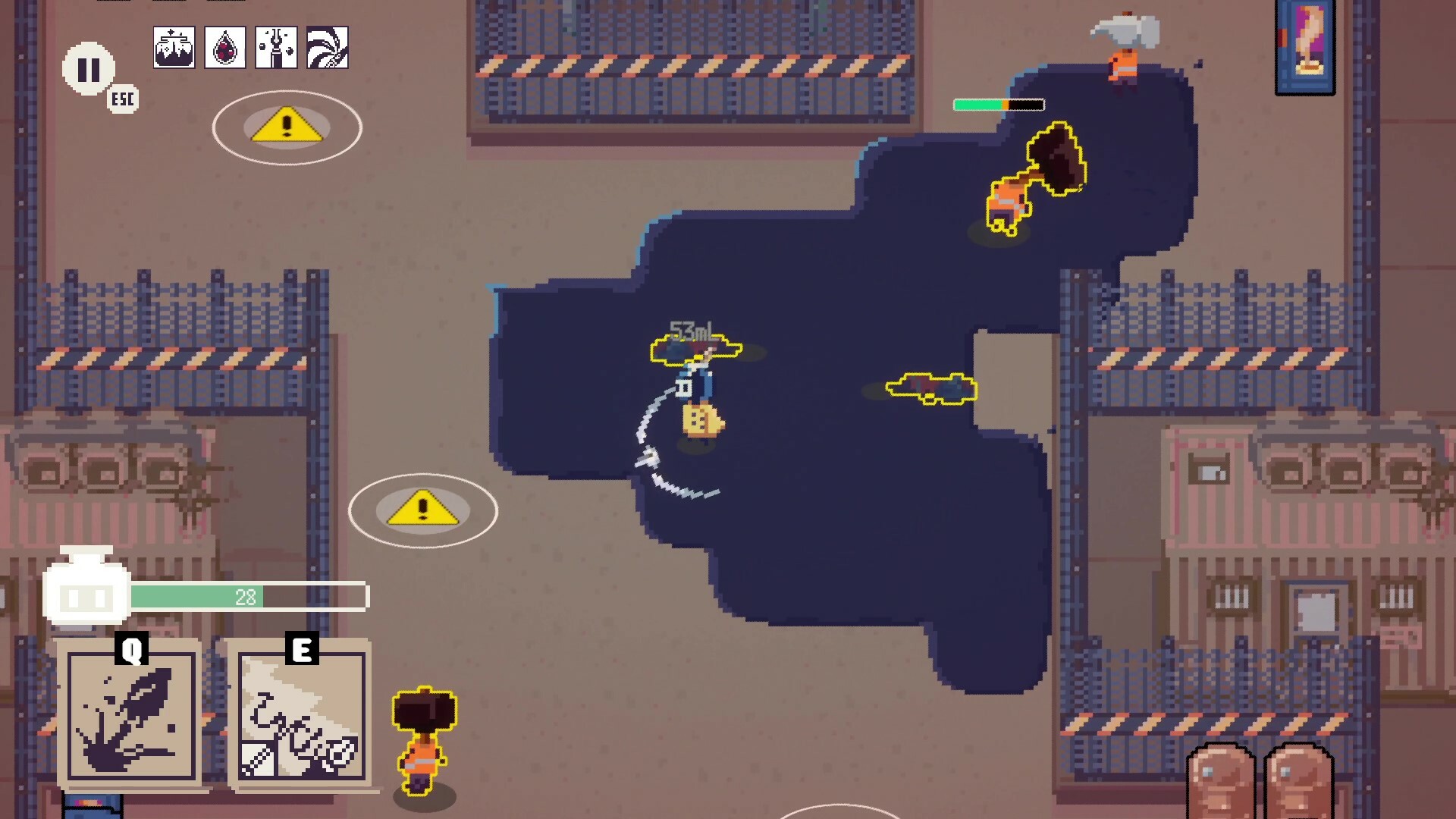
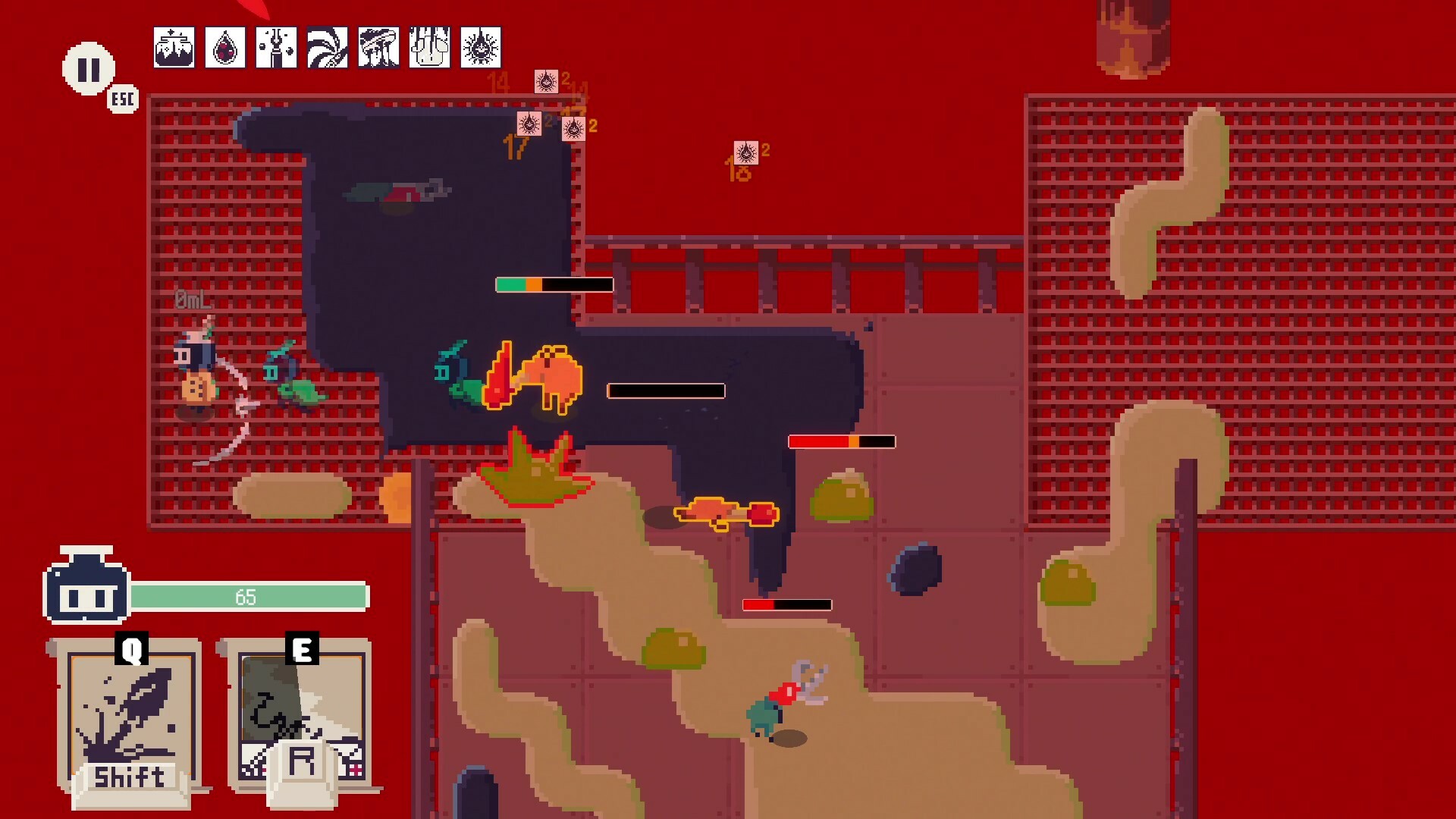
The Ink Warrior attacks with fast melee moves and activates ink‑based skills. Each enemy wave arrives continuously, so you must keep the attack rhythm steady while watching the pattern of ink splashes that appear on screen.
Ink splashes vary in shape and timing. Successfully timing an absorption lets you unleash a skill, which can help clear the current wave and prepare you for the next group of enemies.
- Observe the first few splashes of a wave to learn their timing before committing to a skill.
- Maintain a consistent attack flow to avoid gaps when a new wave begins.
02 / THE GUIDE
Ink Absorption
Ink splashes can be absorbed to trigger powerful skills. The description notes that splashes appear in different ways, so timing the absorption correctly helps the skill come out smoothly.
Correct timing of ink absorption helps you stay in control of the battle, allowing you to chain attacks and keep pressure on the enemy waves without pause.
- Practice absorbing ink during low‑intensity waves to become familiar with each splash pattern.
- Try to align a basic attack with an absorbed splash to create a short combo.
03 / THE GUIDE
Progression
Defeating enemies grants upgrades that range from simple stats to a variety of attributes. The game encourages you to customize these attributes to suit your preferred way of handling stronger foes.
As you improve, the upgraded attributes affect how the Ink Warrior performs against tougher enemies and bosses, making strategic allocation of upgrades an important part of the experience.
- Start with a balanced spread of attributes before focusing on a single strength.
- Re‑evaluate your attribute choices after each boss to adapt to new challenges.
04 / THE GUIDE
Boss Fights
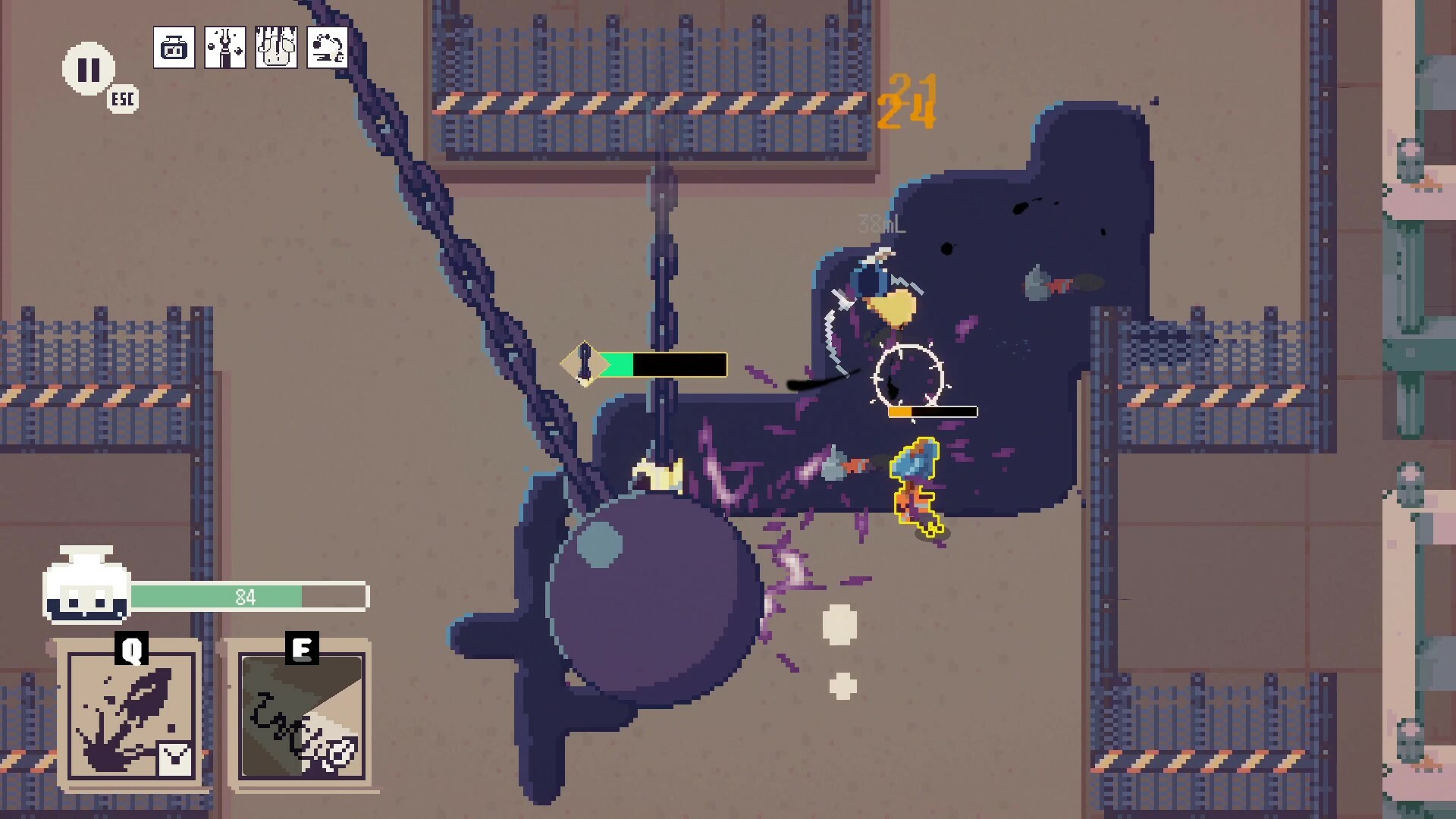
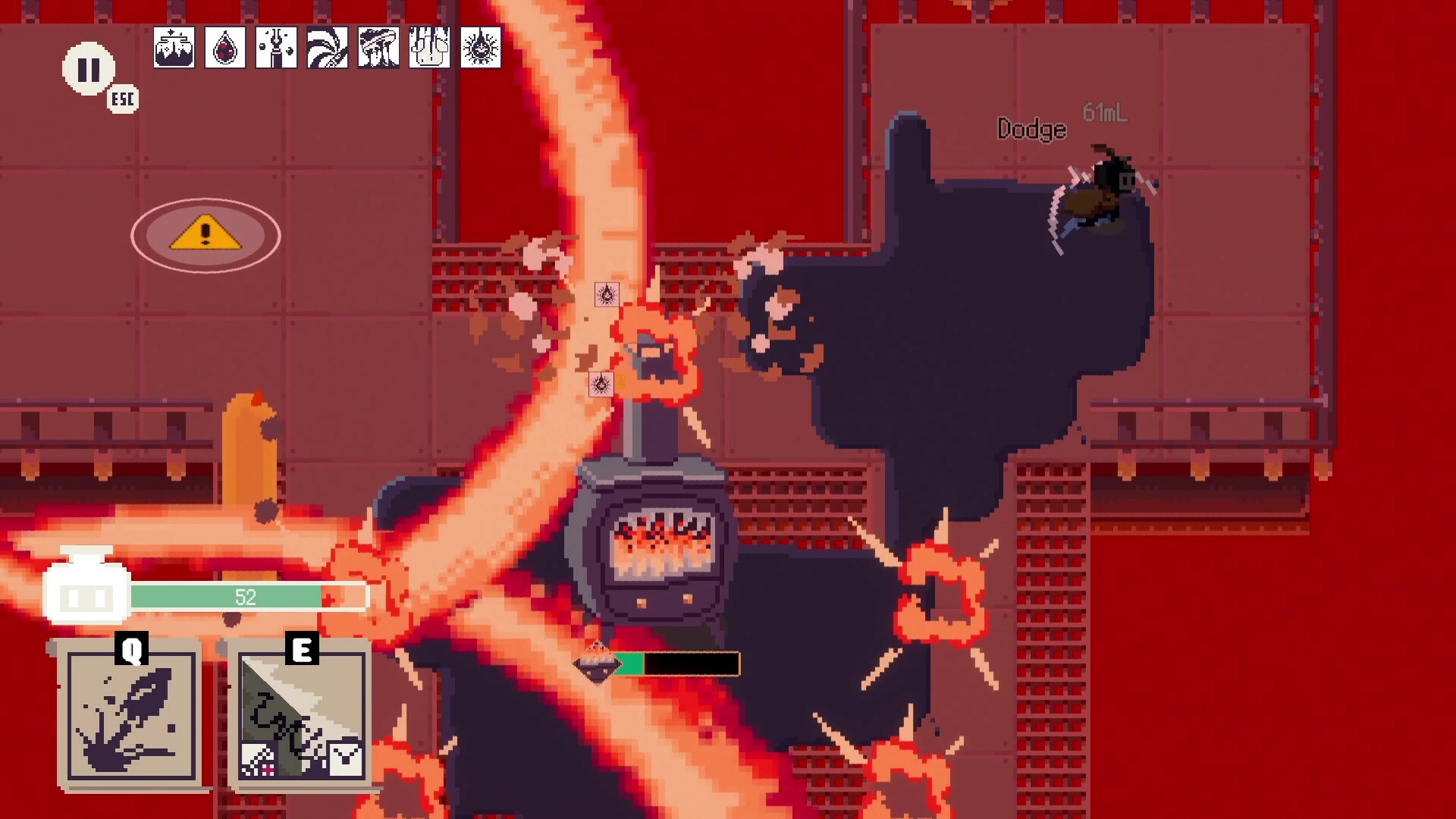
To claim the crown, the Ink Warrior must defeat bosses that feature unique attack patterns. Each boss presents a distinct set of movements that you need to observe and react to.
Success in boss encounters relies on the timing skills you developed in regular waves, the ink absorption mechanic, and the attribute upgrades you have chosen throughout the run.
- Watch the first phase of a boss to identify recurring attack cues.
- Reserve your strongest ink‑based skill for clear openings in the boss’s pattern.
05 / THE GUIDE
Platform & Features
InKing is available on Windows and lists full controller support, with a gamepad recommended for handling the fast attacks and ink skills. No other operating systems are mentioned.
The game includes Steam achievements, family sharing, and is described as a single‑player free‑to‑play title, indicating that all content is accessible without multiplayer components.
- If you own a gamepad, use it for smoother handling of rapid attacks.
- Check the Steam achievement list to track progress across sessions.

COMMUNITY
Player discussion