 GameWiki
GET YOUR BEARINGS
About Inkbound
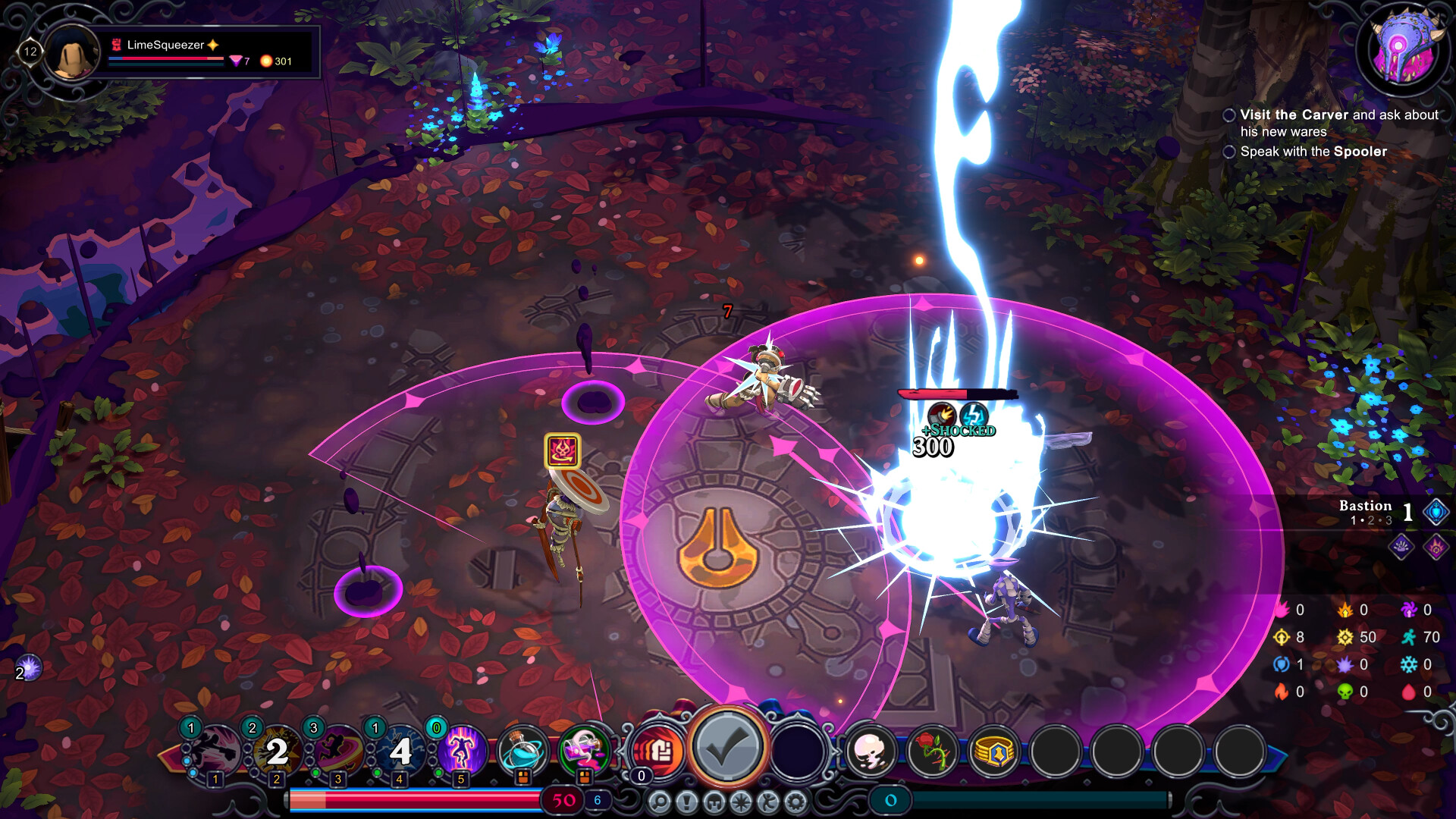
Inkbound is a turn‑based roguelike where the magic of written words becomes a tangible threat. Players explore the Atheneum, rescuing unraveling stories while confronting unique enemies in each book‑world.
The game mixes rapid decision‑making with deeper strategic planning, offering solo runs and up‑to‑four‑player co‑op. A wide range of classes, draftable abilities, upgrades, and hundreds of items create diverse builds.
01 / THE GUIDE
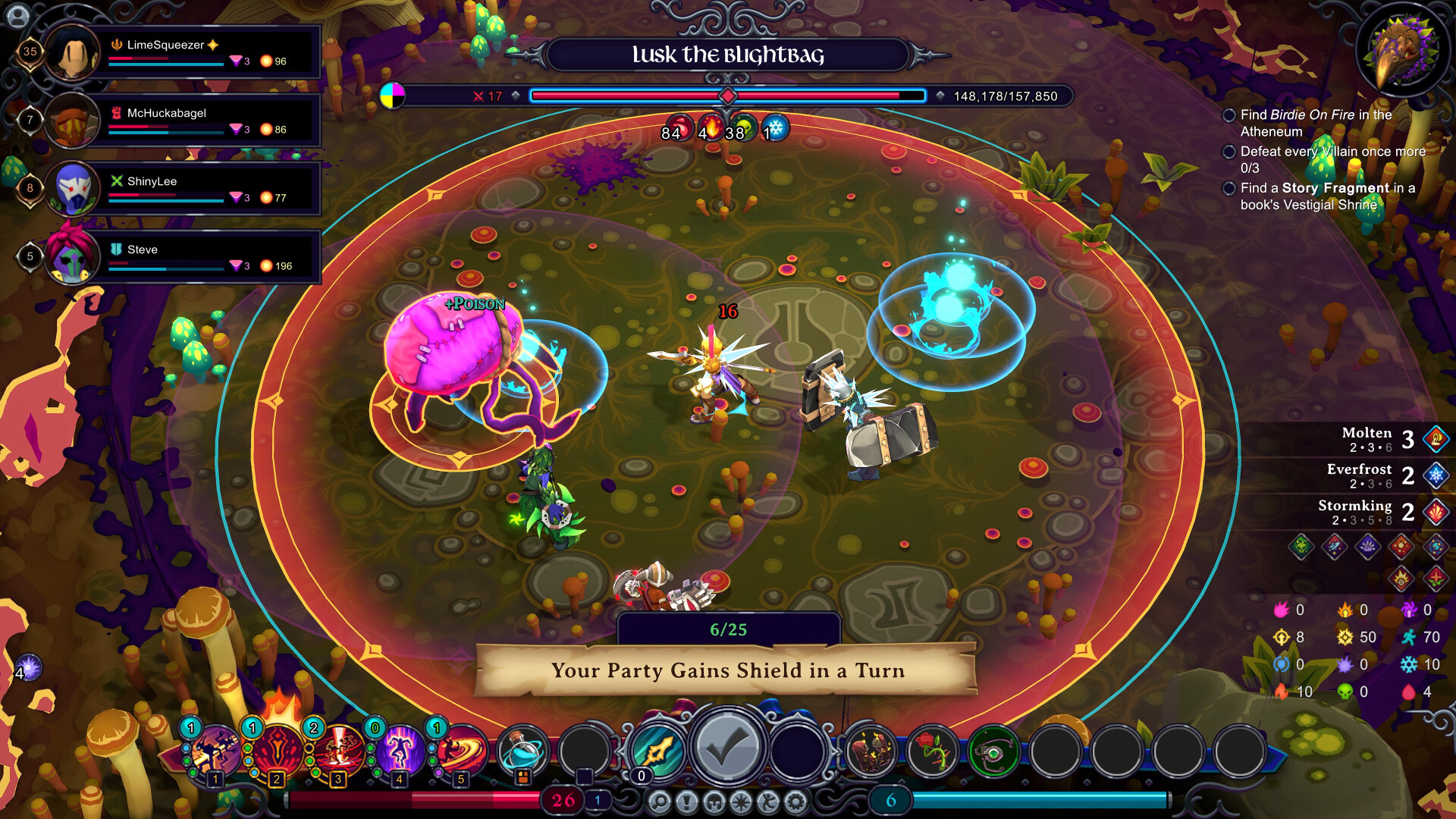
Turn‑Based Combat
Combat lets each participant move freely and act at the same time as other players, while abilities can be used quickly when desired.
Players may choose to act fast for simple encounters or slow down to plan carefully when threats grow, giving each fight a flexible rhythm.
- Use quick actions in low‑risk fights.
- Pause to evaluate positioning in tougher battles.
02 / THE GUIDE
Class Variety and Builds
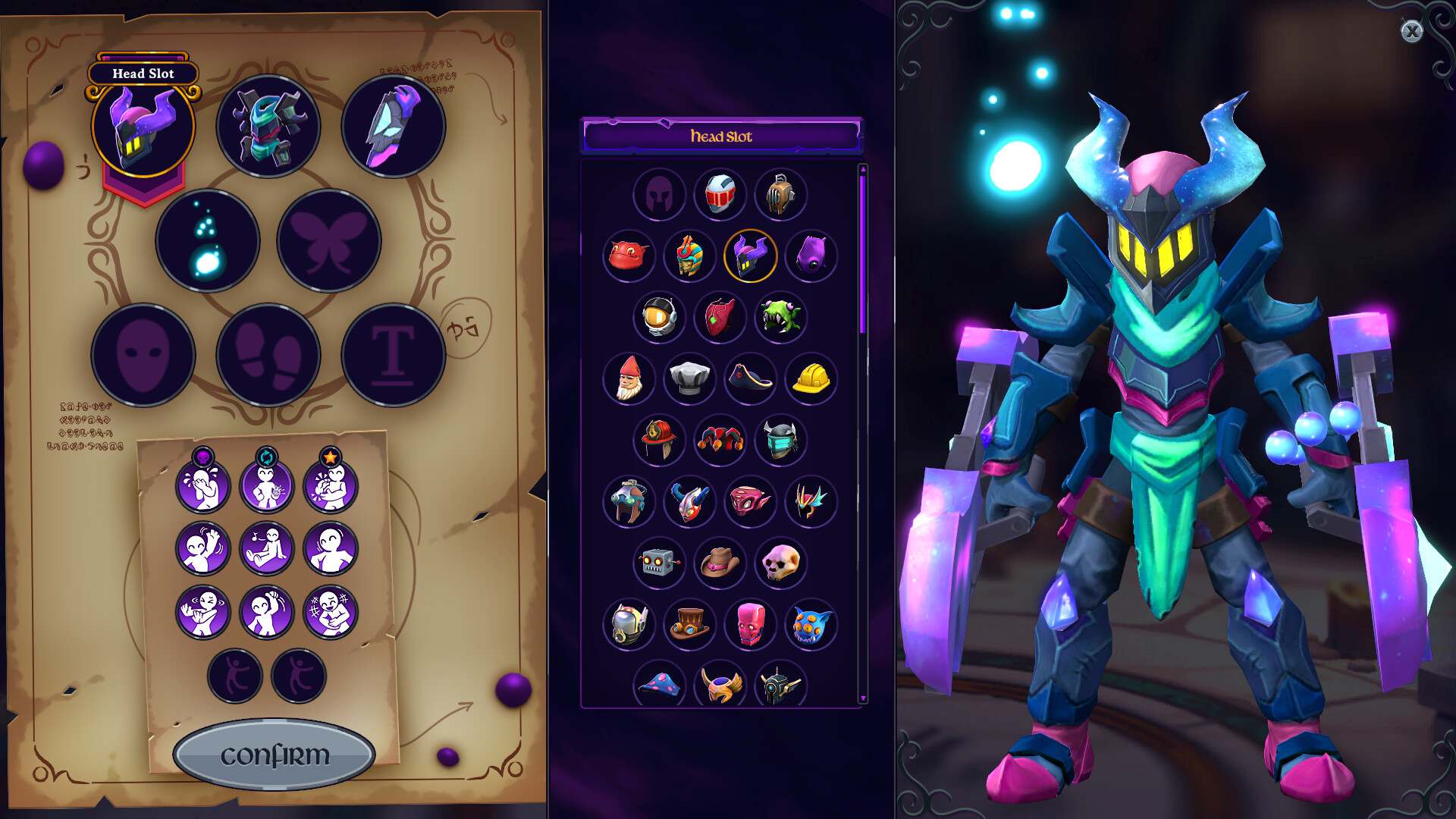
A broad roster of character classes lets you shape a strategy that fits the challenges of each run, encouraging experimentation.
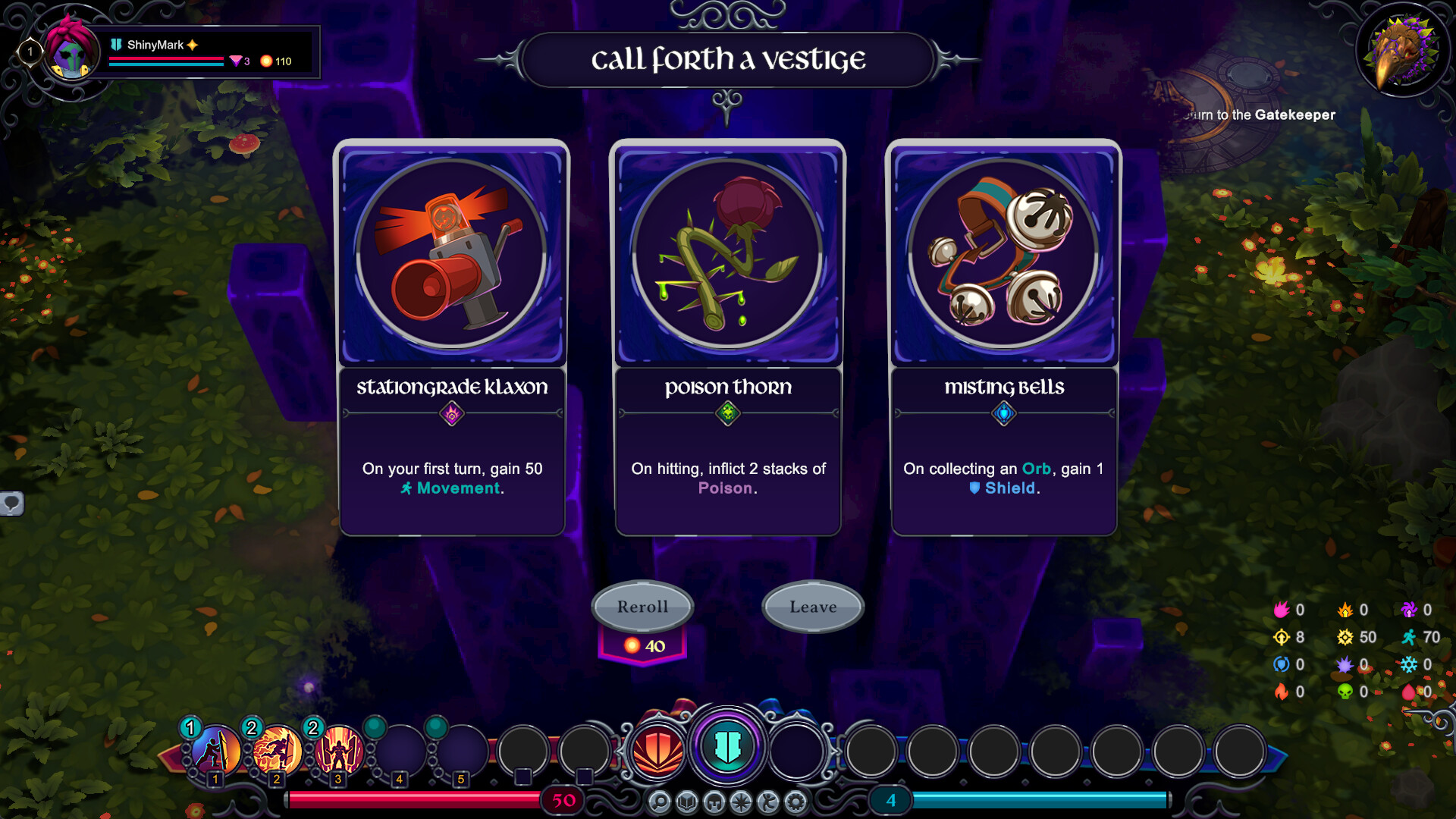
Abilities are draftable and upgradeable, and hundreds of items appear, so many combinations exist for crafting powerful builds.
- Pair drafted abilities with complementary items.
- Focus on a core mechanic before adding many upgrades.
03 / THE GUIDE
Co‑op Multiplayer
The Atheneum serves as a social hub where up to four players can gather, form a party, and start a run together.
Team challenges require players to coordinate abilities and choose synergistic builds, enhancing the collective strategy.
- Discuss class roles before entering a run.
- Align upgrades to complement teammates.
04 / THE GUIDE
Story‑Driven Worlds
The magical Atheneum contains all stories ever written; each book opens a portal to a distinct world with its own threats.
An unseen danger is unraveling these stories, prompting players to rescue the narratives and protect the archive.
- Open new books to discover varied environments.
- Watch for narrative hints about upcoming dangers.
05 / THE GUIDE
Accessibility and Platform Features
Inkbound includes full controller support, a mouse‑only option, custom volume sliders, and camera‑comfort settings, letting players tailor input and visual comfort.
It also runs without timed input, supports DualShock and DualSense gamepads, and offers Steam Cloud and Family Sharing for saved progress.
- Adjust volume sliders before starting a session.
- Enable mouse‑only mode if controller feels imprecise.

COMMUNITY
Player discussion