 GameWiki
GET YOUR BEARINGS
About Incredibox
Incredibox is a music‑making game where players drag sound icons onto animated beatboxers to build tracks. It offers nine distinct musical atmospheres, each providing its own set of loops and visual theme, making the experience suitable for a wide range of musical tastes.
The game doubles as a creative tool: mixes can be recorded, saved, shared via a link, and voted on by the community. Highly voted mixes may appear in the Top 50 chart, and the title is also used in schools worldwide as a fun way to explore rhythm and composition.
01 / THE GUIDE
Musical Atmospheres
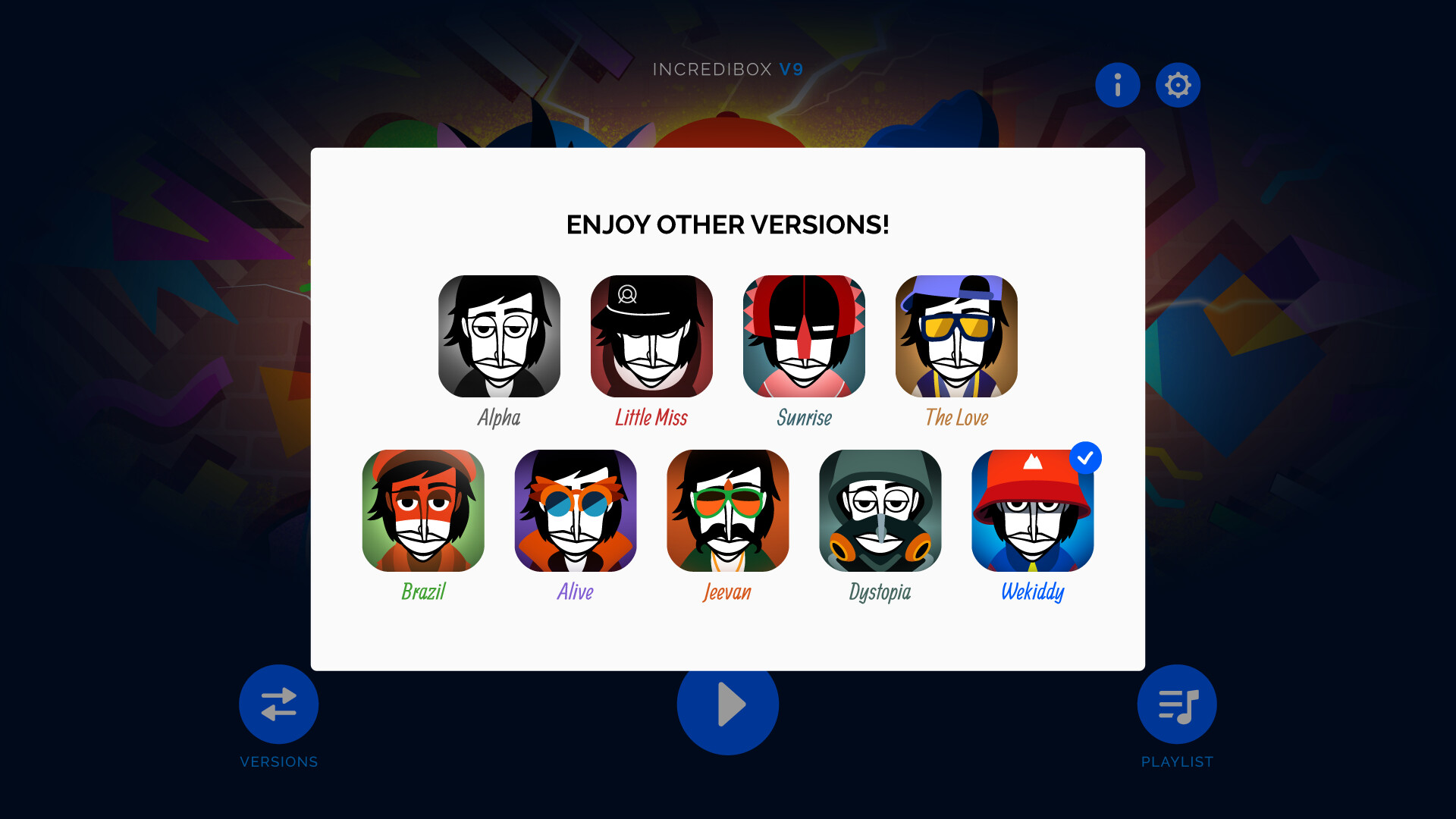
At the start, players select one of nine atmospheric styles. Each atmosphere supplies a unique collection of loops and visual graphics, establishing the tonal foundation for the entire composition and influencing the overall mood of the mix.
Each atmosphere presents its own distinct sound palette, encouraging fresh experimentation. Because the styles are presented as separate “atmospheres,” players can explore varied genres without needing external music knowledge.
- Try a style you haven’t used before to discover new rhythmic patterns.
- Switch between two atmospheres in a single session to compare how the same icons sound differently.
02 / THE GUIDE
Drag‑Drop Creation
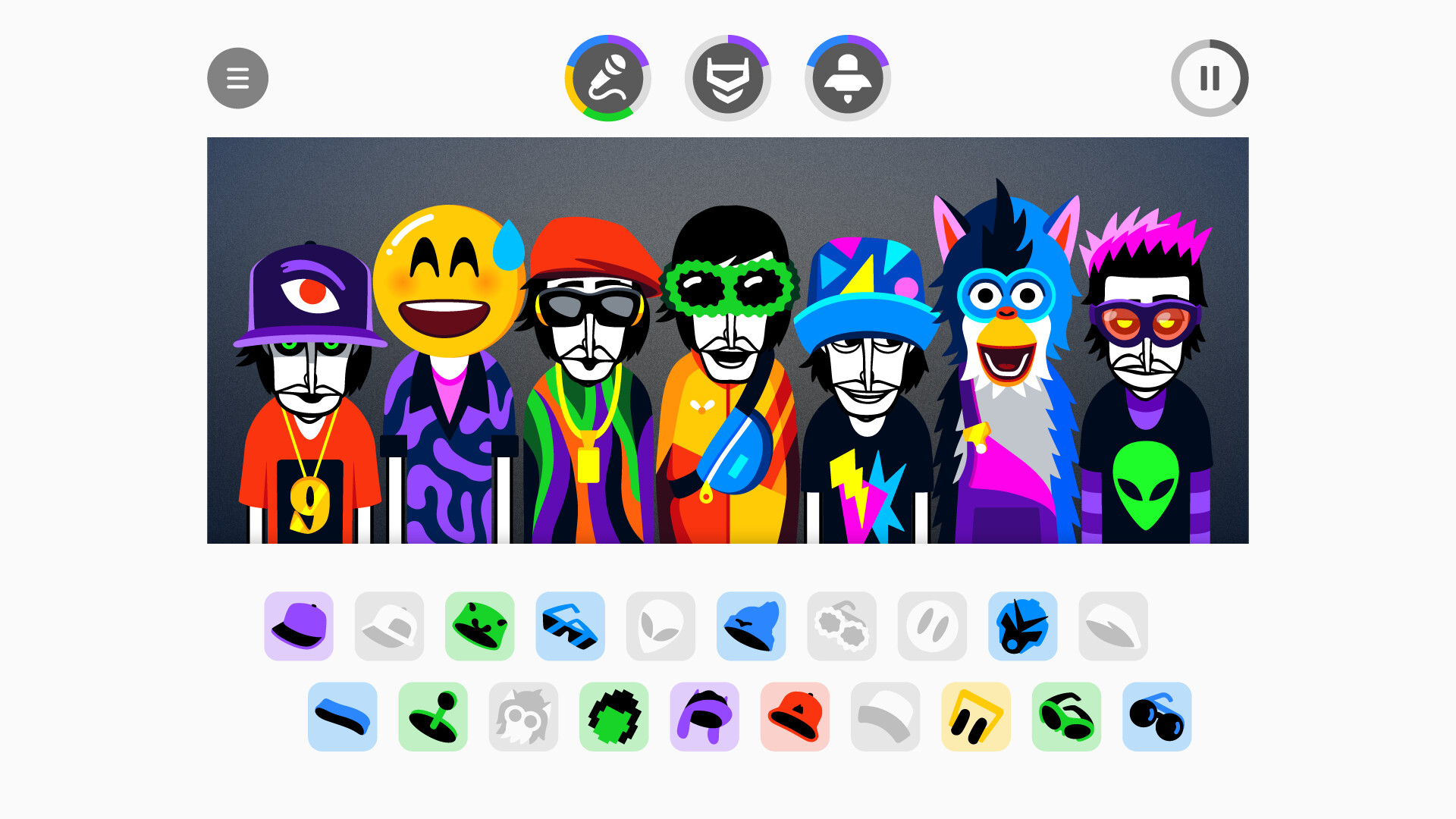
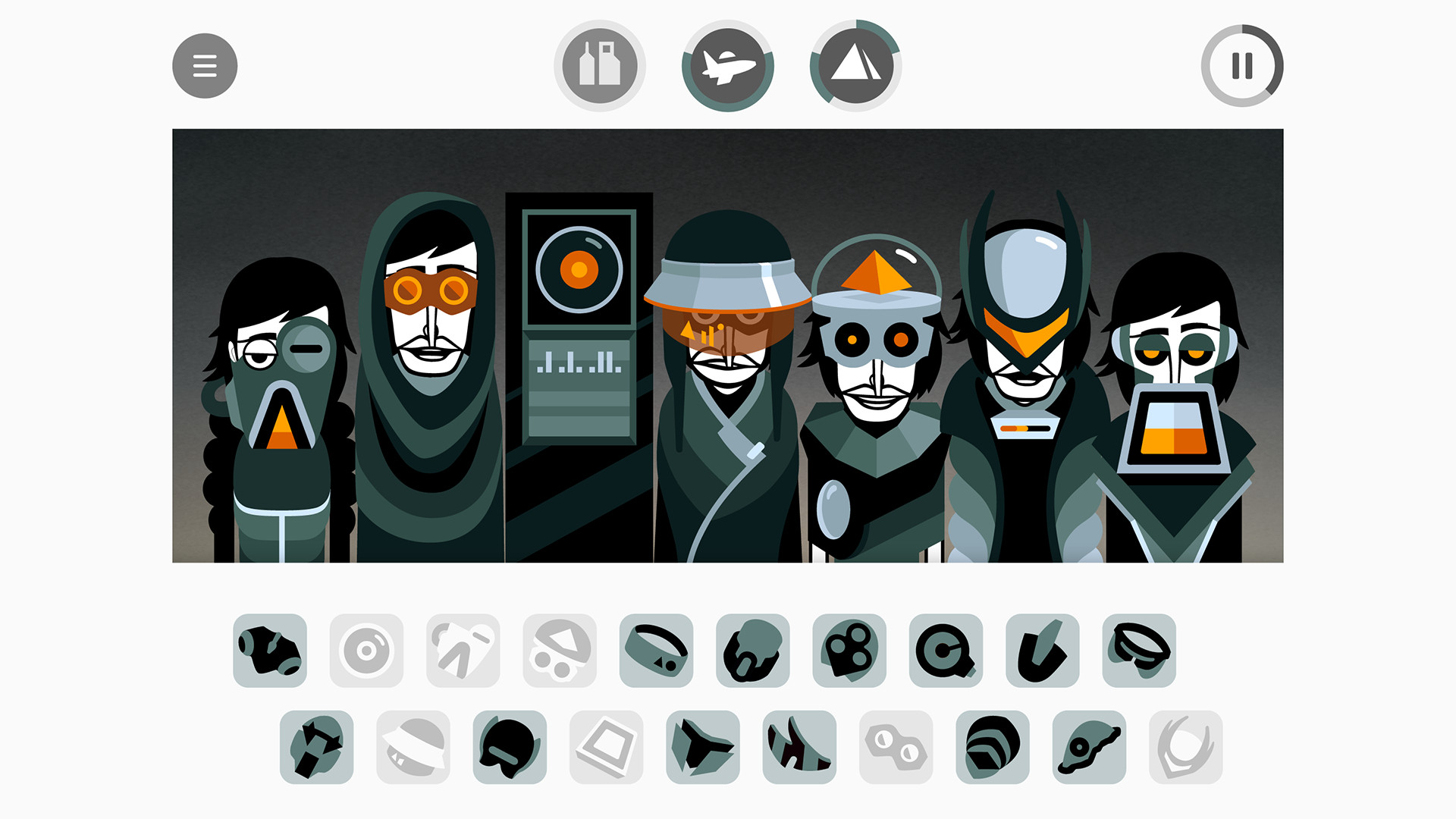
The core interaction is dragging icons onto the animated avatars. Each icon represents a loop or effect, and placing it triggers its audio instantly, allowing the mix to grow layer by layer in real time.
Icons can be added or moved at any moment, letting players experiment with different combinations. The visual feedback from the avatars helps indicate which sounds are active as the composition evolves.
- Observe how adding an icon changes the overall texture of the mix.
- Re‑position icons to see how visual cues shift without altering the sound itself.
03 / THE GUIDE
Animated Choruses
When certain sound combinations are present, the avatars perform animated choruses that enhance the visual experience. These animations appear automatically once the correct mix of icons is achieved.
The choruses act as a visual cue that a harmonious blend has been reached, encouraging players to explore further pairings and notice which icon groups tend to trigger the animations.
- Listen for recurring patterns that often unlock choruses.
- Note which icons appear together when a chorus is triggered.
04 / THE GUIDE
Sharing and Voting
After completing a mix, players can save it and receive a shareable link. The link lets anyone listen and cast a vote for the composition, linking community feedback directly to the mix.
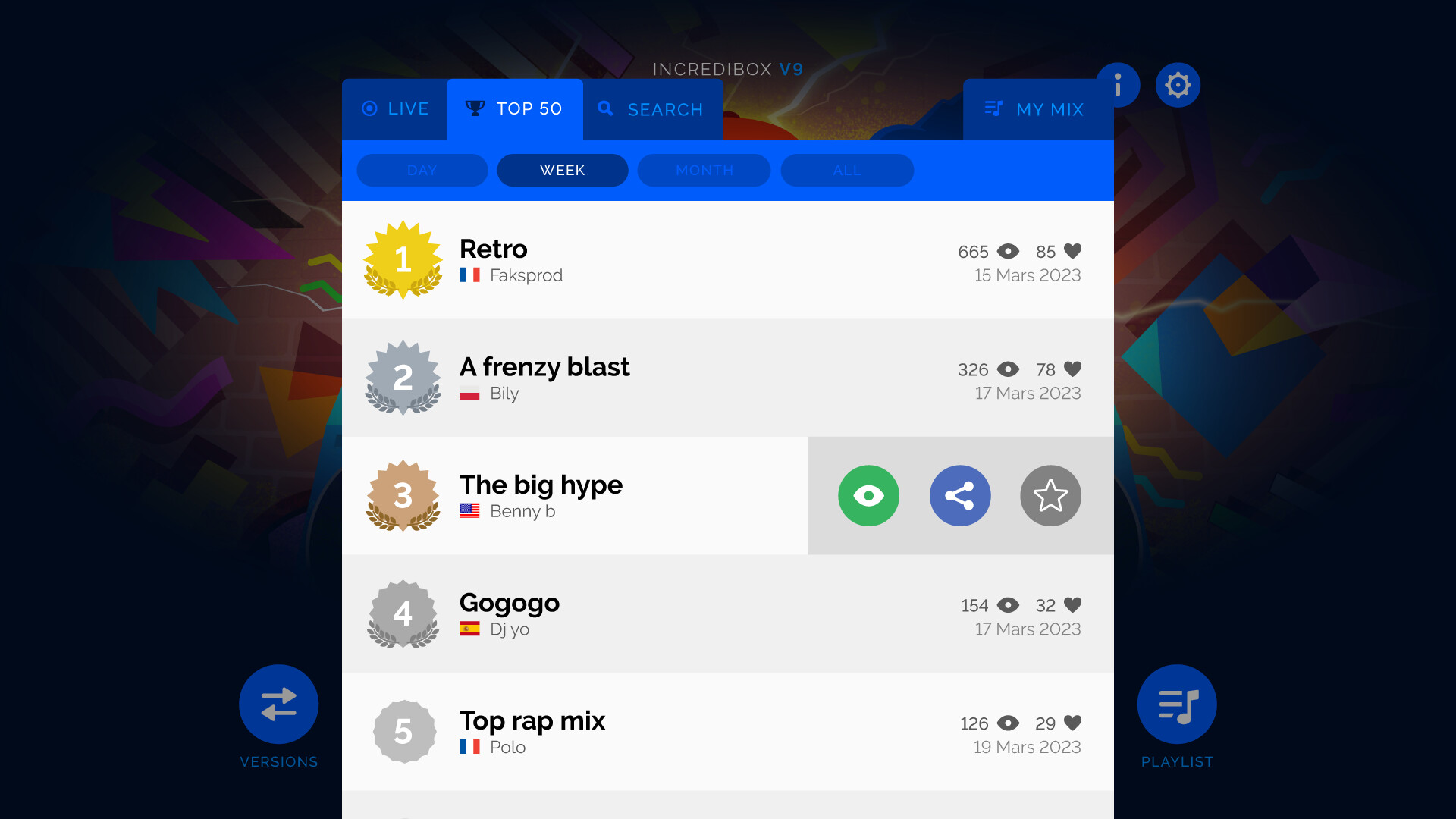
If a mix gathers enough votes, it may appear in the Top 50 chart, preserving it in Incredibox history and providing additional exposure within the player community.
- Share your link on social platforms to increase voting opportunities.
- Browse the Top 50 to gather ideas for new sound pairings.
05 / THE GUIDE
Automatic Mode
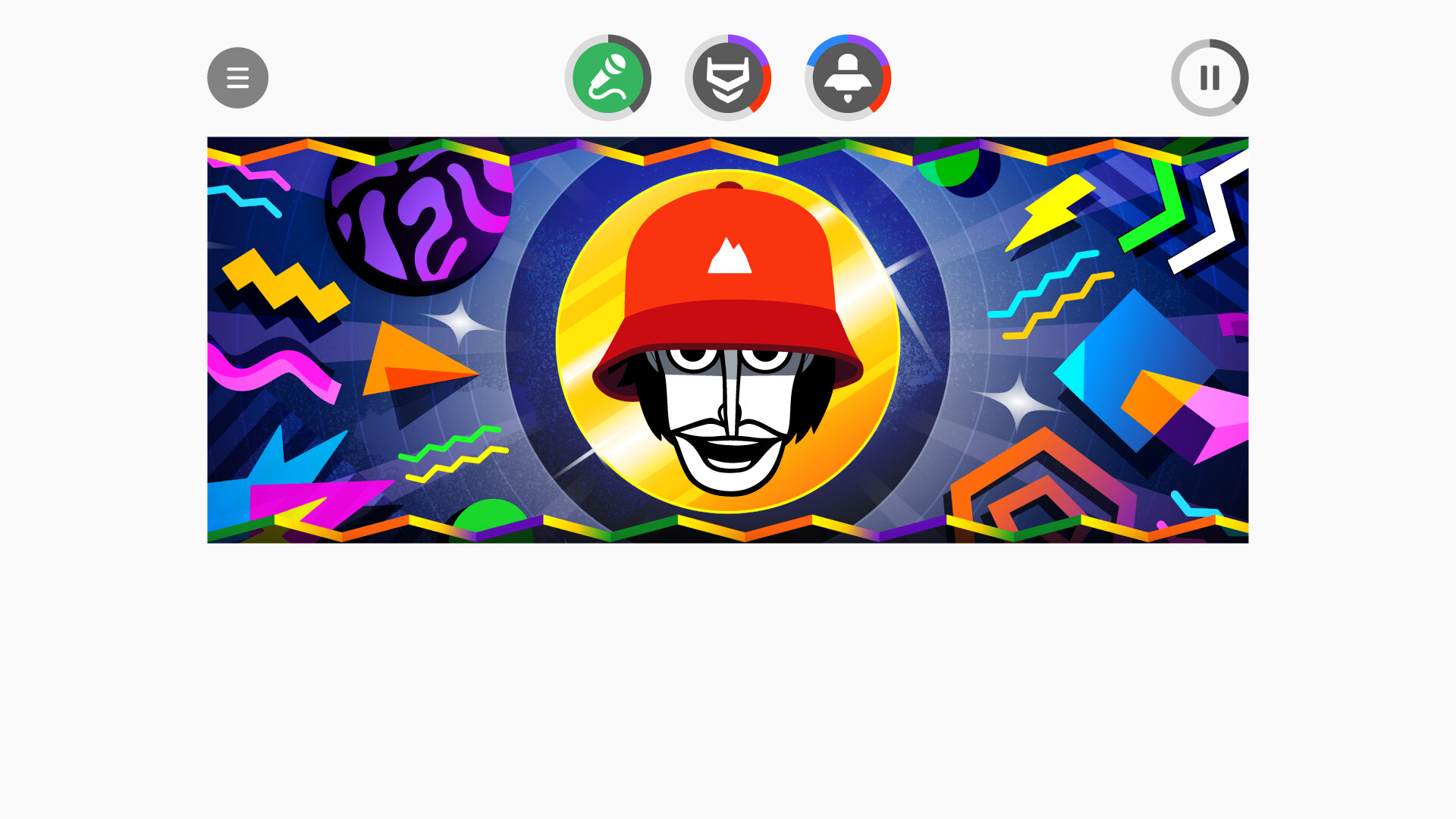
For players who prefer not to build a mix manually, an automatic mode generates music without user input. This mode showcases the game’s sound palette and visual style.
Automatic mode can serve as inspiration, allowing players to hear appealing combinations before recreating them manually using the drag‑drop system.
- Watch the automatic mode to spot sound combos you like.
- Use a favored automatic segment as a template for a manual mix.
COMMUNITY
Player discussion