 GameWiki
GET YOUR BEARINGS
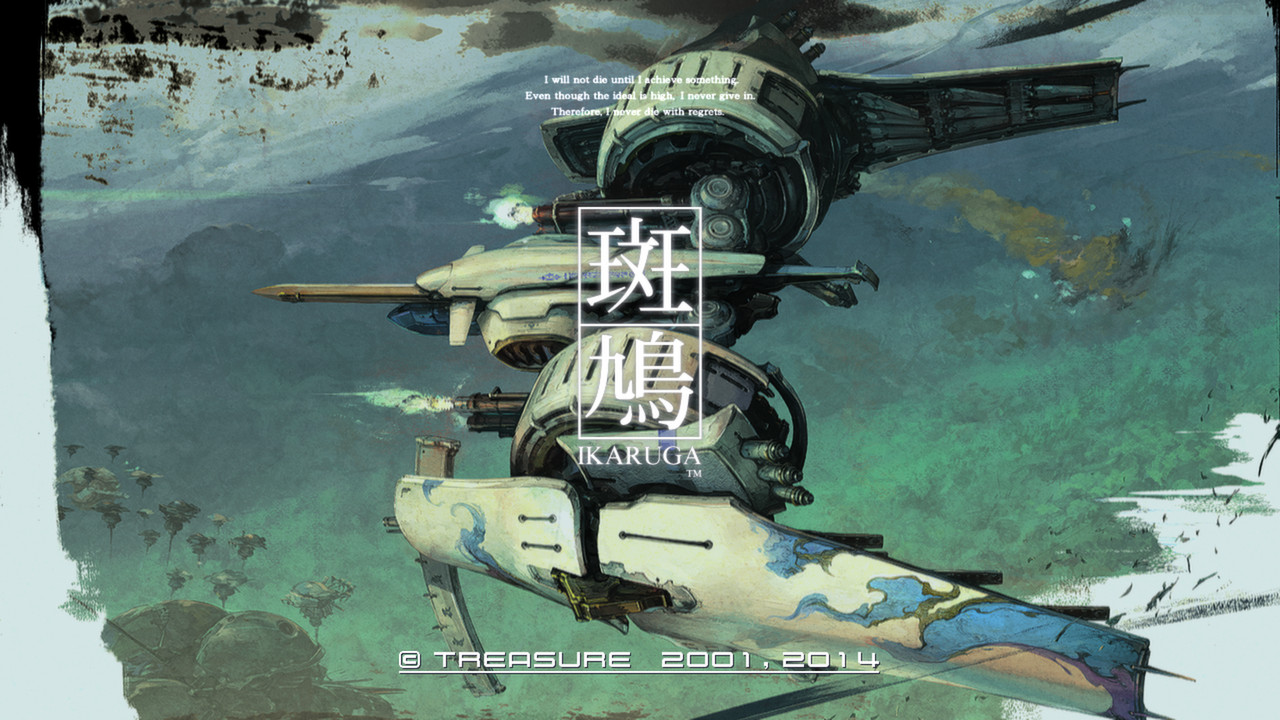
About Ikaruga
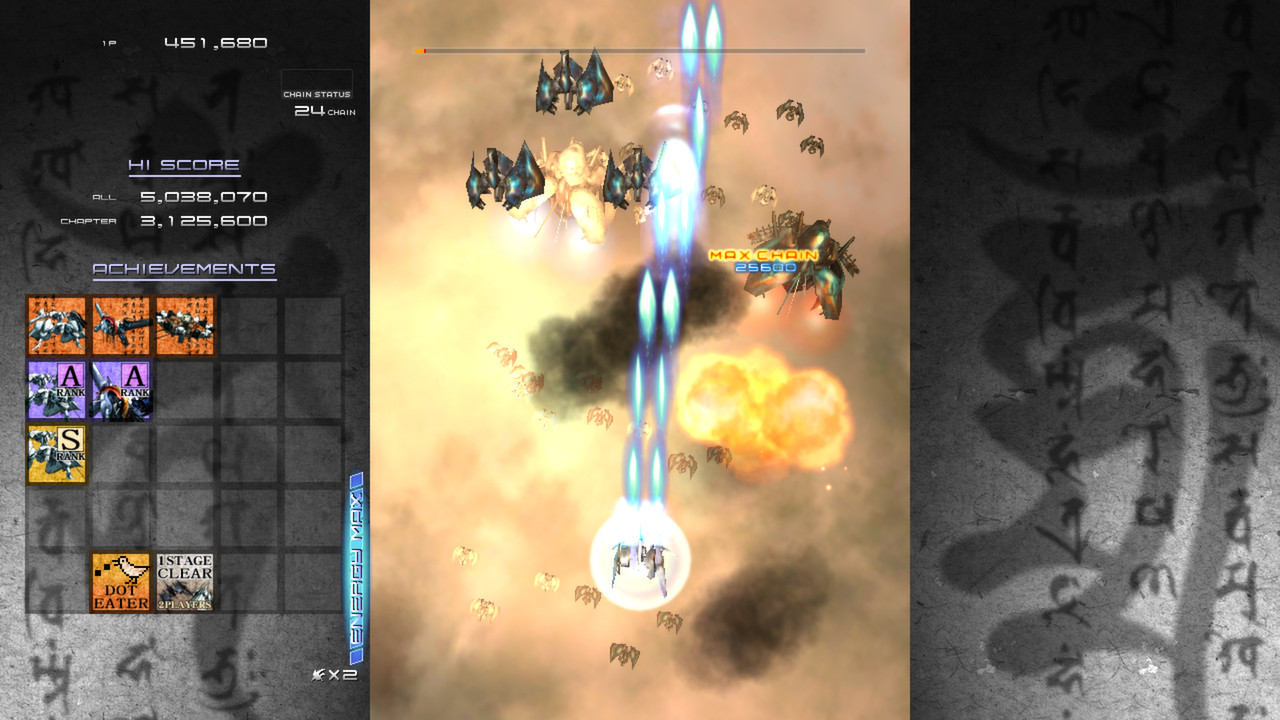
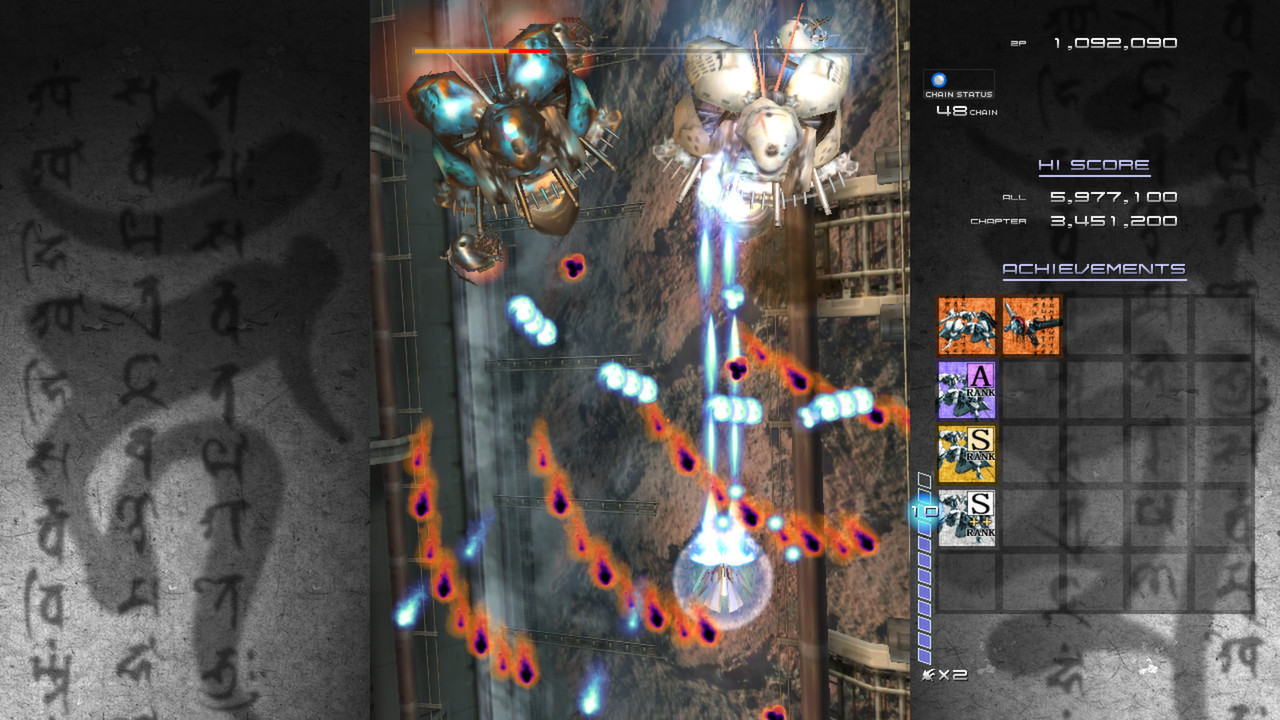
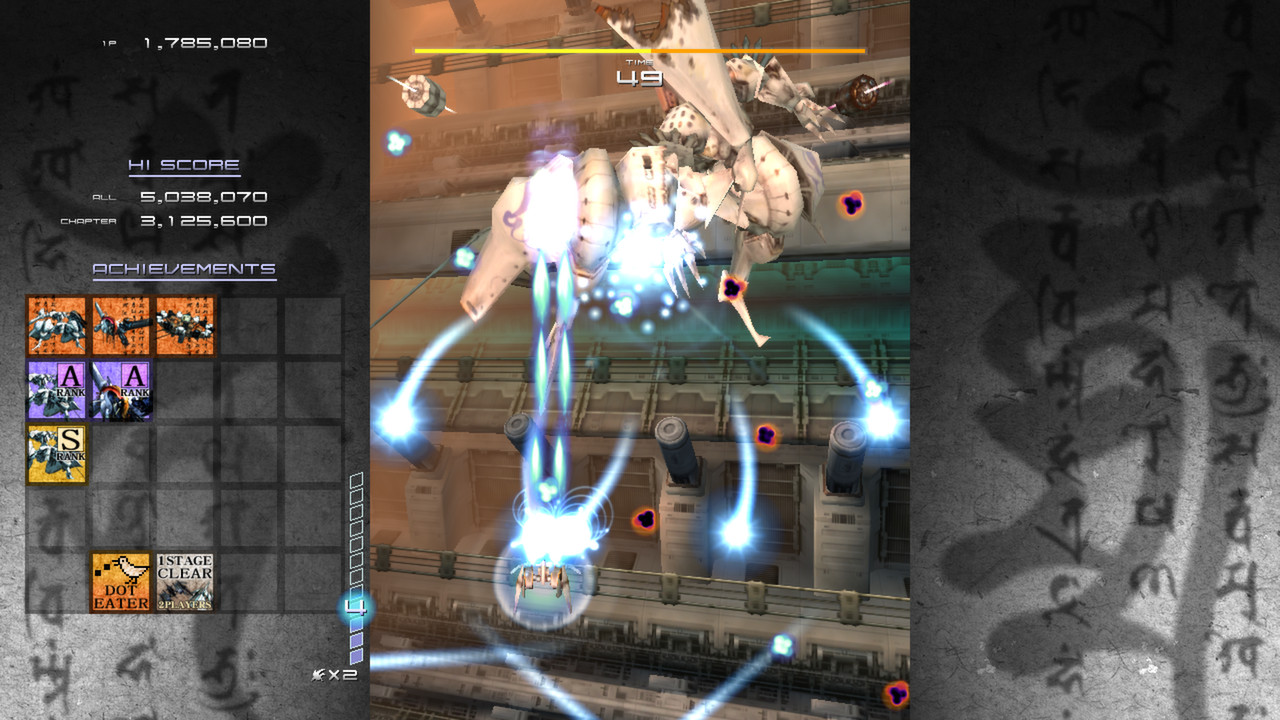
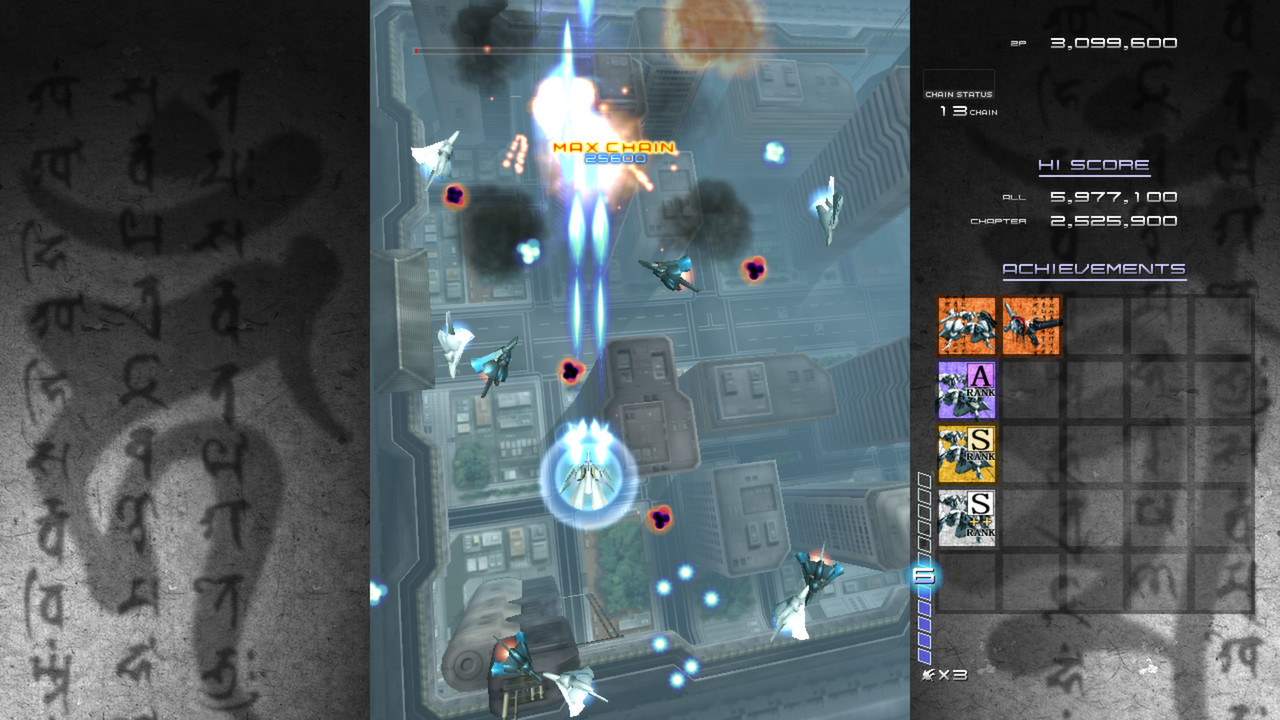
Ikaruga is a vertical shoot‑'em‑up where every ship, enemy and bullet is either black or white. Players can switch the ship’s polarity at any time, absorbing same‑colored bullets to fill an energy meter that powers homing lasers.
The title offers five levels, three difficulty settings, and two selectable modes—Arcade and Prototype. It includes local two‑player split‑screen with a single controller, vertical‑screen orientation, and replay data that can be downloaded from Steam leaderboards.
01 / THE GUIDE
Polarity Switching
The core mechanic lets you toggle the ship’s polarity between black and white at will. When your polarity matches a bullet’s color, the bullet is absorbed instead of dealing damage, adding energy to a meter.
When the energy meter fills, you can release the stored power as homing lasers. This creates a constant decision between staying safe by absorbing bullets and spending energy for offense.
- Watch the first few bullets of a wave to decide which polarity will yield the most absorption.
- Try switching just before dense bullet patterns to maximize energy gain.
02 / THE GUIDE
Chain Bonus System
Defeating three enemies in a row that share the same polarity awards a chain bonus, which adds to your score. The bonus encourages consistent polarity choices across multiple engagements.
Because the bonus is tied to enemy polarity, planning which enemies to target first can raise your score without altering the core shooting mechanics.
- Identify clusters of same‑colored enemies and prioritize them to trigger the bonus.
- Keep an eye on upcoming spawns to maintain a chain without breaking polarity.
03 / THE GUIDE
Game Modes
Ikaruga provides two distinct modes: Arcade and Prototype. The game offers two modes: Arcade and Prototype (not hidden).
Replay data save is available, and replays can be downloaded from the leaderboards for comparison with other players.
- Select a mode that matches the level order you prefer for practice.
- Compare scores between modes to see which yields higher results for you.
04 / THE GUIDE
Local Multiplayer
The game supports a two‑player local split‑screen option called Double Play Mode, allowing both players to share a single controller while each controls their own ship.
Both ships appear on the same screen, so each player must manage bullet absorption and navigation within the shared enemy patterns.
- Coordinate polarity changes to avoid both players trying to absorb the same bullet stream.
- Experiment with opposite polarities for each player to cover both bullet colors simultaneously.
05 / THE GUIDE
Difficulty Settings
Three difficulty levels—Easy, Normal, Hard—are available, and the game encourages changing your tactics depending on the difficulty.
Changing difficulty lets players start with a forgiving pace and later increase the challenge, affecting how often polarity switches are required for survival.
- Begin on Easy to learn timing, then move to Hard to test your reflexes.
- Observe how the challenge changes on Hard to refine your switching rhythm.
COMMUNITY
Player discussion