 GameWiki
GET YOUR BEARINGS
About Idle Waters
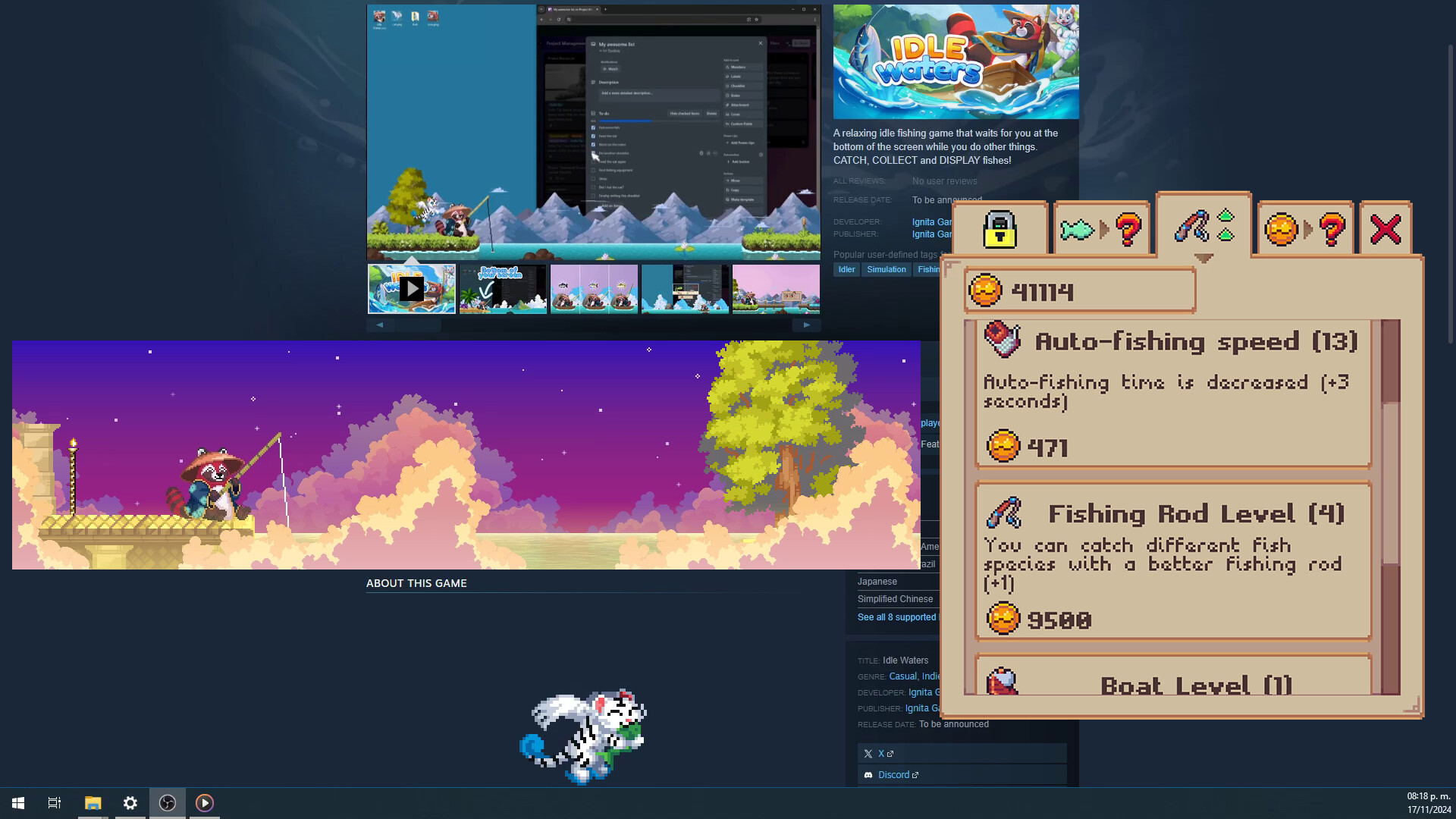
Idle Waters is a relaxing idle fishing game that stays at the bottom of your screen, allowing you to attend to other tasks while it runs. The window can be resized, moved, hidden, or zoomed, letting you fit it around your workflow.
You catch fish by clicking when you’re ready, or you can let the auto‑fishing feature work on its own. The game features twelve biomes, a hundred fish with color variants, upgrades, treasures, quests, and aquarium customization.
01 / THE GUIDE
Biome Exploration
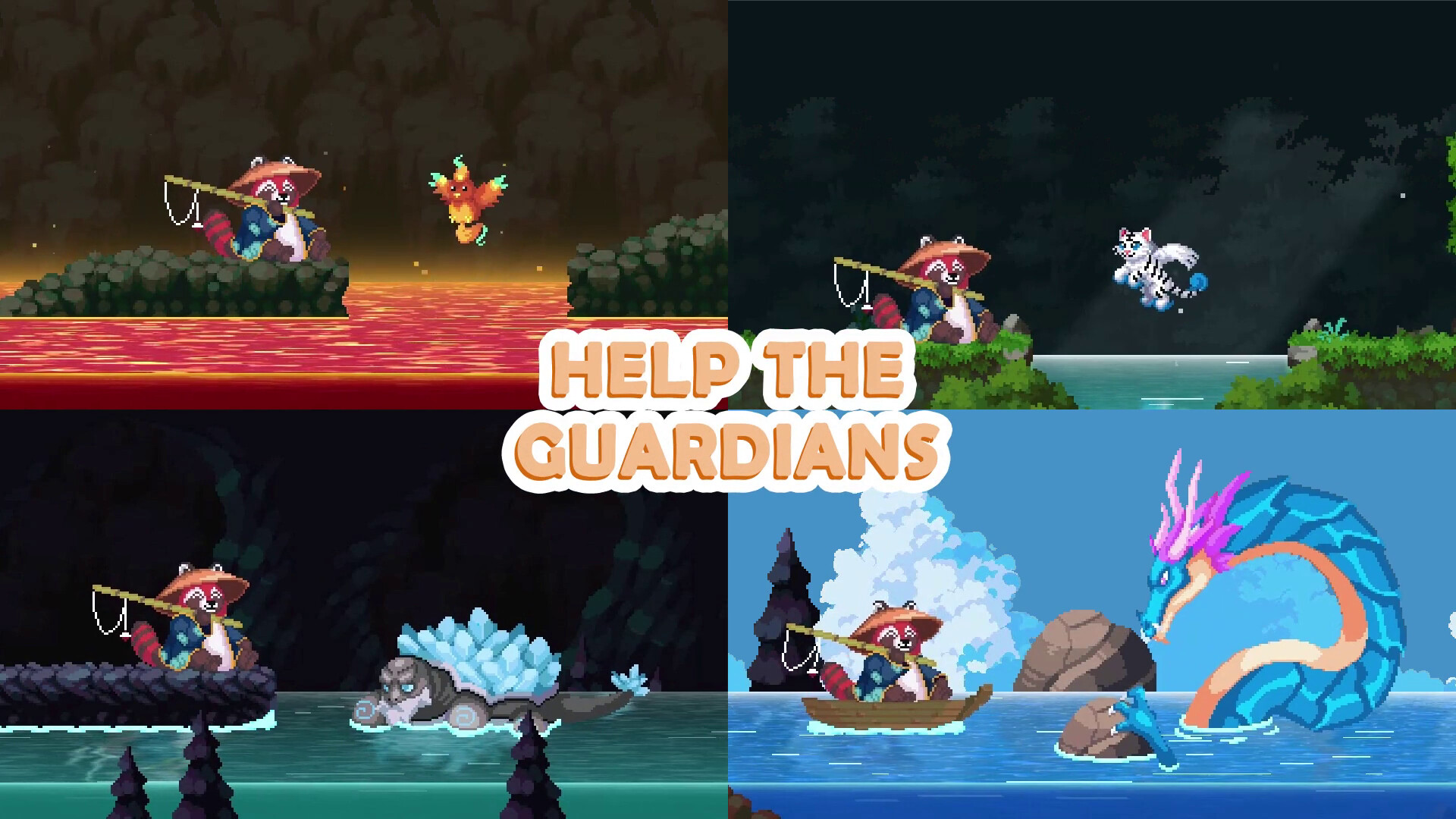
Idle Waters provides twelve distinct biomes for players to explore. Each biome contains a portion of the total hundred fish, encouraging you to travel across them to complete the collection.
Fish in each biome may appear in different color variants. Collecting these variants adds to the overall completion goal and gives visual variety across the environments.
- Visit each biome early to see which fish appear first.
- Notice visual differences between biomes to help locate rare color variants.
02 / THE GUIDE
Auto‑Fishing Feature
The game includes an auto‑fishing mode that lets fish be caught without player input. While auto‑fishing runs, the game continues to progress in the background.
You can still intervene by clicking the game window to manually catch a fish whenever you prefer, giving you flexibility between passive and active play.
- Use auto‑fishing when you need to focus on non‑gaming tasks.
- Switch to manual catching for fish that look especially rare.

03 / THE GUIDE
Upgrades & Treasures
Players can purchase upgrades that enable the capture of new fish species. These upgrades expand the range of fish you can encounter across the biomes.
Hidden treasures also appear during gameplay, offering additional incentives to keep fishing and explore the environments more thoroughly.
- Prioritize upgrades that unlock new fish families.
- Watch for treasure icons as they signal extra items.
04 / THE GUIDE
Quests & Collection
Idle Waters provides quests that guide players toward specific fishing goals as they progress. Completing quests contributes to overall progress.
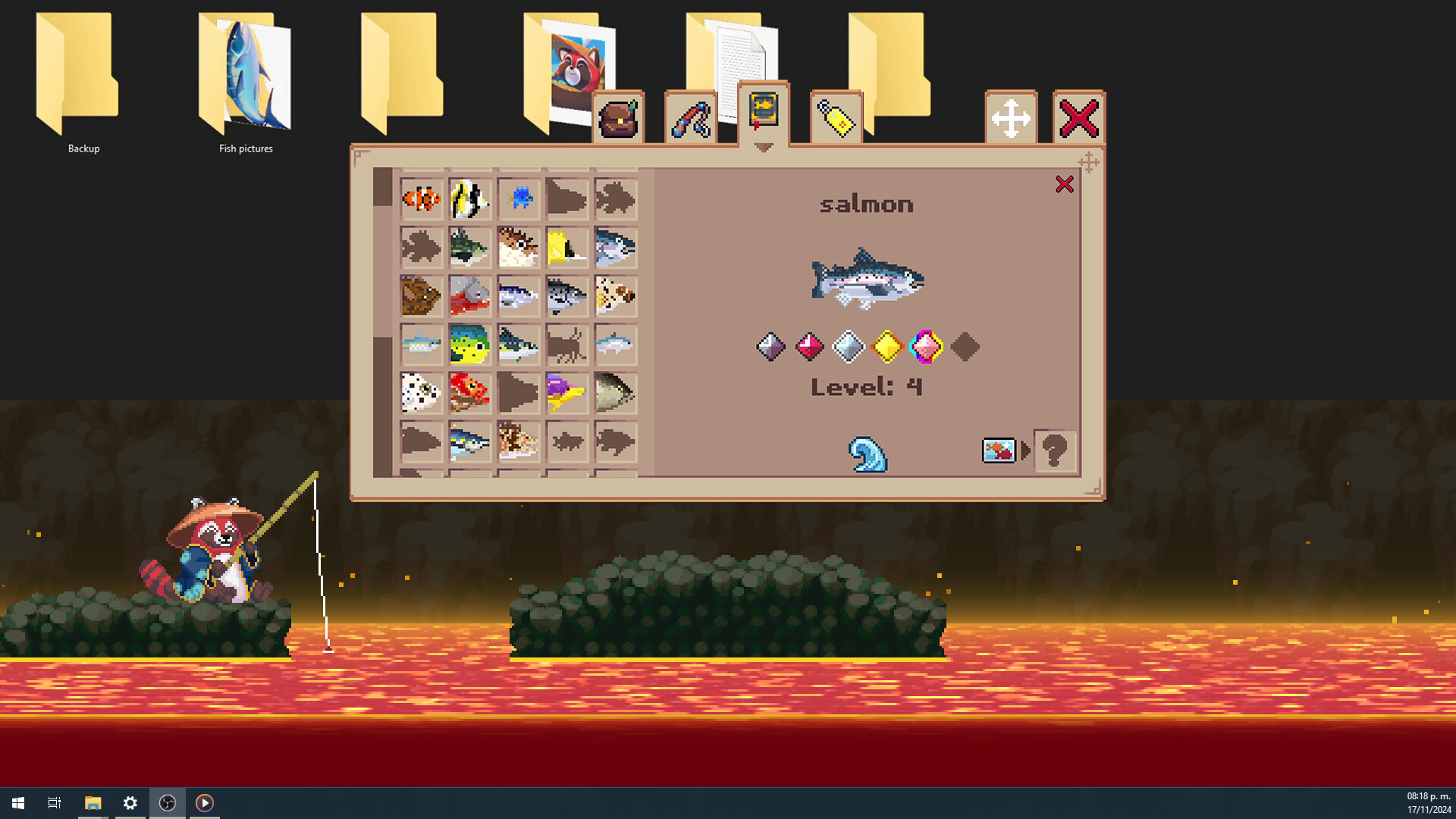
Your collection screen displays caught fish, their color variants, and legendary fish, allowing you to track what remains to be found.
- Check quest objectives regularly to stay on target.
- Use the collection view to identify missing color variants.
05 / THE GUIDE
Interface Customization
The game window can be resized, moved, hidden, or zoomed, letting you fit it comfortably on your screen while multitasking. Layout changes let you keep the game visible without obstructing other apps.
Accessibility options include adjustable text size, custom volume controls, and a mouse‑only mode, ensuring the game can be tailored to personal preferences.
- Resize the window to keep it visible without covering important work.
- Experiment with zoom levels to find the most comfortable view.

COMMUNITY
Player discussion