 GameWiki
GET YOUR BEARINGS
About I MAED A GAM3 W1TH Z0MB1ES 1N IT!!!1
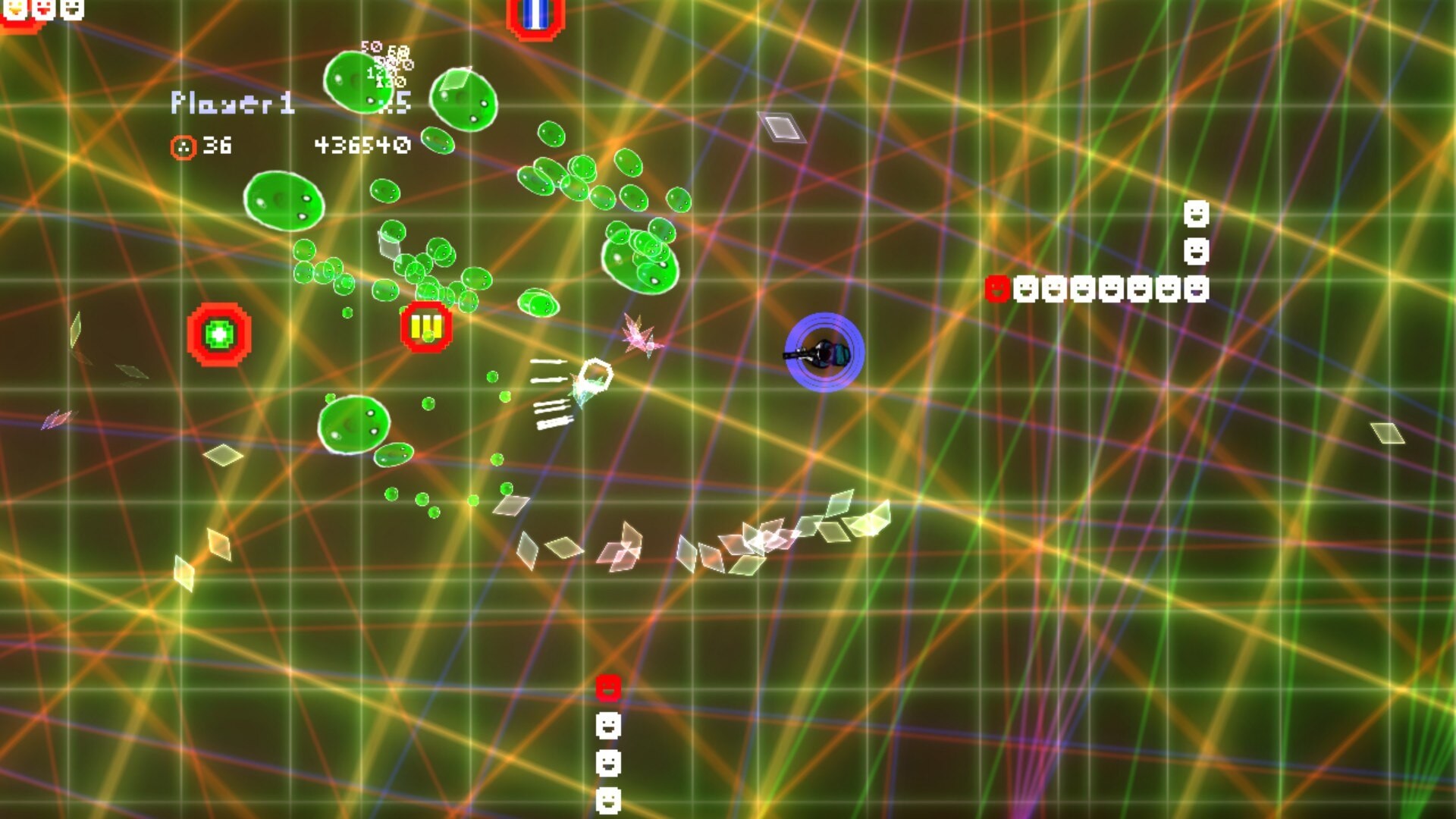
I MAED A GAM3 W1TH Z0MB1ES 1N IT!!!1 is a top‑down twin‑stick shooter that has been rebuilt with a new engine. The free release adds keyboard‑and‑mouse support, a flashing‑lights reduction mode, and promises future online multiplayer.
The game is marketed as an action‑casual indie title with both single‑player and multiplayer options, including split‑screen co‑op and remote play together. It runs on Windows and Linux, and offers full controller support alongside family‑sharing features.
01 / THE GUIDE
Gameplay Mechanics
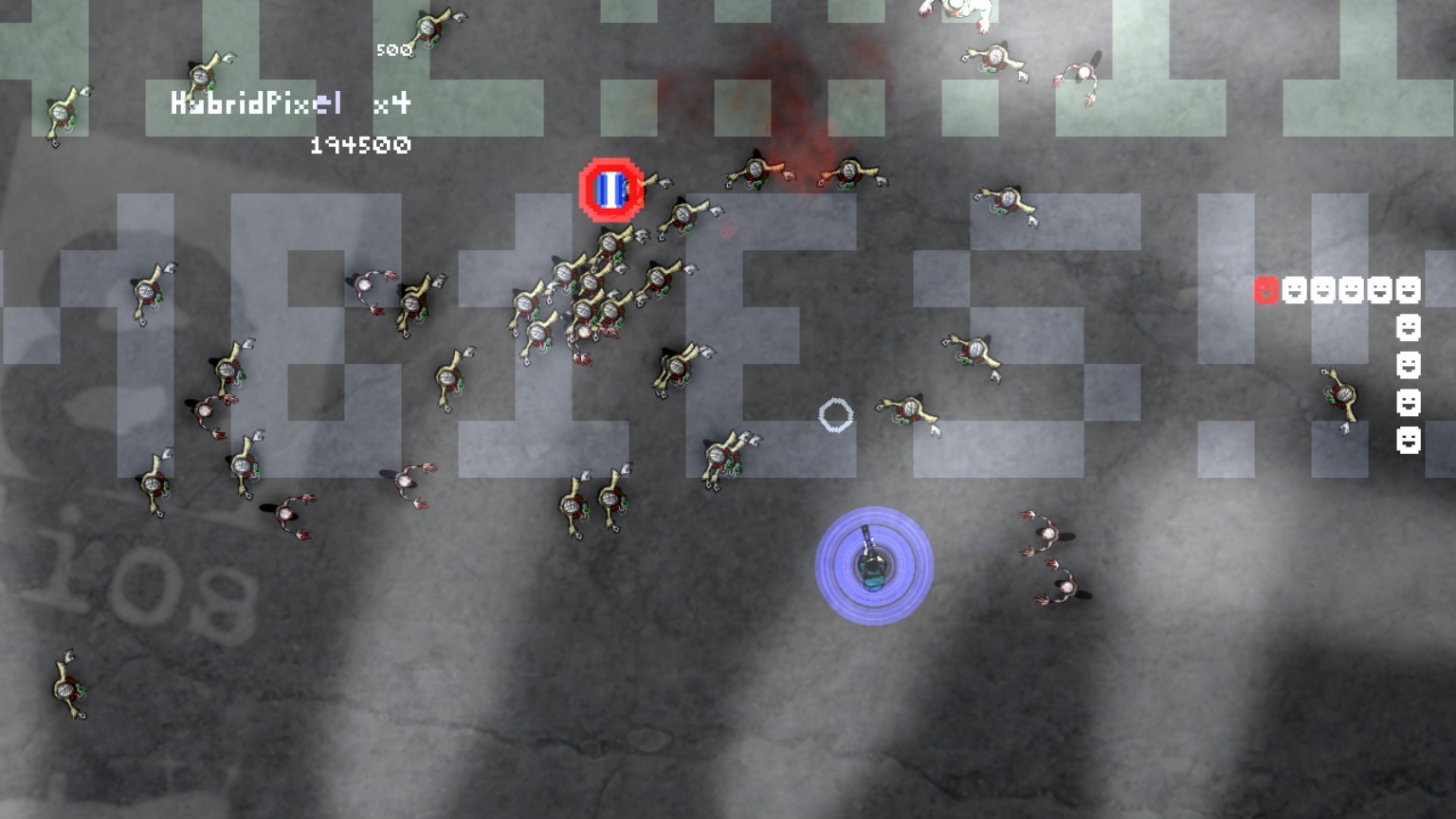
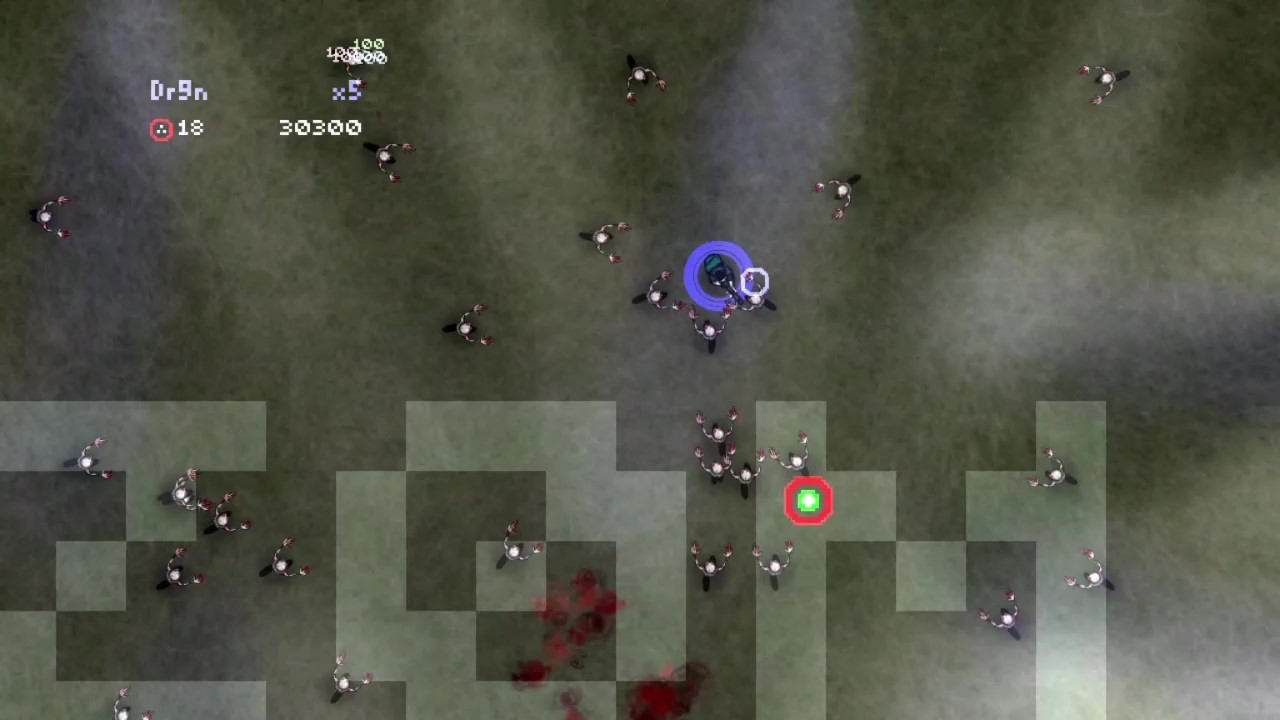
The core experience is a top‑down twin‑stick shooter where players aim and move independently to dispatch zombies. The description emphasizes “tremendous amounts of fun” and a quick ten‑minute play session, suggesting short, action‑focused rounds.
Although specific weapons or power‑ups are not listed, the twin‑stick format implies simultaneous movement and firing, a common setup for arcade‑style zombie shooters.
- Observe how the twin‑stick layout influences enemy engagement distance.
- Compare short play sessions with other indie shooters to gauge pacing.
02 / THE GUIDE
Control Options
The revamped version supports both keyboard and mouse inputs, adding keyboard and mouse input alongside controller support. Full controller support is also listed, allowing players to choose their preferred device.
An accessibility feature called flashing lights reduction mode is included, catering to players sensitive to rapid visual effects.
- Test both keyboard‑mouse and controller setups to see which feels more responsive.
- Enable the flashing‑lights reduction mode if visual comfort is a concern.
03 / THE GUIDE
Multiplayer Modes
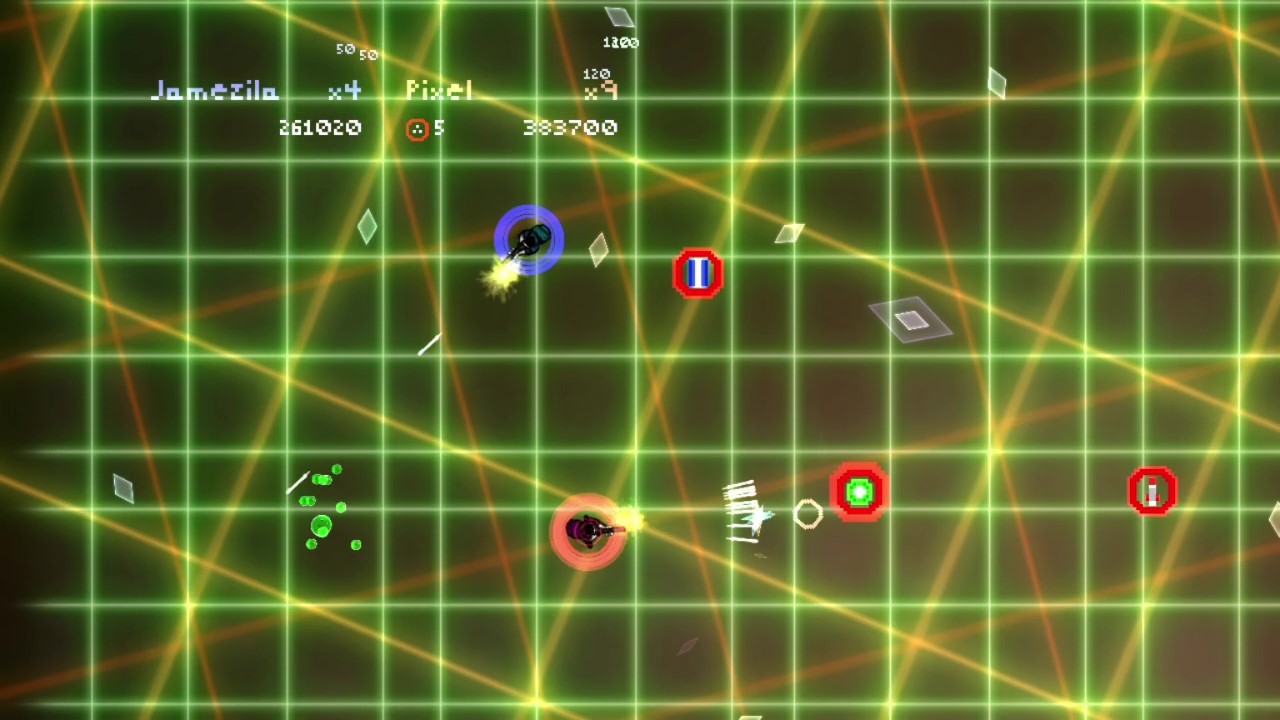
The title offers multiplayer, co‑op, and shared/split‑screen co‑op experiences, allowing multiple players to play together on a single system. Remote Play Together extends this capability over the internet.
Future online multiplayer is announced, indicating plans to add networked matches beyond the current local options.
- Try split‑screen co‑op for local couch play before remote sessions.
- Watch for the upcoming online multiplayer update to expand matchmaking.
04 / THE GUIDE
Accessibility Features
Beyond the flashing‑lights reduction mode, the game’s free‑to‑play nature removes cost barriers, and family sharing lets multiple accounts access the title without additional purchases.
Full controller support provides an alternative to keyboard‑mouse, accommodating varied player preferences and accessibility needs.
- Utilize family sharing to let multiple household members try the game.
- Combine controller support with the reduction mode for a comfortable experience.
05 / THE GUIDE
Platform Availability
The game is officially released for Windows and Linux operating systems, making it accessible to a broad PC audience. No macOS support is listed.
Being free and indie, the title can be downloaded without purchase, aligning with its “best selling Xbox Live Indie Game of 2009” heritage.
- Check system requirements on Windows before installing.
- Linux users can verify compatibility via the official release notes.

COMMUNITY
Player discussion