 GameWiki
GET YOUR BEARINGS
About I Am Future: Cozy Apocalypse Survival
I Am Future: Cozy Apocalypse Survival lets you build a rooftop haven after waking from cryogenic sleep. The game focuses on relaxed construction, farming, and friendly robot companions rather than tense survival. You can expand your base, grow crops, dismantle relics, and explore a sunken megacity at your own pace. The experience blends indie RPG and simulation elements with full controller support and Steam features, offering a calm post‑apocalypse sandbox.
01 / THE GUIDE
Base Building
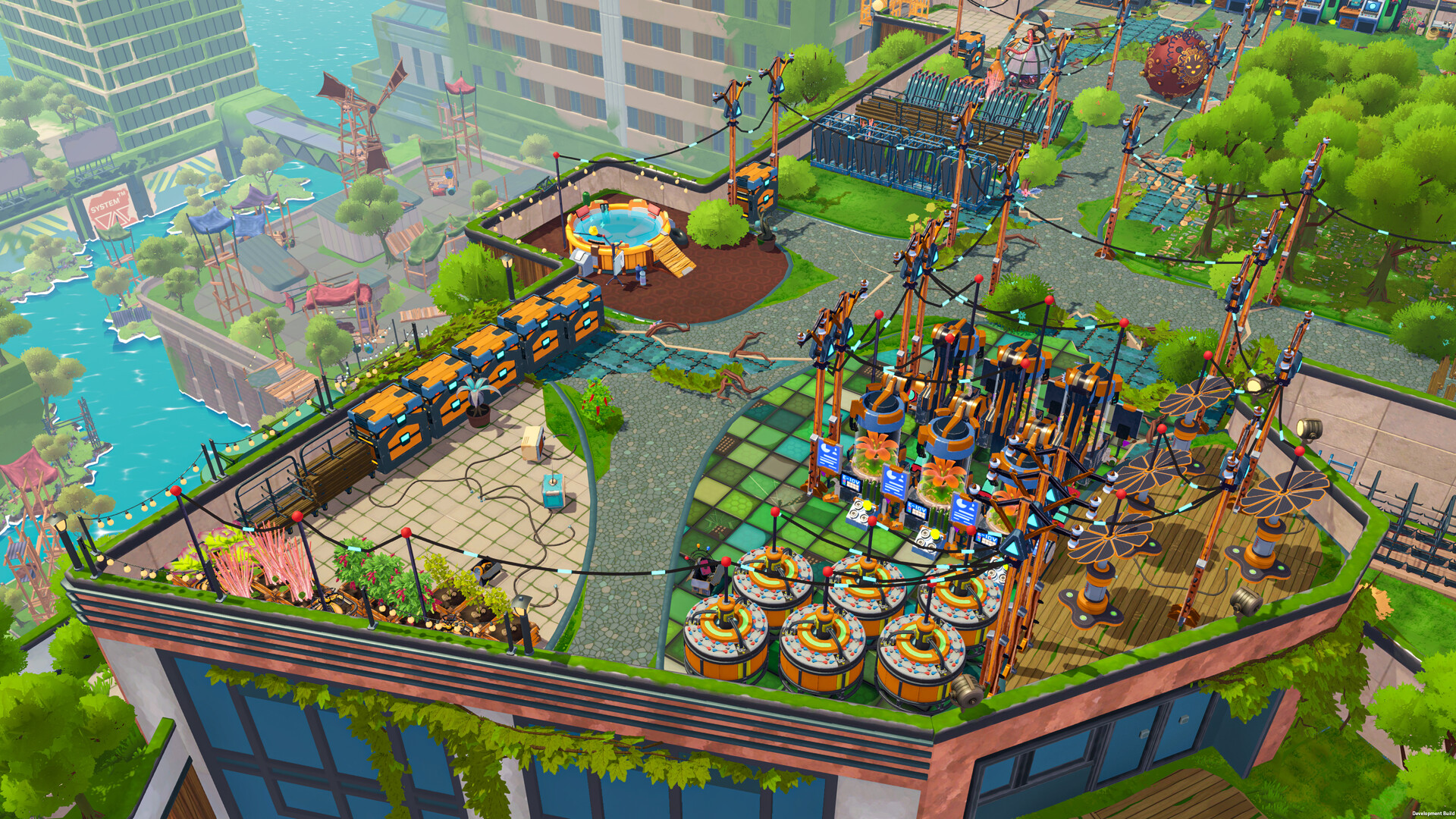
Start on an abandoned rooftop and construct the coziest camp ever. Unlock new buildings and furniture, set up electrical grids, and organize your life as you expand the rooftop base.
Decoration and expansion are central, letting you shape the world literally yours while keeping the environment friendly and stress‑free.
- Plan your electrical grid early to avoid later re‑wiring.
- Mix decorative items with functional buildings for a balanced layout.
02 / THE GUIDE
Farming
Set up a farm to grow fruit, vegetables, and even cheese trees. Harvest fresh produce, catch fish, and experiment with numerous recipes to master cooking.
Your crops need protection from mutant pests, adding a gentle challenge to keep the harvest thriving.
- Rotate crops to keep soil productive.
- Use robots to automate pest control.
03 / THE GUIDE
Robot Minions
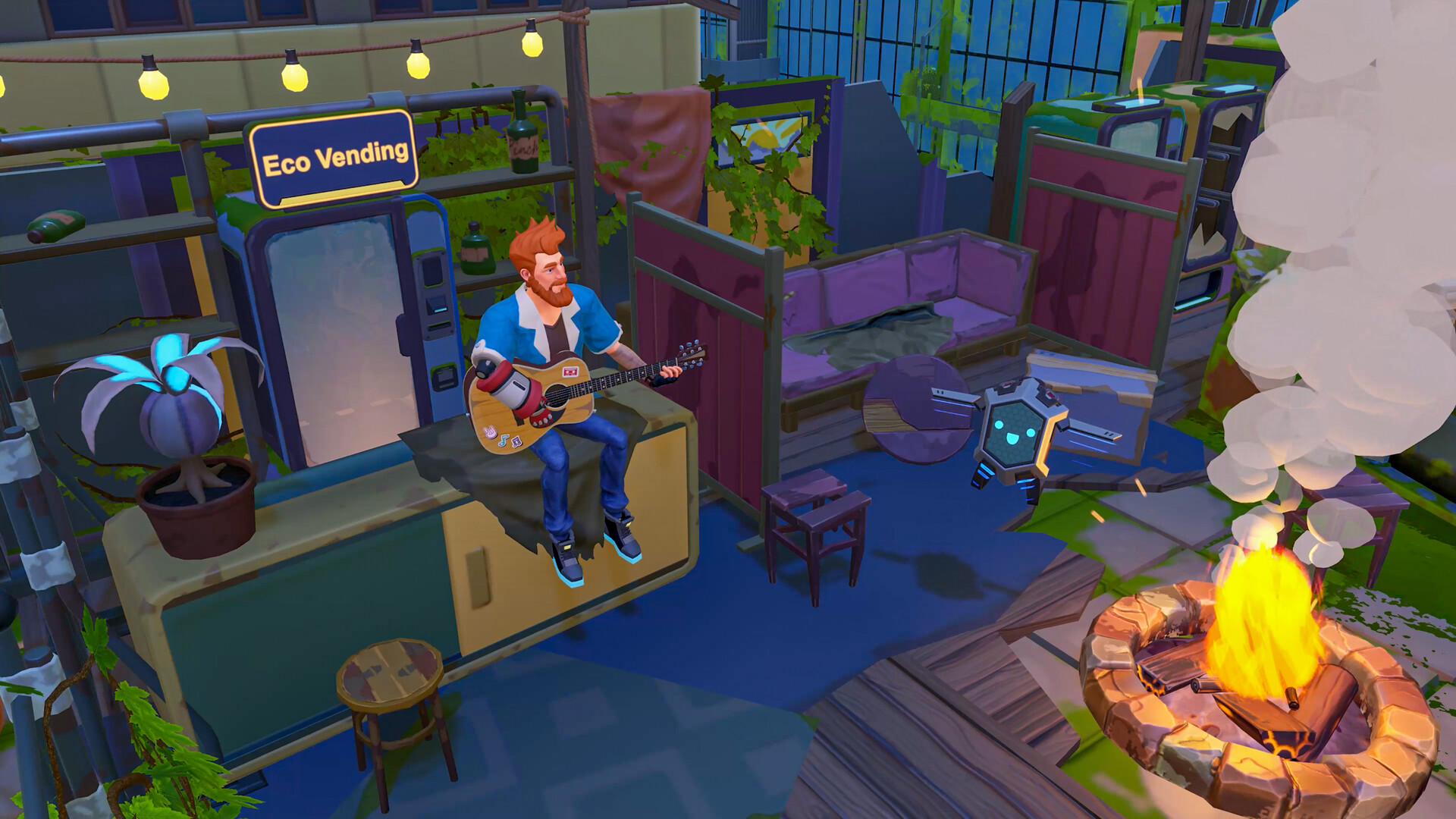
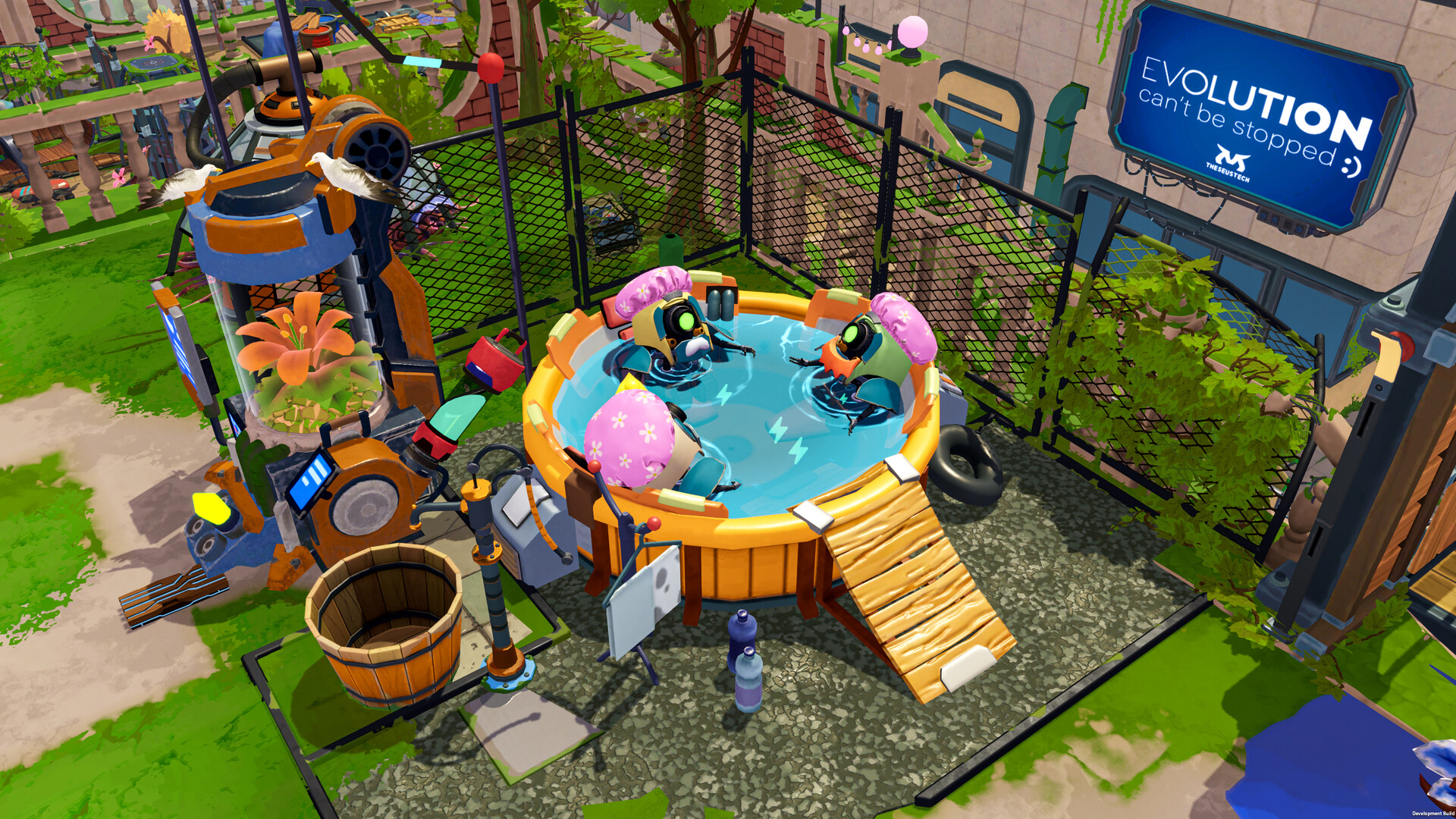
Hire cute robot assistants, issue commands, and manage their workload. They can automate chores, charge in a bath, and assist with scouting expeditions.
Robots like Earl the Fridge and Bombshell Barbara become quirky friends, deepening the camp’s personality.
- Assign robots to repetitive tasks to free up time for exploration.
- Keep robots charged to maintain efficiency.
04 / THE GUIDE
Exploration
Send scouting drones across the sunken megapolis to discover new locations and retrieve valuable items. Each expedition reveals more about the world’s mystery.
Exploration is optional and paced, allowing you to wander without pressure.
- Bring back resources that complement your crafting needs.
- Map discovered sites for future reference.
05 / THE GUIDE
Crafting & Dismantling
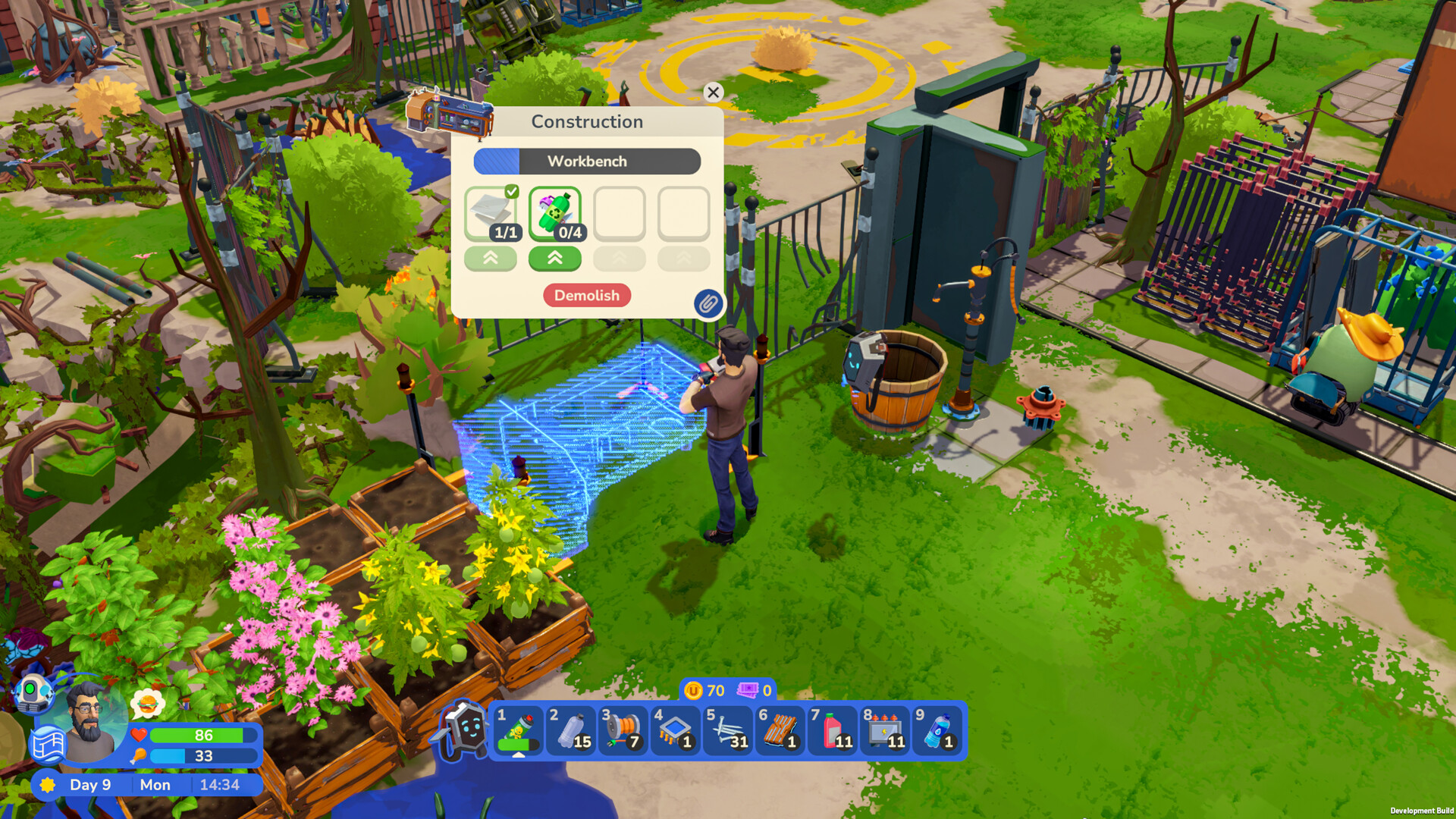
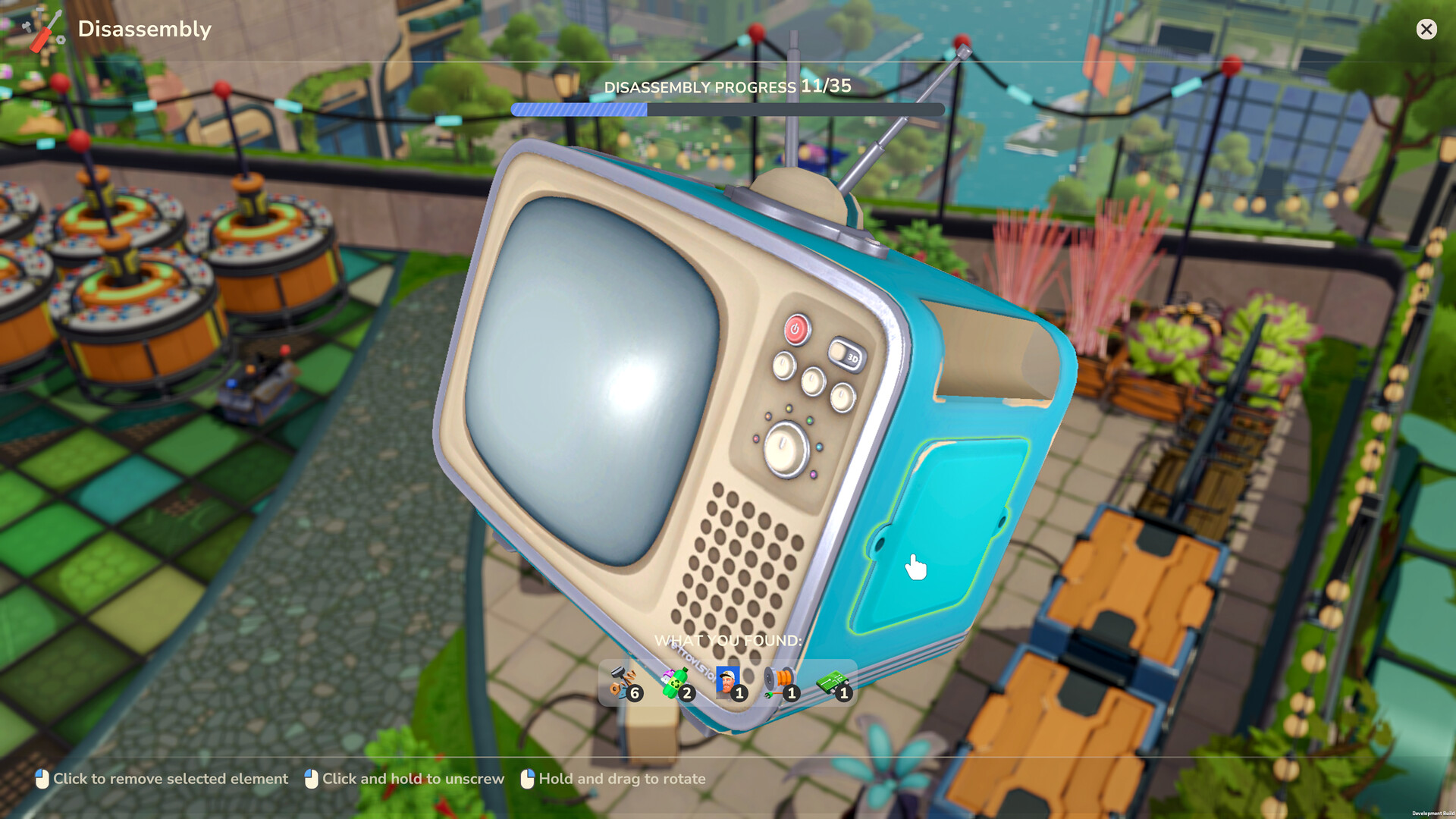
Find ancient artifacts like kettles, TVs, or microwaves and dismantle them with a satisfying mechanic. Gather resources for new crafting projects and upgrades.
Crafting ties directly into farming, base upgrades, and robot maintenance.
- Prioritize dismantling high‑value artifacts first.
- Combine gathered parts for more efficient recipes.
COMMUNITY
Player discussion