 GameWiki
GET YOUR BEARINGS
About Hypnospace Outlaw
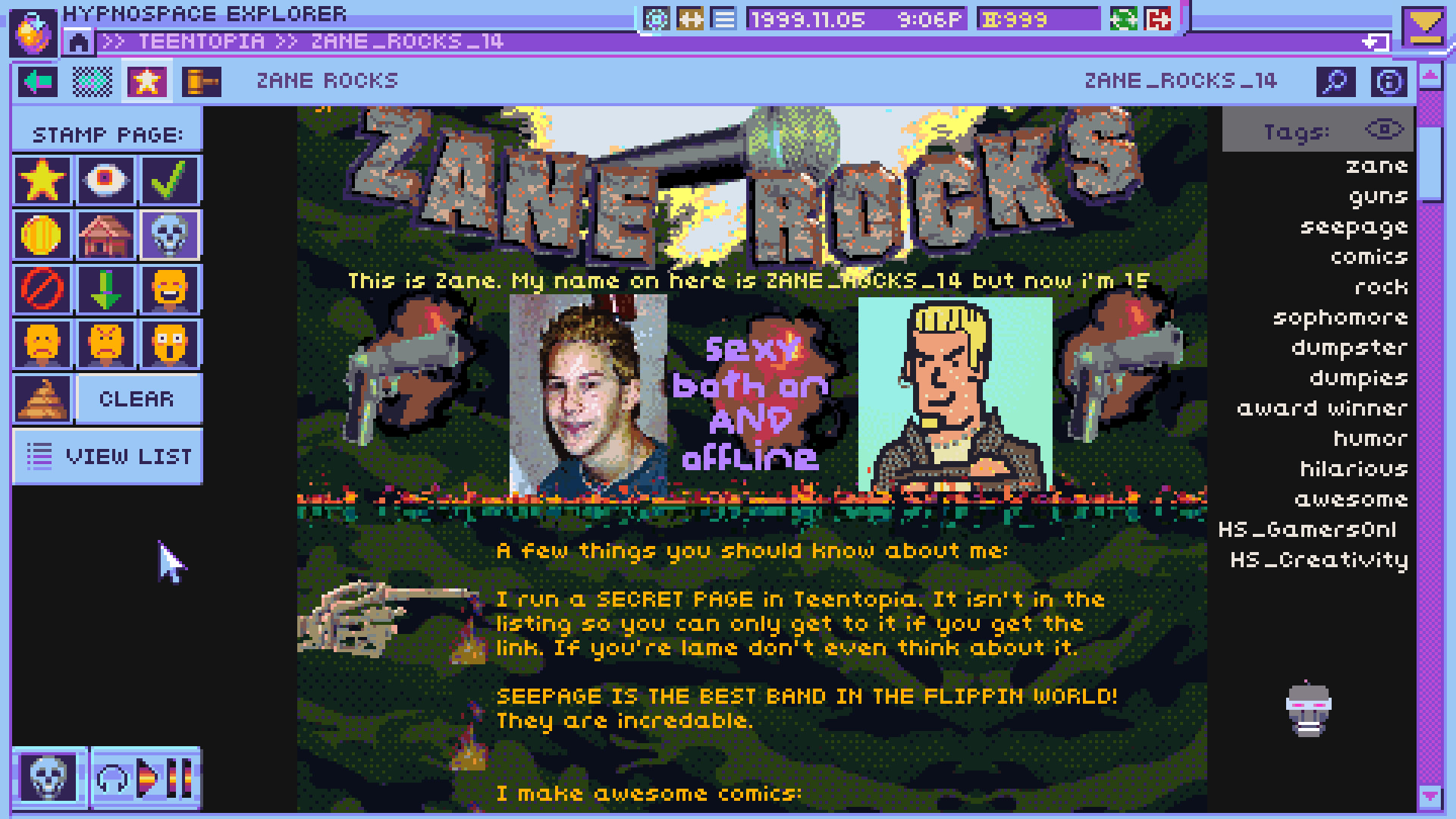
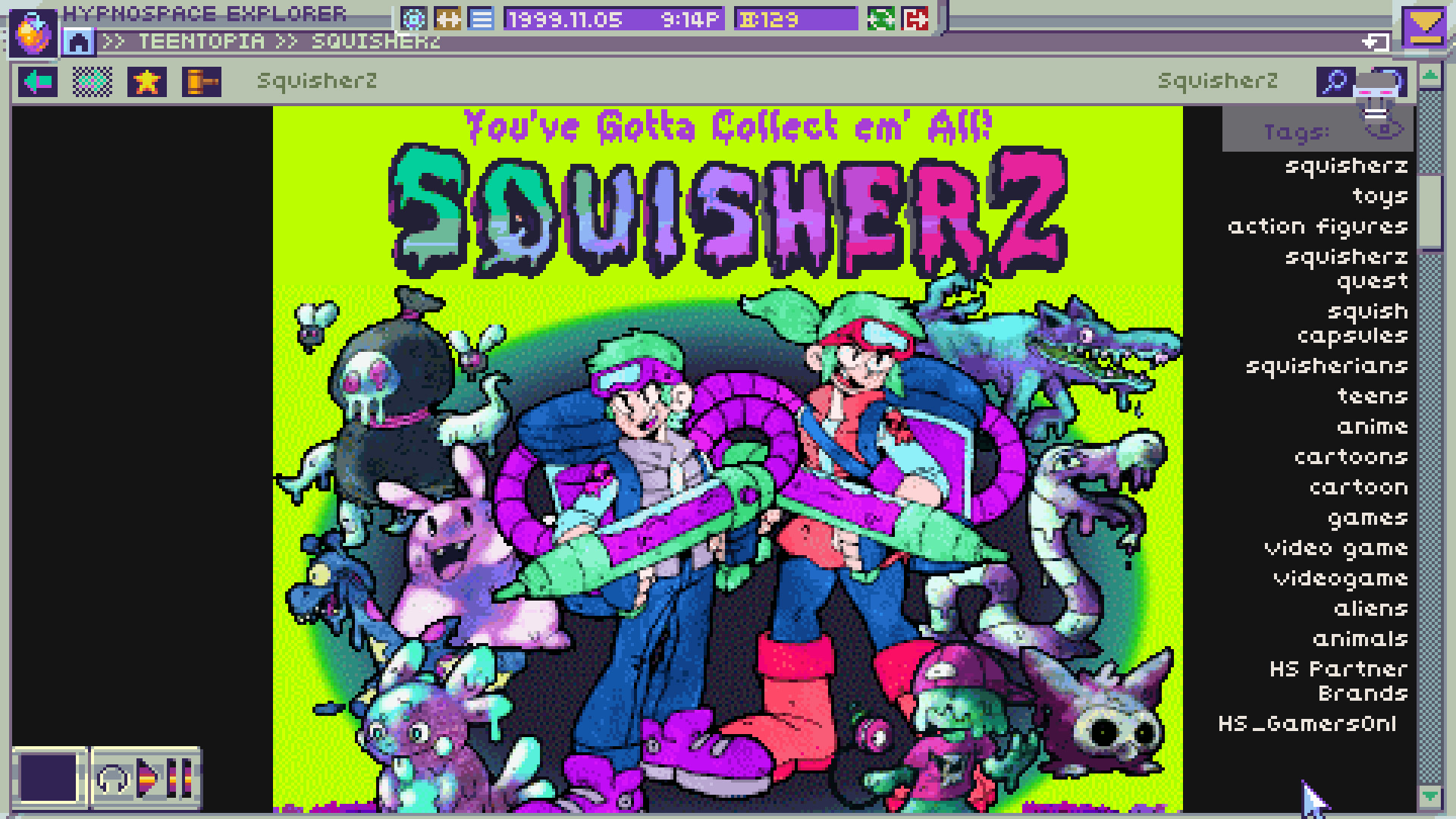
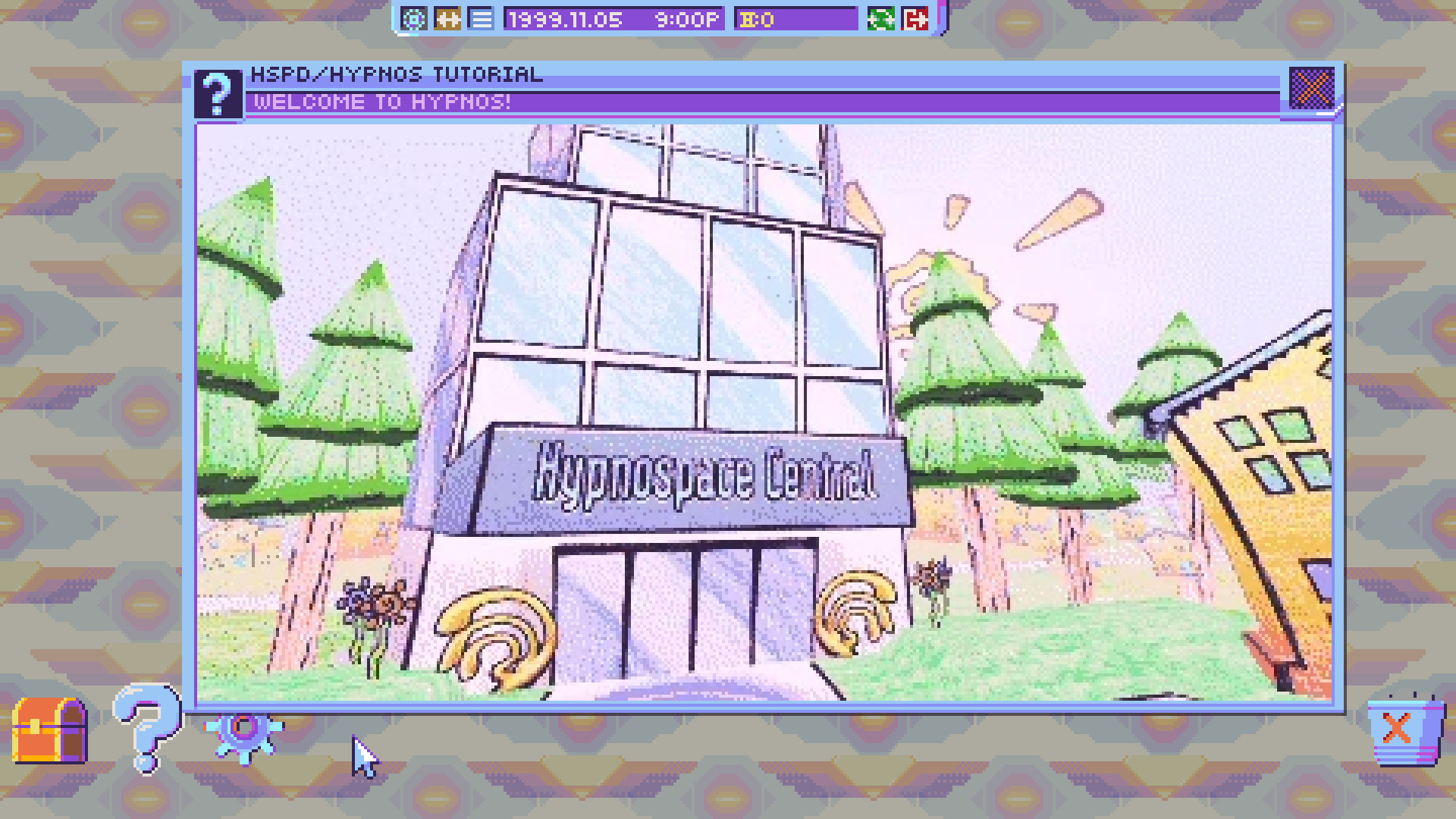
Hypnospace Outlaw places you in a 1990s‑style simulated internet where you act as a Hypnospace Enforcer. Your duties involve browsing the eclectic sites of Hypnospace, spotting illegal content, bullying, or malware, and filing reports that are sent to the Hypnospace Patrol Department.
While you investigate, you can also personalize your HypnOS desktop with a range of downloads, wallpapers, screensavers, and helper bots. The game rewards successful reports with Hypnocoins delivered to your inbox, and you may discover hidden pages and extra apps through exploration.
01 / THE GUIDE
Investigation and Reporting
The core loop requires you to crawl through the varied websites of Hypnospace, looking for users who break the law by posting copyrighted material, harassing others, or spreading viruses. When you identify a transgression, you use the in‑game interface to file a report that is logged by the Patrol Department.
Each filed report generates a reward that appears directly in your inbox, allowing you to track the types of violations you have handled. The system records each case, giving you a clear view of your enforcement activity over time.
- Keep an eye on recurring site themes; similar violations often appear on related pages.
- After filing a report, check your inbox for the reward and any additional clues.
02 / THE GUIDE
Desktop Customization
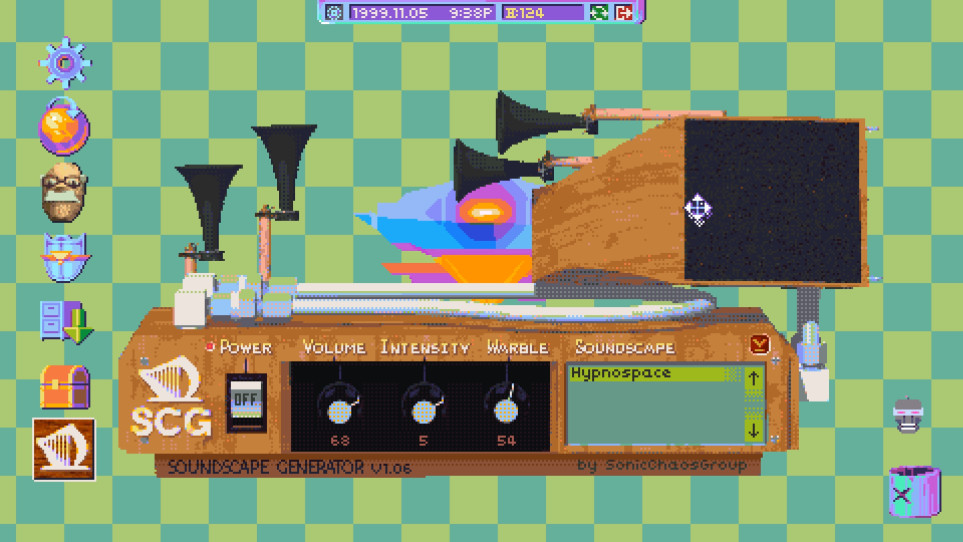
Your HypnOS desktop can be altered with a variety of downloads, including wallpapers, screensavers, and helper bots. These items can be mixed and matched to reflect a personal style.
Customization adds a nostalgic layer, letting you relive the feel of a 1990s computer while you work. The changes are visible on your desktop as you work.
- Try different screensavers to see which visual style you find most enjoyable.
- Use helper bots for visual variety on your desktop.
03 / THE GUIDE
Hypnocoins and Rewards
Successful investigations award you Hypnocoins, which are delivered to your inbox as part of the game's reward system. The coins serve as a record of your progress, and the game also offers Steam Achievements.
Hypnocoins are earned by doing your job, and hidden pages and extra apps can also be found by exploring the web. You may still discover hidden pages and extra apps simply by exploring the web, independent of your coin total.
- Focus on filing reports consistently to see a steady increase in your coin count.
- Explore less‑visited sites for hidden pages; coins are not required to find them.
04 / THE GUIDE
Platform and Feature Support
Hypnospace Outlaw runs on Windows, macOS, and Linux and includes features such as Partial Controller Support, Steam Cloud, Family Sharing, Steam Achievements, and Steam Trading Cards. These are listed as part of the official release information.
Partial Controller Support means a controller can be used, though the game does not specify exclusive control schemes. Steam Cloud is listed, which can sync your progress through the Steam client.
- Enable Steam Cloud in the client settings to keep your progress synced across computers.
- If you prefer a controller, test the partial support early to see which actions feel comfortable.
05 / THE GUIDE
Viruses and Adware Hazards
Downloading GIFs, MIDI files, and other content can expose you to adware, toolbars, and hackers. The game warns players to stay vigilant while exploring the web, as these hazards can interfere with your desktop experience.
These risks add a layer of caution to treasure hunting. By inspecting file types and descriptions before downloading, you can reduce the chance of encountering unwanted software.
- Check file extensions; unfamiliar types may hide adware.
- Skip downloads that appear overly flashy or promise unrealistic benefits.

COMMUNITY
Player discussion