 GameWiki
GET YOUR BEARINGS
About HYPERCHARGE: Unboxed
Hypercharge: Unboxed thrusts players into a colorful action‑figure world where they must protect the Hypercore, a magical memory source, from Major Evil. The story unfolds as wave‑based battles against classic toy enemies, with weapons and hidden secrets to discover.
The game offers solo play, local split‑screen for up to four players, and online or LAN multiplayer. Both cooperative and competitive modes are available, with first‑ and third‑person camera options and full controller support.
01 / THE GUIDE
Co‑op Play
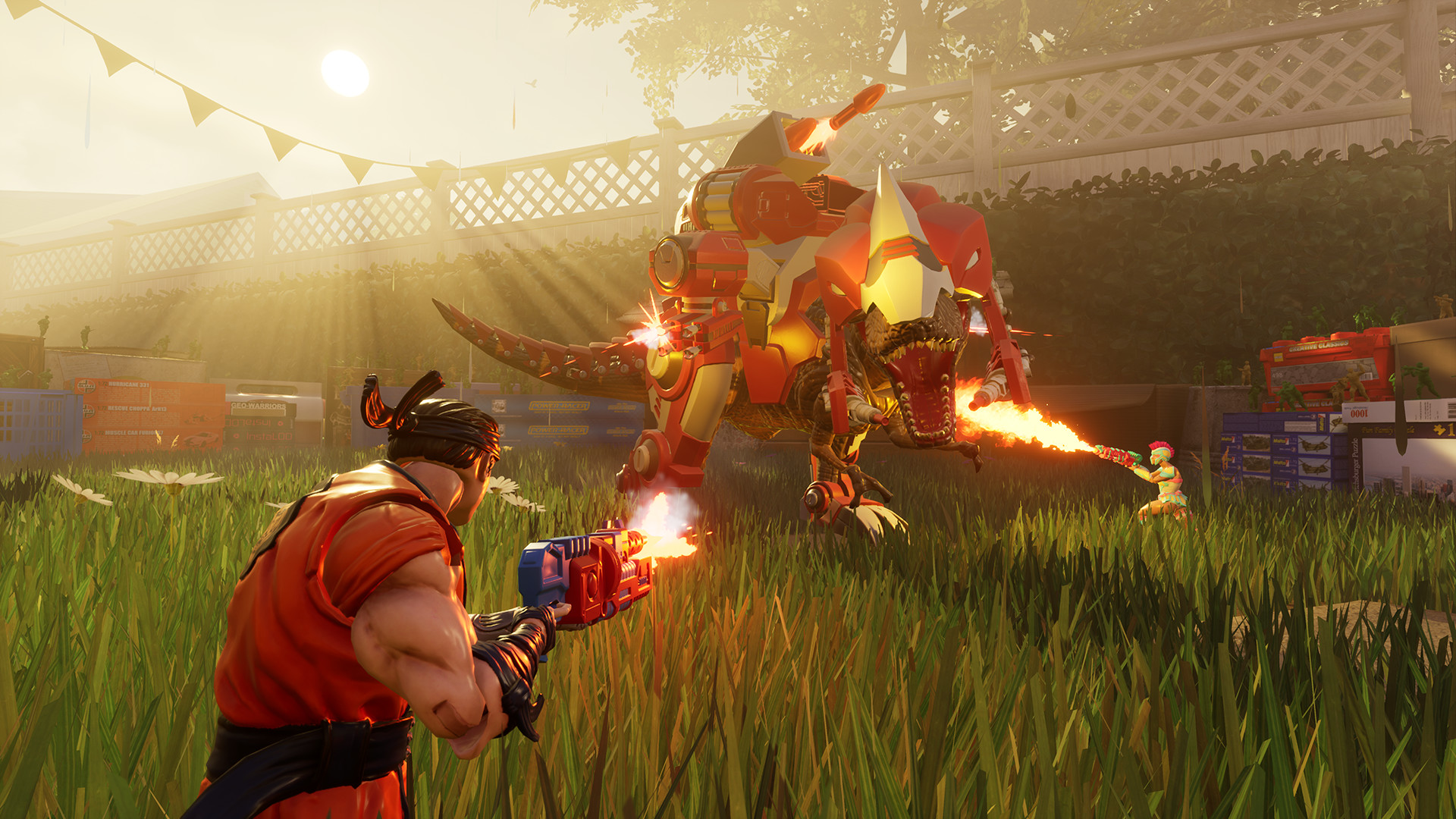
Co‑op matches let you and friends defend the Hypercore together, either online or on the same couch. Difficulty automatically scales with the number of human players, so each wave stays challenging regardless of team size.
During co‑op you can search for weapons, resources, and hidden secrets as a group. The wave‑based structure builds on previous rounds, encouraging coordinated defense and shared exploration.
- Watch how enemy numbers change when a new player joins to understand the scaling effect.
- Communicate resource locations early so teammates can plan their load‑outs.
02 / THE GUIDE
Split‑Screen Support
Full split‑screen is available for up to four players and works in both online and local sessions. Connecting a second controller instantly enables couch co‑op without altering core gameplay.
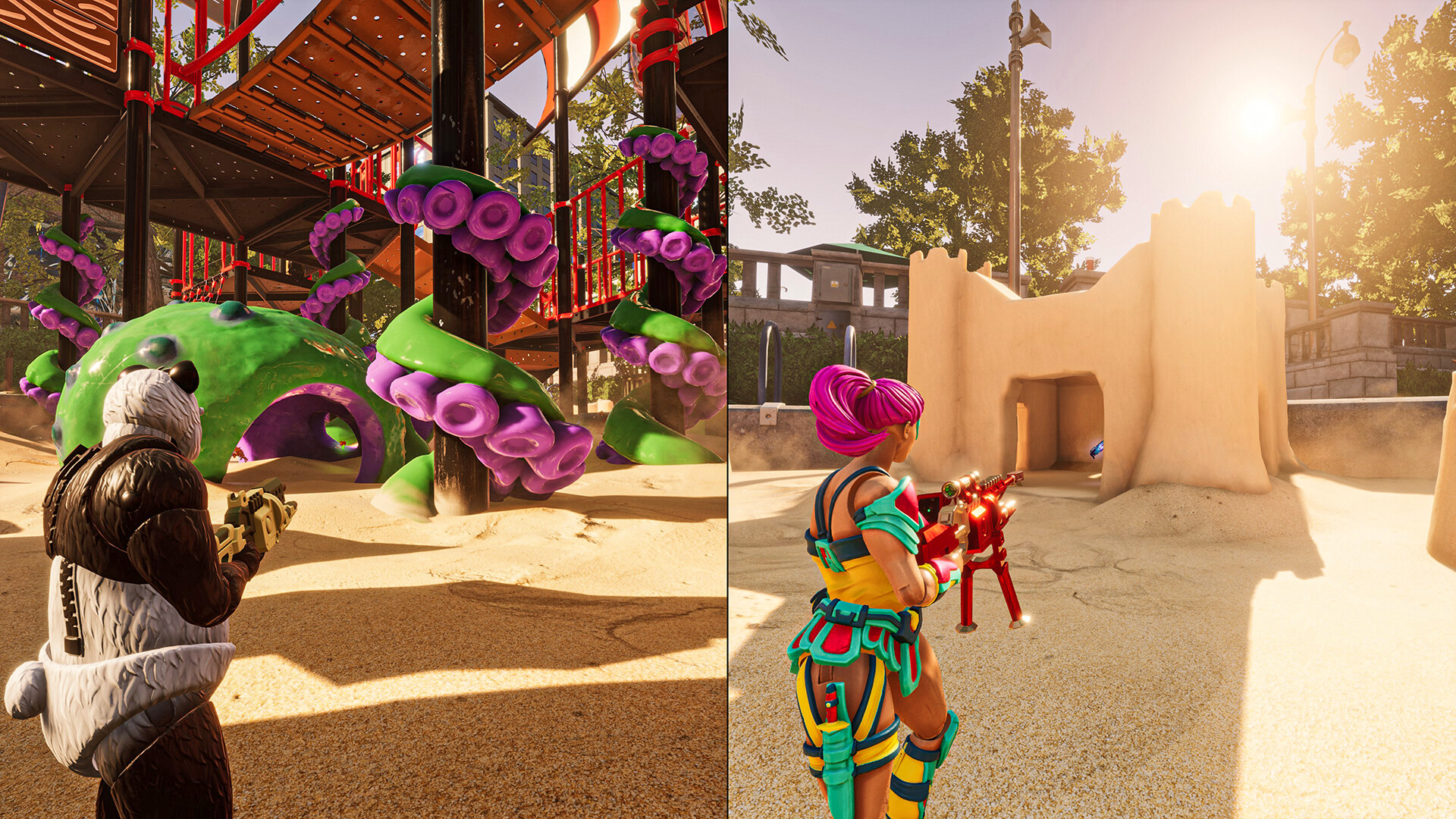
Split‑screen functions for both co‑op and PvP modes, allowing side‑by‑side competition or collaboration while sharing the same game state across all screens.
- Adjust text size or subtitle options if information feels cramped on smaller splits.
- Try both first‑ and third‑person views in split‑screen to see which feels clearer for your group.

03 / THE GUIDE
Player Bots
When a human teammate is unavailable, player bots can fill the slot. Bots listen to your commands, collect resources, and help build defenses during the wave‑based campaign.
Bots let solo players experience the story while keeping a cooperative feel, since they can follow commands and assist with objectives.
- Assign bots specific tasks, such as gathering, to keep your own focus on combat.
- Observe bot behavior in early waves to fine‑tune your command patterns.
04 / THE GUIDE
PvP Game Modes
Classic PvP modes support up to eight players online or via LAN, including Deathmatch, Team Deathmatch, Capture the Battery, Infection, and King of the Hill. Each mode offers a distinct win condition for competitive play.
Both online and local split‑screen options are available for PvP, so friends can face off on the same couch or over the internet.
- Try several modes to discover which objective aligns best with your group's preferences.
- Use the adjustable difficulty setting to balance matches when player skill varies.
05 / THE GUIDE
First‑ and Third‑Person Cameras
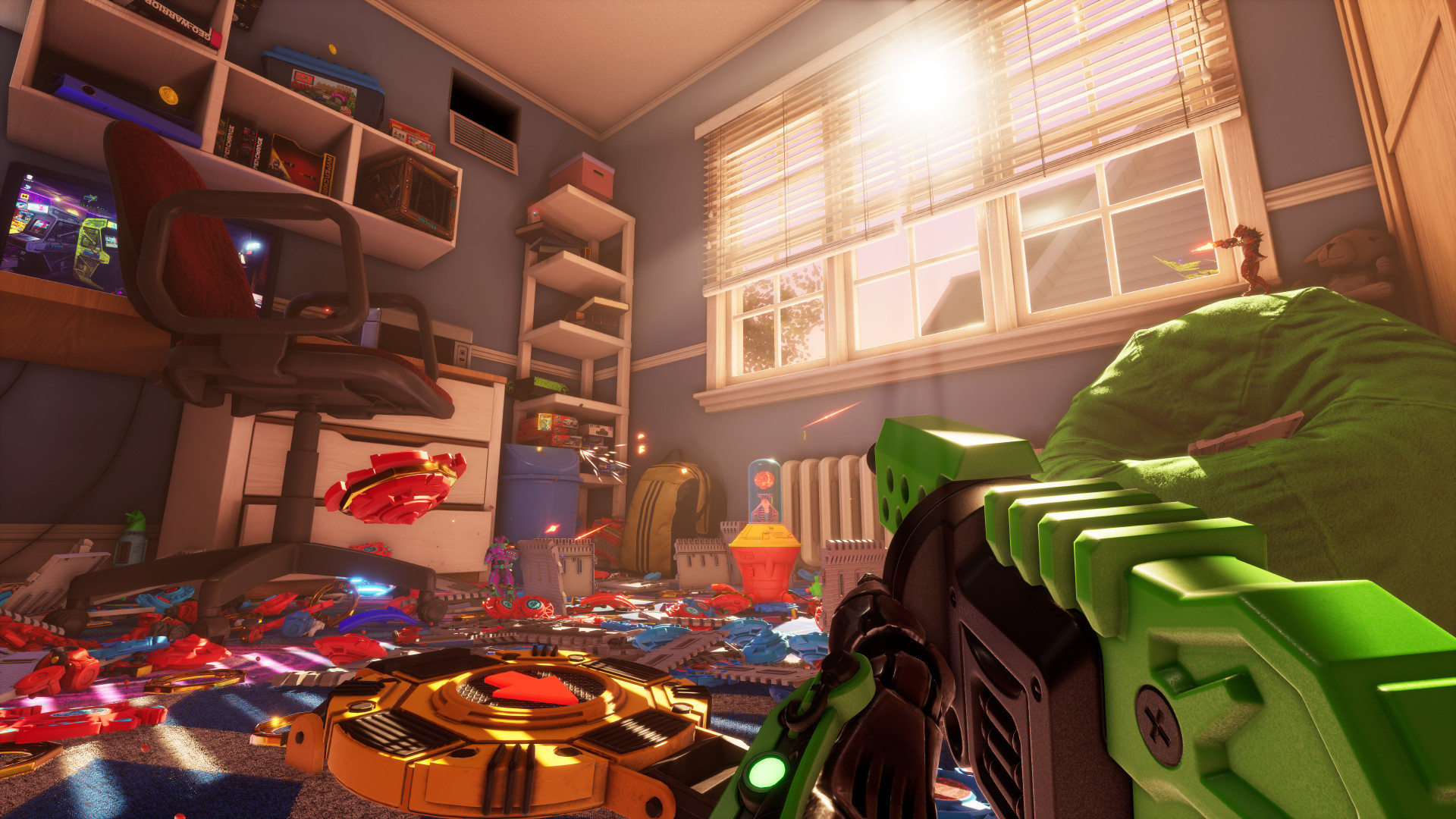
Players may switch between first‑person and third‑person perspectives at any time, giving flexibility for precise aiming or broader situational awareness during any mode.
Camera comfort options let you tweak view settings, helping reduce motion discomfort and ensuring the chosen perspective works well in both co‑op and PvP matches.
- Test each camera during a short wave to see which improves your aim and awareness.
- Adjust camera comfort settings if fast movement feels disorienting.

COMMUNITY
Player discussion