 GameWiki
GET YOUR BEARINGS
About HYPERBEAT
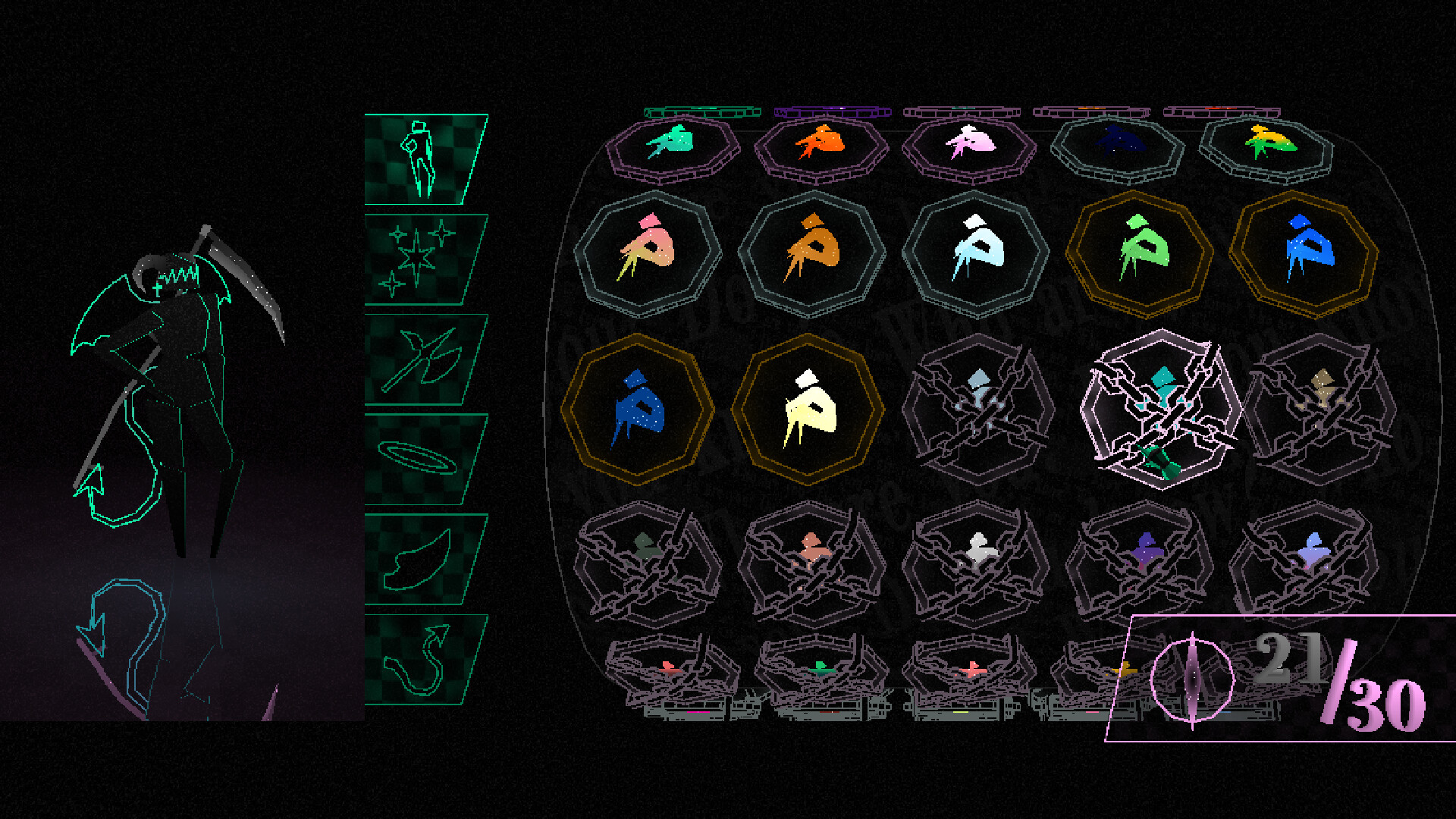
HYPERBEAT invites players into the Wellspring, a calm setting where knights pursue their highest potential while a wholly original 90‑minute soundtrack drives fast‑paced rhythm challenges. You can play alone or with friends, exploring a story that follows an ensemble of characters whose lives intertwine as you progress.
The game offers sixty handcrafted rhythm charts, each with three difficulty levels, and a broad suite of accessibility options. Visual customization is extensive, with over one hundred cosmetic items and full palette control, while a built‑in workshop lets you create and share your own charts.
01 / THE GUIDE
Rhythm Gameplay
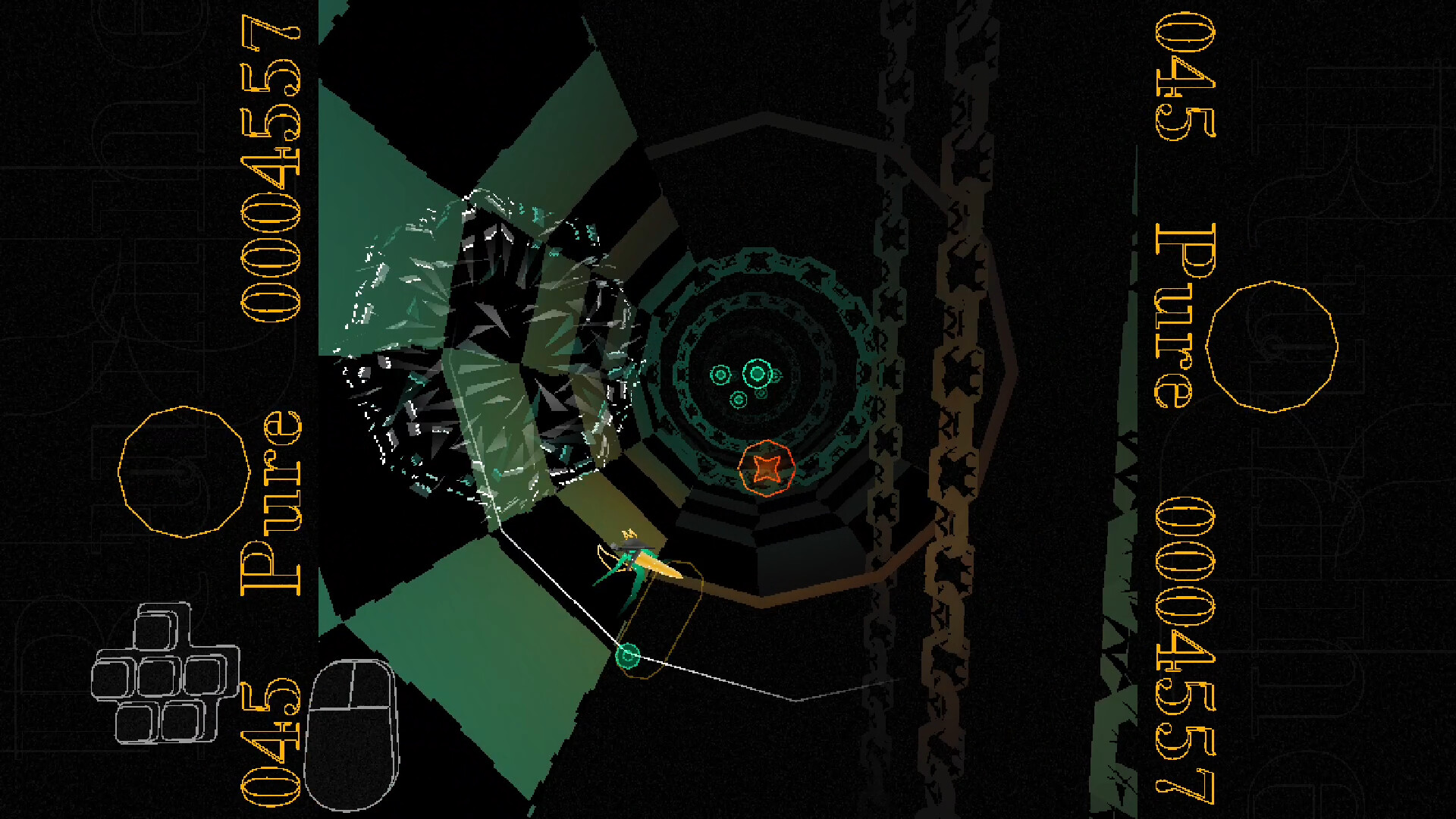
Core gameplay revolves around precise timing as notes travel toward a target, matching the beat across the sixty handcrafted charts. Every song provides three difficulty settings, giving newcomers a gentle entry point and seasoned players a tougher test.
Accessibility options are built in, allowing players unfamiliar with rhythm games to tailor the experience to their preferences. This design lets anyone engage with the music at a comfortable pace.
- Start on the easiest difficulty to learn note patterns before moving up.
- Use the accessibility settings to widen timing windows if you find the rhythm demanding.
02 / THE GUIDE
Story Mode
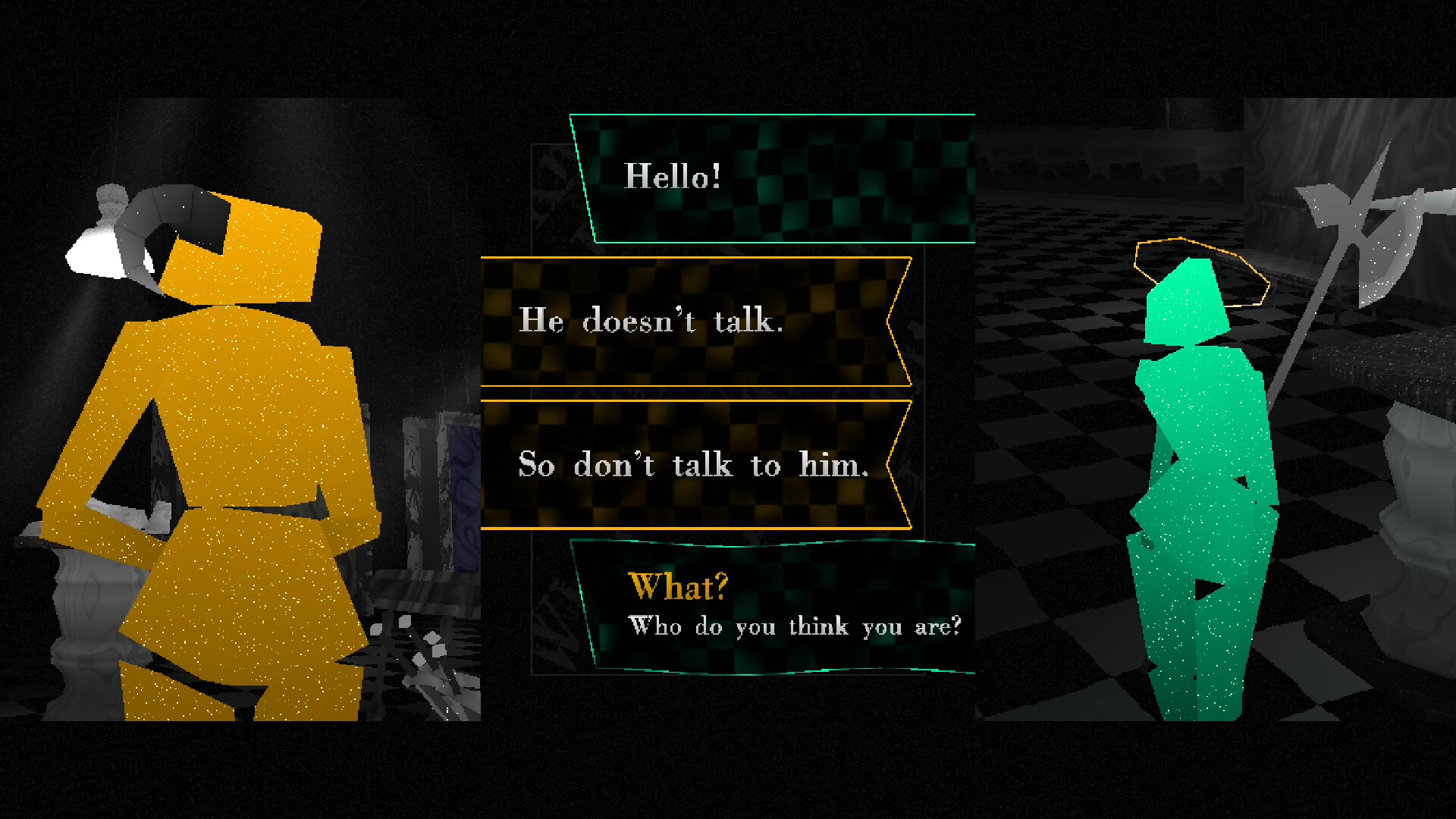
Story mode presents handcrafted levels that reveal the intertwined narratives of an ensemble cast. As you complete charts, the characters’ stories gradually become clearer, encouraging continued play to see each thread resolved.
The narrative is set within the Wellspring, a tranquil space that frames the knights’ journey. As you engage with the cast and their work, their stories unfold and deepen the overall tale.
- Pay attention to dialogue after each song to catch story details.
- Replay earlier songs after unlocking new narrative pieces for additional context.
03 / THE GUIDE
Cosmetic Customization
Over one hundred unlockable cosmetic items let you alter your knight’s appearance, ranging from minor outfit tweaks to full style overhauls. These items are earned through in‑game collection rather than external purchases.
You can also modify the game’s visual palette, changing note colors to suit your mood. This personalization affects only aesthetics and does not alter gameplay mechanics.
- Experiment with different palettes to find a visual style that feels comfortable.
- Collect items from various levels to maximize your wardrobe variety.
04 / THE GUIDE
Multiplayer
HYPERBEAT supports both public and private lobbies, allowing you to play rhythm charts alongside friends or other online players. Multiplayer sessions let you play rhythm charts together with adjustable difficulty options.
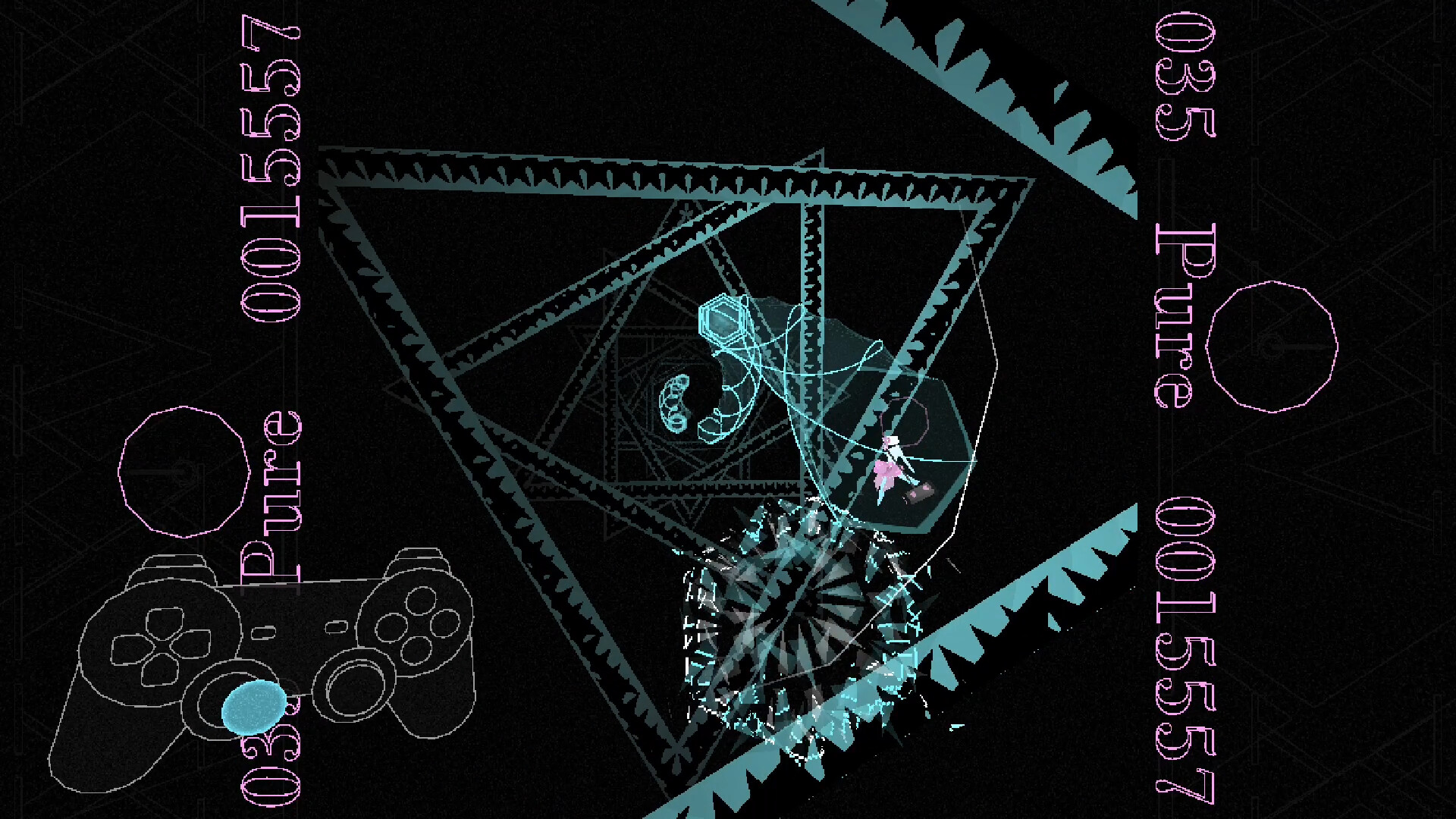
All supported input methods—controller, mouse, and tablet—remain available in multiplayer, so each participant can choose their preferred device without restriction.
- Create a private lobby for coordinated practice with a specific group.
- Join a public lobby to experience a wider variety of player skill levels.
05 / THE GUIDE
Custom Chart Creation
The game includes full workshop integration for creating and sharing custom charts. You may import your own music files, map note patterns, and publish the result for the community to download.
Community‑made charts can be browsed and added to your library, extending replay value beyond the base soundtrack while letting you experience other players’ rhythmic interpretations.
- Begin with a short, simple track when learning the chart editor.
- Browse community charts to find ones that suit your skill level.

COMMUNITY
Player discussion