 GameWiki
GET YOUR BEARINGS
About HUMANITY
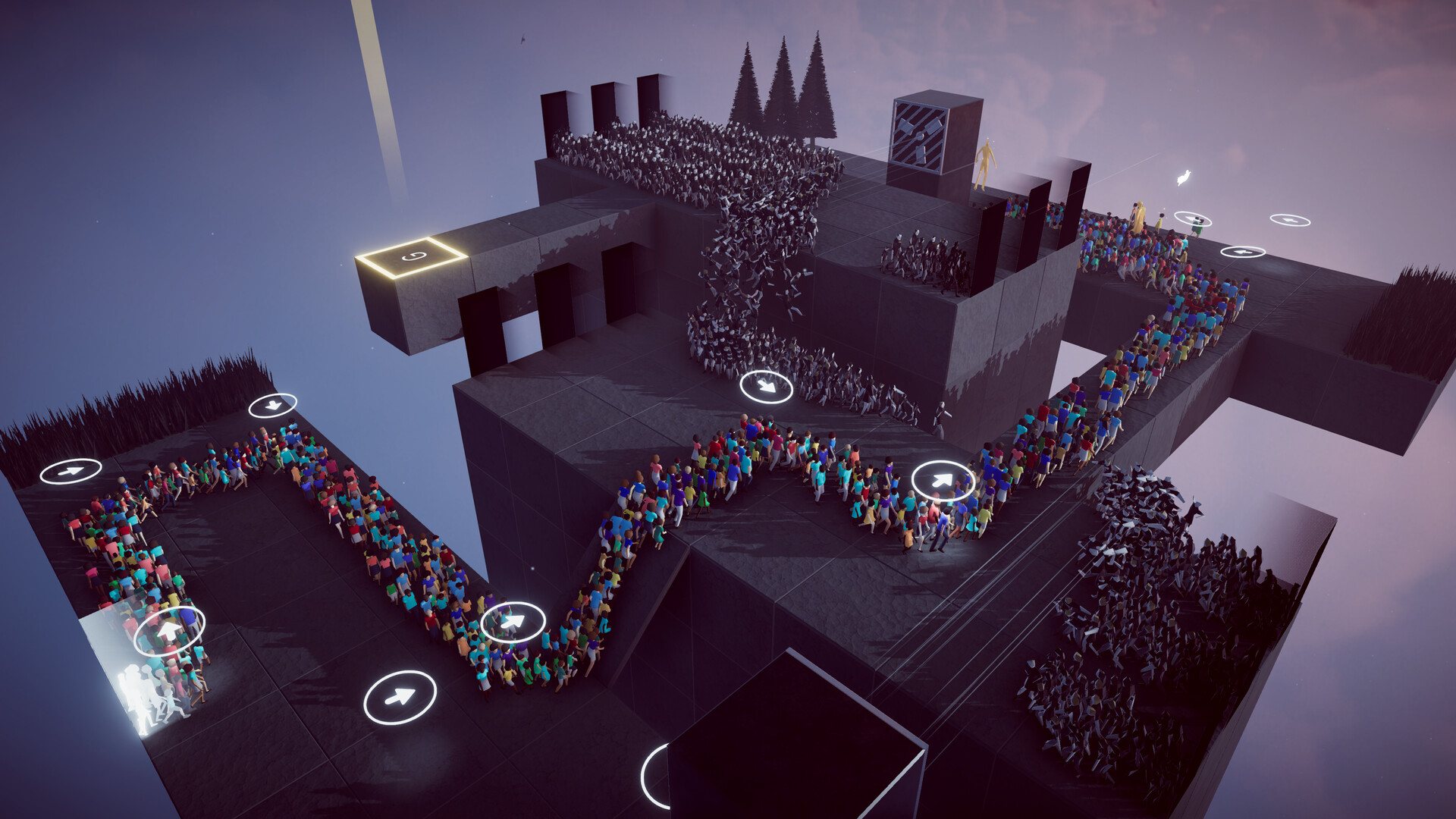
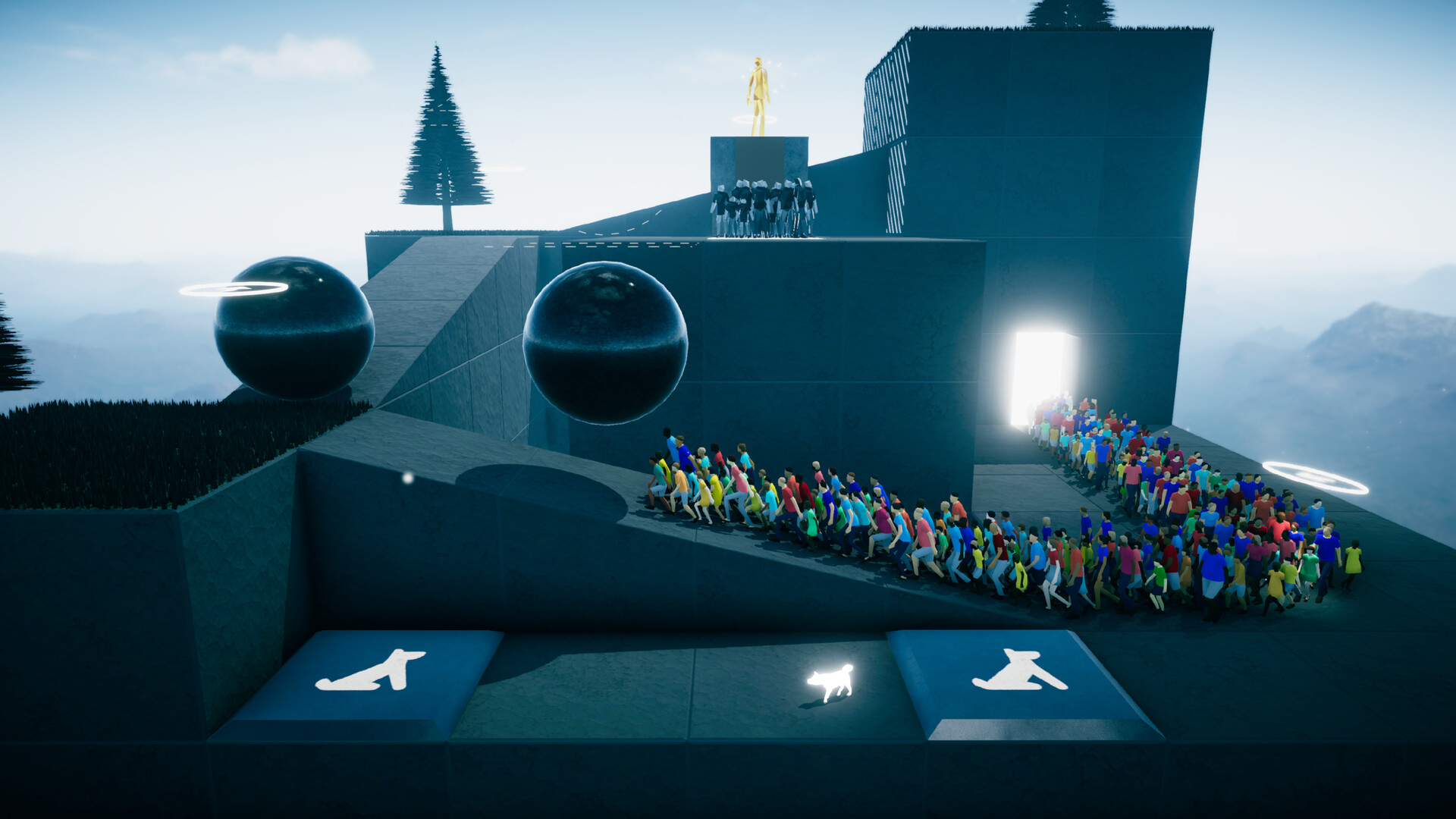
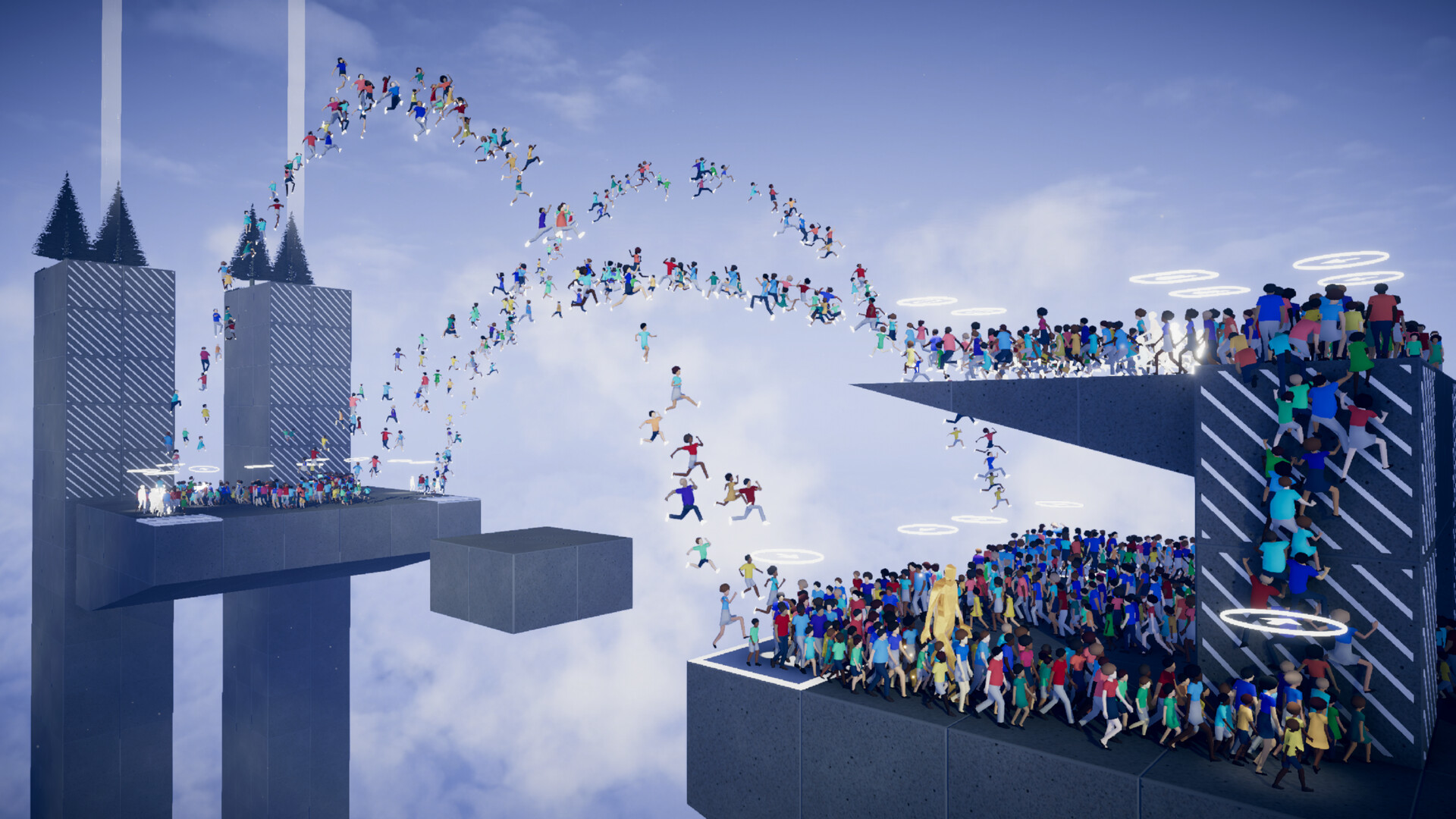
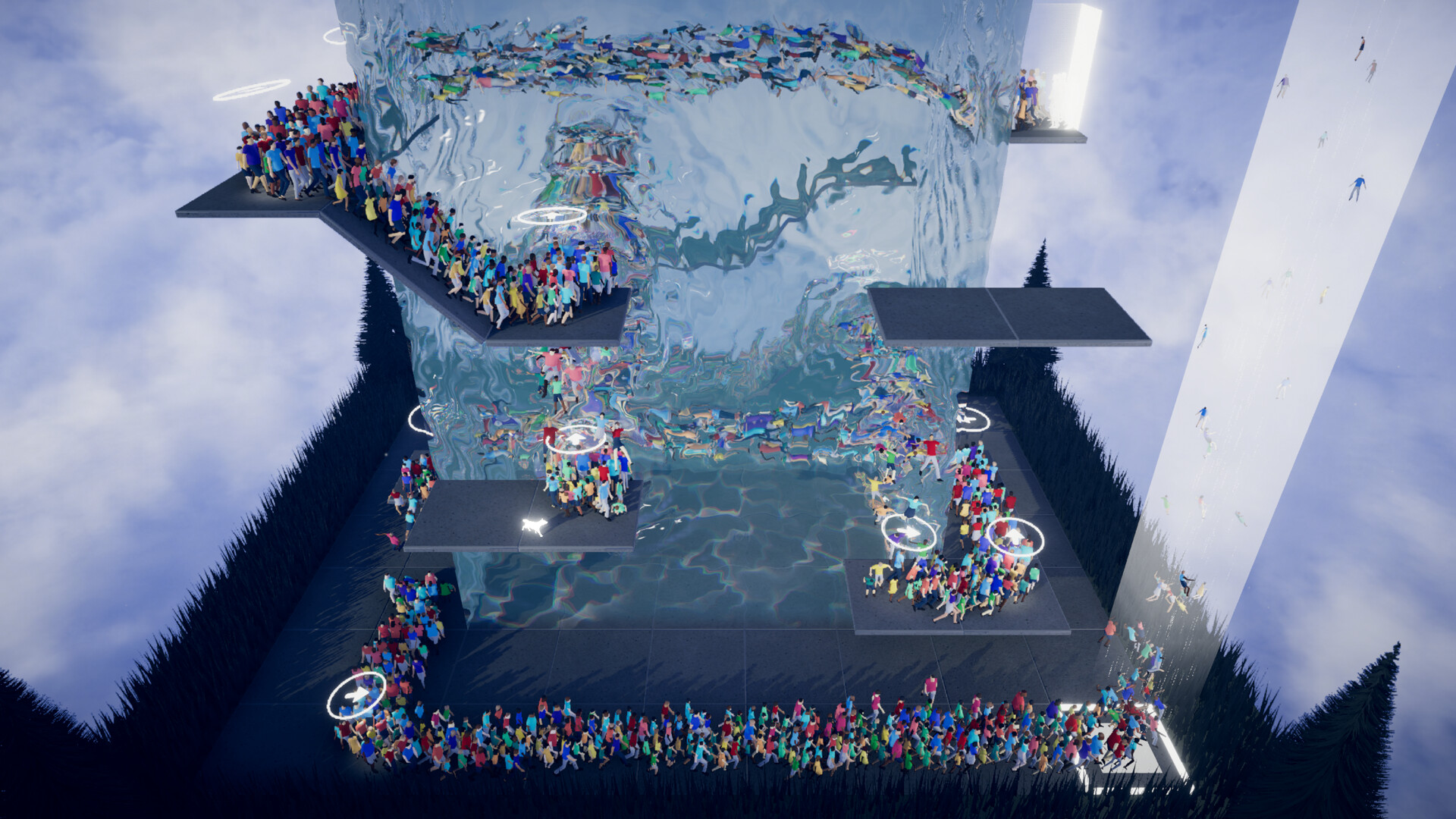
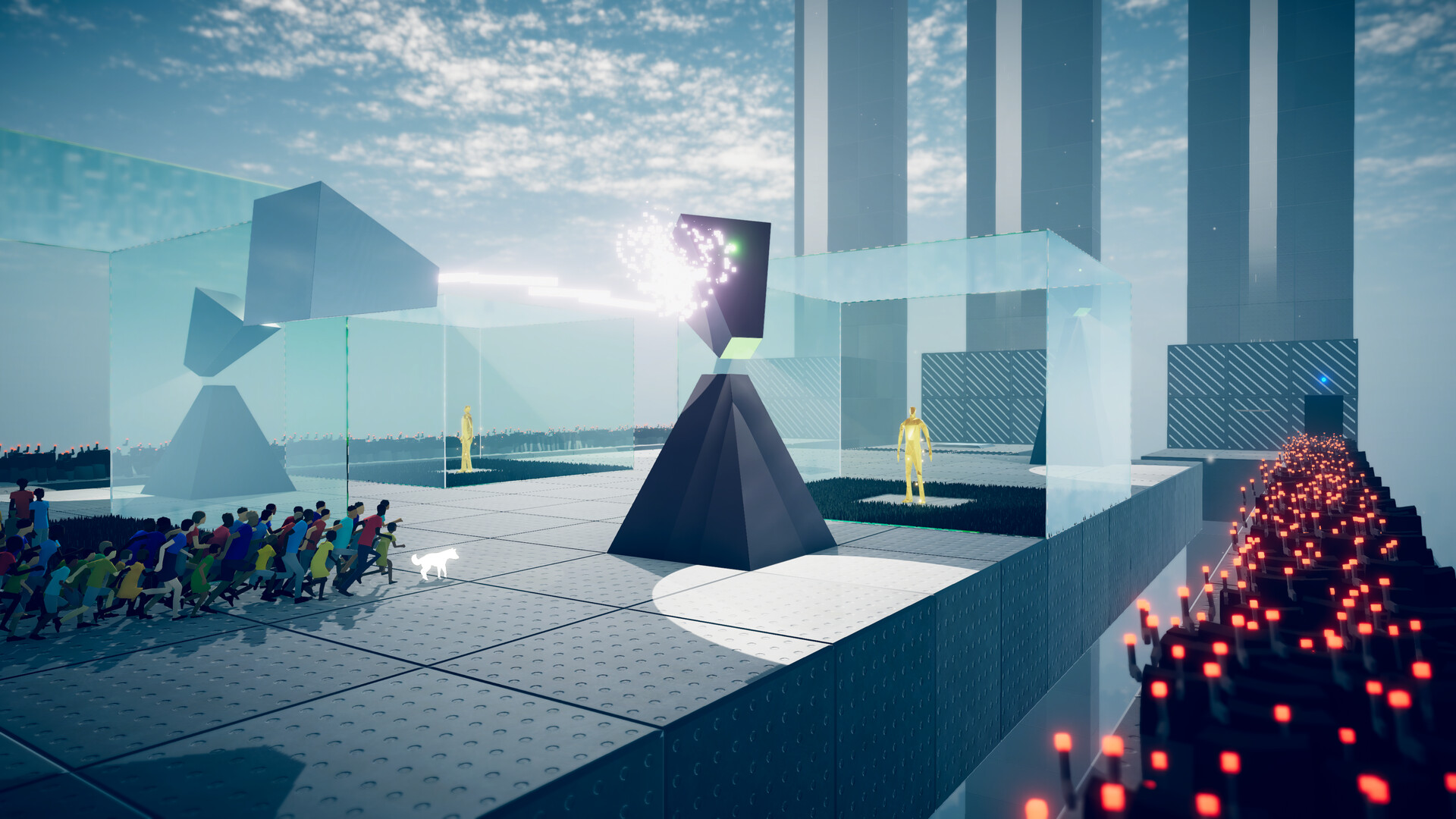
Humanity is a third‑person puzzle‑action title that puts you in the role of a dog directing massive crowds of people. Across ninety story‑mode stages you command the swarm to jump, turn, push, float, shoot and climb toward an exit.
The game mixes devious puzzles with platform‑style action and includes epic boss battles. An optional VR mode lets you view the crowd from a towering perspective, while a built‑in Stage Creator lets players design their own puzzles, action levels, or sculptural scenes.
01 / THE GUIDE
Story Mode Stages
The campaign consists of ninety distinct stages where you, as a dog, issue commands that make the crowd jump, turn, push, float, shoot or climb. Each stage ends when the swarm reaches the designated exit, providing a clear objective for every level.
Stages blend puzzle solving with action‑focused platforming and occasionally feature epic boss encounters. This mixture creates varied challenges that require both strategic planning and quick reactions as the crowd moves toward salvation.
- Watch the first few seconds of a stage to see how the crowd initially reacts to your commands.
- Try issuing a single command repeatedly to understand its effect before combining multiple actions.
02 / THE GUIDE
Stage Creator
Humanity includes an intuitive Stage Creator that lets players bring their own ideas to life. You can build straightforward puzzles, action‑heavy levels, or artistic sculptures.
The editor is optional; you may focus solely on the built‑in campaign. When you finish a custom stage, you can keep it for your own playtesting and experimentation.
- Begin with a simple layout and add commands gradually to keep the crowd’s path clear.
- Playtest each new element immediately after placing it to verify that the crowd can still reach the exit.
03 / THE GUIDE
VR Compatibility
An optional VR mode lets you experience Humanity from a towering perspective, watching swarms of people follow your commands in a more immersive way. The visual style remains the same, preserving the game’s stark iconic aesthetic.
VR is not required for core gameplay; the game can also be played on a standard display. This flexibility lets players choose the hardware that best fits their comfort and setup.
- Use the VR view to gauge crowd density when planning large‑scale commands.
- Take short breaks if you feel discomfort during extended VR sessions.
04 / THE GUIDE
Full Controller Support
Humanity provides full controller support, including compatibility with DualShock and DualSense devices. This allows you to issue crowd commands and navigate menus without relying on a keyboard.
Controller input works across all game modes, meaning the same level of control is available in story stages, the Stage Creator, and VR mode.
- Hold the controller comfortably to reach frequently used buttons without stretching.
- Switch between DualShock and DualSense to see which ergonomics suit your play style better.
05 / THE GUIDE
Steam Achievements & Cloud
The game integrates Steam Achievements, offering milestones that track progress through stages and content creation. These achievements appear in your Steam profile as you complete defined objectives.
Steam Cloud support is listed for the game, which can help keep your progress available when you launch the game on another machine using the same Steam account.
- Review the achievement list before playing to set personal goals.
- Log in with the same Steam account on multiple devices to keep your progress consistent.
COMMUNITY
Player discussion