 GameWiki
GET YOUR BEARINGS
About Hotline Miami
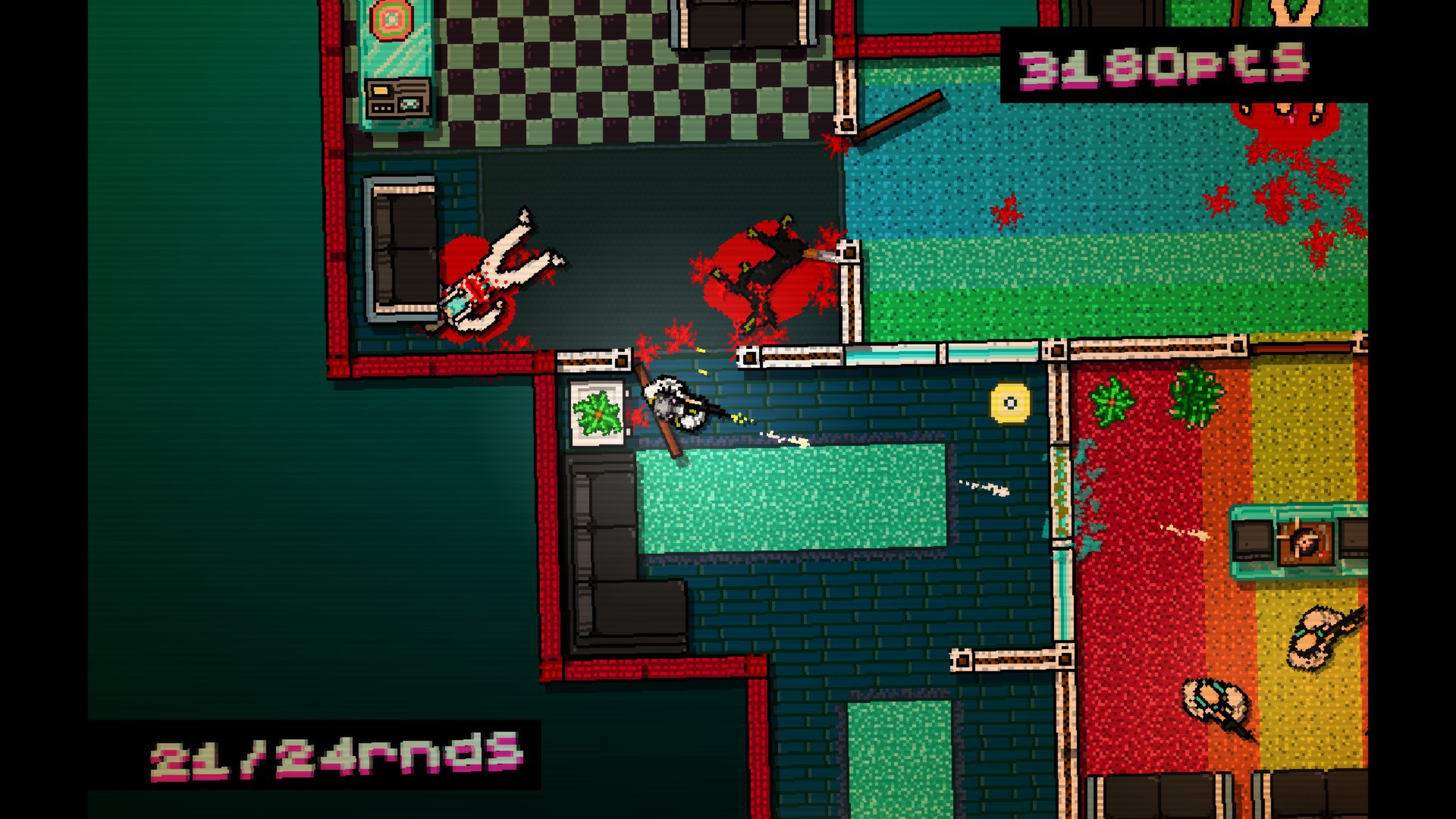
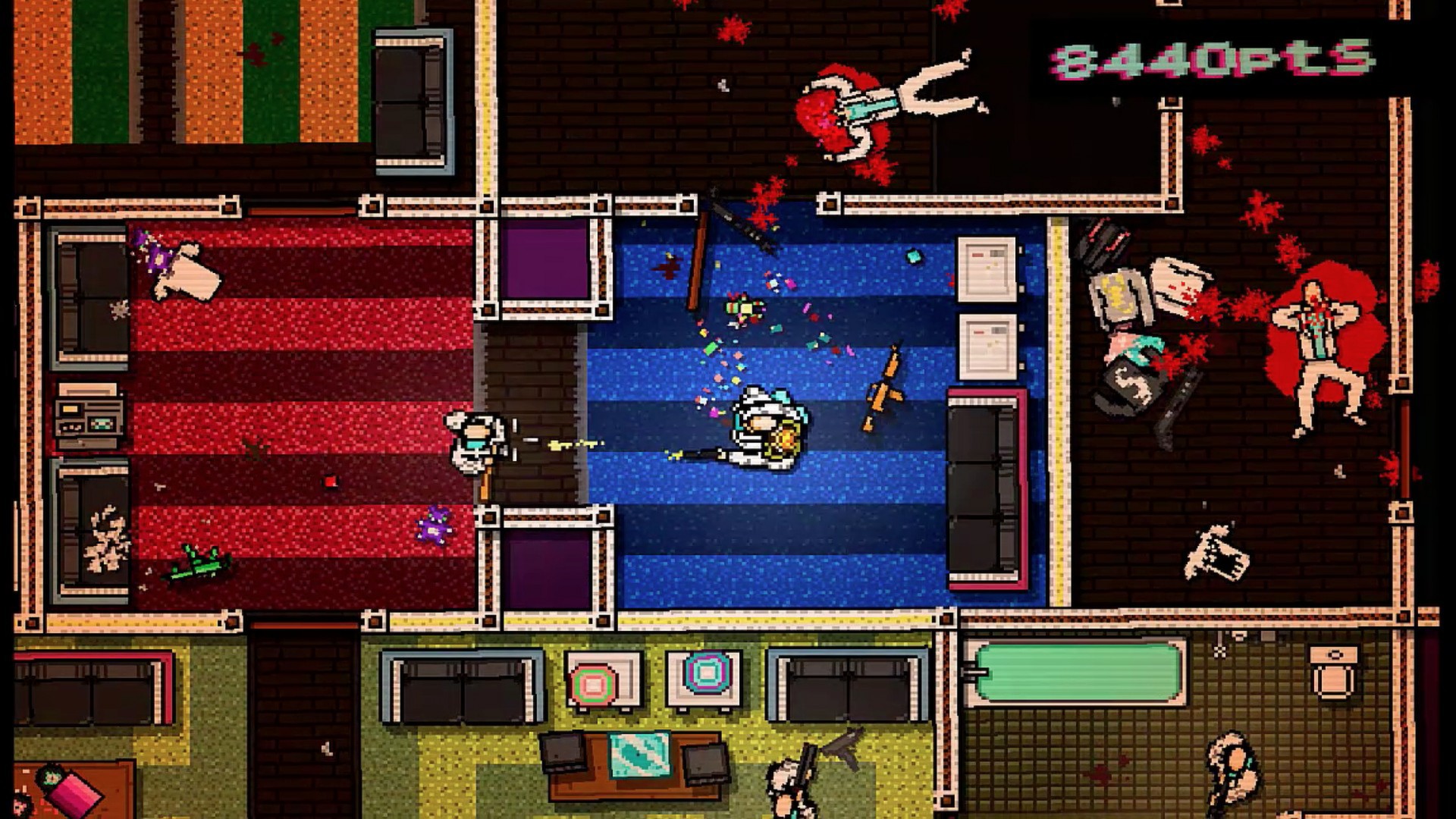
Hotline Miami drops you into a hyper‑violent, fast‑paced world where each shot can end a life, demanding split‑second decisions and relentless aggression.
The game blends brutal gunplay, close‑quarter melee, neon‑styled pixel art and a pounding synth soundtrack, pushing you to question the bloodlust while confronting unforgiving challenges.
01 / THE GUIDE
Story & Setting
The game places you in an alternate 1989 Miami, where a nameless antihero receives violent orders via an answering machine.
These cryptic messages drive a murderous rampage against a shady underworld, leaving the player to piece together hidden motives.
- Listen to each phone message before acting.
- Notice neon palette cues for narrative hints.
02 / THE GUIDE
Gameplay & Combat
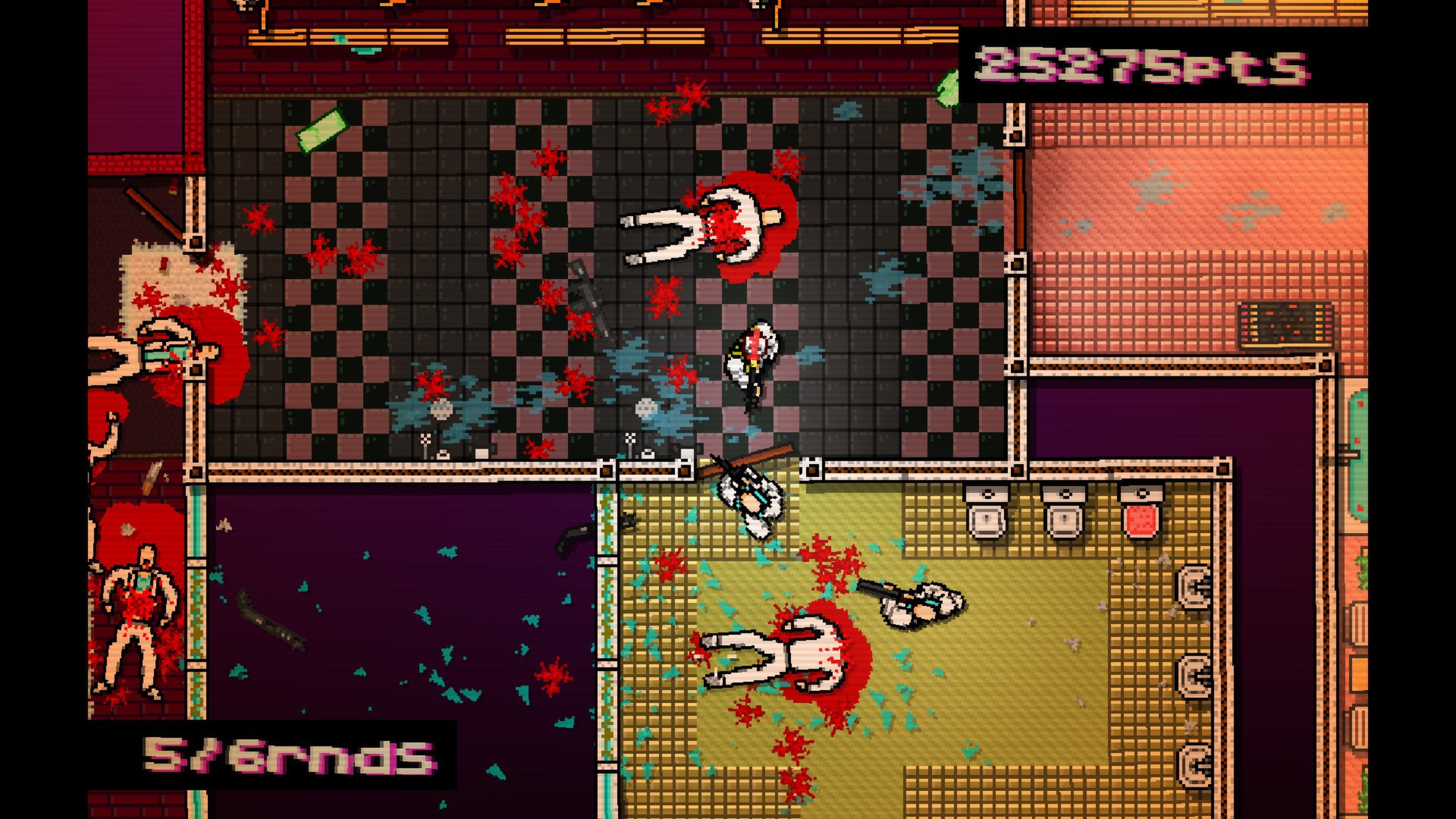
Combat revolves around rapid gunfire and close‑quarter melee, with each shot capable of ending an encounter instantly for any foe.
Enemies frequently outnumber you, so planning each move and acting decisively is essential to survive the tight corridors.
- Map enemy positions mentally.
- Balance gunfire with melee when possible.
03 / THE GUIDE
Visual & Audio Design
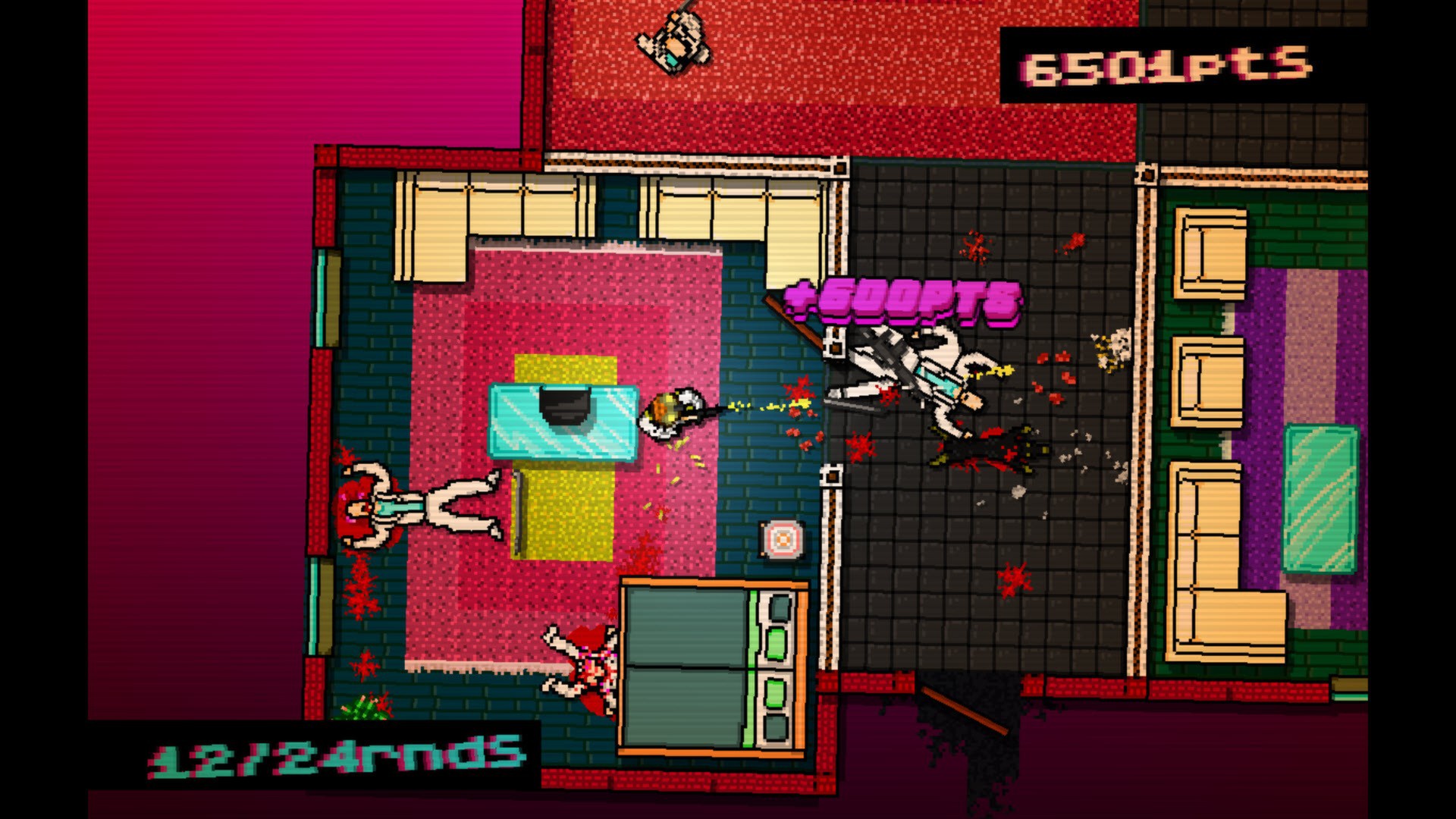
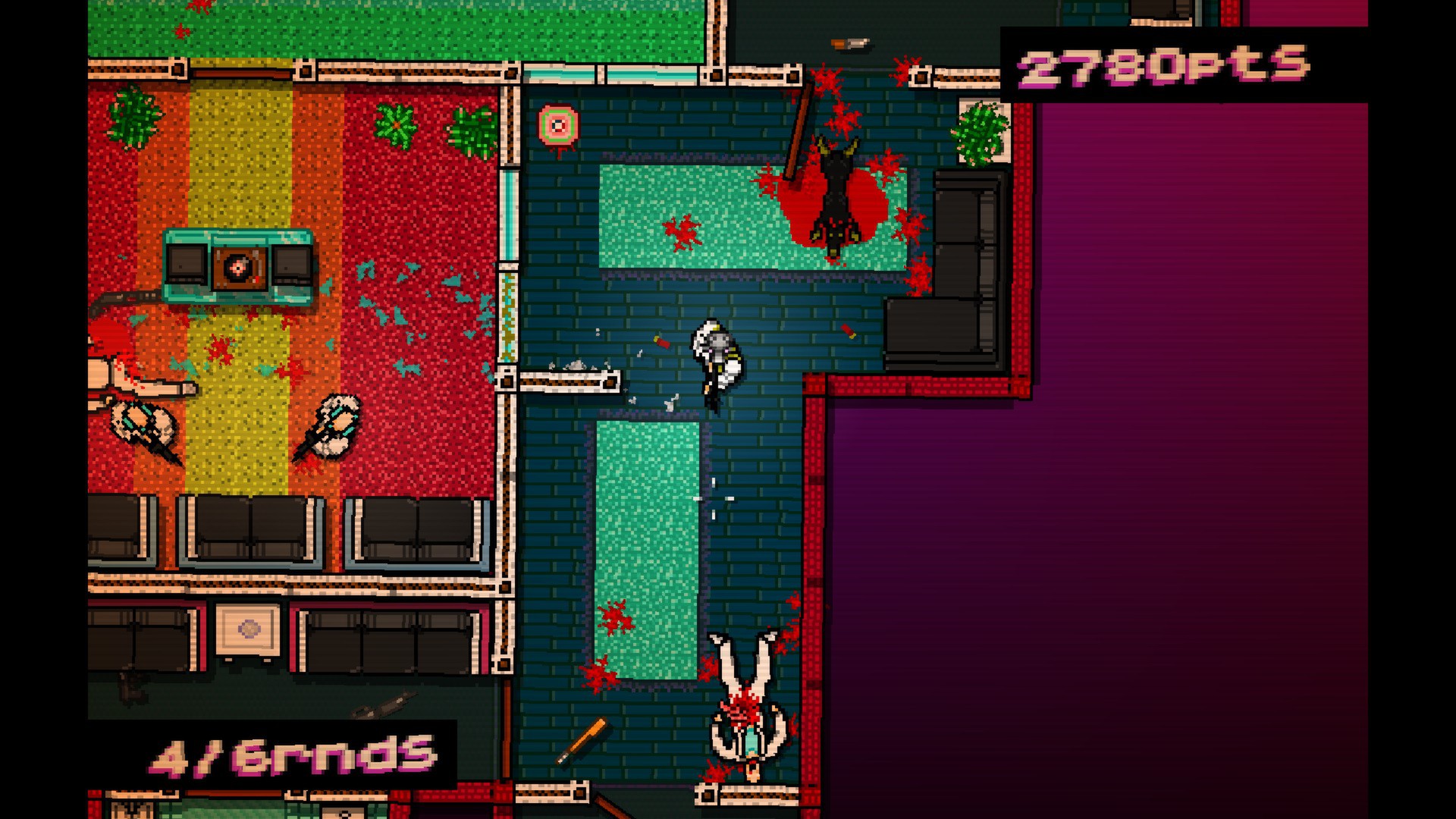
The visual style blends neon‑bright palettes with gritty pixel art, creating a surreal, dream‑like atmosphere throughout Miami’s streets.
A driving synth soundtrack pulses in sync with the action, reinforcing the frantic tempo and accentuating each violent encounter.
- Watch color shifts for environmental hints.
- Feel the beat to time attacks.
04 / THE GUIDE
Steam Features
Steam Achievements track performance, rewarding players who complete particularly difficult challenges or meet specific in‑game conditions throughout the title.
Leaderboards compare scores globally, while Trading Cards, Cloud saves, and Family Sharing integrate community aspects into the single‑player experience.
- Check the achievement list for goals.
- Compare your score on leaderboards.
05 / THE GUIDE
Platform & Community Support
Hotline Miami runs on Windows, macOS, and Linux, offering full controller support for players who prefer gamepad input.
Steam Cloud synchronizes saves, and Family Sharing lets multiple accounts access the same purchase without additional installations.
- Enable cloud sync in Steam settings.
- Verify controller detection before playing.
COMMUNITY
Player discussion